Description
Overview
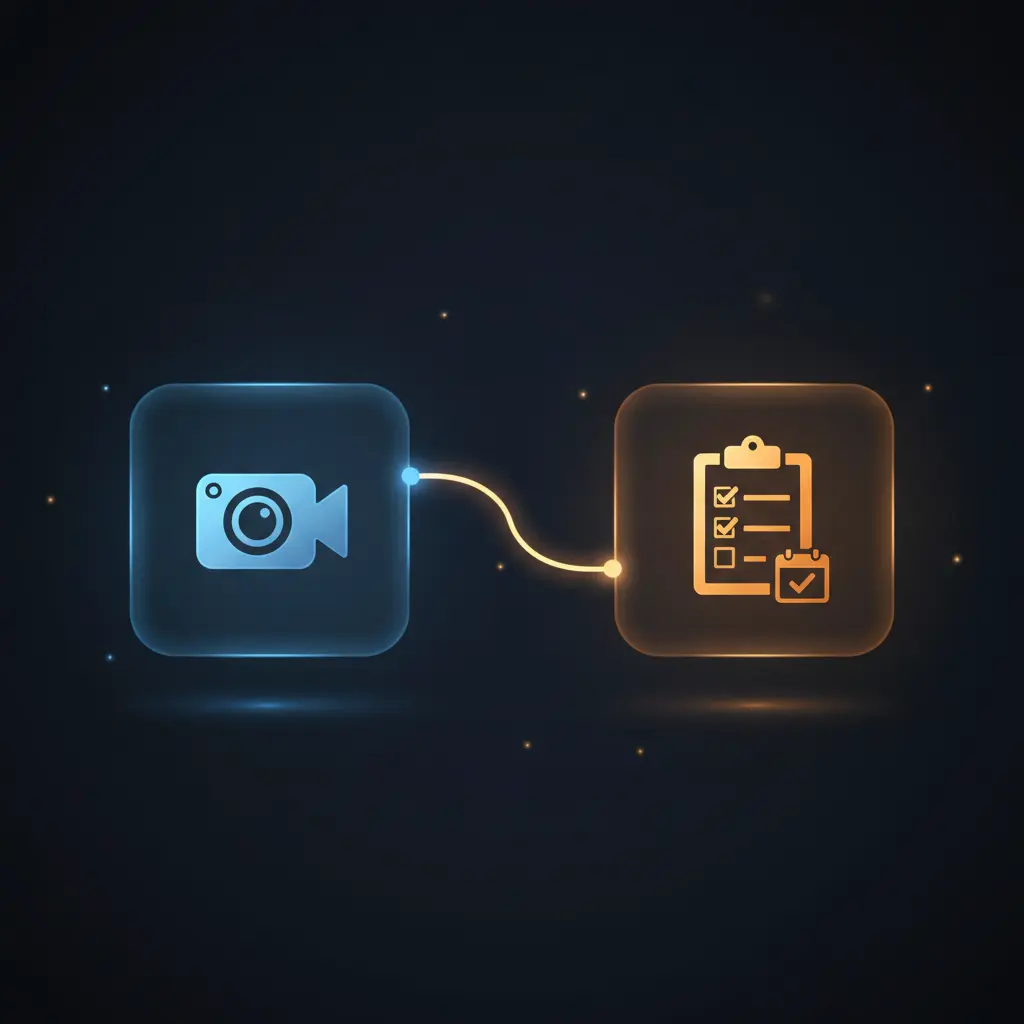
The Zoom AI Meeting Assistant provides an automation workflow designed to streamline post-meeting processes by generating structured meeting summaries and actionable items. This orchestration pipeline integrates transcript extraction, AI summarization, and task creation to improve meeting follow-up efficiency using a manual trigger and Zoom API data retrieval.
Key Benefits
- Automates extraction of Zoom meeting transcripts and participant data for seamless analysis.
- Generates formal meeting minutes and action items using AI-driven content synthesis.
- Creates tasks directly in ClickUp from identified to-dos in the meeting transcript.
- Schedules follow-up meetings in Microsoft Outlook based on discussion context.
- Delivers formatted HTML email summaries to meeting participants for immediate consumption.
Product Overview
This automation workflow begins with a manual trigger, which can be substituted with scheduled or webhook triggers, to initiate the process of retrieving recent Zoom meeting data. It focuses exclusively on meetings scheduled within the last 24 hours, filtering via the Zoom API using OAuth2 authentication. The workflow downloads the transcript file URL, extracts plain text from the transcript, and fetches participant details through authenticated HTTP requests. Leveraging the OpenAI GPT-4o language model, it synthesizes these inputs into formal meeting minutes including participant lists, summaries, tasks, and important dates. The output is formatted into HTML and sent via SMTP email to designated recipients. The workflow further employs an AI agent to parse the transcript and automatically generate task entries for ClickUp and schedule follow-up calendar events in Microsoft Outlook. Error handling is implemented to halt execution when no transcript is available, otherwise native platform defaults apply. All sensitive credentials are managed through OAuth2 and API key stores within n8n, ensuring secure and transient data handling.
Features and Outcomes
Core Automation
The workflow’s core automation ingests Zoom meeting metadata and transcripts, applying AI-driven summarization to produce structured meeting minutes and actionable to-dos. This no-code integration pipeline uses decision criteria such as filtering meetings within the last 24 hours and transcript availability before proceeding.
- Single-pass transcript extraction and formatting for clarity and readability.
- Conditional branching to stop workflow if no transcript is available.
- Automated generation of task lists and follow-up meetings from AI analysis.
Integrations and Intake
This automation workflow integrates multiple tools and APIs, authenticated primarily through OAuth2 credentials. It retrieves Zoom meeting and participant data, accesses transcript files via secured HTTP requests, and connects with OpenAI for natural language processing.
- Zoom API for meeting metadata, recordings, and participant retrieval.
- OpenAI language model for summarization and task extraction.
- ClickUp API for task creation and Microsoft Outlook API for calendar event scheduling.
Outputs and Consumption
The workflow outputs structured meeting summaries in HTML email format, tasks in ClickUp, and calendar events in Outlook. These outputs are delivered synchronously via SMTP and API calls, enabling immediate client consumption and downstream processing.
- HTML-formatted meeting minutes email sent to primary participant.
- Task items created in ClickUp with detailed descriptions and due dates.
- Follow-up meetings scheduled in Outlook calendar with participant inclusion.
Workflow — End-to-End Execution
Step 1: Trigger
The workflow initiates via a manual trigger node, designed for testing or replacement by scheduled or webhook triggers to automate periodic execution.
Step 2: Processing
Zoom meetings are queried for the last 24 hours using OAuth2 authentication, then filtered to isolate relevant meetings. Transcript URLs are extracted from recording files, with error handling to stop if no transcript is found. Transcript text is extracted and cleaned by removing speaker metadata.
Step 3: Analysis
The AI model receives the meeting date, participant list, and cleaned transcript text to generate a formal meeting summary. An AI agent parses the transcript to identify tasks and schedule follow-up meetings, applying prompt-based heuristics to extract actionable items and meeting details.
Step 4: Delivery
Meeting summaries are formatted into HTML and sent via SMTP email to the first participant. Tasks are created in ClickUp through batch processing, while follow-up meetings are scheduled in Microsoft Outlook using calendar API calls authenticated via OAuth2.
Use Cases
Scenario 1
After a project review meeting, manually compiling notes and action items is time-consuming. This automation workflow extracts the meeting transcript, generates a structured summary, and creates tasks in ClickUp, delivering immediate clarity on responsibilities and deadlines without manual intervention.
Scenario 2
Organizing follow-up meetings often requires cross-referencing participant availability and notes. By analyzing the transcript, the workflow identifies follow-up meeting details and schedules events in Outlook automatically, reducing scheduling overhead and ensuring accurate calendar entries.
Scenario 3
Teams using Zoom meetings struggle to disseminate concise meeting minutes. This orchestration pipeline produces formal meeting summaries in HTML email format, sent directly to participants, improving communication and eliminating delays in post-meeting updates.
How to use
To deploy this Zoom AI Meeting Assistant workflow, import it into your n8n instance and configure OAuth2 credentials for Zoom, Microsoft Outlook, and ClickUp. Setup requires an OpenAI API key and SMTP credentials for email dispatch. Trigger the workflow manually or configure a scheduled trigger for automation. Upon execution, the workflow retrieves recent meeting data, processes transcripts, and outputs summaries and tasks. Users can expect structured meeting minutes emailed and tasks created without manual data entry.
Comparison — Manual Process vs. Automation Workflow
| Attribute | Manual/Alternative | This Workflow |
|---|---|---|
| Steps required | Multiple manual steps: transcript download, summarization, task entry, calendar scheduling | Single automated pipeline combining all post-meeting tasks |
| Consistency | Varies with manual input and human error | Deterministic task extraction and summary generation using AI model |
| Scalability | Limited by human capacity and time constraints | Scales with automated API calls and AI processing without additional user effort |
| Maintenance | Requires manual updates and oversight | Maintained via n8n workflow configurations and credential management |
Technical Specifications
| Environment | n8n automation platform |
|---|---|
| Tools / APIs | Zoom API, OpenAI GPT-4o, ClickUp API, Microsoft Outlook API, SMTP |
| Execution Model | Synchronous HTTP requests with conditional branching |
| Input Formats | Zoom meeting metadata and transcript files (JSON, plain text) |
| Output Formats | HTML email, JSON task objects, Outlook calendar events |
| Data Handling | Transient processing, no persistent storage within workflow |
| Known Constraints | Requires transcript availability; workflow halts if transcript missing |
| Credentials | OAuth2 for Zoom, Microsoft Outlook, ClickUp; API key for OpenAI; SMTP credentials |
Implementation Requirements
- OAuth2 credential setup for Zoom, Microsoft Outlook, and ClickUp APIs.
- Valid OpenAI API key authorized for GPT-4o model access.
- SMTP server credentials configured for email delivery.
Configuration & Validation
- Confirm OAuth2 authentication for Zoom, Outlook, and ClickUp is active and authorized.
- Verify transcript files exist for meetings within the last 24 hours to avoid workflow termination.
- Test manual trigger and validate that meeting summaries, tasks, and calendar events are created as expected.
Data Provenance
- Trigger: Manual trigger node initiating workflow execution.
- Zoom nodes: “Zoom: Get data of last meeting”, “Zoom: Get transcripts data”, “Zoom: Get participants data”.
- AI nodes: “Create meeting summary” (OpenAI GPT-4o), “Create tasks and follow-up call” (OpenAI agent).
FAQ
How is the Zoom AI Meeting Assistant automation workflow triggered?
The workflow starts with a manual trigger node, which can be replaced by scheduled or webhook triggers for automated execution.
Which tools or models does the orchestration pipeline use?
The workflow integrates Zoom API, OpenAI GPT-4o language model for summarization and task extraction, ClickUp API for task creation, and Microsoft Outlook API for calendar scheduling.
What does the response look like for client consumption?
The workflow outputs a structured HTML email containing meeting minutes, creates JSON task objects in ClickUp, and schedules Outlook calendar events for follow-up meetings.
Is any data persisted by the workflow?
No data is persistently stored within the workflow; all processing is transient, with data passed between nodes and external services only.
How are errors handled in this integration flow?
If no meeting transcript is available, the workflow halts with an error message. Other errors follow n8n’s default error handling behavior.
Conclusion
The Zoom AI Meeting Assistant workflow automates the extraction and summarization of meeting data, delivering structured notes, actionable tasks, and scheduled follow-ups. It provides deterministic, AI-supported outputs integrating multiple APIs securely via OAuth2 and API keys. A key constraint is the dependency on transcript availability; without transcripts, the workflow cannot proceed. This solution reduces manual post-meeting overhead and supports consistent documentation and task management across teams.














Reviews
There are no reviews yet.