Description
Overview
This stock earnings report analysis automation workflow leverages retrieval-augmented generation (RAG) to process and analyze quarterly financial documents. Designed for financial analysts and data teams, this orchestration pipeline ingests PDFs, converts them into semantic embeddings, and generates structured financial insights using vector search and AI-driven synthesis.
Key Benefits
- Automates ingestion and semantic indexing of earnings PDFs via no-code integration.
- Enables detailed financial analysis using vector-based retrieval and AI report generation.
- Processes multiple quarterly reports in batches for comprehensive trend and outlier detection.
- Delivers structured, markdown-formatted reports saved directly to Google Docs for review.
Product Overview
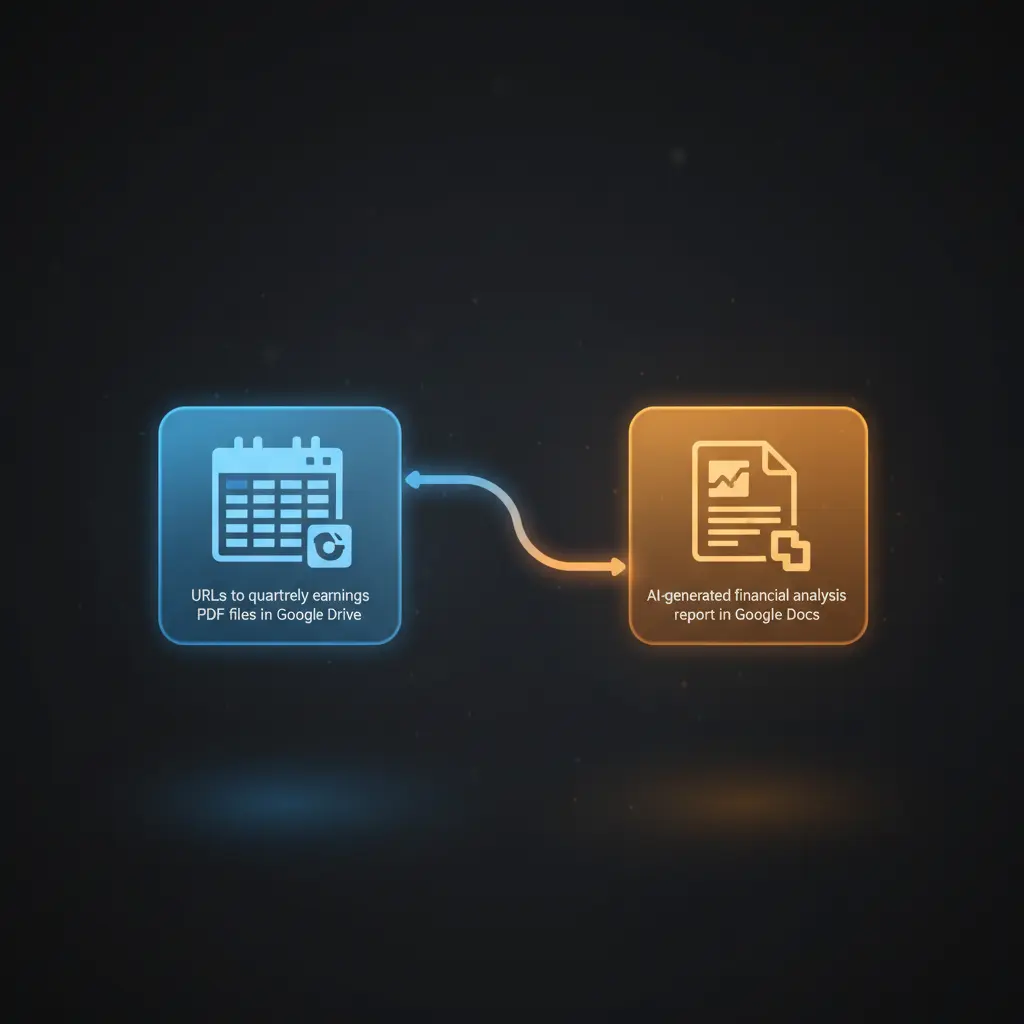
This orchestration pipeline begins by reading a Google Sheet containing URLs of quarterly earnings PDFs stored in Google Drive. The workflow downloads each report in batches and loads them as binary documents using a PDF loader. Text is recursively split into smaller chunks suitable for semantic embedding generation via Google Gemini’s text-embedding-004 model. These embeddings are inserted into a Pinecone vector store index named “company-earnings” to enable efficient semantic search.
The core AI agent, configured with a financial analyst system prompt, utilizes the vector store tool to retrieve relevant content based on user queries. It synthesizes the data to produce detailed financial reports formatted in markdown. The report includes revenue, expenses, profitability, key metrics, management commentary, and trend analysis across the last three quarters. Generated reports are automatically saved to a specified Google Doc for further editing or sharing.
Error handling relies on platform defaults with no explicit retry or backoff configured. The workflow requires valid OAuth2 credentials for Google Sheets, Drive, and Docs APIs, as well as API keys for Pinecone and Google Gemini embedding services. Data is processed transiently without persistent storage beyond the vector index and Google Docs output.
Features and Outcomes
Core Automation
This image-to-insight workflow takes PDF earnings reports as input, splits text recursively, and generates semantic embeddings. Using defined financial analysis prompts, the AI agent identifies key trends, outliers, and comparative metrics to produce structured reports.
- Batch processing of multiple documents ensures comprehensive analysis coverage.
- Single-pass embedding insertion enables efficient vector search indexing.
- Deterministic markdown report generation supports consistent output formatting.
Integrations and Intake
The orchestration pipeline integrates with Google Sheets to retrieve document URLs, Google Drive to download PDFs, and Pinecone for vector storage. Authentication uses OAuth2 for Google APIs and API keys for Pinecone and Google Gemini embedding services. Input consists of PDF files referenced by URL in the Google Sheet.
- Google Sheets for document URL management and batch processing control.
- Google Drive for secure access and retrieval of quarterly earnings PDFs.
- Pinecone vector store for scalable semantic search over embedded text chunks.
Outputs and Consumption
The workflow outputs a detailed markdown report summarizing financial performance, saved synchronously to a Google Doc. The report contains sections on revenue, expenses, profitability, key metrics, management commentary, and trend analysis, formatted for easy human consumption and further editing.
- Markdown-formatted financial reports with structured headings and bullet points.
- Saved directly to Google Docs for collaborative review and archival.
- Output fields correspond to synthesized financial metrics and commentary.
Workflow — End-to-End Execution
Step 1: Trigger
The workflow initiates manually via a trigger node, allowing controlled execution for analysis requests. It then reads a Google Sheet listing URLs of quarterly earnings PDFs to process multiple documents in batches.
Step 2: Processing
Each PDF file URL is used to download the corresponding earnings report from Google Drive. The binary PDF data is loaded and split recursively into smaller text chunks to prepare for embedding without explicit schema validation beyond presence checks.
Step 3: Analysis
The workflow generates vector embeddings for each text chunk using Google Gemini’s embedding model. These embeddings are inserted into the Pinecone vector index. The AI agent then queries the index semantically based on a predefined financial query, synthesizing data to produce a markdown report focusing on trends and outliers.
Step 4: Delivery
The generated markdown report is saved synchronously to a configured Google Doc using OAuth2 credentials. This provides a persistent, editable document output accessible for financial review and collaboration.
Use Cases
Scenario 1
Financial analysts need to compare multiple quarters’ earnings data efficiently. This automation workflow ingests quarterly PDFs, indexes them semantically, and generates structured reports highlighting revenue trends and profit fluctuations. The result is a consolidated financial analysis saved in Google Docs, enabling faster decision-making.
Scenario 2
Investor relations teams require detailed earnings insights for shareholder communications. By automating the extraction and analysis of financial reports using this orchestration pipeline, teams receive synthesized markdown summaries emphasizing key metrics and management commentary with minimal manual effort.
Scenario 3
Data scientists tasked with financial document processing benefit from this no-code integration by converting unstructured PDFs into searchable embeddings. The workflow facilitates event-driven analysis of earnings data, enabling rapid identification of anomalies and trends across multiple reporting periods.
Comparison — Manual Process vs. Automation Workflow
| Attribute | Manual/Alternative | This Workflow |
|---|---|---|
| Steps required | Multiple manual steps: download, read, analyze, and write reports. | Automated batch processing from file retrieval to report generation. |
| Consistency | Subject to human error and variable formatting. | Deterministic embedding and AI-driven synthesis ensures consistent output. |
| Scalability | Limited by manual throughput and resource constraints. | Scales with vector search and batch processing of multiple documents. |
| Maintenance | High, requiring manual updates and data management. | Moderate, focused on credential updates and API compatibility. |
Technical Specifications
| Environment | n8n workflow environment with Google Cloud and Pinecone API integration |
|---|---|
| Tools / APIs | Google Sheets, Google Drive, Google Docs, Google Gemini Embeddings, Pinecone Vector Store |
| Execution Model | Manual trigger with batch processing and synchronous report saving |
| Input Formats | PDF files referenced by URLs in Google Sheets |
| Output Formats | Markdown-formatted financial reports saved to Google Docs |
| Data Handling | Transient processing of documents; embeddings stored persistently in Pinecone |
| Known Constraints | Relies on availability of Google APIs and Pinecone service |
| Credentials | OAuth2 for Google APIs; API keys for Pinecone and Google Gemini |
Implementation Requirements
- Valid OAuth2 credentials configured for Google Sheets, Drive, and Docs APIs.
- Pinecone API key with an existing “company-earnings” index set up.
- Google Gemini (PaLM) API key available for embedding generation.
Configuration & Validation
- Verify OAuth2 credentials for Google Sheets, Drive, and Docs are authorized and active.
- Confirm Pinecone index “company-earnings” is created and accessible with the provided API key.
- Ensure the Google Sheet contains valid URLs pointing to earnings report PDFs stored in Google Drive.
Data Provenance
- Trigger node: Manual trigger initiates the report generation sequence.
- Document ingestion nodes: Google Sheets (file list), Google Drive (file download), Default Data Loader (PDF to text).
- Embedding and storage: Google Gemini embeddings node and Pinecone vector store insertion node.
FAQ
How is the stock earnings report analysis automation workflow triggered?
The workflow is manually triggered via a dedicated trigger node, allowing users to initiate analysis on demand.
Which tools or models does the orchestration pipeline use?
The pipeline uses Google Gemini’s text-embedding-004 model for generating embeddings and Pinecone as the vector store. It also integrates Google Sheets, Drive, and Docs APIs for document management and report delivery.
What does the response look like for client consumption?
The output is a markdown-formatted financial report saved directly to a Google Doc. The report includes structured sections such as revenue analysis, expense breakdown, profitability, key metrics, and trend commentary.
Is any data persisted by the workflow?
Text embeddings are persistently stored in the Pinecone vector index; the original PDFs are stored externally in Google Drive. The generated report is saved in Google Docs. Other processing data is transient.
How are errors handled in this integration flow?
There are no explicit error handling or retry mechanisms configured; the workflow relies on n8n platform defaults for error management.
Conclusion
This stock earnings report analysis automation workflow provides a reliable method to semantically index and analyze quarterly financial documents using AI-driven retrieval and synthesis. It produces structured, markdown reports capturing key financial metrics and trends, saved directly to Google Docs for accessibility. The workflow depends on external API availability for Google services and Pinecone, which is a critical operational constraint. Overall, it offers a systematic, no-code integration solution for scalable and consistent financial document analysis.


















Reviews
There are no reviews yet.