Description
Overview
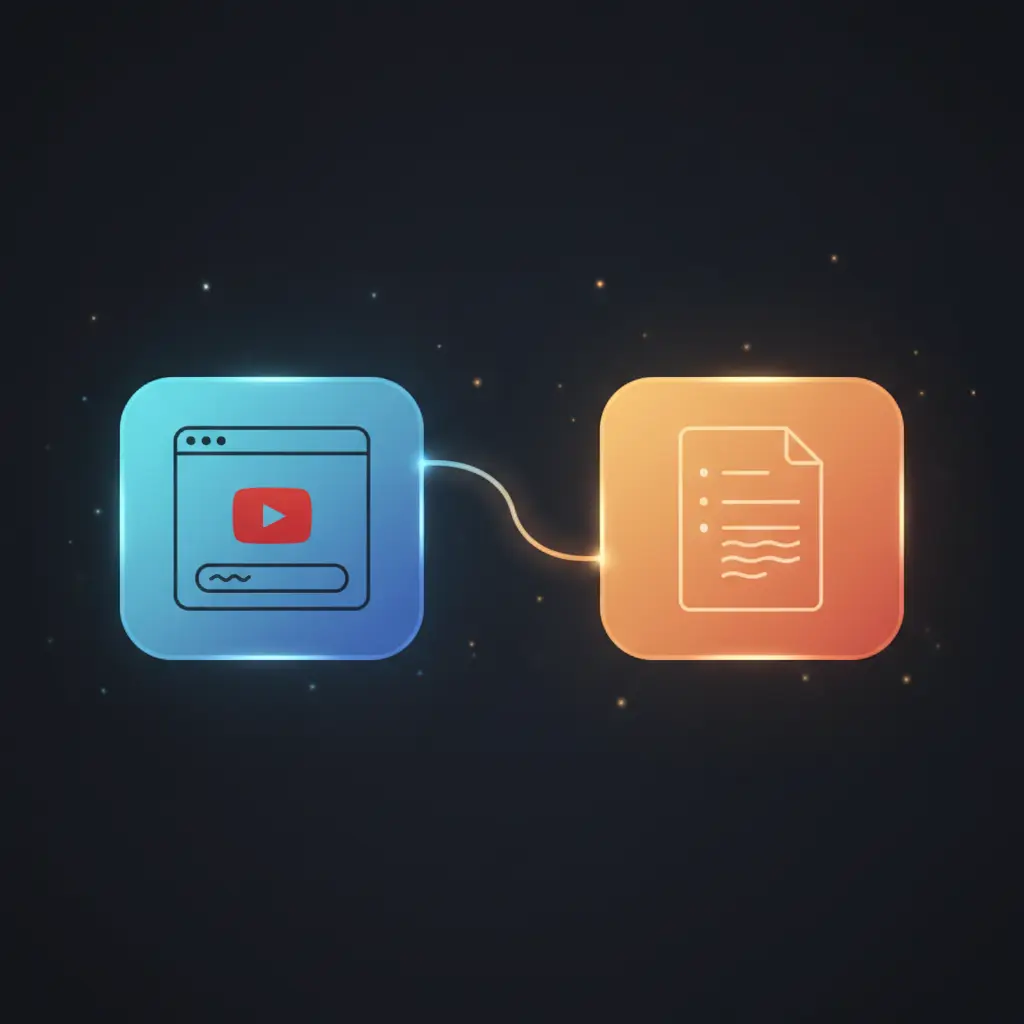
The summarize YouTube videos automation workflow transforms lengthy video content into concise, actionable summaries through an AI-powered orchestration pipeline. Designed for content creators, researchers, and professionals, this no-code integration extracts video transcripts via an HTTP POST trigger and processes them through advanced language models to deliver streamlined insights.
Key Benefits
- Automates extraction of YouTube video transcripts using an HTTP POST request.
- Generates concise summaries from long form video transcripts through AI-powered summarization.
- Enables quick access to key video insights without manual transcription or review.
- Supports simple URL input via a web form trigger for straightforward workflow initiation.
- Integrates multiple nodes for seamless orchestration from transcript retrieval to summarization.
Product Overview
This summarize YouTube videos automation workflow initiates with a form trigger node that accepts a full YouTube video URL as input. It then sends a POST request to an external transcript extraction API, passing the video URL in JSON format to retrieve the full transcript text. The transcript is routed into a LangChain summarization node configured with an OpenAI language model, which processes the text and generates a concise summary highlighting the most relevant points. The workflow completes by passing the summarized output to a no-operation node, marking the end of the pipeline. Error handling relies on the platform’s default mechanisms, and no transcript data is stored persistently within the workflow. Authentication to the summarization engine is managed via OpenAI API credentials, ensuring secure access to language model capabilities. This workflow operates synchronously from form submission to summary output, providing deterministic and repeatable results.
Features and Outcomes
Core Automation
The summarize YouTube videos orchestration pipeline begins with a form-triggered input of a video URL, then executes a transcript retrieval followed by an AI-driven summarization. The LangChain summarization node applies deterministic text condensation using OpenAI’s language model connected via secure credentials.
- Single-pass evaluation of transcript text for summary generation.
- Automated input recognition without manual preprocessing.
- Deterministic output ensuring consistent summary structure.
Integrations and Intake
The workflow integrates an HTTP request node to interact with an external transcript extraction API using a POST method. Input is received through a form trigger node requiring a full YouTube URL, passed as JSON. The summarization engine is authenticated via OpenAI API key credentials.
- HTTP Request node for transcript extraction API interaction.
- Form Trigger node for user input of YouTube video URLs.
- OpenAI integration for AI-powered language model summarization.
Outputs and Consumption
The summarization output is delivered synchronously to a no-operation node, enabling easy downstream consumption or extension. The final output consists of a concise text summary derived from the original transcript without modification or enrichment beyond summarization.
- Textual summary output from LangChain summarization node.
- Delivered synchronously within the workflow execution cycle.
- Output format is plain text, emphasizing key insights from video content.
Workflow — End-to-End Execution
Step 1: Trigger
The workflow begins with a form trigger node that fires upon submission of a full YouTube video URL. This HTTP POST webhook initiates the automation, passing the URL as a JSON payload to downstream nodes.
Step 2: Processing
The YouTube URL is sent via an HTTP Request node in a POST request to an external transcript extraction API. The request body includes the video URL in JSON format. Basic presence checks ensure the URL field is provided before proceeding.
Step 3: Analysis
The retrieved transcript text is fed into a LangChain summarization node that leverages an OpenAI language model. The summarization node automatically recognizes the input text and applies AI-driven summarization logic to extract key points and create a concise summary.
Step 4: Delivery
The summarized text output is passed to a no-operation node, which serves as a workflow endpoint. This design allows for synchronous response handling or future expansion to additional processing or delivery nodes.
Use Cases
Scenario 1
Research professionals face lengthy video content that hinders rapid information gathering. This automation workflow extracts and summarizes transcripts automatically, enabling researchers to access distilled insights in a single response cycle.
Scenario 2
Content creators need to repurpose video material efficiently without manual transcription. By inputting a video URL, the pipeline returns a concise summary, reducing content preparation time while preserving key points.
Scenario 3
Educational professionals require quick overviews of lengthy lectures. This no-code integration transforms video transcripts into actionable summaries, providing deterministic, easy-to-digest content for lesson planning.
How to use
To implement this summarize YouTube videos workflow, import it into your n8n environment and configure the HTTP Request node with a valid transcript extraction API endpoint and key. Set up OpenAI API credentials for the summarization engine node. Start the workflow by submitting a full YouTube video URL through the exposed form trigger. The workflow processes the input synchronously, returning a text summary of the video transcript. Results can be consumed downstream or integrated with additional systems as needed.
Comparison — Manual Process vs. Automation Workflow
| Attribute | Manual/Alternative | This Workflow |
|---|---|---|
| Steps required | Multiple manual steps including transcription and summarization. | Single automated pipeline from URL input to summary output. |
| Consistency | Variable, dependent on human factors and transcription quality. | Deterministic summarization using AI language model. |
| Scalability | Limited by manual labor and time constraints. | Scales automatically with input volume and API capacity. |
| Maintenance | High due to manual error correction and process updates. | Low; requires API credential management and occasional updates. |
Technical Specifications
| Environment | n8n workflow automation platform |
|---|---|
| Tools / APIs | HTTP Request (transcript API), OpenAI language model (LangChain) |
| Execution Model | Synchronous request-response pipeline |
| Input Formats | JSON containing full YouTube video URL |
| Output Formats | Plain text summary |
| Data Handling | Transient processing without persistence |
| Credentials | OpenAI API key, external transcript extraction API key |
| Known Constraints | Relies on external transcript API availability and accuracy |
Implementation Requirements
- Access to an external YouTube transcript extraction API with valid API key.
- Configured OpenAI API credentials for summarization node authentication.
- n8n instance capable of running form trigger and HTTP Request nodes.
Configuration & Validation
- Confirm setup of the form trigger node with correct webhook path and input field for full YouTube URL.
- Validate HTTP Request node configuration with correct POST method, API endpoint, and JSON body containing the URL.
- Ensure OpenAI API credentials are properly assigned to the summarization engine node and test summarization output for accuracy.
Data Provenance
- Input received via “YouTube video URL” form trigger node (type: formTrigger).
- Transcript retrieved through “Request YouTube Transcript” HTTP Request node using POST method.
- Summarization processed by “Summarization of a YouTube script” LangChain summarization node with OpenAI credentials.
FAQ
How is the summarize YouTube videos automation workflow triggered?
The workflow is triggered by submitting a full YouTube video URL through a web form connected to a form trigger node in n8n, which initiates the process via an HTTP POST event.
Which tools or models does the orchestration pipeline use?
The orchestration pipeline integrates an external transcript extraction API via HTTP Request and uses the OpenAI language model through a LangChain summarization node for text summarization.
What does the response look like for client consumption?
The response is a plain text summary generated by the summarization node that condenses the original transcript into key actionable insights.
Is any data persisted by the workflow?
No transcript or summary data is persisted; all processing is transient within the workflow execution cycle.
How are errors handled in this integration flow?
Error handling relies on n8n’s default retry and failure mechanisms as no custom error handling or backoff strategies are implemented.
Conclusion
This summarize YouTube videos automation workflow provides a deterministic and streamlined method for converting lengthy video transcripts into concise summaries using AI-powered language models. By integrating form-based input, an external transcript retrieval API, and an OpenAI summarization engine, it reduces manual effort while delivering consistent results. Users should note that the workflow’s effectiveness depends on the availability and accuracy of the external transcript extraction API. Overall, it supports efficient content analysis and repurposing without persistent data storage or complex configuration.















Reviews
There are no reviews yet.