Description
Overview
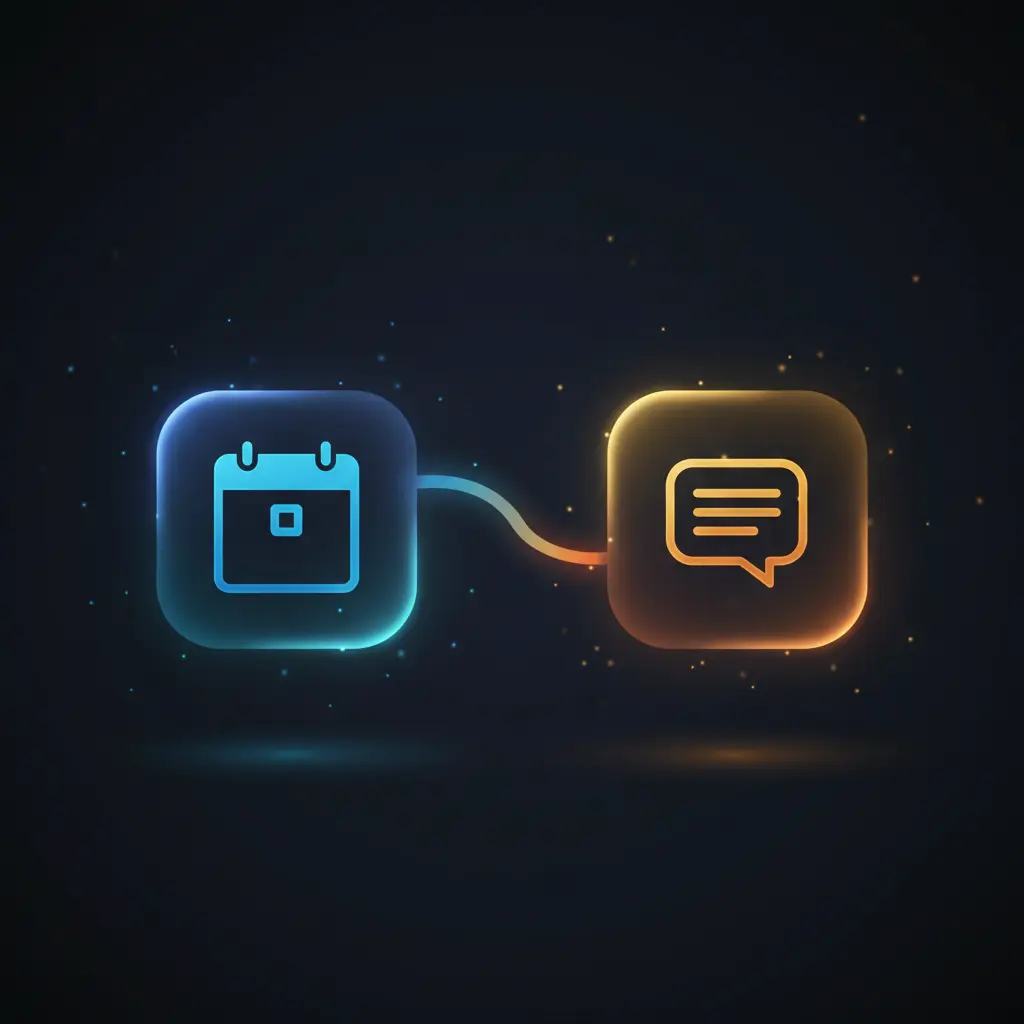
This automation workflow extracts and notifies today’s Google Calendar events using a scheduled orchestration pipeline. Designed for professionals seeking daily event summaries, it filters calendar entries by date and formats notifications for Slack delivery. The workflow triggers via a Cron node set to 6:00 AM Asia/Qatar time, ensuring timely retrieval of all calendar events through the Google Calendar API with OAuth2 authentication.
Key Benefits
- Automates daily retrieval of Google Calendar events, eliminating manual checks.
- Filters events accurately by current date using timezone-aware date conversions.
- Formats event data into concise Slack notifications for streamlined communication.
- Operates with a no-code integration approach, requiring minimal technical maintenance.
Product Overview
This automation workflow is initiated by a Cron trigger configured to run every day at 6:00 AM in the Asia/Qatar timezone. Upon activation, it connects to a specified Google Calendar via OAuth2 credentials to retrieve all events without pagination limits. Each event’s start datetime is converted to the Asia/Qatar timezone and formatted as DD/MM/YYYY for consistent date comparison.
A function node augments the data by generating the current date and day of the week, also formatted in the same timezone and date format. The workflow merges these date values with the event data, enabling conditional filtering of events matching the current date. Only matching events proceed to the next steps.
Selected events are then simplified into key details—name, start time, and event URL—and transformed further to present start times in 24-hour format localized to Asia/Qatar. The final output is a structured Slack message listing all of today’s meetings, dispatched asynchronously to a designated Slack channel using stored Slack API credentials. Error handling relies on n8n’s default retry policies, with no additional custom error management configured.
Features and Outcomes
Core Automation
This automation workflow processes calendar data through a no-code integration pipeline, performing timezone-aware filtering and message construction for event notifications.
- Single-pass evaluation of all calendar events each execution cycle.
- Deterministic filtering based on exact date string comparison in Asia/Qatar timezone.
- Automated message assembly consolidating multiple events into one Slack notification.
Integrations and Intake
The workflow integrates with Google Calendar via OAuth2 authentication and Slack using API credentials, handling event data and messaging respectively.
- Google Calendar API for event retrieval with full calendar scope.
- Cron node triggers the workflow daily at a fixed time in Asia/Qatar timezone.
- Slack API integration sends formatted messages to a predefined channel asynchronously.
Outputs and Consumption
Outputs consist of structured Slack message strings listing event names, start times, and URLs. Delivery is asynchronous and designed for real-time daily notifications.
- Slack message text formatted with event details using markdown-style emphasis.
- Time fields converted to 24-hour format localized for clarity.
- Notification delivered to a fixed Slack channel for centralized event awareness.
Workflow — End-to-End Execution
Step 1: Trigger
The workflow is triggered every day at 6:00 AM Asia/Qatar time via a Cron node. This scheduled initiating event ensures consistent daily execution without manual intervention.
Step 2: Processing
After triggering, the Google Calendar node retrieves all events from the connected calendar using OAuth2 credentials. Each event’s start datetime is converted into the Asia/Qatar timezone with a DD/MM/YYYY format. Basic presence checks are performed to ensure date fields are available for downstream filtering.
Step 3: Analysis
The workflow compares each event’s formatted start date against the current date string, filtering only events occurring today. This exact string match condition is implemented through an IF node, enabling deterministic event selection within the orchestration pipeline.
Step 4: Delivery
Event data for today is compiled into a Slack message string that includes event names, localized start times in HH:mm format, and event URLs. The message is sent asynchronously via the Slack node to a specified channel using stored Slack API credentials.
Use Cases
Scenario 1
Professionals require a daily summary of meetings to plan their workday efficiently. This automation workflow retrieves all events scheduled for the current day and sends a consolidated Slack notification, providing a centralized agenda overview without manual calendar review.
Scenario 2
Teams using Slack for communication need timely reminders of daily events. By filtering Google Calendar events by date and formatting them into Slack messages, this orchestration pipeline ensures event visibility within team channels, reducing missed appointments.
Scenario 3
Administrators managing multiple calendars require automated event extraction and notification. This workflow supports OAuth2-secured calendar access and delivers daily event lists to Slack, enabling centralized and automated scheduling updates without manual data collation.
How to use
To deploy this automation workflow, import it into the n8n environment and configure OAuth2 credentials for Google Calendar and API credentials for Slack. Adjust the Cron node to the desired timezone and trigger time if needed. Validate the Google Calendar email address is correct and accessible.
Once active, the workflow will run daily at the scheduled time, fetching all calendar events, filtering for today’s date, and sending formatted messages to the configured Slack channel. Users can expect accurate, timezone-aware event notifications that require no manual input after setup.
Comparison — Manual Process vs. Automation Workflow
| Attribute | Manual/Alternative | This Workflow |
|---|---|---|
| Steps required | Multiple manual steps including calendar review and message composition. | Single automated daily execution with automatic event filtering and notification. |
| Consistency | Subject to human error and omissions in event selection or messaging. | Deterministic filtering and formatting ensure consistent daily notifications. |
| Scalability | Limited by manual capacity and prone to delays as event volume increases. | Scales linearly by processing all events programmatically without additional effort. |
| Maintenance | Requires continuous manual updates and message drafting. | Minimal maintenance, primarily credential renewal and occasional adjustment. |
Technical Specifications
| Environment | n8n automation platform |
|---|---|
| Tools / APIs | Google Calendar API (OAuth2), Slack API |
| Execution Model | Scheduled asynchronous workflow via Cron trigger |
| Input Formats | Google Calendar event JSON objects |
| Output Formats | Slack message text string |
| Data Handling | Transient in-memory processing, no persistent storage |
| Known Constraints | Relies on external API availability and OAuth2 credential validity |
| Credentials | Google Calendar OAuth2, Slack API token |
Implementation Requirements
- Valid OAuth2 credentials for accessing Google Calendar API with required scopes.
- Slack API credentials with permissions to post messages in target channels.
- n8n instance configured with timezone set to Asia/Qatar or adjusted accordingly.
Configuration & Validation
- Confirm Google Calendar OAuth2 credentials are authorized and functional.
- Verify Slack API token allows message posting to the designated channel.
- Test workflow by manually triggering or waiting for scheduled execution and check Slack output.
Data Provenance
- Trigger: Cron node scheduled at 6:00 AM Asia/Qatar timezone.
- Event retrieval: Google Calendar node using OAuth2 credentials.
- Output: Slack node delivering formatted event messages to configured channel.
FAQ
How is the daily Google Calendar event notification automation workflow triggered?
The workflow is triggered by a Cron node set to execute daily at 6:00 AM in the Asia/Qatar timezone, ensuring consistent scheduling.
Which tools or models does the orchestration pipeline use?
This no-code integration pipeline uses the Google Calendar API for event retrieval and the Slack API for message delivery, with date/time processing nodes for timezone conversion.
What does the response look like for client consumption?
The output is a Slack message string listing today’s events by name, start time in 24-hour Asia/Qatar format, and direct Google Calendar URLs.
Is any data persisted by the workflow?
Data is handled transiently in-memory during execution; no event data or messages are stored persistently by the workflow itself.
How are errors handled in this integration flow?
Error handling relies on n8n’s default retry mechanism; no custom error management or backoff strategies are configured within this workflow.
Conclusion
This automation workflow provides a reliable method to extract and notify Google Calendar events scheduled for the current day using a no-code integration pipeline. By leveraging timezone-aware date processing and conditional filtering, it delivers consistent and formatted Slack notifications daily at a fixed time. The workflow depends on valid OAuth2 credentials and external API availability, which represent key operational constraints. Overall, it reduces manual overhead and supports streamlined daily event awareness through automated orchestration.











Reviews
There are no reviews yet.