Description
Overview
This time entry management automation workflow streamlines project creation, tagging, and time logging within a Clockify workspace. By orchestrating an event-driven analysis of project and tag data, it ensures precise association of time entries with relevant projects and tags in a no-code integration pipeline.
Key Benefits
- Automates project creation and time entry logging within a specified Clockify workspace.
- Ensures consistent tagging of time entries using workspace-specific tags for better categorization.
- Links time entries explicitly to projects, enabling accurate tracking and reporting.
- Manual trigger initiation allows controlled execution of the automation workflow.
Product Overview
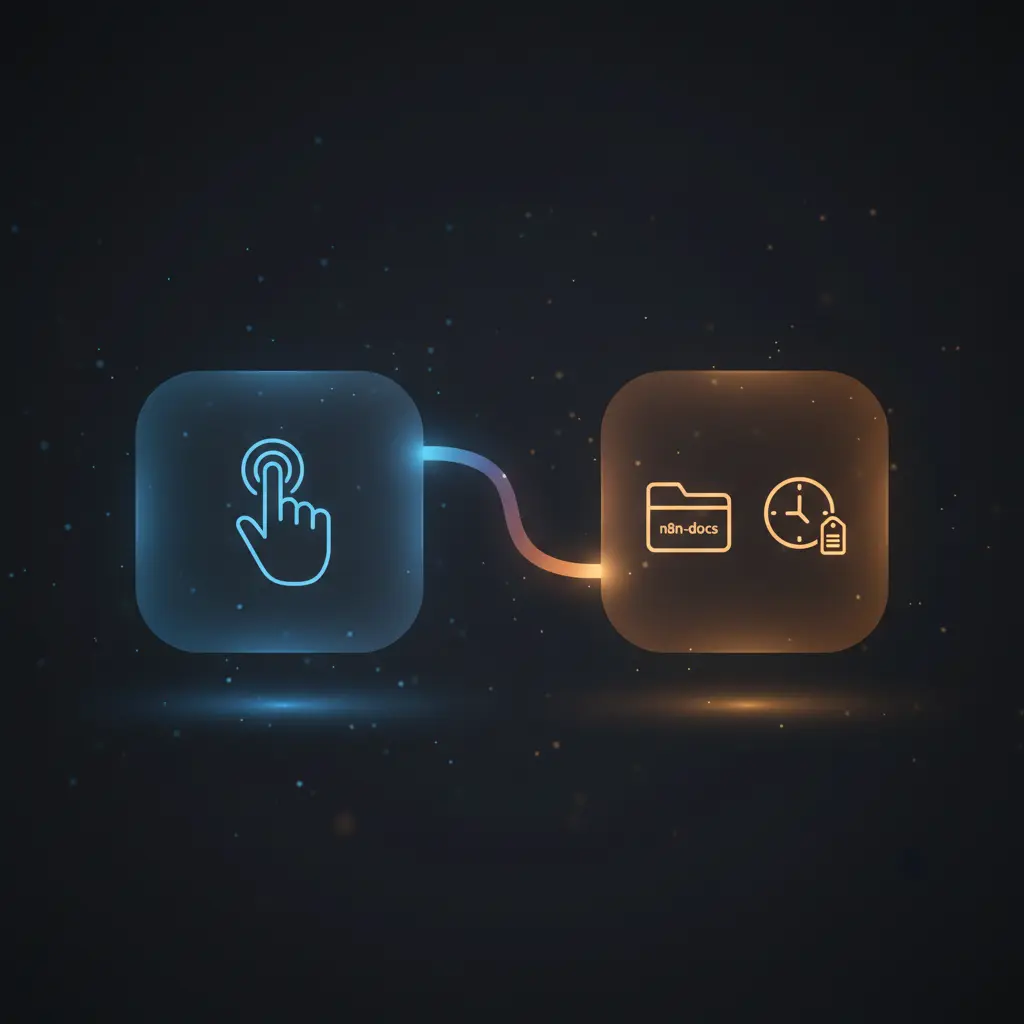
This automation workflow begins with a manual trigger node that initiates the sequence when executed. It first creates a new project named “n8n-docs” in the Clockify workspace identified by the workspace ID 5f7af249d33ce12a712306dd. The project is configured with a blue color code and is set as private. Following project creation, the workflow retrieves tags from the same workspace, filtering or identifying those related to “docs.” Subsequently, it logs a one-hour time entry from 08:30 to 09:30 UTC on October 5, 2020, applying the retrieved “docs” tag and describing the entry as “Added Clockify Docs.” Finally, the workflow updates this time entry to associate it with the newly created project by dynamically referencing the project ID. This end-to-end orchestration pipeline operates synchronously within the n8n environment, relying on Clockify API credentials for authentication. Error handling and retries are managed by platform defaults without additional custom logic.
Features and Outcomes
Core Automation
The core automation handles project creation, tag retrieval, time entry creation, and update in a single deterministic sequence. This event-driven analysis ensures time entries are linked to projects and tags accurately using Clockify API nodes within the workflow.
- Single-pass execution from project creation through time entry update.
- Deterministic data flow linking project and time entry IDs dynamically.
- Manual trigger ensures controlled initiation of the automation pipeline.
Integrations and Intake
This no-code integration leverages the Clockify API with API key credentials for authentication. It operates within a defined workspace, interacting with project, tag, and time entry resources. The workflow requires specific time and tag parameters for accurate time logging.
- Clockify API integration for project, tag, and time entry management.
- Uses API key-based authentication labeled “clockify-burner.”
- Manual trigger initiates workflow with no external payload required.
Outputs and Consumption
The workflow outputs structured JSON data including project details, tag information, time entry records, and update statuses. Outputs are synchronous, flowing through node-to-node within n8n, enabling immediate downstream processing or further automation steps.
- Project creation response includes project ID and metadata.
- Tag retrieval returns tag IDs for filtering and assignment.
- Time entry creation and update responses contain entry IDs and status confirmations.
Workflow — End-to-End Execution
Step 1: Trigger
The workflow is initiated manually via the “On clicking ‘execute'” trigger node. This requires a user action within the n8n interface to start the process, ensuring explicit control over execution timing.
Step 2: Processing
The workflow performs sequential API calls without explicit schema validation beyond API contract adherence. It passes data outputs from project creation to subsequent nodes to dynamically link resources, relying on basic presence checks for expected fields like IDs and timestamps.
Step 3: Analysis
The logic consists of creating a project, retrieving tags filtered by name, logging a time entry with specified start/end times and tags, then updating the time entry to associate it with the newly created project. All operations use deterministic API calls without conditional branching.
Step 4: Delivery
Outputs from each Clockify node are returned synchronously within n8n for potential further use. The final node updates the time entry and completes the workflow with no external dispatch or asynchronous queuing configured.
Use Cases
Scenario 1
A project manager needs to log documentation tasks consistently in Clockify. This workflow automates project creation and tags time entries appropriately, ensuring all documentation hours are correctly categorized and associated with the relevant project.
Scenario 2
An individual contributor wants to eliminate manual time entry errors for specific tasks. The workflow creates a time entry with a predefined description and tag, then links it to a project, delivering reliable and repeatable time tracking.
Scenario 3
An operations team seeks to standardize time logging across multiple users by using a manual trigger to initiate consistent project and tag associations, reducing variability in reporting and improving data reliability.
How to use
To implement this time entry management automation workflow, import it into your n8n instance. Ensure you configure the Clockify API credentials labeled “clockify-burner” with appropriate API key access. Confirm the workspace ID matches your Clockify workspace. Execute the workflow manually by clicking the trigger node’s execute button in n8n. Upon execution, it will create the project, retrieve tags, log the specified time entry, and link it to the project automatically. Expect JSON outputs at each step detailing project, tag, and time entry data for verification or further processing.
Comparison — Manual Process vs. Automation Workflow
| Attribute | Manual/Alternative | This Workflow |
|---|---|---|
| Steps required | Multiple manual steps: creating project, finding tags, logging time, linking entries. | Single automated sequence triggered manually. |
| Consistency | Subject to human error and omissions in tagging or linking. | Deterministic data linking reduces errors and ensures uniform categorization. |
| Scalability | Limited by manual effort and time. | Scales with n8n execution and API limits, enabling repeated automated runs. |
| Maintenance | Requires user training and oversight to maintain data quality. | Low maintenance; updates required only if API or workspace changes occur. |
Technical Specifications
| Environment | n8n automation platform with API access to Clockify. |
|---|---|
| Tools / APIs | Clockify API for project, tag, and time entry management. |
| Execution Model | Manual trigger with synchronous node execution. |
| Input Formats | Implicit via manual trigger; internal JSON passed between nodes. |
| Output Formats | JSON responses containing project, tag, and time entry metadata. |
| Data Handling | Transient processing with dynamic reference to node outputs; no persistence outside Clockify. |
| Known Constraints | Relies on external Clockify API availability and valid credentials. |
| Credentials | Clockify API key (“clockify-burner”) required. |
Implementation Requirements
- Valid Clockify API key credentials configured in n8n labeled “clockify-burner”.
- Access to the Clockify workspace with ID
5f7af249d33ce12a712306dd. - n8n environment with permissions to execute manual triggers and HTTP API requests.
Configuration & Validation
- Verify Clockify API credentials are correctly set and authorized for the target workspace.
- Check workspace ID matches the intended Clockify workspace for project and tag operations.
- Execute the workflow manually and confirm JSON outputs for project creation, tag retrieval, time entry creation, and update steps.
Data Provenance
- Trigger node: “On clicking ‘execute'” initiates the workflow manually.
- Project creation node “Clockify” interacts with Clockify API using workspace ID and API key credential.
- Tag retrieval and time entry nodes (“Clockify1”, “Clockify2”, “Clockify3”) use dynamic references to prior node outputs for data consistency.
FAQ
How is the time entry management automation workflow triggered?
The workflow is initiated manually via a manual trigger node in n8n, requiring user action to start the sequence.
Which tools or models does the orchestration pipeline use?
This orchestration pipeline uses the Clockify API with API key authentication to manage projects, tags, and time entries.
What does the response look like for client consumption?
Responses are JSON objects containing details of created projects, retrieved tags, and created or updated time entries, including their unique IDs and metadata.
Is any data persisted by the workflow?
Data is transient within the workflow; persistent storage occurs only in Clockify via API calls. The workflow itself does not store data externally.
How are errors handled in this integration flow?
Error handling relies on n8n platform defaults without custom retry or backoff logic configured in the workflow nodes.
Conclusion
This time entry management automation workflow provides a structured method to create projects, retrieve tags, and log time entries accurately within a Clockify workspace. It delivers deterministic outcomes by linking time entries to projects and tags using a manual trigger for controlled execution. The workflow depends on valid Clockify API credentials and workspace availability, with no additional error handling beyond platform defaults. It facilitates consistent time tracking and project organization without manual data entry, supporting reliable time management practices within the n8n automation environment.















Reviews
There are no reviews yet.