Description
Overview
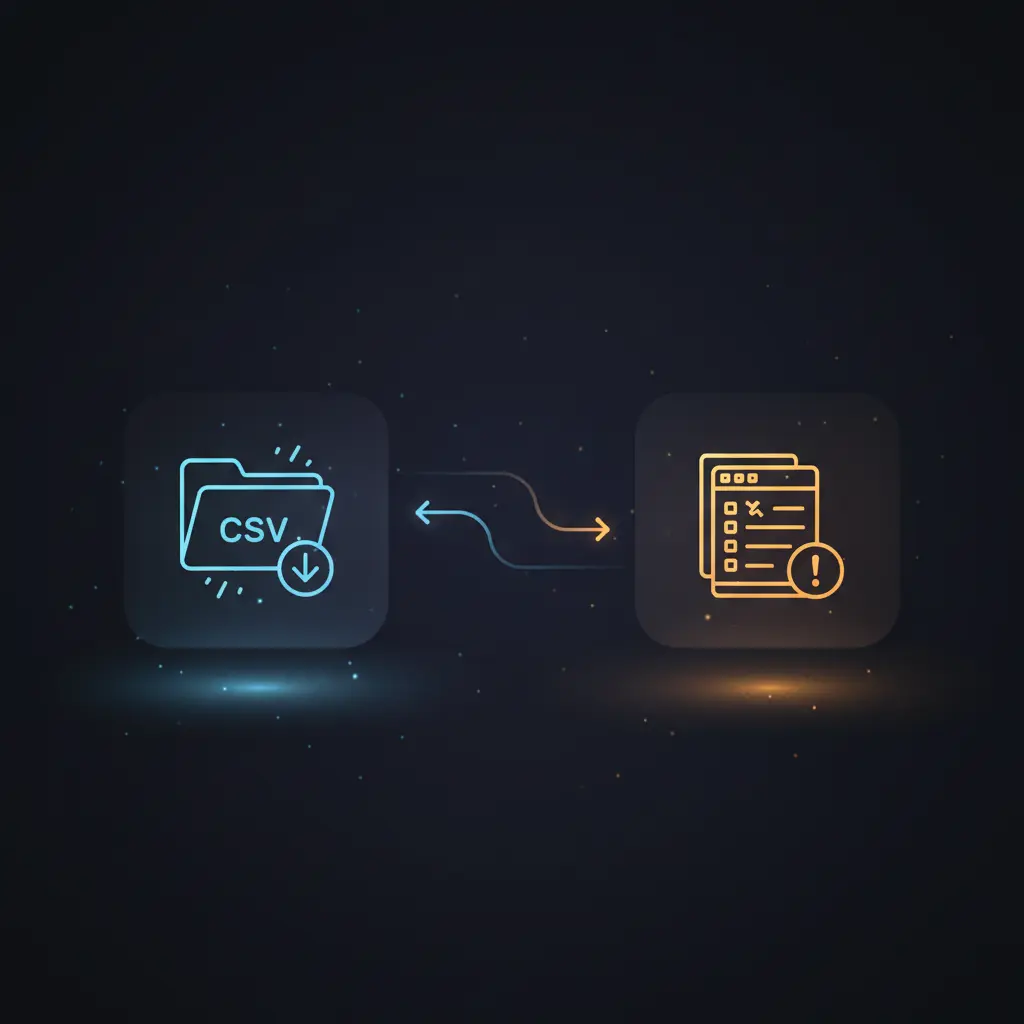
This rent payment reconciliation automation workflow streamlines the comparison of bank statement data against tenant and property records using a no-code integration pipeline. Designed for property managers and accounting teams, it deterministically identifies payment discrepancies by triggering on new CSV bank statement files detected via a local file system event.
Key Benefits
- Automates rent payment verification by detecting new bank statement CSV files in a monitored folder.
- Uses an AI-driven orchestration pipeline to cross-reference payment data with tenant contract details.
- Generates structured alerts on missed or incorrect payments, enabling precise follow-up actions.
- Maintains data privacy by operating entirely on self-hosted local files without external data persistence.
- Appends actionable reports directly to a local Excel spreadsheet, preserving audit trails and records.
Product Overview
This reconciliation workflow initiates via a local file trigger node that watches a specified directory for newly added bank statement CSV files. Upon detection, it sets a variable pointing to a locally hosted Excel workbook containing tenant and property data. The workflow reads the CSV file, extracts transaction data including date, reference, money in, and money out fields, then feeds this structured data into an AI agent node. The AI agent leverages a GPT-based language model combined with custom code tools to query tenant and property details from the Excel sheets, evaluating rent payments against contract terms and flagging issues such as late or incorrect payments and pending fees. The workflow outputs a JSON-formatted report parsed for structure and splits alerts into individual records. These alerts are appended as new rows in the ‘alerts’ sheet of the same Excel workbook, with a backup created before modification. The entire process runs synchronously in a self-hosted environment, ensuring no external data transmission beyond the AI model invocation. Error handling defaults to platform standards, with no explicit retry or backoff configured. This setup supports privacy-focused rent reconciliation leveraging local data orchestration and AI-assisted analysis.
Features and Outcomes
Core Automation
This no-code integration pipeline ingests bank statements as CSV files, then applies AI-driven decision criteria to reconcile rental payments against tenant contracts. Using the Reconcile Rental Payments agent node, the workflow deterministically flags tenants with payment discrepancies or pending fees.
- Single-pass evaluation of bank transactions against tenant data for efficiency.
- Rule-based thresholds allowing grace periods for late payments.
- Automated generation of actionable alerts encoded in JSON format.
Integrations and Intake
The workflow integrates with local file systems for input and Excel files for data storage, combined with an AI agent leveraging an OpenAI GPT language model authenticated via API key. It consumes CSV bank statements containing financial transactions and queries tenant and property details through custom code nodes parsing XLSX sheets.
- Local File Trigger node monitors CSV additions for event-driven ingestion.
- Custom LangChain toolCode nodes query tenant and property details from Excel sheets.
- OpenAI Chat Model node processes reconciliation logic with AI assistance.
Outputs and Consumption
The workflow outputs structured JSON alerts for each identified issue, which are split into individual records and appended as rows within a local Excel workbook’s ‘alerts’ sheet. This synchronous file update ensures data consistency and auditability within the self-hosted environment.
- Alert records include tenant ID, name, property ID, postcode, action required, details, and date.
- Outputs are appended directly to an XLSX file using the SheetJS library within a code node.
- Backup copies of the Excel workbook are created prior to writing for data integrity.
Workflow — End-to-End Execution
Step 1: Trigger
The workflow is initiated by the Local File Trigger node “Watch For Bank Statements,” which monitors a designated folder for newly added CSV files. It specifically triggers on file addition events, ignoring non-CSV files, ensuring only relevant bank statement files initiate processing.
Step 2: Processing
After trigger, the workflow sets the file path variable for the local Excel workbook. It reads the new bank statement CSV via the “Get Bank Statement File” node and extracts structured data from the CSV using the “Get CSV Data” node. The CSV parsing includes basic validations to ensure the presence of required fields such as date and monetary amounts.
Step 3: Analysis
The core reconciliation occurs within the “Reconcile Rental Payments” AI agent node. This agent receives a markdown-formatted bank statement table and accesses tenant and property details through custom toolCode nodes querying the Excel sheets. It applies defined heuristics to identify missed payments, incorrect amounts, end-of-rental flags, and outstanding fees. The AI agent produces a JSON-formatted report of flagged actions following a strict schema.
Step 4: Delivery
The AI agent’s JSON output is parsed by the “Structured Output Parser” node to enforce schema conformity, then split into individual alert records by the “Alert Actions To List” node. Each alert is appended as a new row to the “alerts” sheet of the local Excel file through the “Append To Spreadsheet” code node, which also creates a backup file before modification. This completes the synchronous data update cycle.
Use Cases
Scenario 1
A property manager receives monthly bank statements and needs to verify tenant rent payments. This workflow automatically detects new statements, compares payments against stored tenant contracts, and deterministically flags any missing or partial payments, reducing manual reconciliation effort and ensuring timely follow-up.
Scenario 2
An accounting team requires accurate reports on rental income discrepancies without exposing sensitive data externally. Using this self-hosted automation pipeline, they reconcile local bank CSV files with tenant details in a secure Excel workbook, generating actionable alerts that preserve data privacy and reduce error-prone manual processing.
Scenario 3
During tenant turnover periods, landlords must confirm final payments and outstanding fees. This orchestration workflow intelligently identifies tenants ending leases within the statement date range and flags any unpaid amounts, enabling precise and documented resolution within a single automated process cycle.
How to use
To deploy this rent payment reconciliation automation workflow, import it into a self-hosted n8n instance with access to the local filesystem. Configure the monitored folder path to where bank statement CSV files will be deposited. Ensure the Excel workbook with tenant and property data is accessible at the configured file location. Set up OpenAI API credentials for the AI agent node. Once running, the workflow will automatically trigger on new CSV files, perform reconciliation, and update the Excel alerts sheet. Users can expect structured JSON reports appended to their spreadsheet after each statement ingestion, highlighting any payment issues requiring attention.
Comparison — Manual Process vs. Automation Workflow
| Attribute | Manual/Alternative | This Workflow |
|---|---|---|
| Steps required | Multiple manual steps: file retrieval, data entry, contract lookup, error checking. | Single automated pipeline triggered by file addition, executing end-to-end reconciliation. |
| Consistency | Subject to human error, inconsistent application of payment rules. | Deterministic AI-driven logic applying uniform rules and schema validation. |
| Scalability | Limited by manual processing speed and human resource availability. | Scales with system resources, handling multiple statements without additional manual effort. |
| Maintenance | Requires ongoing manual updates and coordination among staff. | Requires configuration of file paths and API credentials, with minimal ongoing intervention. |
Technical Specifications
| Environment | Self-hosted n8n instance with local file system access |
|---|---|
| Tools / APIs | Local File Trigger, Read File, CSV Extract, Code nodes, LangChain AI agent, OpenAI API |
| Execution Model | Synchronous request–response with event-driven trigger |
| Input Formats | CSV bank statement files, XLSX tenant and property spreadsheets |
| Output Formats | JSON-formatted alerts, XLSX appended reports |
| Data Handling | Transient AI processing; local Excel file read/write with backup |
| Known Constraints | Requires OpenAI API availability; local file system access mandatory |
| Credentials | OpenAI API key for AI agent node |
Implementation Requirements
- n8n installed in a self-hosted environment with read/write permissions to local filesystem.
- Accessible Excel workbook containing tenant and property data at configured path.
- Valid OpenAI API key credentials configured for the AI agent integration node.
Configuration & Validation
- Set the monitored folder path in the Local File Trigger node to the correct directory for bank statement CSV files.
- Verify the Excel workbook path variable matches the actual file location accessible by the workflow.
- Test the AI agent node with sample bank statement data to confirm correct identification and JSON formatting of alerts.
Data Provenance
- Trigger: Local File Trigger node (“Watch For Bank Statements”) monitoring CSV file additions.
- AI agent: “Reconcile Rental Payments” node using OpenAI Chat Model with LangChain tooling.
- Data sources: Excel workbook via “Get Tenant Details” and “Get Property Details” toolCode nodes; bank statement CSV parsed by “Get CSV Data”.
FAQ
How is the rent payment reconciliation automation workflow triggered?
The workflow triggers automatically when a new CSV bank statement file is added to a specified folder monitored by the Local File Trigger node.
Which tools or models does the orchestration pipeline use?
The pipeline uses an AI agent node powered by OpenAI’s GPT model integrated via LangChain, along with custom code nodes querying tenant and property data from local Excel sheets.
What does the response look like for client consumption?
The workflow outputs JSON-formatted alerts detailing tenant IDs, names, property information, actions required, and dates, which are appended as rows in a local Excel “alerts” sheet.
Is any data persisted by the workflow?
Yes, the workflow updates a local Excel spreadsheet to store alerts, but temporary AI processing data is transient and no external persistence beyond the AI model occurs.
How are errors handled in this integration flow?
Error handling relies on n8n platform defaults; no explicit retry or backoff logic is configured within this workflow.
Conclusion
This rent payment reconciliation automation workflow provides a deterministic method to identify and log tenant payment discrepancies by integrating local bank statement CSV ingestion with AI-assisted contract verification. It delivers consistent, structured alerts appended to a local Excel workbook, supporting data privacy and auditability in a self-hosted environment. The workflow’s reliance on OpenAI API availability and local file system access defines its operational boundary. Its design reduces manual effort, improves consistency, and provides a reliable foundation for rent payment oversight without external data exposure.














Reviews
There are no reviews yet.