Description
Overview
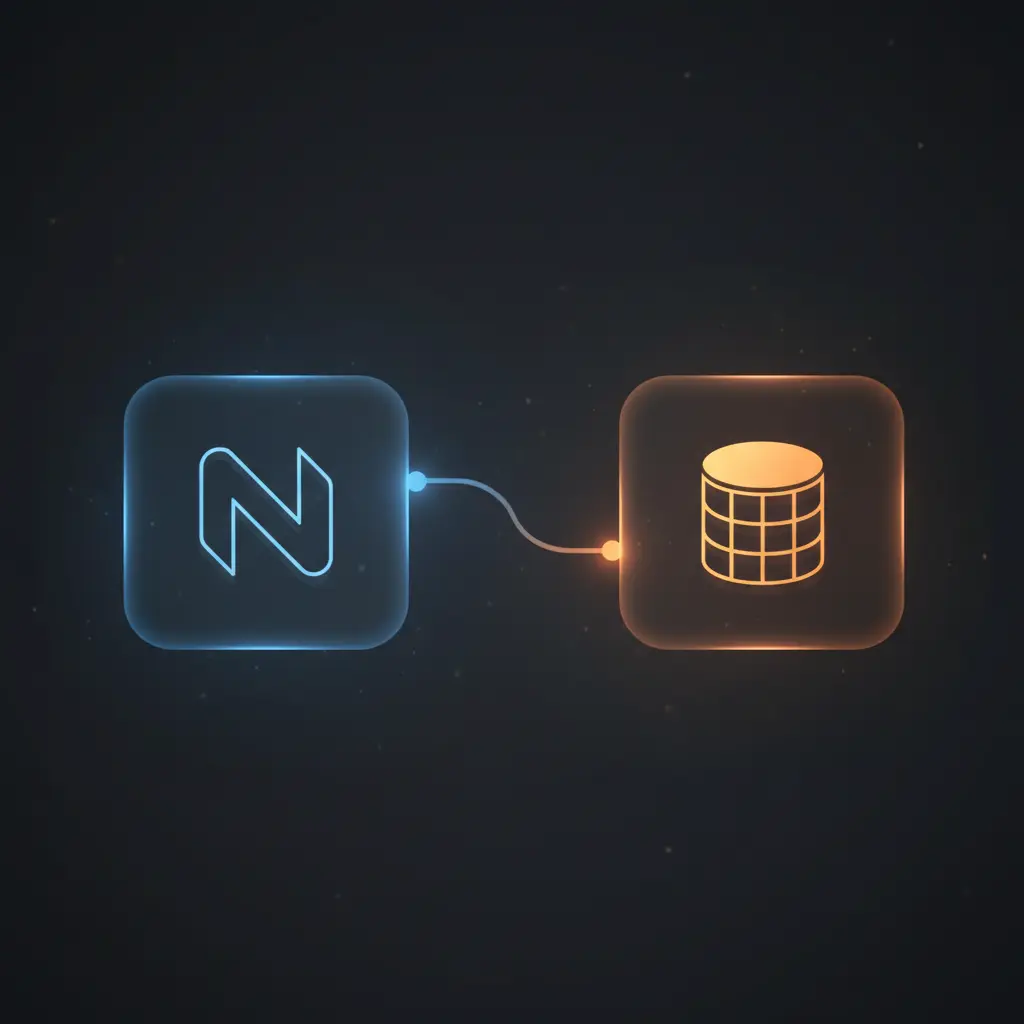
This RAG on living data automation workflow facilitates continuous synchronization and semantic indexing of updated knowledge base documents. Using a schedule-triggered orchestration pipeline, it extracts and embeds Notion page contents into a vector store to enable retrieval-augmented generation.
Designed for teams managing dynamic knowledge bases, it addresses the challenge of keeping embeddings current by polling for recently updated pages and processing them deterministically using token splitting and OpenAI embeddings.
Key Benefits
- Automatically detects and processes updated Notion pages every minute via a scheduled trigger.
- Deletes outdated embeddings before inserting new ones, ensuring vector store consistency.
- Splits large documents into 500-token chunks for optimized embedding and retrieval accuracy.
- Stores enriched metadata with embeddings to maintain linkage between vector data and source documents.
- Supports semantic search and question answering through OpenAI-powered retrieval-augmented generation.
Product Overview
This automation workflow initiates via a Schedule Trigger node configured to run every minute, querying the Notion database for pages updated in the last minute. It uses the Notion API to fetch updated pages filtered precisely by last edited time, ensuring incremental synchronization without redundant processing.
After retrieving page references, it processes each page separately using a batch splitter to avoid concurrency issues. The workflow deletes any existing embeddings in the Supabase vector store matching the Notion page ID, preventing stale or duplicate vector data.
It then retrieves all content blocks for each page, including nested blocks, concatenates them to a single continuous text string, and splits this text into chunks of 500 tokens using a dedicated token splitter node. This chunking respects embedding model token limitations and improves semantic granularity.
Each chunk is embedded through the OpenAI embeddings node, generating vector representations stored in a Supabase vector store with associated metadata such as page ID and name. For querying, a vector store retriever accesses the same Supabase table to perform similarity searches, which feed into a retrieval-augmented question answering chain powered by an OpenAI chat model, providing context-aware responses based on the stored knowledge base.
Features and Outcomes
Core Automation
This orchestration pipeline uses scheduled polling and batch processing to maintain up-to-date vector representations of knowledge base documents. It applies token splitting to segment large texts before embedding, ensuring model token limits are respected and embeddings are granular.
- Single-pass evaluation of updated pages per execution cycle.
- Deterministic deletion of old embeddings based on Notion page ID metadata.
- Token chunk size fixed at 500 tokens for consistent embedding quality.
Integrations and Intake
The workflow integrates with Notion via API credentials for incremental data intake and Supabase as a vector store for embedding persistence. OpenAI’s API is used for generating embeddings and chat-based question answering. The system expects JSON payloads with page metadata and text content.
- Notion API for fetching updated pages and full content blocks.
- Supabase vector store for embedding storage and retrieval.
- OpenAI API for text embedding and natural language generation.
Outputs and Consumption
The workflow outputs embedded vectors into a Supabase table with metadata for downstream semantic search. Query responses are generated synchronously using an OpenAI chat model, returning context-aware answers in text format. Data flows through synchronous steps with no intermediate persistent caches outside the vector store.
- Vector embeddings stored in Supabase with Notion page metadata.
- Chat responses generated using OpenAI’s GPT-based model.
- Outputs formatted as plain text answers for client consumption.
Workflow — End-to-End Execution
Step 1: Trigger
The workflow initiates every minute via a Schedule Trigger node that queries a specified Notion database for pages updated within the last minute, using a precise last edited time filter. This guarantees incremental data ingestion without missing updates or processing duplicates.
Step 2: Processing
Each updated page is handled individually by a batch splitting node to prevent parallel double-processing. The workflow deletes any existing embeddings for the given page ID from Supabase, then fetches all blocks of the page, including nested content, concatenating them into a single continuous string for embedding preparation.
Step 3: Analysis
The concatenated text is split into chunks of 500 tokens by a token splitter node. These chunks are passed to the OpenAI embeddings node, which converts each chunk into vector representations. This process respects token limits and enhances retrieval precision by segmenting large documents.
Step 4: Delivery
Generated embeddings are inserted into the Supabase vector store with associated metadata linking back to the source Notion page. For querying, incoming chat messages trigger a retrieval-augmented question answering chain that uses vector similarity searches and OpenAI’s chat model to produce informed textual responses in real time.
Use Cases
Scenario 1
Knowledge base content is frequently updated, making manual embedding refreshes impractical. This workflow automates embedding regeneration for updated pages, ensuring semantic search indexes are always current and preventing outdated or duplicated vectors.
Scenario 2
Teams require precise question answering based on up-to-date internal documentation. By combining vector retrieval with OpenAI chat models, this system delivers context-aware answers grounded in live Notion content, reducing reliance on manual search or outdated static documents.
Scenario 3
Large documents exceed embedding model token limits, complicating semantic indexing. The token splitter node segments documents into manageable chunks, enabling high-fidelity embeddings and improved retrieval accuracy for complex knowledge bases.
How to use
To implement this RAG on living data automation workflow, import it into your n8n environment and configure API credentials for Notion, Supabase, and OpenAI. Define the Notion database ID representing your knowledge base. Enable the Schedule Trigger to activate periodic polling of updated pages.
Monitor logs to verify the deletion of old embeddings and successful insertion of new vectors. Use the chat trigger webhook to send queries and receive contextually informed answers generated by the integrated OpenAI chat model. Adjust chunk size parameters if needed to optimize embedding quality.
Comparison — Manual Process vs. Automation Workflow
| Attribute | Manual/Alternative | This Workflow |
|---|---|---|
| Steps required | Multiple manual steps to detect changes, extract, embed, and upload vectors. | Fully automated pipeline with scheduled detection, processing, and storage. |
| Consistency | Prone to stale or duplicated embeddings without systematic cleanup. | Deterministic deletion of old embeddings before insertion maintains consistency. |
| Scalability | Limited by manual processing speed and error handling. | Batch processing and token chunking enable scalable document handling. |
| Maintenance | Requires continuous manual intervention and error checking. | Low maintenance with automated retries and sequential execution order. |
Technical Specifications
| Environment | n8n automation platform with API access to Notion, Supabase, and OpenAI. |
|---|---|
| Tools / APIs | Notion API, Supabase Vector Store, OpenAI Embeddings and Chat APIs. |
| Execution Model | Scheduled polling with batch processing and synchronous query-response for chat. |
| Input Formats | JSON payloads representing Notion page metadata and textual content blocks. |
| Output Formats | Vector embeddings stored in Supabase; text answers returned from chat model. |
| Data Handling | Transient concatenation and chunking; persistent storage only in vector store. |
| Known Constraints | Chunk size limited to 500 tokens to ensure embedding model compatibility. |
| Credentials | API keys for Notion, Supabase, and OpenAI required for operation. |
Implementation Requirements
- Valid API credentials configured for Notion, Supabase, and OpenAI APIs.
- Access to a Notion database representing the knowledge base with proper permissions.
- Network connectivity allowing n8n to communicate with all external APIs securely.
Configuration & Validation
- Verify that the Schedule Trigger is correctly set to poll the specified Notion database every minute.
- Confirm that the Supabase vector store credentials and table references match the deployed environment.
- Test the chat trigger by sending sample queries and validating that answers are returned based on current Notion content.
Data Provenance
- Trigger node: Schedule Trigger polling Notion database for updated pages.
- Processing nodes: Notion API nodes retrieving page blocks and concatenating content.
- Embedding and storage nodes: OpenAI Embeddings and Supabase Vector Store nodes managing vector data.
FAQ
How is the RAG on living data automation workflow triggered?
This workflow is triggered by a Schedule Trigger node configured to run every minute, polling the Notion database for pages updated within the last minute to enable incremental data ingestion.
Which tools or models does the orchestration pipeline use?
The pipeline integrates with Notion for data intake, Supabase as a vector store, and OpenAI’s embedding and chat models for semantic vectorization and retrieval-augmented question answering.
What does the response look like for client consumption?
Responses consist of text generated by the OpenAI chat model, providing context-aware answers based on retrieved vectors from the knowledge base.
Is any data persisted by the workflow?
Only vector embeddings and associated metadata are persisted in the Supabase vector store. All other data processing is transient within the workflow.
How are errors handled in this integration flow?
The workflow relies on n8n’s default error handling mechanisms without custom retry or backoff configurations explicitly defined.
Conclusion
This RAG on living data automation workflow provides a systematic method to keep knowledge base embeddings current by polling for updates, cleansing old data, and re-embedding content in a vector store. Its deterministic processing and token chunking enhance retrieval precision while maintaining metadata linkages to original documents. The system depends on continuous availability of Notion, Supabase, and OpenAI APIs, which is a key operational constraint. Overall, it enables reliable retrieval-augmented generation on dynamic data sources with minimal manual intervention.
















Reviews
There are no reviews yet.