Description
Overview
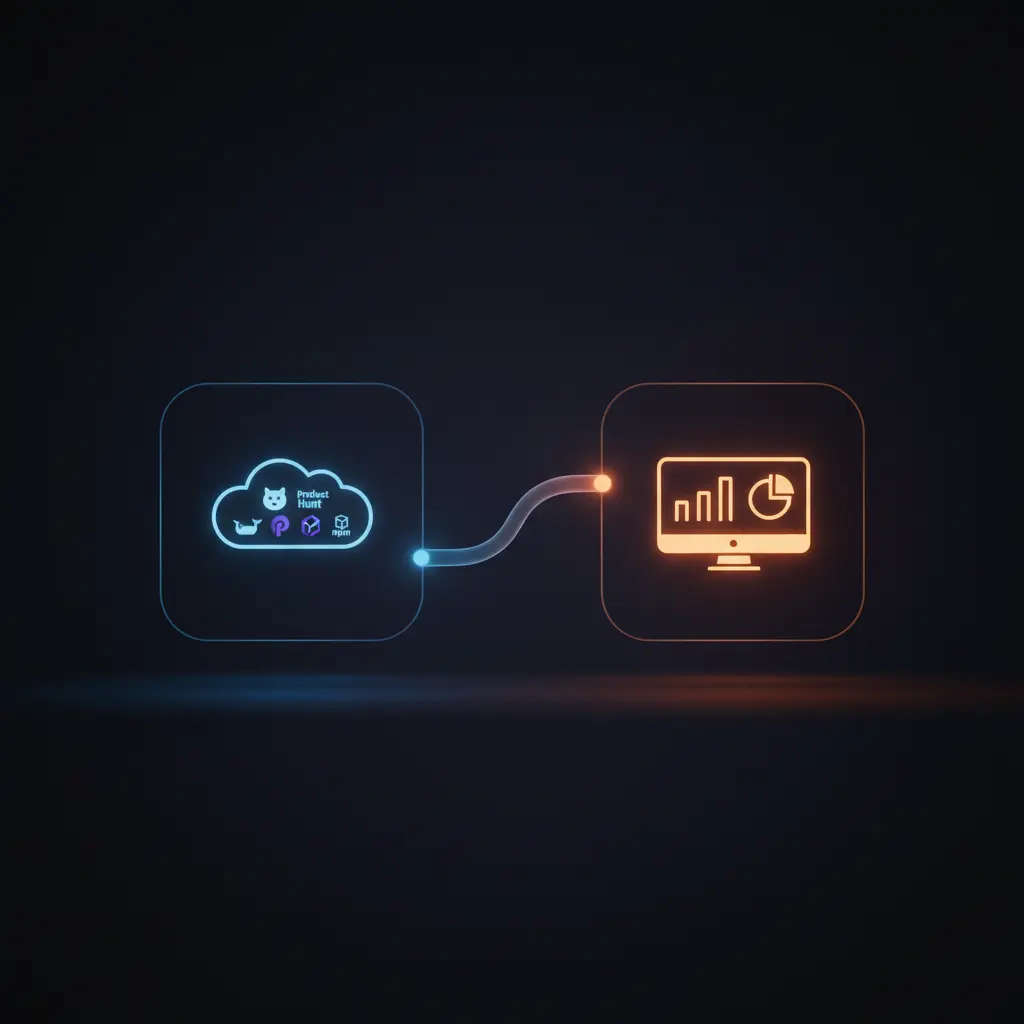
This project metrics aggregation workflow automates the collection and updating of software project statistics, functioning as a real-time orchestration pipeline. Designed for developers and project managers, it consolidates data from multiple sources including Product Hunt, npm, Docker Hub, and GitHub, using a cron-triggered automation workflow that runs every minute.
By integrating varied platform APIs, it deterministically fetches and formats key metrics before pushing them to a centralized dashboard via authenticated HTTP POST requests, ensuring synchronized updates and consistent data presentation.
Key Benefits
- Runs automatically every minute via a cron-triggered automation workflow for continuous updates.
- Aggregates project metrics from Product Hunt, npm, Docker Hub, and GitHub in one orchestration pipeline.
- Formats and normalizes raw data with function nodes for consistent, human-readable dashboard display.
- Uses authenticated HTTP POST requests to securely update multiple dashboard widgets in real time.
Product Overview
This automation workflow initiates with a cron node set to trigger every minute, executing a sequence of data retrieval and processing operations. It first establishes static configuration parameters including dashboard endpoint, authentication token, and identifiers for Product Hunt, npm, Docker, and GitHub resources using a set node. The workflow then concurrently fetches data from four external APIs: Product Hunt via GraphQL POST request, npms.io for npm package metrics, Docker Hub REST API for image stats, and GitHub API for repository details.
Each data source’s raw response is passed through dedicated function nodes that parse, format, and add thousands separators to numeric fields such as star counts, pull counts, and review metrics. Following data normalization, the workflow sends multiple HTTP POST requests to update corresponding widgets on a custom dashboard, using the configured authentication token for secure API access. Error handling is managed by n8n’s platform defaults without explicit retries or backoff logic defined. The entire process operates synchronously within each cron cycle, producing a stable and up-to-date metrics feed for dashboard visualization without data persistence outside runtime memory.
Features and Outcomes
Core Automation
This automation workflow accepts a scheduled cron trigger every minute to orchestrate multi-source data retrieval and processing. It employs function nodes for deterministic data formatting and branches requests to update dashboard widgets.
- Single-pass evaluation of all external data sources per cycle.
- Consistent data normalization with custom function transformations.
- Synchronous execution ensures completeness before next trigger.
Integrations and Intake
The orchestration pipeline integrates four external APIs: Product Hunt GraphQL API, npms.io REST API, Docker Hub REST API, and GitHub REST API. Authentication is handled via bearer tokens or API tokens as required by each platform.
- Product Hunt API fetches post metrics with required post ID and bearer token.
- npm metrics retrieved from npms.io with User-Agent header for package data.
- Docker Hub and GitHub data accessed via HTTP requests and GitHub node respectively.
Outputs and Consumption
The processed metrics are output as JSON payloads via authenticated HTTP POST requests to specific dashboard widget endpoints. The workflow updates multiple widgets synchronously with formatted values for direct dashboard consumption.
- Widget updates include metrics like stars, pulls, reviews, votes, and issue counts.
- Payloads contain human-readable strings with thousands separators for clarity.
- Each widget update is an individual HTTP POST ensuring modular data delivery.
Workflow — End-to-End Execution
Step 1: Trigger
The workflow initiates via a cron node configured to trigger every minute, ensuring continuous and timely execution. No additional headers or fields are required at the trigger stage.
Step 2: Processing
After trigger, a set node configures static project and authentication parameters used throughout the flow. Incoming data from external APIs undergoes parsing and formatting via function nodes which apply numeric rounding and insertion of thousands separators. Basic presence checks are performed, and data is passed through unchanged when no transformation is needed.
Step 3: Analysis
This workflow does not implement conditional logic or thresholds. Instead, it deterministically formats and normalizes raw metrics from multiple sources in preparation for dispatch. No decision branches or error corrections are configured beyond standard n8n error handling.
Step 4: Delivery
Processed metrics are sent via multiple HTTP POST requests to corresponding dashboard widget endpoints. Each request includes an authentication token and the current metric value. Delivery is synchronous within the workflow execution, ensuring all widget data is updated before the next trigger cycle.
Use Cases
Scenario 1
A project manager needs up-to-date community engagement metrics aggregated from diverse platforms. This automation workflow collects, formats, and centralizes these metrics every minute, providing a reliable, centralized view without manual data entry.
Scenario 2
Developers monitoring package health want real-time npm quality, popularity, and maintenance scores. The workflow retrieves these scores from npms.io, formats the results, and updates a dashboard, enabling continuous insight into package status.
Scenario 3
An open-source maintainer requires synchronized GitHub and Docker statistics shown on a custom dashboard. This orchestration pipeline automates data retrieval and posting, eliminating manual synchronization and ensuring accuracy in reported repository activity.
How to use
To deploy this automation workflow, import it into your n8n instance and configure the dashboard hostname, authentication token, and relevant project identifiers within the set node. Insert your Product Hunt API bearer token in the designated HTTP request node. Ensure GitHub credentials are provided if authenticated access is required. Once configured, activate the workflow to run every minute, automatically fetching and updating metrics on your dashboard. Expect formatted numeric outputs such as star counts and votes to be updated in near real-time, facilitating continuous project monitoring.
Comparison — Manual Process vs. Automation Workflow
| Attribute | Manual/Alternative | This Workflow |
|---|---|---|
| Steps required | Multiple manual API calls and data formatting steps. | Single automated execution triggered every minute. |
| Consistency | Subject to human error and timing inconsistencies. | Deterministic, standardized data formatting and update process. |
| Scalability | Limited by manual effort and frequency constraints. | Scales seamlessly with automated periodic execution. |
| Maintenance | Requires ongoing manual intervention and monitoring. | Minimal maintenance; updates handled via configuration and platform improvements. |
Technical Specifications
| Environment | n8n automation platform |
|---|---|
| Tools / APIs | Product Hunt GraphQL API, npms.io API, Docker Hub API, GitHub API |
| Execution Model | Cron-triggered periodic execution every minute |
| Input Formats | JSON responses from REST and GraphQL APIs |
| Output Formats | JSON payloads via authenticated HTTP POST requests |
| Data Handling | Transient in-memory processing; no persistence beyond runtime |
| Known Constraints | Requires valid API tokens and network access to external APIs and dashboard endpoints |
| Credentials | Product Hunt Bearer token, GitHub API credentials, Dashboard auth token |
Implementation Requirements
- Valid API credentials for Product Hunt, GitHub, and dashboard authentication.
- Network connectivity to external APIs and dashboard server endpoints.
- Configuration of static parameters such as repository names and post IDs within the set node.
Configuration & Validation
- Verify that the cron node triggers the workflow every minute without error.
- Confirm static configuration values in the set node match your project identifiers and authentication tokens.
- Test successful API responses and proper formatting in function nodes by inspecting intermediate JSON outputs.
Data Provenance
- Trigger event: Cron node executing every minute.
- Configuration: Static values set in “Dashboard Configuration” set node including API tokens and project IDs.
- Data sources: Product Hunt (GraphQL HTTP Request), npm (npms.io HTTP Request), Docker Hub (HTTP Request), GitHub (GitHub node).
FAQ
How is the project metrics aggregation automation workflow triggered?
The workflow is triggered by a cron node configured to execute every minute, initiating the data retrieval and update sequence automatically.
Which tools or models does the orchestration pipeline use?
The orchestration pipeline integrates REST and GraphQL APIs from Product Hunt, npms.io, Docker Hub, and GitHub, combined with function nodes for deterministic data formatting and normalization.
What does the response look like for client consumption?
Processed metrics are sent as JSON payloads via authenticated HTTP POST requests to dashboard widget endpoints, with numeric values formatted as human-readable strings including thousands separators.
Is any data persisted by the workflow?
No data persistence occurs outside of runtime memory; all processing is transient and the workflow relies on live API calls for current metrics.
How are errors handled in this integration flow?
Error handling relies on n8n platform defaults; no explicit retry or backoff strategies are configured within the workflow nodes.
Conclusion
This project metrics aggregation workflow provides a systematic, reliable solution for collecting and updating key software project statistics every minute. By integrating multiple platform APIs and delivering formatted data to a centralized dashboard, it eliminates manual effort and improves consistency in project monitoring. The workflow requires valid API credentials and network access, with error handling managed by the underlying automation platform. Overall, it supports continuous visibility into project performance and community engagement through deterministic, automated data orchestration.












Reviews
There are no reviews yet.