Description
Overview
This parse PDF with LlamaParse automation workflow provides a robust no-code integration to detect, extract, and organize invoice line items from PDF files. Designed for finance teams and operations specialists, this orchestration pipeline automates invoice processing by triggering on new files in a Google Drive folder and extracting structured billing details such as item description, quantity, unit price, and total amount.
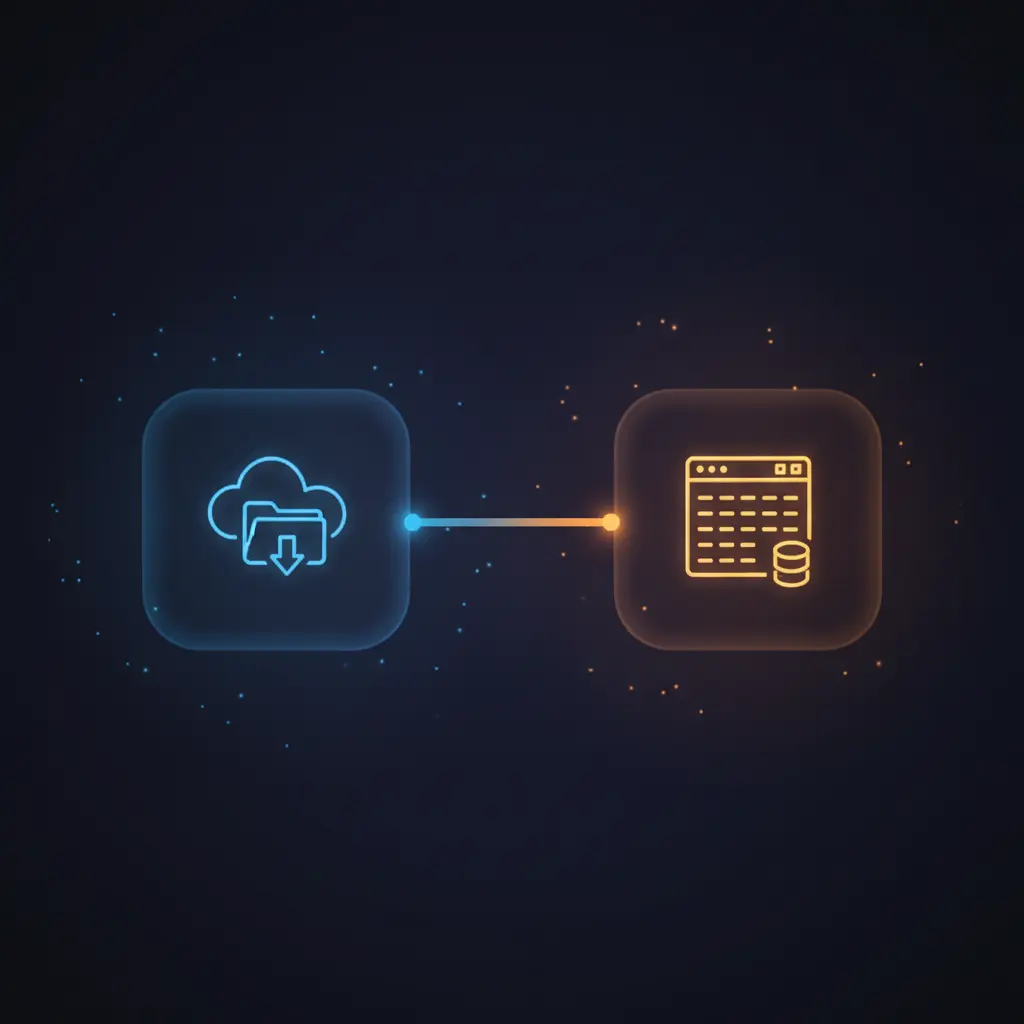
The workflow initiates with a Google Drive trigger that monitors a specific folder for newly created files, ensuring deterministic capture of invoice data for further parsing and storage in Airtable.
Key Benefits
- Automates invoice detection by monitoring a designated Google Drive folder every minute.
- Extracts detailed invoice line items including description, quantity, unit price, and amount using a cloud parsing API.
- Leverages AI-driven schema validation for precise extraction and structured output of invoice data.
- Stores invoice and line item details directly into Airtable for accessible and organized record keeping.
Product Overview
This parse PDF with LlamaParse automation workflow begins with a Google Drive trigger configured to scan a specific folder named “Invoices” every minute for newly added files. Upon detection, the workflow downloads the invoice PDF using the Google Drive node, retrieving the file content based on its unique file ID.
The file is then sent as a multipart/form-data HTTP POST request to the LlamaParse cloud parsing API. This request disables OCR and image extraction, assuming text-based PDFs, and includes parsing instructions to extract invoice line items: name, quantity, unit price, and amount. The parsing result is delivered asynchronously through a webhook node that receives the structured JSON payload.
Next, the workflow uses a set fields node to prepare a prompt and JSON schema for an OpenAI chat completion model, which processes the parsed data to produce a strictly validated array of invoice line items. Two Airtable nodes then sequentially create a new invoice record and individual line item records, linking items correctly to their parent invoice. The entire flow operates asynchronously with webhook callbacks to ensure reliable and structured data ingestion without manual intervention.
Features and Outcomes
Core Automation
The core automation workflow accepts input from a Google Drive folder trigger, then applies a multi-step parsing and AI-driven extraction process to produce clean invoice line items. Decision criteria include disabling OCR and image extraction, assuming text-based PDFs, and enforcing a JSON schema for output validation.
- Single-pass evaluation of invoice PDFs triggered on file creation events.
- Asynchronous processing via webhook ensures non-blocking execution.
- Structured line item extraction with schema validation for consistent results.
Integrations and Intake
This orchestration pipeline integrates Google Drive for file intake, LlamaParse API for parsing, OpenAI for data refinement, and Airtable for data storage. Authentication methods include OAuth2 for Google Drive and API tokens for Airtable and OpenAI.
- Google Drive OAuth2 for secure file access and trigger events.
- LlamaParse API receives multipart uploads with parsing instructions via HTTP POST.
- Airtable Personal Access Token manages invoice and line item record creation.
Outputs and Consumption
The final output consists of structured invoice and line item records stored in Airtable tables. The data includes numeric fields for quantity, unit price, and amount, converted from string formats. The workflow operates asynchronously, with parsed data delivered via webhook and processed through AI for consistent schema adherence.
- Invoice records created in Airtable with linked line item arrays.
- Line items stored as individual Airtable entries with numeric conversions.
- JSON schema-enforced data structure for downstream consumption or reporting.
Workflow — End-to-End Execution
Step 1: Trigger
The workflow is initiated by a Google Drive trigger configured to poll every minute for new files created in the designated “Invoices” folder identified by its folder ID. This ensures near real-time detection of uploaded invoice PDFs for processing.
Step 2: Processing
Upon trigger activation, the Google Drive node downloads the file using the file ID. The file content is then sent to the LlamaParse API via an HTTP POST request with multipart/form-data encoding. The request disables OCR and image extraction, relying on the PDF’s embedded text. Parsing instructions specify extraction of invoice line items with specific fields.
Step 3: Analysis
Parsed invoice data is delivered asynchronously to the workflow’s webhook node. A set fields node prepares a prompt and JSON schema for OpenAI’s chat completion model, which processes the parsed data. OpenAI returns a strictly validated JSON response containing an array of line items with descriptions, quantities, unit prices, and amounts.
Step 4: Delivery
The workflow creates a new invoice record in Airtable, followed by individual line item records. Each item is linked to the parent invoice using Airtable relational fields. Numeric conversions are applied to quantity, unit price, and amount fields to ensure proper data typing. The workflow completes with fully structured invoice data stored for downstream use.
Use Cases
Scenario 1
Finance teams managing large volumes of invoices can face delays and errors in manual entry. This automation workflow parses invoice PDFs uploaded to Google Drive, extracts line items accurately, and stores them in Airtable. The result is a consistent, structured dataset ready for accounting reconciliation without manual transcription.
Scenario 2
Organizations requiring centralized invoice data can use this orchestration pipeline to streamline data ingestion. By automating detection, parsing, and structuring of invoice details, the workflow reduces administrative overhead and ensures timely access to billing information for audit and reporting purposes.
Scenario 3
Teams integrating AI-driven document parsing seek higher accuracy in extracting critical invoice fields. Leveraging LlamaParse and OpenAI within this workflow enables precise extraction of line items and numeric fields, ensuring the structured output matches business schema requirements and supports downstream analytics.
How to use
To deploy this parse PDF with LlamaParse automation workflow, first configure the Google Drive trigger by specifying the target folder ID for invoice files. Set up OAuth2 credentials for Google Drive access. Next, replace the API key in the HTTP request node headers for the LlamaParse endpoint. Configure the OpenAI node with appropriate API credentials and ensure the Airtable nodes have access to the required bases and tables via personal access tokens.
Run the workflow live to enable continuous monitoring of the specified Google Drive folder. Upon detecting new invoice PDFs, the workflow downloads, parses, and extracts line items, then creates records in Airtable. Expect structured invoice data with validated line items available shortly after file upload, supporting automated bookkeeping and reporting.
Comparison — Manual Process vs. Automation Workflow
| Attribute | Manual/Alternative | This Workflow |
|---|---|---|
| Steps required | Multiple manual steps including file download, reading, and data entry. | Automated end-to-end pipeline triggered on file creation events. |
| Consistency | Subject to human error and inconsistent formatting interpretation. | Enforces structured schema and AI validation for uniform data output. |
| Scalability | Limited by manual labor and throughput constraints. | Scales with file volume, leveraging asynchronous webhook and API calls. |
| Maintenance | Requires continual manual oversight and error correction. | Centralized configuration with credential updates and API key management. |
Technical Specifications
| Environment | n8n workflow automation platform with API integrations |
|---|---|
| Tools / APIs | Google Drive (OAuth2), LlamaParse API, OpenAI API, Airtable API |
| Execution Model | Event-driven asynchronous processing with webhook callbacks |
| Input Formats | PDF files uploaded to Google Drive folder |
| Output Formats | Structured JSON data stored in Airtable tables |
| Data Handling | Transient processing, no file persistence beyond workflow scope |
| Known Constraints | Relies on availability of external parsing and AI APIs |
| Credentials | OAuth2 for Google Drive, API keys for LlamaParse, OpenAI, Airtable |
Implementation Requirements
- Google Drive OAuth2 credentials with read access to target folder.
- API key or bearer token for LlamaParse parsing API endpoint.
- OpenAI API credentials with access to chat completion models.
- Airtable personal access token with write permissions for specified base and tables.
Configuration & Validation
- Configure Google Drive trigger to monitor the specified folder by folder ID for new file creation events.
- Set HTTP request node headers with valid LlamaParse API key and correct webhook URL for asynchronous result delivery.
- Verify OpenAI chat completion node uses a prompt and JSON schema that matches the expected invoice line item structure.
Data Provenance
- Trigger node: Google Drive Trigger monitoring folder “Invoices” (folder ID included but not exposed).
- Parsing node: HTTP request to LlamaParse API with parsing instructions set in header parameters.
- AI extraction node: OpenAI chat completion with prompt and JSON schema defined in Set Fields node.
FAQ
How is the parse PDF with LlamaParse automation workflow triggered?
The workflow is triggered by a Google Drive trigger polling every minute for new PDF files created in a specific folder designated for invoices.
Which tools or models does the orchestration pipeline use?
The pipeline integrates Google Drive for file intake, LlamaParse API for PDF parsing, OpenAI’s chat completion model for structured data extraction, and Airtable for data storage.
What does the response look like for client consumption?
The response consists of structured invoice and line item records stored as Airtable entries, with fields converted to appropriate data types and linked relationally.
Is any data persisted by the workflow?
File data is transiently handled during processing. Final structured data is persisted only in Airtable records; no other data persistence occurs within the workflow.
How are errors handled in this integration flow?
No explicit error handling nodes are configured; the workflow relies on n8n’s default retry and error propagation mechanisms for API calls and node failures.
Conclusion
This parse PDF with LlamaParse automation workflow provides a deterministic and extensible solution for extracting detailed invoice line items from PDFs uploaded to Google Drive. It ensures structured, schema-validated data output using a combination of cloud parsing and AI-driven extraction, then stores results in Airtable for organized record management. While the workflow depends on external API availability for parsing and AI services, it maintains data integrity through asynchronous processing and strict schema enforcement, making it suitable for finance and operations teams seeking reliable invoice data automation.















Reviews
There are no reviews yet.