Description
Overview
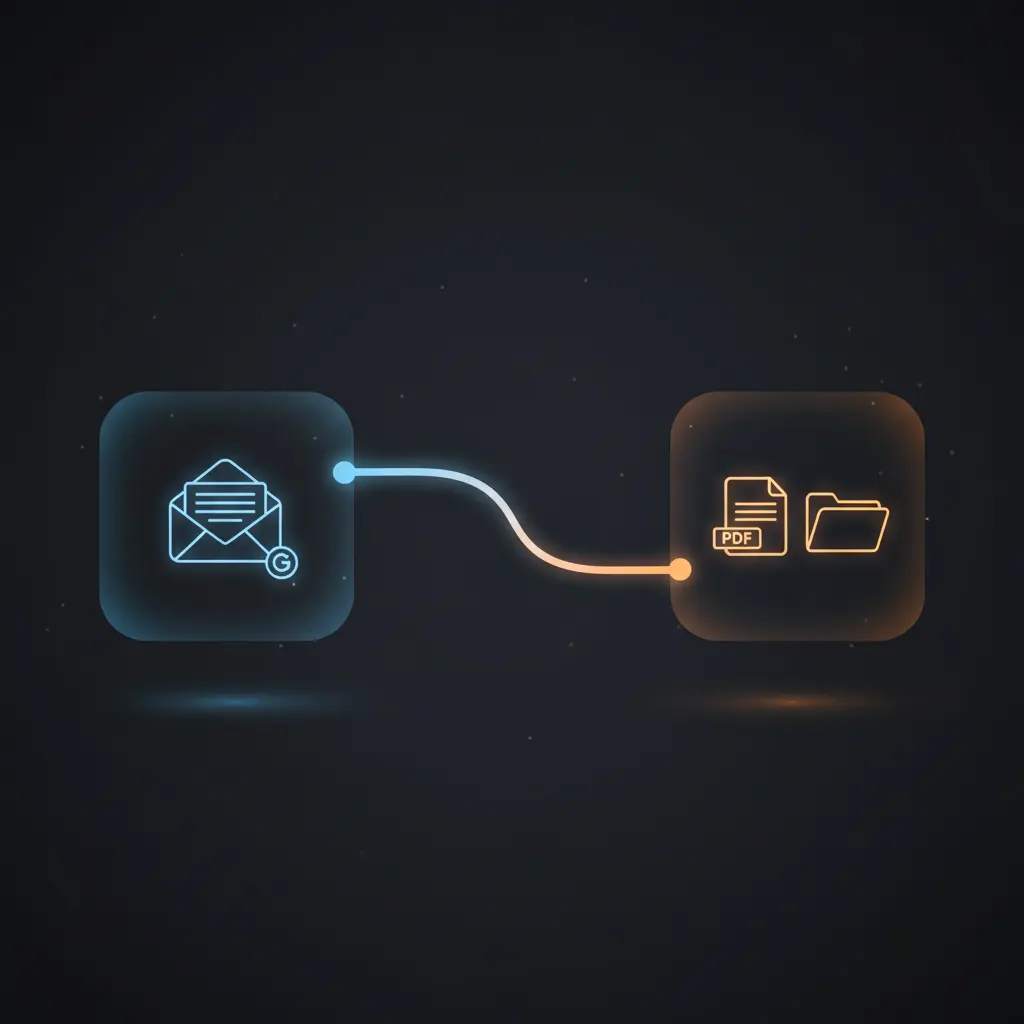
This automation workflow processes Paddle invoice emails by extracting invoice links, converting them to PDFs, and saving them to Google Drive. Designed for finance teams and developers, this orchestration pipeline ensures consistent invoice capture using a Gmail trigger checking emails every minute.
Key Benefits
- Automates invoice retrieval by filtering Paddle emails with sender and subject conditions.
- Extracts and isolates invoice URLs using HTML anchor tag parsing and link filtering.
- Converts invoice web pages to standardized PDF format via a dedicated PDF conversion API.
- Uploads and organizes PDFs in a specified Google Drive folder with automated renaming.
- Reduces manual handling by executing this no-code integration pipeline every minute.
Product Overview
This automation workflow initiates with a Gmail Trigger node configured to poll the inbox every minute, capturing all incoming emails. It proceeds to a conditional filter that passes only emails from “help@paddle.com” containing “Your invoice” in the subject, focusing processing on Paddle invoice notifications specifically. Extracted emails are parsed for HTML anchor tags to retrieve all embedded links. The workflow splits these links and filters to retain only those containing “/receipt/”, isolating actual invoice URLs. Each invoice URL is sent to a PDF conversion API that generates an A4-sized PDF representation of the invoice webpage. The resulting PDF binary data is uploaded to Google Drive via OAuth2-authenticated API calls. Uploaded files are renamed with a standardized timestamped filename format and subsequently moved into a designated Drive folder specified during setup. Emails not matching criteria are routed to a no-op node, terminating processing. The workflow operates synchronously within the polling cycle and relies on external API availability for PDF conversion and Google Drive operations.
Features and Outcomes
Core Automation
This workflow’s core automation processes incoming emails to extract invoice links and convert them to PDFs using a no-code integration approach. Decision criteria include sender address and subject line matching to ensure accurate filtering.
- Single-pass evaluation of each email every minute with strict conditional filtering.
- Deterministic extraction and filtering of invoice links via HTML anchor tag parsing.
- Automated conversion and file management without manual intervention.
Integrations and Intake
The orchestration pipeline integrates with Gmail for email intake using OAuth2 credentials. It extracts anchors from HTML content to identify invoice URLs, then connects to the pdflayer API for PDF conversion with an API key. Google Drive OAuth2 credentials enable secure upload and management.
- Gmail trigger node for event-driven email polling every minute.
- pdflayer API for converting invoice URLs to PDF format.
- Google Drive API for uploading, renaming, and organizing PDFs in a specified folder.
Outputs and Consumption
The workflow outputs standardized PDF invoice files stored in Google Drive asynchronously. Files are named using a consistent date-based scheme and moved to a user-specified folder for organized archival.
- PDF documents in A4 page size format derived from invoice web pages.
- File metadata includes timestamped filenames for easy retrieval.
- Stored in Google Drive folder defined by the user during setup.
Workflow — End-to-End Execution
Step 1: Trigger
The workflow starts with a Gmail Trigger node configured to poll the Gmail inbox every minute without filters, capturing all new emails for evaluation.
Step 2: Processing
Incoming emails are filtered using an IF node to only continue if the sender is “help@paddle.com” and the subject contains “Your invoice”. Emails failing these checks are routed to a no-operation node and ignored.
Step 3: Analysis
The filtered emails are parsed to extract all anchor tags’ href attributes using an HTML extraction node. The resulting array of URLs is split into individual items. A filter node retains only those URLs containing “/receipt/”, isolating valid invoice links for PDF conversion.
Step 4: Delivery
Each invoice URL is submitted to the pdflayer PDF conversion API with the user’s API key and page size set to A4. The returned PDF binary is uploaded to Google Drive using OAuth2 authentication. After upload, the file is renamed with the current date and moved into the designated Drive folder for organized storage.
Use Cases
Scenario 1
Finance teams receiving Paddle invoice emails can automate extraction and archival of invoices. This workflow filters relevant emails, converts invoice pages to PDFs, and stores them systematically in Google Drive, ensuring consistent and accessible records.
Scenario 2
Developers building automated billing pipelines can integrate this orchestration pipeline to reduce manual PDF downloads and uploads. It extracts invoice links from emails, converts them, and uploads files automatically, streamlining invoice processing.
Scenario 3
Small businesses managing Paddle invoices can use this automation workflow to maintain orderly digital records. The workflow’s deterministic filtering and file naming reduce errors and improve workflow efficiency for invoice management.
How to use
To deploy this automation workflow, connect your Gmail account via OAuth2 in the Gmail Trigger node and configure polling to every minute. Set your pdflayer API key and Google Drive folder URL in the Setup node. Authenticate Google Drive access with OAuth2 credentials. Upon activation, the workflow will monitor your inbox, process Paddle invoice emails, convert invoice links to PDFs, and upload them to the specified Drive folder with standardized filenames. Results can be viewed directly in Google Drive, ensuring invoices are available without manual intervention.
Comparison — Manual Process vs. Automation Workflow
| Attribute | Manual/Alternative | This Workflow |
|---|---|---|
| Steps required | Multiple manual steps to check email, find invoice links, download PDFs, rename and upload files. | Single automated pipeline handling detection, extraction, PDF conversion, and file management. |
| Consistency | Variable; prone to human error in filtering and naming conventions. | Consistent filtering by sender and subject, strict link validation, and standardized file naming. |
| Scalability | Limited by manual capacity and throughput. | Scales with email volume, processing every minute without manual effort. |
| Maintenance | Requires ongoing manual effort for monitoring and error correction. | Low maintenance; relies on stable API keys and OAuth2 credentials with no manual file handling. |
Technical Specifications
| Environment | n8n workflow running on any compatible n8n instance with internet access |
|---|---|
| Tools / APIs | Gmail API (OAuth2), pdflayer PDF conversion API, Google Drive API (OAuth2) |
| Execution Model | Event-driven polling with synchronous API calls within each cycle |
| Input Formats | Emails in Gmail inbox; HTML content with anchor tags |
| Output Formats | Binary PDF files, stored in Google Drive |
| Data Handling | Transient processing of email content; no persistent storage within workflow |
| Known Constraints | Relies on external API availability for PDF conversion and Google Drive upload |
| Credentials | Gmail OAuth2, Google Drive OAuth2, pdflayer API key |
Implementation Requirements
- Valid Gmail OAuth2 credentials with inbox access for email polling.
- Active pdflayer API key for PDF document conversion service.
- Google Drive OAuth2 credentials with permission to upload, rename, and move files in target folder.
Configuration & Validation
- Ensure Gmail credentials are connected and polling interval is set to every minute.
- Enter a valid pdflayer API key and Google Drive folder URL in the Setup node.
- Test the workflow by sending a Paddle invoice email to confirm extraction, conversion, and file upload.
Data Provenance
- Triggered by the “Gmail Trigger” node polling for new emails every minute.
- Conditional filtering via “Only n8n Paddle invoice mails” IF node based on sender and subject.
- Output PDFs created by “Download Invoice PDF from URL” node using pdflayer API and saved via Google Drive nodes.
FAQ
How is the Paddle invoice automation workflow triggered?
The workflow is triggered by a Gmail Trigger node configured to poll the Gmail inbox every minute, capturing all new emails for evaluation.
Which tools or models does the orchestration pipeline use?
The pipeline uses Gmail API for email intake, pdflayer API for PDF conversion of invoice URLs, and Google Drive API for file storage and management.
What does the response look like for client consumption?
The output consists of PDF invoice files stored in Google Drive, named with a standardized date format and organized in a specified folder.
Is any data persisted by the workflow?
The workflow processes email content transiently and does not persist data internally; all invoice PDFs are saved externally to Google Drive.
How are errors handled in this integration flow?
Error handling relies on platform defaults. The workflow does not implement explicit retry or backoff mechanisms within nodes.
Conclusion
This workflow automates the extraction, conversion, and archival of Paddle invoice emails, providing reliable and consistent invoice file management. By filtering emails, extracting invoice links, converting webpages to PDFs, and saving them to Google Drive with standardized filenames, it reduces manual processing steps and improves operational efficiency. The workflow’s dependency on external API availability for PDF conversion and file storage is a critical consideration for continuous operation. Overall, it provides a dependable orchestration pipeline for structured invoice handling within a Gmail and Google Drive environment.













Reviews
There are no reviews yet.