Description
Overview
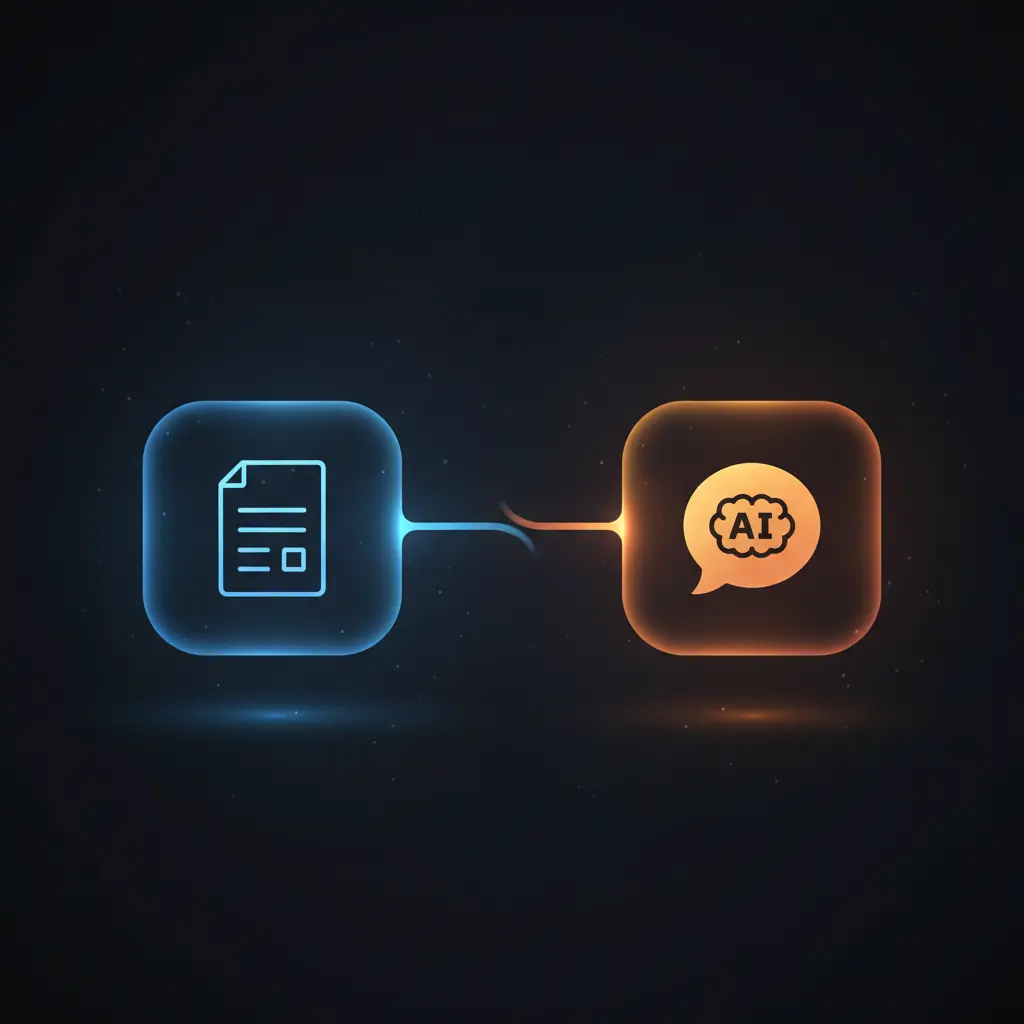
This Notion page to vector store synchronization workflow automates the ingestion and embedding of updated Notion pages into a vector database for efficient semantic search. This automation workflow leverages a scheduled polling mechanism to detect recent page edits and subsequently processes the content into vector embeddings to enable a question answering interface over the knowledge base.
Designed for knowledge managers and developers integrating content search, this orchestration pipeline ensures that only pages updated within the last minute are processed, using a Schedule Trigger node combined with a precise Notion database query.
Key Benefits
- Automates extraction and embedding of Notion page content on recent updates via scheduled polling.
- Maintains vector store consistency by deleting outdated embeddings before inserting new ones.
- Enables semantic question answering by combining a vector search retriever with an AI chat model.
- Processes content in token-limited chunks for compatibility with embedding model constraints.
Product Overview
This workflow begins with a Schedule Trigger node that executes every minute to poll a specified Notion database for pages edited exactly one minute prior, ensuring minimal latency in processing fresh content. The retrieved pages are split individually, and for each page, existing embeddings in the Supabase vector store are deleted to avoid stale data.
Page content blocks, including nested elements, are fetched and concatenated into a single text string. This string is then split into chunks of 500 tokens to fit within the embedding model’s token limit. Each chunk is augmented with metadata such as the Notion page ID and name before being passed to the OpenAI embedding node, which generates vector representations.
These vectors are inserted into the Supabase vector store, structured to facilitate efficient similarity search. For querying, a chat interface triggered by incoming chat messages uses a vector retriever node to fetch relevant embeddings and an OpenAI chat model to generate context-aware answers, providing a synchronous question and answer experience.
Error handling relies on n8n’s native retry mechanisms, and authentication for Notion, OpenAI, and Supabase uses credential nodes configured with API keys. There is no data persistence beyond what is stored in Supabase, ensuring transient processing of input data within the workflow’s runtime.
Features and Outcomes
Core Automation
This no-code integration workflow accepts Notion page update events and processes them through a multi-step pipeline for embedding generation. It uses a token-based text splitter node to chunk content before embedding.
- Processes updated pages individually via loop and batch splitting to ensure atomic embedding updates.
- Deletes obsolete embeddings deterministically by filtering Supabase records by page metadata.
- Integrates synchronous embedding insertion with downstream vector store updates.
Integrations and Intake
The workflow connects to the Notion API using OAuth credentials to retrieve page content and metadata. It integrates with OpenAI’s embeddings and chat models for vector generation and natural language question answering. The vector store backend is Supabase, accessed via API keys for insertion and retrieval.
- Notion API for fetching updated pages and nested content blocks.
- OpenAI Embeddings and Chat Model nodes for vector encoding and response generation.
- Supabase API for vector store operations including delete, insert, and similarity search.
Outputs and Consumption
The workflow outputs vector embeddings stored in Supabase with accompanying metadata for traceability. The chat interface produces synchronous text responses based on retrieved context from the vector store.
- Embeddings stored as vector records with Notion metadata in Supabase database.
- Chat responses generated in real-time using context from vector similarity queries.
- Structured JSON payloads with embedded text chunks and query results for downstream consumption.
Workflow — End-to-End Execution
Step 1: Trigger
The workflow initiates via a Schedule Trigger node running every minute, querying the Notion database for pages last edited exactly one minute prior. This ensures timely processing of content changes without relying on push events. An alternative Notion Trigger node is configured but disabled.
Step 2: Processing
Updated pages are iterated individually by the Loop Over Items node. For each page, existing embeddings are removed from Supabase by filtering on the page ID metadata. The workflow then limits concurrent processing to a single item to prevent duplicate operations.
Step 3: Analysis
Page content blocks are retrieved comprehensively, including nested sub-blocks, and concatenated into a single text string. This text is split into 500-token chunks by the Token Splitter node to comply with embedding model limits. Each chunk is enhanced with metadata before vector embedding generation via the OpenAI Embeddings node.
Step 4: Delivery
Generated embeddings are inserted into the Supabase vector store along with metadata. For query handling, incoming chat messages trigger a retrieval chain that searches the vector store for contextually relevant chunks and generates a response using the OpenAI Chat Model node. Responses are returned synchronously to the client.
Use Cases
Scenario 1
Knowledge managers need to keep a searchable repository of evolving documentation. This workflow automates embedding updates of recently edited Notion pages, ensuring the vector store remains current. The result is a consistent semantic search experience over the latest content.
Scenario 2
Developers require a conversational interface over internal knowledge bases. This integration pipeline enables real-time question answering by retrieving relevant text chunks from embeddings generated on updated Notion pages. The outcome is a synchronous chat response that reflects up-to-date information.
Scenario 3
Teams managing large Notion databases need to avoid manual syncing of content to vector stores. This automation workflow removes stale data and processes content in token-limited chunks for embedding compatibility. It delivers reliable, incremental updates to the semantic index efficiently.
How to use
To implement this workflow in n8n, configure API credentials for Notion, OpenAI, and Supabase within the credential nodes. Adjust the database ID to point to the target Notion knowledge base. Enable and schedule the trigger node to poll updated pages at a desired interval.
Once activated, the workflow automatically processes updated pages, deletes outdated embeddings, and stores fresh vectors in Supabase. Incoming chat queries can be tested via the chat trigger node, which returns answers generated from the vector store and OpenAI model. Monitor workflow execution logs in n8n for troubleshooting.
Comparison — Manual Process vs. Automation Workflow
| Attribute | Manual/Alternative | This Workflow |
|---|---|---|
| Steps required | Multiple manual extraction, chunking, embedding, and insertion steps. | Automated single-pass ingestion with chunking and metadata management. |
| Consistency | Prone to stale data without automated deletion of outdated embeddings. | Deterministic deletion and insertion ensures vector store accuracy. |
| Scalability | Limited by manual effort and error-prone data handling. | Scales with batch processing and token-limited chunking for large content. |
| Maintenance | High operational overhead for syncing and updating embeddings. | Low ongoing maintenance due to automated scheduling and credential management. |
Technical Specifications
| Environment | n8n automation platform with access to Notion, OpenAI, and Supabase APIs |
|---|---|
| Tools / APIs | Notion API, OpenAI Embeddings and Chat Models, Supabase Vector Store API |
| Execution Model | Event-driven with scheduled polling and synchronous chat response |
| Input Formats | Notion database pages filtered by last edited timestamp |
| Output Formats | Vector embeddings stored as records in Supabase, synchronous JSON chat responses |
| Data Handling | Transient processing with metadata tagging; no persistent storage beyond vector store |
| Known Constraints | Embedding chunk size limited to 500 tokens per chunk |
| Credentials | API keys for Notion, OpenAI, and Supabase configured in n8n |
Implementation Requirements
- Configured API credentials for Notion, OpenAI, and Supabase within n8n.
- Access permissions to the target Notion knowledge base database for page retrieval.
- Network connectivity allowing n8n to communicate with external APIs and services.
Configuration & Validation
- Verify that the Notion database ID corresponds to the intended knowledge base and is accessible.
- Confirm API credentials for Notion, OpenAI, and Supabase are valid and authorized.
- Test the Schedule Trigger node execution and check logs for successful retrieval and processing of updated pages.
Data Provenance
- Triggering via Schedule Trigger node configured for one-minute intervals.
- Content retrieval using Notion node with databasePage operation and last edited time filter.
- Embedding generation performed by Embeddings OpenAI node using OpenAI API key credentials.
FAQ
How is the Notion page to vector store synchronization automation workflow triggered?
The workflow is primarily triggered by a Schedule Trigger node that polls the Notion database every minute for pages last edited exactly one minute before polling, ensuring near real-time processing of updates.
Which tools or models does the orchestration pipeline use?
The pipeline uses Notion API for content retrieval, OpenAI embeddings and chat models for vector generation and question answering, and Supabase as the vector store backend, all integrated through n8n nodes.
What does the response look like for client consumption?
Chat queries trigger a synchronous response generated by the OpenAI chat model, based on context retrieved from Supabase vector store similarity search. The output is a text answer suitable for conversational interfaces.
Is any data persisted by the workflow?
Data is transiently processed within the workflow runtime, with persistent storage limited to vector embeddings and associated metadata saved in the Supabase vector store.
How are errors handled in this integration flow?
Error handling relies on n8n’s built-in retry and backoff mechanisms. There are no explicit custom error handlers configured in this workflow.
Conclusion
This Notion page to vector store synchronization workflow provides a deterministic method to keep vector embeddings up to date by polling for recent page edits and processing them into token-limited chunks for embedding. It integrates seamlessly with OpenAI models for embedding generation and chat-based question answering, stored in a Supabase vector store. The workflow ensures consistency by deleting outdated embeddings before inserting new data. A key consideration is the reliance on external API availability and quota limits for Notion, OpenAI, and Supabase services, which may affect execution continuity. Overall, it offers a stable, automated orchestration pipeline for maintaining a semantic search-enabled knowledge base.















Reviews
There are no reviews yet.