Description
Overview
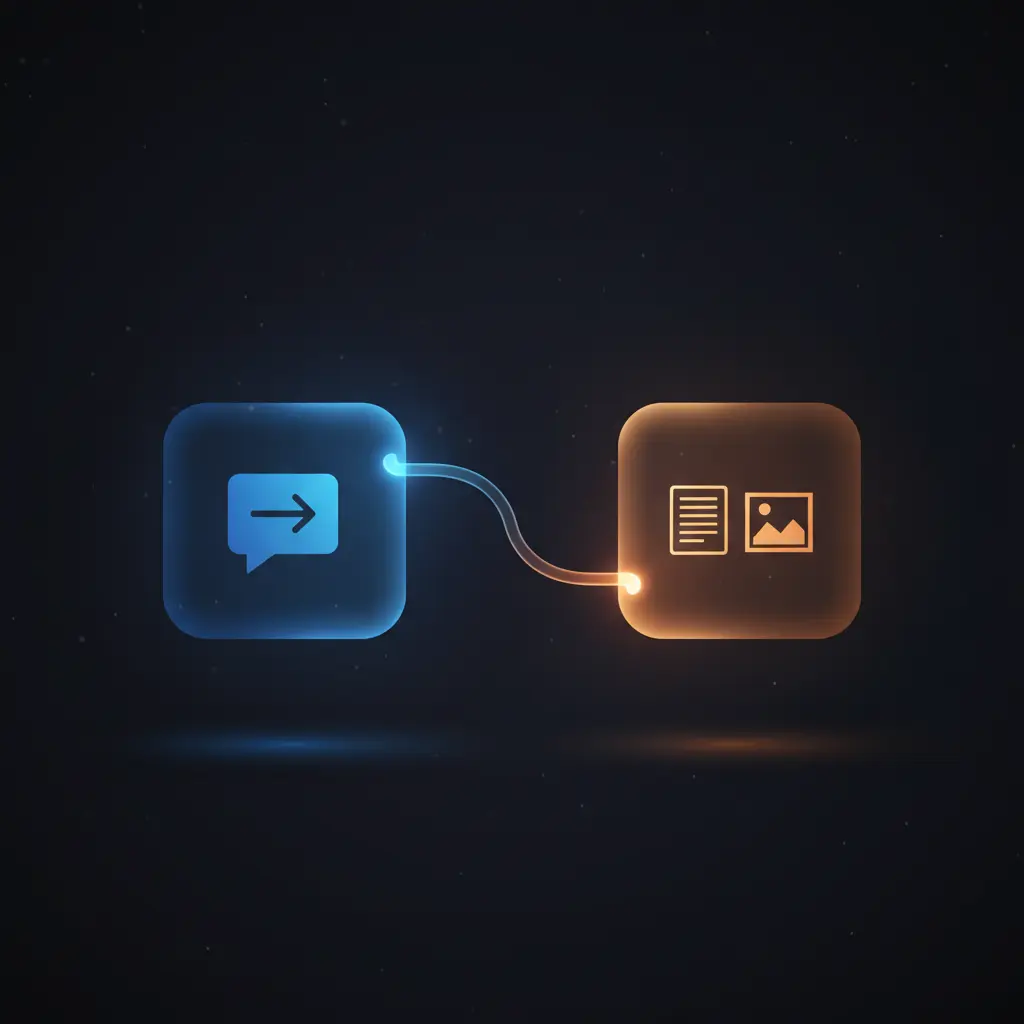
The NeurochainAI Basic API Integration workflow delivers a Telegram-based automation workflow that seamlessly connects user messages to AI-driven text and image generation. This orchestration pipeline enables Telegram users to trigger AI responses or image creations using natural language commands, leveraging a Telegram Trigger node to capture all incoming updates.
Designed for developers and automation architects, this no-code integration addresses the challenge of embedding AI capabilities within messaging platforms, providing direct, contextual AI outputs inside Telegram chats.
Key Benefits
- Supports AI-powered text and image generation from Telegram messages via a unified automation workflow.
- Automatically distinguishes between image generation commands and general text prompts using message content routing.
- Provides synchronous feedback to users with chat actions and status emojis during processing phases.
- Incorporates error detection and user notification for invalid prompts or service interruptions within the orchestration pipeline.
Product Overview
This workflow integrates a Telegram bot with NeurochainAI’s RESTful API to deliver AI-generated text and images in real time. It begins with the Telegram Trigger node, which listens for all incoming user messages and extracts relevant metadata such as chat ID and message text. A Switch node then routes the input into three processing branches: image generation for messages starting with the “/flux” prefix, general AI text responses for messages mentioning the bot username, and private message handling.
For image generation requests, the workflow cleans the prompt, sends a POST request to the NeurochainAI image task endpoint with parameters including model selection (“flux1-schnell-gguf”), image size, quality, and a randomized seed for output variability. The returned JSON response containing the image URL is parsed, and the image is fetched and sent back to the Telegram chat as a photo message with the original prompt captioned in Markdown.
Text generation requests invoke a separate NeurochainAI endpoint for message completion using a specified instructive model (“Meta-Llama-3.1-8B-Instruct-Q6_K.gguf”) with controlled temperature and token limits. Responses are formatted and sent back synchronously to the Telegram user.
Error handling is implemented via conditional switches that detect known API error messages, sending user-friendly notifications and retry options. The workflow uses OAuth-style API key authorization in HTTP headers to secure requests. Overall, the workflow executes synchronously in response to user input, providing atomic AI text or image outputs within Telegram chats.
Features and Outcomes
Core Automation
This automation workflow accepts Telegram messages, routes them based on content, and triggers AI inference accordingly. It includes deterministic branches for text or image generation using a Switch node to classify input commands.
- Single-pass evaluation of message content for routing.
- Synchronous invocation of NeurochainAI API endpoints for real-time results.
- Automated prompt cleaning and response formatting for Telegram compatibility.
Integrations and Intake
The orchestration pipeline integrates Telegram’s API for inbound and outbound messaging with NeurochainAI’s REST API for AI inference. Authorization uses bearer tokens in HTTP headers, and the workflow expects JSON payloads for text and image generation requests.
- Telegram API for receiving updates and sending messages/photos.
- NeurochainAI API for text completion and image generation.
- Credential management via OAuth-style API key tokens for secure access.
Outputs and Consumption
Outputs include AI-generated text messages returned in Markdown format and AI-generated images delivered as binary photo messages within Telegram. Responses are synchronous, allowing immediate consumption by end users.
- Text output: AI-generated message text with Markdown parsing.
- Image output: binary photo data with prompt captions.
- Error messages and status indicators for user feedback.
Workflow — End-to-End Execution
Step 1: Trigger
The workflow initiates on receiving any Telegram update via the Telegram Trigger node. This node captures the full message payload, including chat identifiers and message text, enabling downstream routing and processing.
Step 2: Processing
Incoming messages pass through a Switch node that classifies them by content: messages starting with “/flux” enter the image generation branch, those mentioning the bot username trigger AI text responses, and direct private messages are handled accordingly. Prompt cleaning occurs to remove command prefixes, ensuring normalized inputs.
Step 3: Analysis
For image generation, the workflow sends a JSON payload to NeurochainAI’s image API, specifying model, prompt, size, and quality parameters. The response JSON is parsed to extract the image URL. For text generation, a JSON request with model parameters and user prompt is sent to the text completion endpoint, with temperature and token limits controlling the AI output style.
Step 4: Delivery
Image results are retrieved as binary data and sent back to Telegram as a photo message with the original prompt captioned. Text responses are returned as formatted Markdown messages replying to the user input. Status messages and error notifications are sent inline to maintain clear communication.
Use Cases
Scenario 1
A user wants to generate an AI-created image directly within Telegram. By sending a message prefixed with “/flux” followed by a description, the workflow processes the prompt through an image generation model and returns the image inline, enabling immediate visual content creation without leaving the chat interface.
Scenario 2
A Telegram user requests a text-based AI response by mentioning the bot’s username in a message. The orchestration pipeline routes this request to the text generation endpoint, returning a contextual AI-composed reply in Markdown format, supporting conversational interactions within the messaging app.
Scenario 3
When a user submits a prompt that is too short or invalid, the workflow detects the error response from the AI API and sends a clear notification back to the user. This ensures improved usability by preventing ambiguous failures and providing actionable feedback within the Telegram chat.
How to use
To deploy this workflow, configure the Telegram Trigger node with your Telegram Bot API credentials to receive messages. Replace placeholder API keys in the HTTP Request nodes with valid NeurochainAI API keys under the authorization header. Customize the AI model parameters if desired for text or image generation.
Once deployed within n8n, the workflow runs automatically upon receiving Telegram messages. Send messages beginning with “/flux” for image generation or mention the bot username for text responses. Users will receive AI-generated content directly in the Telegram chat.
Expect synchronous responses for both text and image outputs, with error messages communicated through inline Telegram notifications. Monitor the workflow logs for debugging or credential updates as needed.
Comparison — Manual Process vs. Automation Workflow
| Attribute | Manual/Alternative | This Workflow |
|---|---|---|
| Steps required | Manual API queries and message posting through multiple tools. | Single-step user input triggers end-to-end AI response delivery. |
| Consistency | Variable due to manual formatting and error handling. | Deterministic routing and error checks reduce inconsistencies. |
| Scalability | Limited by manual throughput and coordination complexity. | Automated processing scales with n8n and API capabilities. |
| Maintenance | Higher due to manual integration of messaging and AI APIs. | Centralized workflow with configurable nodes simplifies upkeep. |
Technical Specifications
| Environment | n8n automation platform with Telegram and HTTP request nodes |
|---|---|
| Tools / APIs | Telegram Bot API, NeurochainAI REST API for text and image generation |
| Execution Model | Synchronous request-response triggered by Telegram messages |
| Input Formats | Telegram message JSON payloads with text content |
| Output Formats | Telegram messages with Markdown text and binary photo data |
| Data Handling | Transient processing; no persistent storage of user data |
| Known Constraints | Relies on external NeurochainAI API availability and Telegram connectivity |
| Credentials | Telegram Bot Token and NeurochainAI API bearer token |
Implementation Requirements
- Active Telegram Bot with BotFather-generated token configured in all Telegram nodes.
- Valid NeurochainAI API key with sufficient credits for inference services.
- Network access allowing outbound HTTPS requests to NeurochainAI API endpoints and Telegram servers.
Configuration & Validation
- Set Telegram Bot credentials in all Telegram-related nodes within the workflow.
- Insert your NeurochainAI API key into the HTTP request nodes’ Authorization headers.
- Test message sending via Telegram to verify correct routing and AI response reception.
Data Provenance
- The Telegram Trigger node captures incoming messages and metadata to initiate processing.
- Switch nodes route messages into branches for AI text or image generation based on content.
- NeurochainAI – REST API and NeurochainAI – Flux HTTP Request nodes perform AI inference calls with API key credentials.
FAQ
How is the NeurochainAI Basic API Integration automation workflow triggered?
The workflow triggers on all incoming Telegram user messages captured by the Telegram Trigger node, which listens for all update types.
Which tools or models does the orchestration pipeline use?
The pipeline uses NeurochainAI’s REST API with specified models: “Meta-Llama-3.1-8B-Instruct-Q6_K.gguf” for text generation and “flux1-schnell-gguf” for image creation.
What does the response look like for client consumption?
Text responses are sent as Markdown-formatted Telegram messages replying directly to user inputs; images are sent as photo messages with prompt captions.
Is any data persisted by the workflow?
No persistent storage of user or message data occurs; all processing is transient and synchronous within the workflow execution.
How are errors handled in this integration flow?
Errors detected from NeurochainAI API responses trigger conditional branches that send user-friendly error messages and retry options back to Telegram chats.
Conclusion
The NeurochainAI Basic API Integration workflow provides a robust automation pipeline for embedding AI text and image generation directly within Telegram chats. By leveraging content-based routing, synchronous API calls, and integrated error handling, it ensures deterministic delivery of AI-generated outputs in response to user prompts. This solution requires valid API credentials and depends on the availability of external NeurochainAI services and Telegram connectivity. It eliminates manual API interaction steps and streamlines AI integration for messaging platforms with minimal maintenance overhead.















Reviews
There are no reviews yet.