Description
Overview
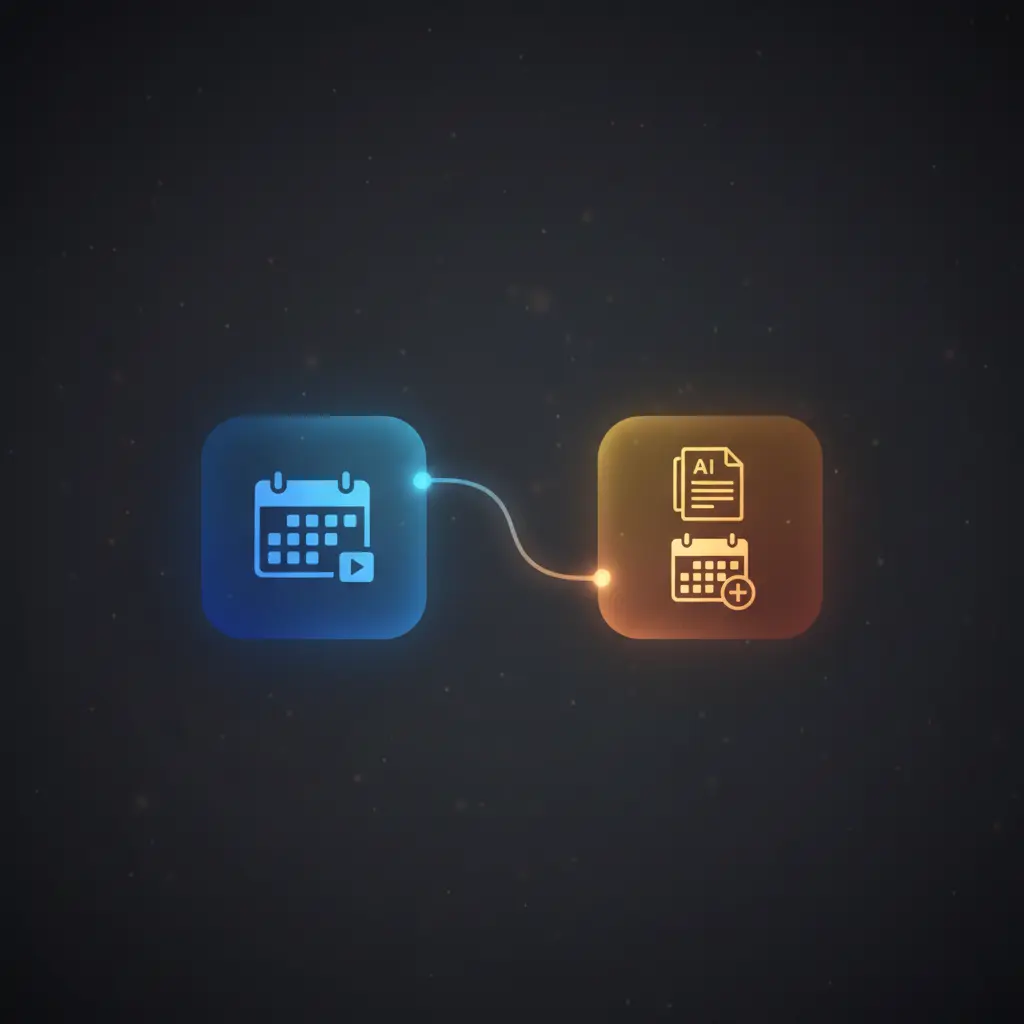
This meeting transcript automation workflow streamlines the extraction and analysis of Google Meet transcripts through an event-driven analysis orchestration pipeline. Designed for professionals managing virtual meetings, it automates transcript retrieval, AI summarization, and follow-up scheduling based on meeting content.
Triggered manually, the workflow leverages an HTTP request node to fetch meeting conference records via authenticated Google OAuth2 API credentials, enabling deterministic retrieval of transcript metadata for further processing.
Key Benefits
- Automates retrieval of Google Meet transcripts via authenticated HTTP requests in the orchestration pipeline.
- Utilizes AI-driven summarization for extracting meeting highlights and next steps from transcript text.
- Enables autonomous scheduling of follow-up meetings with attendee assignment through no-code integration.
- Integrates multiple Google services including Calendar, Drive, and Meet to centralize meeting data handling.
Product Overview
This automation workflow initiates through a manual trigger, subsequently retrieving a specified Google Calendar event using configured calendar and event IDs. It then calls Google Meet’s conference records API to obtain metadata about meeting recordings and transcripts. The workflow proceeds to fetch the transcript file from Google Drive, converting it to PDF to ensure consistent text extraction.
Extracted transcript content is processed by an AI agent node employing OpenAI’s language model with zero temperature, ensuring deterministic outputs. The AI analyzes the transcript to produce structured summaries, attendee-specific highlights, and next-step action items. If follow-up meetings are indicated, the workflow autonomously creates new Google Calendar events and adds relevant attendees.
Output parsing enforces a JSON schema for structured results, and a routing node directs follow-up actions accordingly. The workflow operates synchronously within the n8n platform, with error handling defaulting to platform standards. Authentication is managed via OAuth2 for Google APIs and API key credentials for OpenAI, ensuring secure data access and transient processing without persistence.
Features and Outcomes
Core Automation
This event-driven analysis pipeline processes meeting transcripts and triggers follow-up scheduling based on AI-derived insights. The workflow evaluates transcript text deterministically via an AI agent node and routes actions using a switch node.
- Single-pass extraction and AI summarization of meeting transcript content.
- Deterministic routing of follow-up actions according to parsed AI output.
- Automated creation and updating of calendar events without manual intervention.
Integrations and Intake
This orchestration pipeline integrates Google Calendar, Google Meet, and Google Drive APIs authenticated via OAuth2, alongside OpenAI’s language model using API key credentials. Input is primarily calendar event IDs and associated meeting metadata.
- Google Calendar API for event retrieval and creation with attendee management.
- Google Meet API for accessing conference records and transcript locations.
- Google Drive API for downloading and converting transcript files to PDF.
Outputs and Consumption
The workflow outputs structured JSON responses detailing meeting summaries, highlights, next steps, and created calendar events. Responses are synchronous and formatted for further integration or logging.
- JSON output with fields: summary, highlights, next_steps, and meetings_created.
- Calendar event details including title, description, start/end times, and attendees.
- Structured and validated response conforming to predefined JSON schema.
Workflow — End-to-End Execution
Step 1: Trigger
The workflow is initiated manually via a manual trigger node, requiring a specific Google Calendar event ID and calendar ID to proceed. This setup ensures controlled execution and precise event targeting.
Step 2: Processing
The workflow retrieves the calendar event, then queries Google Meet’s conference records API with OAuth2 authentication to locate meeting transcripts. It downloads the transcript file from Google Drive, converting it to PDF format before extracting raw text. Basic presence checks verify successful data retrieval at each stage.
Step 3: Analysis
An AI agent node powered by OpenAI’s language model processes the extracted transcript text. The agent summarizes meeting content, identifies attendee contributions, lists next steps, and autonomously determines if follow-up meetings are required. Outputs are parsed against a structured JSON schema to ensure consistency.
Step 4: Delivery
Based on parsed AI output, the workflow routes actions via a switch node. If a follow-up meeting creation is triggered, it creates the event in Google Calendar and adds attendees iteratively. The final output is a structured JSON response representing the created event details for downstream consumption.
Use Cases
Scenario 1
An organization needs to automate meeting follow-ups to reduce manual scheduling errors. This image-to-insight workflow extracts transcripts from Google Meet, summarizes key points, and autonomously schedules follow-up meetings with appropriate attendees, ensuring deterministic next-step execution.
Scenario 2
A project manager requires concise meeting summaries and action items from lengthy virtual meetings. This orchestration pipeline uses AI analysis on transcript PDFs to generate structured summaries and highlight attendee contributions, facilitating efficient information retrieval and task delegation.
Scenario 3
Teams using Google Workspace want to centralize meeting data workflow. This no-code integration automates transcript retrieval, AI-driven analysis, and calendar event creation, reducing manual steps and improving reliability in meeting management processes.
Comparison — Manual Process vs. Automation Workflow
| Attribute | Manual/Alternative | This Workflow |
|---|---|---|
| Steps required | Multiple manual retrievals, transcript downloads, and calendar updates. | Single automated pipeline handling retrieval, analysis, and event creation. |
| Consistency | Variable accuracy; dependent on manual note-taking and scheduling. | Deterministic AI summarization and structured JSON output ensure uniformity. |
| Scalability | Limited by human capacity and error rate in manual processes. | Scales with API limits and computational resources in automated orchestration. |
| Maintenance | High due to manual coordination and error correction. | Low, with centralized credential management and reusable nodes. |
Technical Specifications
| Environment | n8n workflow automation platform |
|---|---|
| Tools / APIs | Google Calendar API, Google Meet API, Google Drive API, OpenAI API |
| Execution Model | Synchronous request-response orchestration with manual trigger |
| Input Formats | Calendar event ID, JSON objects with meeting details |
| Output Formats | Structured JSON with meeting summary, highlights, next steps, and event details |
| Data Handling | Transient processing; no persistent storage within workflow |
| Known Constraints | Requires valid Google OAuth2 credentials and event/transcript availability |
| Credentials | Google OAuth2 (Calendar, Meet, Drive), OpenAI API key |
Implementation Requirements
- Valid Google OAuth2 credentials with scopes for Calendar, Meet, and Drive APIs.
- OpenAI API key credential configured for language model access.
- Predefined Google Calendar event ID and calendar ID for transcript association.
Configuration & Validation
- Set and verify Google Calendar event ID and calendar ID within the Get Calendar Event node.
- Confirm Google OAuth2 credentials have required scopes and are correctly linked to HTTP Request and Google Drive nodes.
- Test AI agent output by running manual trigger and validating structured JSON response against schema.
Data Provenance
- Trigger node: Manual Trigger (“When clicking ‘Test workflow'”).
- Google Calendar event data retrieved via “Get Calendar Event” node authenticated by Google OAuth2 API.
- Transcript text extracted from PDF downloaded through “Get Transcript File” node connected to Google Drive OAuth2 credentials.
FAQ
How is the meeting transcript automation workflow triggered?
The workflow is initiated manually using a manual trigger node requiring a specified Google Calendar event ID to start transcript retrieval and processing.
Which tools or models does the orchestration pipeline use?
The orchestration pipeline integrates Google Calendar, Meet, and Drive APIs authenticated via OAuth2, combined with OpenAI’s language model accessed by an API key credential for AI-driven transcript analysis.
What does the response look like for client consumption?
The workflow outputs a structured JSON response including meeting summary, attendee highlights, next steps, and details of any created calendar events.
Is any data persisted by the workflow?
No data is persisted within the workflow; all processing is transient, relying on external storage in Google Drive and Calendar services.
How are errors handled in this integration flow?
The workflow relies on n8n platform’s default error handling; explicit retry or backoff mechanisms are not configured.
Conclusion
This meeting transcript automation workflow provides a dependable and structured method for extracting, analyzing, and acting on Google Meet meeting content. By combining event-driven analysis with no-code integration of Google APIs and OpenAI’s language model, it reduces manual effort and improves consistency in meeting management. The workflow requires valid OAuth2 credentials and event identifiers, relying on external API availability to function correctly. Its deterministic processing and structured outputs support reliable follow-up scheduling and meeting summarization within an enterprise environment.

















Reviews
There are no reviews yet.