Description
Overview
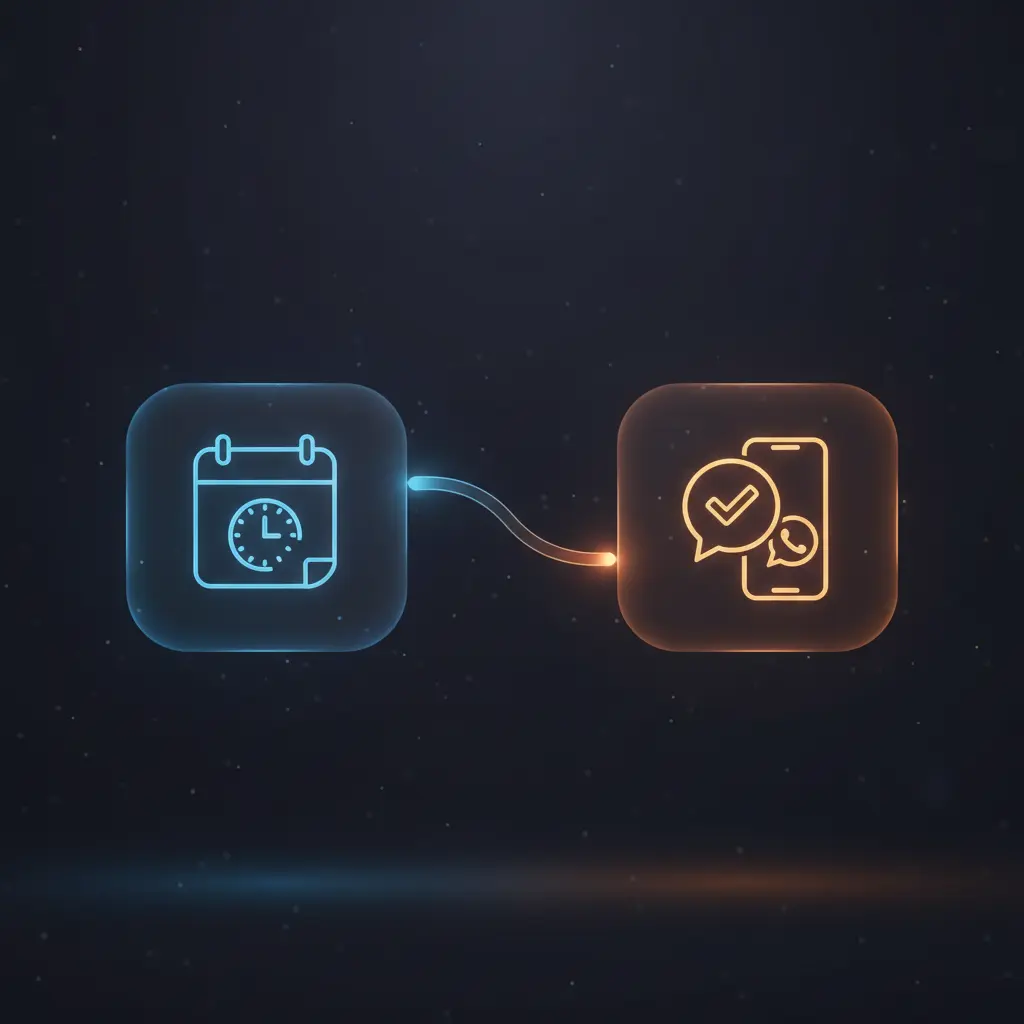
This automation workflow facilitates efficient pre-meeting preparation by delivering concise, AI-generated summaries of upcoming meeting attendees. Using an event-driven analysis approach, it integrates calendar events with email and LinkedIn data to generate contextual notifications for professional users. The workflow begins with a scheduled trigger that queries Google Calendar for meetings starting within the next hour.
Key Benefits
- Automates extraction and summarization of attendee information from multiple data sources.
- Uses no-code integration to combine calendar, email, and LinkedIn activities for comprehensive context.
- Generates personalized, concise notifications to improve meeting preparedness via WhatsApp.
- Implements AI-powered text summarization for efficient chart-to-text conversion of correspondence and profiles.
- Supports an orchestration pipeline that routes attendee data based on available contact information.
Product Overview
This automation workflow is designed for professionals seeking streamlined meeting preparation through event-driven analysis. It triggers on a schedule, running every hour, to identify upcoming meetings within the next 60 minutes from a designated Google Calendar using OAuth2 credentials. Upon detecting a meeting, it extracts detailed attendee information—including names, emails, LinkedIn URLs, meeting summaries, and organizer details—via an AI-powered Information Extractor node. The workflow then splits attendee processing into two branches depending on available contact data: one branch fetches the latest email correspondence using Gmail’s API with OAuth2 authorization, while the other scrapes LinkedIn profiles and recent activities through Apify’s web scraper authenticated by user-provided cookies. Extracted email and LinkedIn content is parsed and summarized by OpenAI’s GPT-4o language models to distill relevant information and talking points. Subsequently, the workflow aggregates all attendee summaries and meeting details to generate a concise pre-meeting notification message. This message is dispatched synchronously via WhatsApp Business Cloud node, allowing immediate consumption on mobile devices. Error handling relies on default platform behavior, and no data is persisted beyond transient processing during execution.
Features and Outcomes
Core Automation
This image-to-insight automation workflow processes meeting data inputs from Google Calendar, applying decision routing to handle attendees with email or LinkedIn information differently. It employs AI language models to summarize correspondence and profile data into actionable insights.
- Single-pass evaluation of attendee data through conditional routing nodes.
- Deterministic summarization leveraging OpenAI GPT-4o models for text condensation.
- Combines multi-source inputs into unified pre-meeting notifications.
Integrations and Intake
The orchestration pipeline integrates Google Calendar, Gmail, LinkedIn scraping via Apify, and OpenAI language models. Authentication is handled through OAuth2 for Google services and API keys for Apify and OpenAI. Input events include scheduled triggers and structured calendar event data.
- Google Calendar node queries events with OAuth2-secured access.
- Gmail node fetches latest emails filtered by attendee address.
- Apify HTTP Request node scrapes LinkedIn profiles using user-supplied cookies.
Outputs and Consumption
The workflow outputs a formatted notification message containing summarized meeting and attendee data. Delivery is synchronous, sending the message via WhatsApp Business Cloud node to the user’s phone number. The message includes meeting details and bullet-pointed attendee insights.
- Output format: concise text summary suitable for messaging apps.
- Synchronous dispatch ensures immediate notification delivery.
- Fields include meeting summary, attendee correspondence, and LinkedIn activity highlights.
Workflow — End-to-End Execution
Step 1: Trigger
The workflow initiates via a scheduled trigger node configured to run hourly. It automatically checks a specified Google Calendar for meetings commencing within the next hour, requiring OAuth2 credentials for authorized access.
Step 2: Processing
Upon finding an upcoming meeting, the workflow extracts attendee details using an AI-powered Information Extractor node. Attendee data is split to process each individually. Routing logic determines whether to fetch recent email correspondence or scrape LinkedIn profiles based on available contact information.
Step 3: Analysis
Email correspondence is retrieved via the Gmail node, then summarized by an OpenAI GPT-4o language model node focused on key discussion points. LinkedIn profile scraping is performed through an Apify HTTP Request node with subsequent HTML parsing nodes extracting profile metadata and recent activities. This data is then summarized by another GPT-4o model to highlight relevant achievements and talking points.
Step 4: Delivery
The aggregated attendee summaries and meeting details are input to an AI node that generates a compact, user-friendly pre-meeting notification message. This message is synchronously sent via the WhatsApp Business Cloud node to the user’s configured phone number for immediate review.
Use Cases
Scenario 1
A sales professional frequently meets new clients but struggles to recall recent communications. This automation workflow fetches and summarizes prior email threads and LinkedIn activity, enabling the user to receive a concise pre-meeting briefing via WhatsApp. The result is well-informed meetings with relevant context delivered promptly.
Scenario 2
An executive assistant manages multiple calendars and attendee details. Using this orchestration pipeline, they automate the extraction and summarization of attendee information, reducing manual research workload. The workflow returns structured, actionable summaries in a single notification cycle for every upcoming meeting.
Scenario 3
A remote consultant requires rapid updates about meeting participants without switching between apps. This event-driven analysis workflow consolidates calendar, email, and LinkedIn data and sends a succinct message to WhatsApp, allowing the consultant to prepare efficiently while on the move.
Comparison — Manual Process vs. Automation Workflow
| Attribute | Manual/Alternative | This Workflow |
|---|---|---|
| Steps required | Multiple manual steps: calendar checks, email search, LinkedIn research, note-taking. | Automated multi-source data aggregation and summarization in a single pipeline. |
| Consistency | Variable quality and thoroughness depending on user effort and attention. | Deterministic processing using AI models ensures consistent summaries and notifications. |
| Scalability | Limited by human capacity to track and summarize multiple meetings and attendees. | Scales automatically with meeting load, handling numerous attendees in parallel. |
| Maintenance | Requires continual manual updating of research methods and note formats. | Low maintenance with configurable nodes and centralized authentication credentials. |
Technical Specifications
| Environment | n8n workflow automation platform |
|---|---|
| Tools / APIs | Google Calendar (OAuth2), Gmail (OAuth2), Apify Web Scraper (API key), OpenAI GPT-4o, WhatsApp Business Cloud API |
| Execution Model | Event-driven, scheduled hourly trigger with synchronous notification delivery |
| Input Formats | Calendar event JSON, email message JSON, LinkedIn HTML content |
| Output Formats | Text summary messages sent via WhatsApp API |
| Data Handling | Transient processing, no data persistence within workflow |
| Known Constraints | Requires valid LinkedIn session cookies for scraping; depends on external API availability |
| Credentials | OAuth2 for Google services, API keys for OpenAI and Apify, WhatsApp API credentials |
Implementation Requirements
- Valid OAuth2 credentials for Google Calendar and Gmail API access.
- Active OpenAI API key configured for GPT-4o language model usage.
- LinkedIn authentication cookie added to Apify Web Scraper node for profile scraping.
Configuration & Validation
- Set up OAuth2 credentials for Google Calendar and Gmail nodes to enable authorized queries.
- Insert a valid LinkedIn session cookie string into the Apify Web Scraper node to permit scraping.
- Verify OpenAI API key and model selection for accurate text summarization and notification generation.
Data Provenance
- Trigger node: Schedule Trigger initiates the workflow hourly.
- Data extraction nodes: Google Calendar node fetches meeting data; Information Extractor node parses attendee details.
- AI summarization nodes: OpenAI Chat Model nodes generate text summaries from email and LinkedIn inputs.
FAQ
How is the automation workflow triggered?
The workflow is triggered by a scheduled trigger node configured to run every hour, checking for meetings starting within the next 60 minutes on a specified Google Calendar.
Which tools or models does the orchestration pipeline use?
The pipeline integrates Google Calendar, Gmail, Apify Web Scraper for LinkedIn data, and OpenAI GPT-4o language models for text summarization in this no-code integration.
What does the response look like for client consumption?
The output is a concise, structured text message combining meeting details and summarized attendee insights, delivered synchronously via WhatsApp.
Is any data persisted by the workflow?
No data is persisted within the workflow; all processing is transient and occurs during execution without storage.
How are errors handled in this integration flow?
Error handling relies on default platform behavior; subworkflow executions continue on error without blocking the main workflow.
Conclusion
This automation workflow provides a structured, event-driven analysis solution for preparing professionals ahead of meetings by aggregating and summarizing attendee data from calendar events, emails, and LinkedIn profiles. It delivers concise, actionable notifications via WhatsApp, improving meeting readiness without manual research. The workflow depends on external API availability, including LinkedIn scraping which requires user-supplied session cookies, representing a known constraint. Overall, it offers a dependable, maintainable no-code integration pipeline that streamlines pre-meeting information gathering and delivery.
















Reviews
There are no reviews yet.