Description
Overview
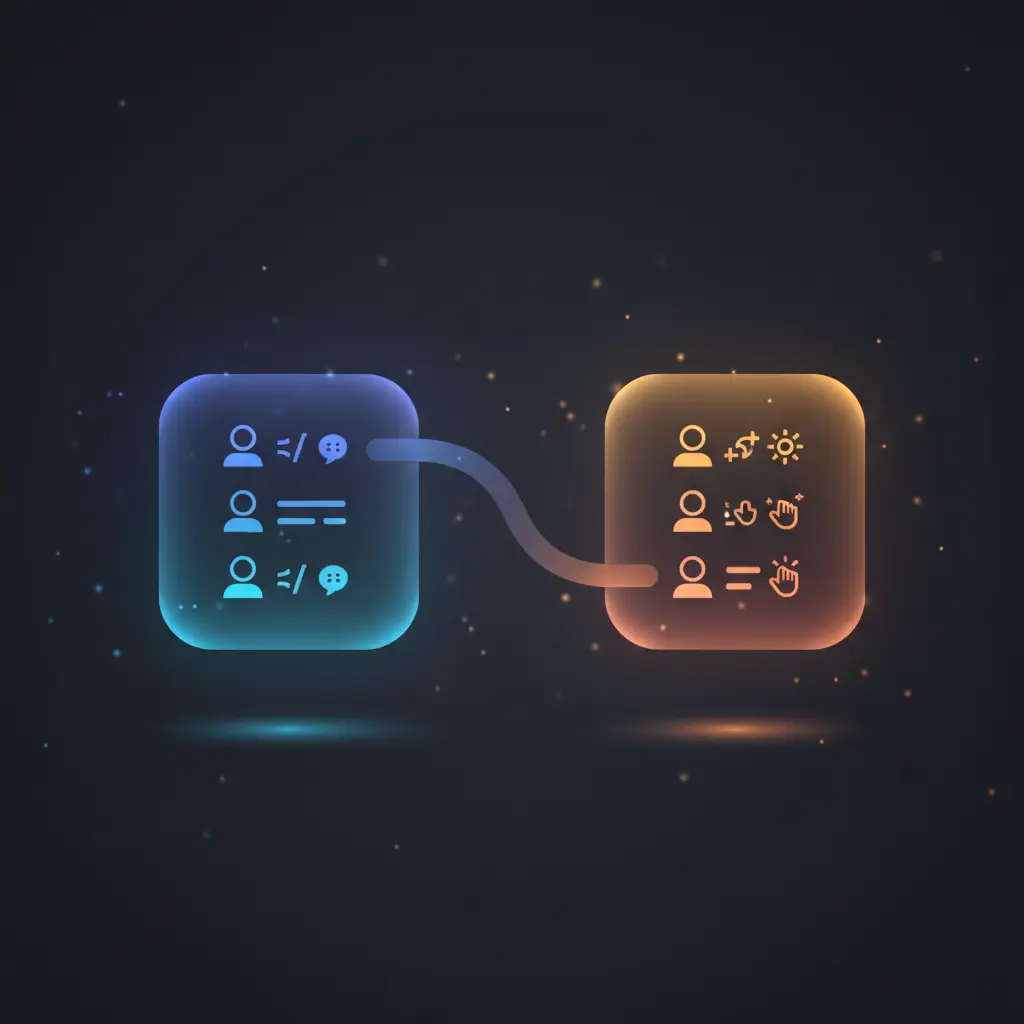
This data merging automation workflow combines user names with corresponding greetings based on a shared language field. Using a no-code integration pipeline, it matches multiple datasets by language to produce enriched records for personalized communication.
The workflow is triggered manually via a manual trigger node, initiating the process of merging two arrays of JSON objects by the “language” property. It addresses the need for data enrichment by joining related datasets deterministically.
Key Benefits
- Enables precise data merging by matching records on a common language key in the orchestration pipeline.
- Supports multi-language personalization by combining names with localized greetings in one automation workflow.
- Utilizes manual trigger for controlled execution, ideal for testing or on-demand data enrichment scenarios.
- Employs code and merge nodes to handle structured JSON data, ensuring deterministic and repeatable outcomes.
Product Overview
This automation workflow initiates with a manual trigger node that requires an explicit user action to start the process. Upon activation, two code nodes generate sample datasets: one containing user names paired with language codes, and another providing greetings mapped to corresponding languages. The core logic uses a merge node configured in “combine” mode to join these two datasets based on matching “language” fields.
The workflow outputs a combined array of JSON objects where each record integrates the user’s name, their language, and the appropriate greeting. No asynchronous queue or external API calls are involved; processing is synchronous within the workflow execution context. Error handling relies on n8n’s default mechanisms, as no custom error management or retries are configured. Data is transiently processed without persistence beyond workflow execution.
Features and Outcomes
Core Automation
This orchestration pipeline accepts two datasets as inputs: one with names and language codes, the other with greetings and language codes. It deterministically matches and merges these datasets using the merge node based on language equivalence.
- Single-pass evaluation where records are combined by language key.
- Deterministic output ensuring each matched record contains name, language, and greeting.
- No data persistence; transient data processing within workflow runtime.
Integrations and Intake
The workflow uses in-built code nodes to produce static sample data, requiring no external API or credentials. Input consists of JSON arrays with defined schema structures: objects contain “name” and “language” or “greeting” and “language” fields.
- Manual trigger node initiates workflow execution on demand.
- Code nodes generate structured sample datasets internally with no external dependencies.
- Merge node performs data enrichment by combining inputs based on the “language” key.
Outputs and Consumption
The workflow outputs a JSON array of objects where each object contains three fields: “name,” “language,” and “greeting.” This structured data can be consumed by downstream systems or displayed within n8n for verification. The output is synchronous, delivered directly after node execution.
- Output format is JSON arrays with combined, enriched records.
- Each output entry includes matched fields from both input datasets.
- Result is suitable for use in localized messaging or personalized content pipelines.
Workflow — End-to-End Execution
Step 1: Trigger
The workflow starts with a manual trigger node activated by the user clicking a test button within the platform interface. This node does not process data but serves as the initiation point for subsequent nodes.
Step 2: Processing
Two code nodes generate static sample datasets. The first returns an array of JSON objects containing “name” and “language” properties. The second returns greetings paired with language codes. Basic presence checks ensure the fields exist, but no advanced schema validation is implemented as data is static and controlled.
Step 3: Analysis
The merge node combines the outputs of the two code nodes by matching the “language” field. It uses the “combine” mode to join entries from both inputs where language values align, resulting in enriched JSON objects containing name, language, and greeting.
Step 4: Delivery
Upon merging, the workflow outputs the enriched dataset synchronously. The result is a single JSON array with combined records, available immediately for downstream consumption or inspection within the platform.
Use Cases
Scenario 1
A company needs to personalize user notifications by language. This workflow merges user names with greetings in their preferred language, enabling tailored message generation. The output returns structured JSON objects associating each user with an appropriate greeting in one execution cycle.
Scenario 2
During development of a multilingual chatbot, developers require a simple pipeline to combine user profiles with localized greetings. This workflow provides a deterministic merge of static sample data, facilitating testing of language-based personalization logic.
Scenario 3
For educational purposes, teams need to demonstrate data enrichment by joining datasets on a common key. This sample workflow illustrates how to combine arrays by language to enrich records with localized content, producing consistent outputs for training or proof of concept.
How to use
Import the workflow into your n8n environment and connect to the interface. Activate the manual trigger node by clicking the “Test workflow” button to start execution. The workflow internally generates sample input data and merges them based on language fields. Upon completion, review the output to verify combined records containing names, languages, and greetings. To adapt, replace code node data with real input sources as needed.
Comparison — Manual Process vs. Automation Workflow
| Attribute | Manual/Alternative | This Workflow |
|---|---|---|
| Steps required | Multiple manual lookups and data merging in spreadsheets or code | Single automated merge step triggered manually |
| Consistency | Prone to human error in matching and combining data | Deterministic matching by language field reduces errors |
| Scalability | Limited by manual processing and complexity of datasets | Scales with input size within workflow execution limits |
| Maintenance | Requires ongoing manual updates and checks | Minimal maintenance; static sample data can be replaced easily |
Technical Specifications
| Environment | n8n workflow automation platform |
|---|---|
| Tools / APIs | Manual Trigger, Code nodes, Merge node |
| Execution Model | Synchronous, triggered manually |
| Input Formats | JSON arrays with defined fields (“name”, “language”, “greeting”) |
| Output Formats | Combined JSON array with merged objects |
| Data Handling | Transient in-memory processing, no persistence |
| Known Constraints | Static sample data; manual trigger required to start workflow |
| Credentials | None required for this static data workflow |
Implementation Requirements
- Access to an n8n environment capable of running code and merge nodes.
- Manual initiation through the platform’s test workflow trigger interface.
- Ability to modify or replace code nodes for custom input data if needed.
Configuration & Validation
- Import the workflow and verify all nodes are present and connected as specified.
- Run the manual trigger to initiate the workflow and observe output in the execution panel.
- Confirm that output JSON objects contain combined “name,” “language,” and “greeting” fields matching by language.
Data Provenance
- Trigger node: Manual Trigger initiates the workflow.
- Data sources: “Sample data (name + language)” and “Sample data (greeting + language)” code nodes generate datasets.
- Processing node: “Merge (name + language + greeting)” node combines datasets by the “language” key.
FAQ
How is the data merging automation workflow triggered?
The workflow is triggered manually using a manual trigger node that starts execution when the user clicks the test workflow button within n8n.
Which tools or models does the orchestration pipeline use?
The pipeline uses code nodes to generate static sample data and a merge node configured in combine mode to join records based on the “language” field.
What does the response look like for client consumption?
The output is a JSON array of objects, each containing “name,” “language,” and “greeting” fields combined from the input datasets.
Is any data persisted by the workflow?
No data is persisted; all processing is transient and occurs during workflow execution in memory.
How are errors handled in this integration flow?
The workflow relies on the platform’s default error handling; no custom retry or backoff logic is implemented.
Conclusion
This data merging automation workflow provides a straightforward method to combine user names with greetings based on language, producing enriched datasets for personalized applications. It delivers deterministic outputs triggered manually, with no external dependencies or persistence. The workflow’s reliance on static sample data and manual initiation limits its automation scope but offers a clear framework for customization. This solution effectively demonstrates key data enrichment concepts using in-platform nodes within a synchronous execution environment.

















Reviews
There are no reviews yet.