Description
Overview
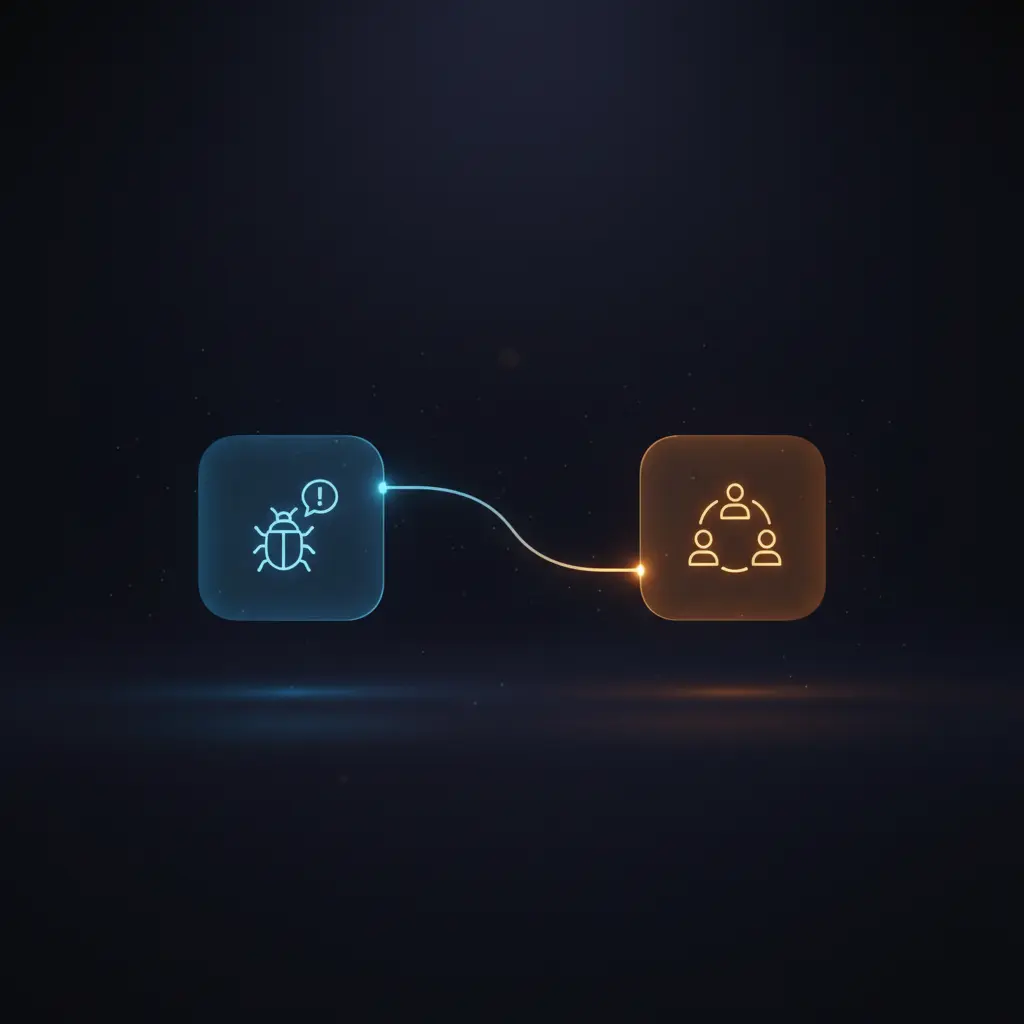
This bug classification automation workflow streamlines the assignment of new bug issues by leveraging an event-driven analysis approach combined with no-code integration. Designed for development and support teams using Linear, it resolves the challenge of manual triage by programmatically determining the responsible team for each bug report. The workflow triggers on issue events from Linear using OAuth2 authentication, ensuring secure, real-time processing of relevant tickets.
Key Benefits
- Automatically classifies bug issues based on description and labels using AI-driven event-driven analysis.
- Filters tickets to process only those in triage state with valid bug labels, improving workflow efficiency.
- Integrates directly with Linear’s API and Slack for seamless no-code integration and notifications.
- Updates issue team assignments in Linear dynamically, reducing manual intervention and errors.
Product Overview
This automation workflow initiates via a Linear Trigger node configured to listen for new or updated issues within a specified Linear team. Upon activation, it filters the issues to include only those that are bugs, have meaningful descriptions, and are currently in the triage state. The core classification logic uses OpenAI’s GPT-4 model to analyze the bug’s title and description, comparing it against a predefined list of teams and their responsibilities. The workflow then retrieves all Linear teams via a GraphQL API request to map the AI’s classification to the correct Linear team ID. Based on this mapping, the workflow updates the issue’s team field in Linear through the Linear node, effectively reassigning the bug to the appropriate team. If the AI cannot assign a valid team, the workflow triggers a Slack notification to alert human operators. This orchestration pipeline operates synchronously within n8n, maintaining data security by leveraging OAuth2 credentials and transient data processing without persistent storage.
Features and Outcomes
Core Automation
This event-driven analysis automation workflow ingests issue data from Linear, applies strict filtering criteria, and uses GPT-4 to classify bugs by team responsibility. The filter node enforces conditions on description content, issue state, and labels to ensure only relevant tickets are processed.
- Single-pass evaluation of issue data with deterministic filtering rules.
- AI classification constrained to predefined team names to avoid ambiguity.
- Branching logic routes issues conditionally to team update or Slack notification.
Integrations and Intake
The orchestration pipeline integrates directly with Linear via OAuth2 authentication for secure API access and Slack for notification delivery. The workflow expects issue events containing title, description, labels, and state fields, triggering only on issues labeled as bugs and in triage.
- Linear API: issue events intake and team update operations.
- OpenAI GPT-4: AI-powered classification based on issue content.
- Slack API: alerting channel for unclassified bugs requiring manual review.
Outputs and Consumption
The workflow outputs include updated issue records in Linear with reassigned team IDs or a Slack message notifying of classification failures. The data flow is synchronous with immediate execution after event trigger, providing real-time reassignment or alerting.
- Linear issue updated with new teamId field for bug ownership.
- Slack message payload containing classification failure notification.
- AI response limited to team name string for deterministic parsing.
Workflow — End-to-End Execution
Step 1: Trigger
The workflow triggers on new or updated Linear issue events filtered by team ID and resource type “issue”. Authentication uses OAuth2 credentials for secure API access.
Step 2: Processing
Issues pass through a filter node that enforces three conditions: description is not a placeholder, state equals the triage state ID, and the issue has the “type/bug” label. Only issues meeting all criteria proceed for classification.
Step 3: Analysis
The filtered issue data is sent to the OpenAI GPT-4 node with a structured prompt containing team responsibilities and the bug details. GPT-4 returns the name of the team responsible for the bug, constrained to predefined options. Concurrently, a GraphQL request fetches all Linear teams to allow mapping from team name to team ID.
Step 4: Delivery
If the AI returns a valid team (not “Other”), the workflow sets the team ID and updates the Linear issue accordingly. If the AI returns “Other,” a Slack notification is sent to alert the team of an unclassified bug, prompting manual intervention.
Use Cases
Scenario 1
Development teams face delays triaging new bug reports manually. This automation workflow classifies bugs automatically and assigns them to the correct team, streamlining the triage process and reducing manual overhead.
Scenario 2
Support teams receive bug tickets with incomplete or placeholder descriptions. The workflow filters these out and processes only actionable bugs, ensuring resources focus on valid issues and improving issue resolution efficiency.
Scenario 3
When the AI cannot confidently classify a bug, the workflow sends notifications to a Slack channel, enabling human operators to promptly review and route the bug, thus maintaining operational continuity without blind spots.
How to use
To deploy this bug classification automation workflow in n8n, first add your Linear and OpenAI credentials with OAuth2 and API key authentication respectively. Configure the Linear Trigger node’s team ID to match your project’s triage team. Edit the static team list in the “Set me up” node to reflect your organization’s teams precisely, ensuring names match Linear exactly. Specify the Slack channel for notifications. Once configured, activate the workflow to run live. The workflow will then listen for new or updated bug issues in Linear, classify them using GPT-4, update the responsible team automatically, and notify Slack if classification fails.
Comparison — Manual Process vs. Automation Workflow
| Attribute | Manual/Alternative | This Workflow |
|---|---|---|
| Steps required | Multiple manual triage and assignment steps per bug | Automated single-pass classification and assignment |
| Consistency | Variable depending on human accuracy and workload | Deterministic AI classification constrained to predefined teams |
| Scalability | Limited by available human triage resources | Scales automatically with issue volume and API limits |
| Maintenance | Requires ongoing training and coordination of triage teams | Requires periodic update of team definitions and API credentials |
Technical Specifications
| Environment | n8n workflow automation platform |
|---|---|
| Tools / APIs | Linear API (GraphQL), OpenAI GPT-4, Slack API |
| Execution Model | Event-driven synchronous workflow |
| Input Formats | Linear issue JSON payloads with fields: title, description, labels, state |
| Output Formats | Linear issue updates (teamId), Slack message text |
| Data Handling | Transient data processing; no persistence beyond API calls |
| Known Constraints | Relies on external API availability for Linear, OpenAI, and Slack |
| Credentials | OAuth2 for Linear, API key for OpenAI, OAuth2 for Slack |
Implementation Requirements
- Valid OAuth2 credentials for Linear API access with permission to read and update issues.
- OpenAI API key with access to GPT-4 model.
- Slack OAuth2 token with posting permission to the configured channel.
Configuration & Validation
- Verify Linear Trigger node is configured with correct team ID and OAuth2 credentials.
- Confirm the “Set me up” node contains accurate team names matching Linear and Slack channel name.
- Test the workflow with a sample bug issue to ensure correct classification and team update or Slack notification.
Data Provenance
- Trigger node “Linear Trigger” listens for issue resource events with OAuth2 authentication.
- Classification performed by “OpenAI” node using GPT-4 model with prompt containing team responsibilities.
- Output fields used include Linear issue ID, title, description, state ID, labels, and team assignment.
FAQ
How is the bug classification automation workflow triggered?
The workflow triggers on new or updated Linear issues within a specified team via the Linear Trigger node, using OAuth2 authentication to securely listen for issue events.
Which tools or models does the orchestration pipeline use?
This no-code integration leverages OpenAI’s GPT-4 model for AI classification, Linear API for issue data and updates, and Slack API for notifications.
What does the response look like for client consumption?
The workflow updates the Linear issue with a new team ID for reassignment or sends a Slack message notifying that no suitable team was identified.
Is any data persisted by the workflow?
No data is persisted beyond transient processing; the workflow operates synchronously and uses API calls without storing data internally.
How are errors handled in this integration flow?
The workflow relies on n8n’s default error handling mechanisms; explicit retry or backoff logic is not configured within this automation pipeline.
Conclusion
This bug classification automation workflow provides a deterministic, AI-driven solution for routing bug issues to the appropriate teams within Linear, reducing manual triage workload and improving issue management efficiency. It integrates securely with Linear, OpenAI, and Slack, delivering real-time reassignment or alerting based on classification outcomes. The workflow depends on external API availability for Linear, OpenAI, and Slack, which is a critical constraint for continuous operation. Overall, it enables consistent and scalable bug triage aligned with organizational team structures.














Reviews
There are no reviews yet.