Description
Overview
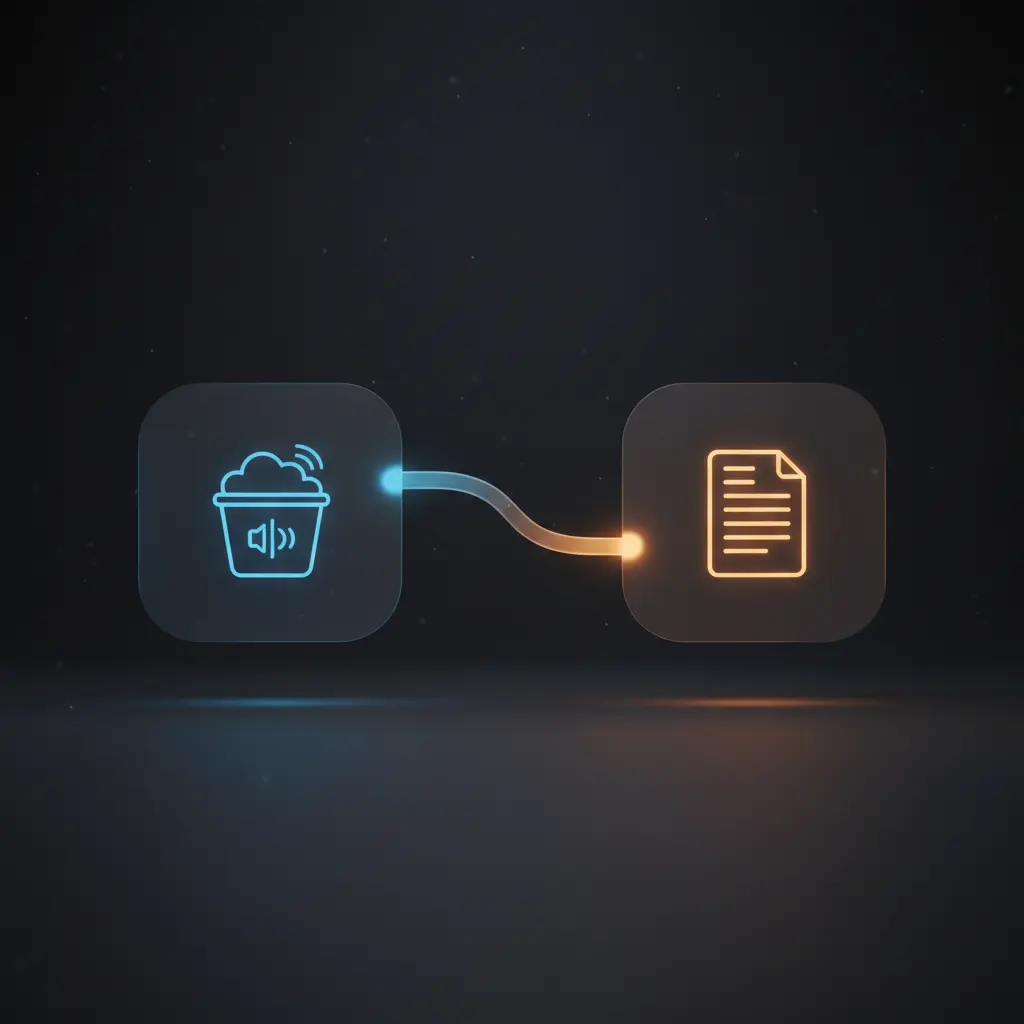
This transcription automation workflow streamlines converting audio files stored in an AWS S3 bucket into text using AWS Transcribe. This orchestration pipeline targets users requiring efficient batch audio-to-text conversion with automatic language detection. It initiates via a manual trigger node and proceeds by retrieving all audio objects from the configured S3 bucket named n8n-docs.
Key Benefits
- Automates batch transcription of all audio files in an AWS S3 bucket with a single trigger.
- Integrates automatic language detection to handle multi-language audio content seamlessly.
- Uses dynamic job naming based on file keys to ensure unique transcription job identifiers.
- Leverages native AWS credentials securely for authorization in the no-code integration pipeline.
Product Overview
This transcription automation workflow begins execution manually via the manual trigger node, designed to start the process on demand without requiring external events. Once triggered, it connects to an AWS S3 bucket named n8n-docs using configured AWS credentials to fetch the entire list of stored audio files. The workflow retrieves all objects with the getAll operation, ensuring comprehensive batch processing.
Each file object, including metadata such as the file key, feeds into the AWS Transcribe node, which initiates transcription jobs asynchronously. The media file URI is dynamically constructed in S3 format, combining the bucket name and file key. The transcription job names are generated by replacing whitespace in the file keys with hyphens, ensuring valid and unique job identifiers. AWS Transcribe’s automatic language detection is enabled, allowing the workflow to handle diverse audio languages without manual specification.
Transcription jobs run independently in AWS, enabling scalable processing of multiple audio files per workflow execution. Error handling relies on platform defaults, as no explicit retry or backoff strategies are configured. Authentication uses AWS credential objects securely stored within n8n, with no persistent data storage involved in this workflow, maintaining transient processing only.
Features and Outcomes
Core Automation
The transcription automation workflow accepts no external input aside from a manual execution trigger. It then applies deterministic logic to retrieve all audio files and sequentially trigger transcription jobs using an orchestration pipeline.
- Single-pass evaluation of all audio files in the specified S3 bucket per execution.
- Dynamic transcription job naming eliminates conflicts and ensures traceability.
- Automated language detection removes need for manual language input per file.
Integrations and Intake
This no-code integration pipeline connects n8n with AWS S3 and AWS Transcribe services using AWS credentials. The input event is a manual trigger, which initiates the retrieval of all files in the preconfigured S3 bucket. The payload consists of file metadata including keys used to construct media URIs.
- AWS S3 integration for batch retrieval of audio file metadata.
- AWS Transcribe integration for starting asynchronous transcription jobs.
- Credential-based authentication using AWS IAM credentials stored within n8n.
Outputs and Consumption
The workflow’s immediate output is the initiation of separate transcription jobs in AWS Transcribe, which process audio asynchronously. The typical output keys include job names matching sanitized file keys and media URIs referencing the exact S3 location.
- Outputs AWS Transcribe job details including job names and statuses.
- Asynchronous transcription allows scalable batch processing without blocking.
- Output data structured by file key ensures traceability of transcription jobs.
Workflow — End-to-End Execution
Step 1: Trigger
The workflow starts with a manual trigger node, requiring the user to click “execute” within n8n’s interface. This trigger does not require any additional input parameters or headers, serving as an explicit start command for the batch transcription process.
Step 2: Processing
After triggering, the AWS S3 node fetches all stored objects from the n8n-docs bucket using the getAll operation. Basic presence checks ensure that the response contains file metadata including keys, which are used downstream. The retrieved data passes unchanged to the transcription node.
Step 3: Analysis
The AWS Transcribe node initiates transcription jobs for each audio file. It constructs the media URI dynamically based on the bucket and file key. Language detection is enabled, allowing AWS Transcribe to automatically identify the spoken language in each audio file. Each transcription job is named by replacing whitespace in the file key with hyphens, ensuring valid job identifiers.
Step 4: Delivery
Transcription jobs are dispatched asynchronously to AWS Transcribe. The workflow does not handle retrieval of transcription results within this configuration, focusing solely on job initiation. The output includes job initiation metadata for downstream consumption or monitoring.
Use Cases
Scenario 1
An organization stores interview recordings in an AWS S3 bucket and needs to transcribe them regularly. This workflow automates batch transcription job creation, enabling consistent conversion of all stored audio files into text. The outcome is a scalable, repeatable process that triggers transcription of all bucket contents on demand.
Scenario 2
Multilingual audio content collected in an S3 bucket requires transcription without manual language tagging. The automation workflow uses AWS Transcribe’s automatic language detection to start jobs appropriately, eliminating manual language configuration. This ensures accurate transcription initiation regardless of spoken language diversity.
Scenario 3
Developers building a larger audio analysis pipeline need a reliable method to trigger transcription jobs for all audio files in storage. This workflow provides an explicit manual start point combined with comprehensive file discovery and transcription job initiation, forming a foundation for extended processing steps.
How to use
To operate this transcription automation workflow, first configure AWS credentials with appropriate permissions for S3 and Transcribe services within n8n. Verify the target S3 bucket name matches the one specified (n8n-docs). Execute the workflow manually via the trigger node to start the batch transcription process. Upon execution, all audio files in the bucket will be enumerated and corresponding transcription jobs initiated automatically.
Users should monitor AWS Transcribe for job progress and results as this workflow only initiates jobs and does not retrieve transcripts. For integration into extended pipelines, add subsequent nodes to handle transcription output retrieval and processing.
Comparison — Manual Process vs. Automation Workflow
| Attribute | Manual/Alternative | This Workflow |
|---|---|---|
| Steps required | Individually upload and initiate transcription for each file. | Single manual trigger initiates batch transcription for all files. |
| Consistency | Manual job naming and language setting prone to human error. | Dynamic job naming and automatic language detection reduce errors. |
| Scalability | Limited by manual intervention and potential oversight. | Scales to any number of files in bucket per execution. |
| Maintenance | High due to manual tracking and transcription job management. | Low, as all steps are integrated and automated within the workflow. |
Technical Specifications
| Environment | n8n workflow executed within n8n automation platform |
|---|---|
| Tools / APIs | AWS S3 (getAll operation), AWS Transcribe (start transcription job) |
| Execution Model | Manual trigger initiates asynchronous transcription job dispatch |
| Input Formats | S3 bucket objects metadata including file keys |
| Output Formats | Transcription job metadata including job name and status |
| Data Handling | Transient processing; no data persistence within workflow |
| Known Constraints | Relies on availability and permissions of AWS S3 and Transcribe services |
| Credentials | AWS IAM credentials with S3 and Transcribe permissions |
Implementation Requirements
- Configured AWS credentials with permissions for S3 bucket access and Transcribe job creation.
- Pre-existing AWS S3 bucket containing audio files accessible by the workflow.
- n8n environment with manual trigger and AWS nodes installed and authorized.
Configuration & Validation
- Ensure AWS credentials in n8n have valid permissions for S3
getAlland Transcribe job start operations. - Confirm the S3 bucket name (
n8n-docs) matches the actual bucket containing audio files. - Test manual trigger execution to verify that file listing and transcription job initiation complete without errors.
Data Provenance
- Trigger node:
manualTrigger, initiates workflow execution manually. - AWS S3 node: performs
getAlloperation on bucketn8n-docs, returns file metadata. - AWS Transcribe node: initiates transcription jobs using dynamically constructed mediaFileUri and job names.
FAQ
How is the transcription automation workflow triggered?
The workflow is triggered manually through n8n’s interface using a manual trigger node, requiring a user-initiated execution.
Which tools or models does the orchestration pipeline use?
The pipeline integrates AWS S3 for file retrieval and AWS Transcribe for starting asynchronous transcription jobs with automatic language detection enabled.
What does the response look like for client consumption?
The workflow outputs metadata for each transcription job started, including job names derived from audio file keys and job initiation status.
Is any data persisted by the workflow?
No data is persisted within this workflow; it performs transient processing and initiates transcription jobs asynchronously in AWS.
How are errors handled in this integration flow?
Error handling relies on n8n platform defaults; no explicit retry or backoff logic is implemented within this workflow.
Conclusion
This transcription automation workflow provides a deterministic method to batch initiate transcription jobs for all audio files stored in a specified AWS S3 bucket. It offers scalable and consistent execution driven by a manual trigger, leveraging AWS Transcribe’s automatic language detection to accommodate multilingual content. While the workflow does not retrieve transcription results or implement custom error handling, it forms a reliable foundation for automated audio-to-text processing. Its operation depends on valid AWS credentials and the availability of AWS S3 and Transcribe services, requiring appropriate permissions and connectivity for successful execution.














Reviews
There are no reviews yet.