Description
Overview
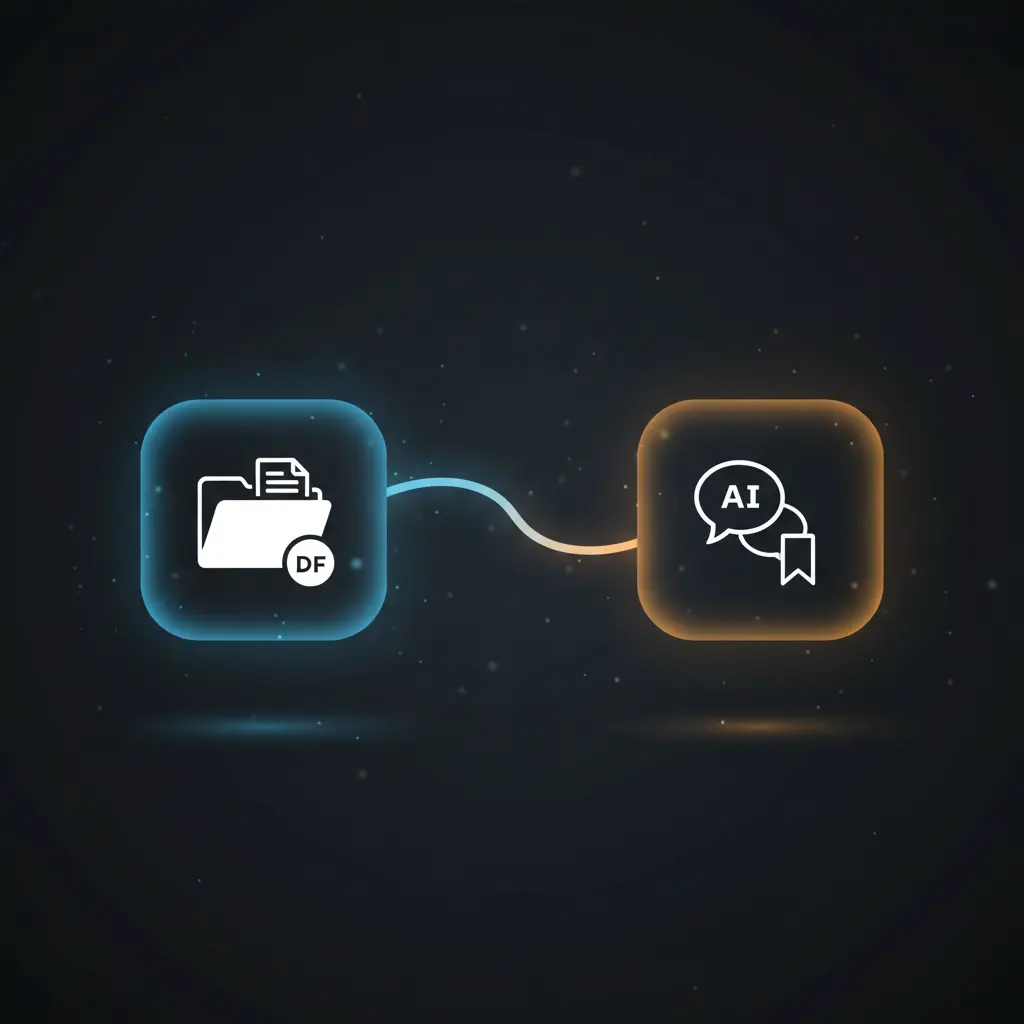
This document-driven query automation workflow enables interactive, AI-powered chat with PDF files stored on Google Drive. This orchestration pipeline integrates document ingestion, vector embedding, semantic search, and language model querying to provide precise answers with citations referencing the source document chunks.
Designed for developers and data engineers, it addresses the challenge of extracting contextual knowledge from large PDFs via a chat interface. The workflow is manually triggered and uses a Google Drive file URL as input to initiate processing.
Key Benefits
- Automates PDF ingestion by downloading and splitting documents into manageable text chunks.
- Generates vector embeddings for semantic indexing using OpenAI’s embedding model.
- Enables efficient retrieval of top relevant document chunks via Pinecone vector database search.
- Produces AI-generated answers grounded in document context with structured citation references.
- Supports interactive chat queries via webhook, facilitating real-time document exploration.
Product Overview
The workflow begins with a manual trigger node that initiates the process by setting a Google Drive file URL, defaulting to a PDF document such as the Bitcoin whitepaper. The file is downloaded using Google Drive OAuth2 authentication, ensuring secure access. Metadata extraction enriches the document data with file name, extension, and URL for traceability.
The downloaded PDF is loaded as binary data and then split into overlapping text chunks using a recursive character text splitter configured to 3000 characters per chunk with 200 characters overlap. This chunking preserves context continuity and enables efficient embedding generation.
OpenAI’s embeddings model transforms each chunk into a vector representation, which is inserted into a Pinecone vector store index configured with 1536 dimensions. This vector database supports semantic similarity search, allowing retrieval of the most relevant chunks based on query input.
Incoming chat queries are received through a webhook-enabled chat trigger node. The workflow limits retrieval to a configurable number of top chunks (default 4) to optimize response relevance. Retrieved chunks are concatenated and labeled for context before being passed to an OpenAI chat language model node, which generates answers restricted to known information and includes chunk indexes used.
Structured output parsing extracts the answer text and citation indexes. Citations are composed by mapping chunk indexes to source file names and line ranges, then appended to the final response. The workflow returns a combined answer with transparent source references, supporting trust and auditability.
Features and Outcomes
Core Automation
This AI-driven automation workflow processes PDF documents from ingestion through semantic search to chat-based question answering. The chunk splitter and embedding nodes segment and vectorize document contents, while retrieval logic uses Pinecone to select top relevant chunks for response generation.
- Deterministic chunking with overlap to maintain semantic coherence across splits.
- Single-pass embedding and insertion into Pinecone vector store for efficient indexing.
- Controlled retrieval limiting number of chunks passed to the language model for focused answers.
Integrations and Intake
The workflow integrates Google Drive for document storage and retrieval, OpenAI for embedding and chat language models, and Pinecone for vector storage and similarity search. It uses OAuth2 credentials for Google Drive and API key-based authentication for OpenAI and Pinecone services.
- Google Drive OAuth2 API for secure PDF download and metadata extraction.
- OpenAI embedding and chat models for vectorization and answer generation.
- Pinecone vector database for scalable semantic search and chunk indexing.
Outputs and Consumption
Outputs consist of AI-generated answers formatted with citations referencing document chunks. The final response is synchronous to the chat query triggered via webhook, suitable for direct consumption by chatbots or conversational interfaces.
- Answer text paired with array of citation references to chunk metadata.
- JSON structured output parsed for clarity and downstream use.
- Response returned synchronously for real-time query handling.
Workflow — End-to-End Execution
Step 1: Trigger
The workflow is manually initiated via the “Execute Workflow” trigger node. This sets a predefined Google Drive file URL, which can be customized to point to any accessible PDF document. The trigger initiates the subsequent download and processing steps.
Step 2: Processing
The PDF is downloaded securely using Google Drive OAuth2 credentials. Metadata such as file name and extension is extracted and appended to the file data. The document is loaded as binary and segmented into overlapping 3000-character chunks to preserve reading context and improve embedding quality.
Step 3: Analysis
Chunks are embedded into vectors using OpenAI’s embedding model. These vectors are inserted into a Pinecone index for semantic search. Upon receiving a chat query, the workflow retrieves the top 4 most relevant chunks based on similarity scores. The OpenAI chat model then generates answers using the concatenated chunk context, including chunk indexes for transparency.
Step 4: Delivery
The structured output parser formats the model’s response into a JSON object containing the answer and citation indexes. Citations are composed into human-readable references linked to file names and line ranges from metadata. The final combined response is synchronously returned to the chat interface for user consumption.
Use Cases
Scenario 1
A developer needs to extract specific information from a large PDF document without manual reading. By deploying this automation workflow, they upload the PDF to Google Drive and query it interactively. The workflow returns precise answers with citations, streamlining knowledge retrieval.
Scenario 2
Data teams require semantic search capabilities over technical whitepapers. This orchestration pipeline ingests PDFs, embeds content into a vector store, and allows natural language queries. Users receive contextually accurate responses with traceable source references.
Scenario 3
Customer support integrates the workflow to enable AI-driven FAQs based on product manuals stored in Google Drive. The chat interface uses the workflow to answer user queries with evidence from the manuals, improving response quality and transparency.
How to use
To deploy this workflow, import it into n8n and configure credentials for Google Drive, OpenAI, and Pinecone. Set the Google Drive file URL node to point to the target PDF. Run the workflow manually to ingest and index the document. Then, activate the webhook-enabled chat trigger to accept user queries. The workflow returns AI-generated answers with citations synchronously, ready for integration with chatbots or other conversational tools.
Comparison — Manual Process vs. Automation Workflow
| Attribute | Manual/Alternative | This Workflow |
|---|---|---|
| Steps required | Multiple manual steps: download, read, search, summarize. | Automated ingestion, embedding, searching, and answering in single pipeline. |
| Consistency | Subject to human error and variability in interpretation. | Deterministic chunking and AI-generated answers grounded in source data. |
| Scalability | Limited by manual labor and document size. | Scales with vector store and AI model capacity for large documents. |
| Maintenance | Requires ongoing manual updates and reprocessing. | Automated re-ingestion by rerunning workflow with updated file URLs. |
Technical Specifications
| Environment | n8n workflow automation platform |
|---|---|
| Tools / APIs | Google Drive OAuth2, OpenAI Embedding and Chat Models, Pinecone Vector Database |
| Execution Model | Manual trigger initiation with synchronous chat query response |
| Input Formats | PDF documents from Google Drive |
| Output Formats | JSON response with answer text and citation array |
| Data Handling | Transient processing; no persistent storage within workflow |
| Known Constraints | Relies on availability of external APIs: Google Drive, OpenAI, Pinecone |
| Credentials | OAuth2 for Google Drive; API keys for OpenAI and Pinecone |
Implementation Requirements
- Valid OAuth2 credentials for Google Drive access to download PDFs.
- API keys configured for OpenAI embedding and chat language models.
- Pinecone API key with access to a configured vector index for embedding storage and retrieval.
Configuration & Validation
- Verify Google Drive OAuth2 credentials allow file download by testing the “Download file” node with a valid file URL.
- Confirm OpenAI API key validity by running the embedding and chat nodes with sample inputs.
- Validate Pinecone vector index connectivity and insertion by monitoring vector store node execution with test data.
Data Provenance
- Trigger: Manual trigger node “When clicking ‘Execute Workflow'” initiates processing.
- Document ingestion nodes: “Set file URL in Google Drive”, “Download file”, “Add in metadata”, “Default Data Loader”.
- Embedding and retrieval: “Embeddings OpenAI”, “Add to Pinecone vector store”, “Get top chunks matching query”.
FAQ
How is the document-driven query automation workflow triggered?
The workflow starts manually via the “Execute Workflow” trigger node, which sets the Google Drive file URL for processing and ingestion.
Which tools or models does the orchestration pipeline use?
The pipeline integrates Google Drive for document retrieval, OpenAI embedding and chat models for vectorization and answer generation, and Pinecone for vector storage and semantic search.
What does the response look like for client consumption?
The response is a JSON object containing the AI-generated answer text along with an array of citation references linking to document chunks.
Is any data persisted by the workflow?
The workflow processes data transiently and does not persist documents or query results internally; embedding vectors are stored externally in Pinecone.
How are errors handled in this integration flow?
Error handling relies on default n8n node behaviors; no custom retry or backoff mechanisms are configured explicitly in the workflow.
Conclusion
This workflow provides a structured, AI-powered method for querying PDF documents stored on Google Drive by combining document chunking, vector embedding, semantic search, and language model answering. It delivers answers with precise citations, improving traceability and reliability in document exploration. The workflow depends on external API availability for Google Drive, OpenAI, and Pinecone services. Its modular design allows adaptation to various documents by updating the file URL and re-executing the ingestion process. Overall, it streamlines knowledge extraction from large documents into interactive chat responses without manual intervention.













Reviews
There are no reviews yet.