Description
Overview
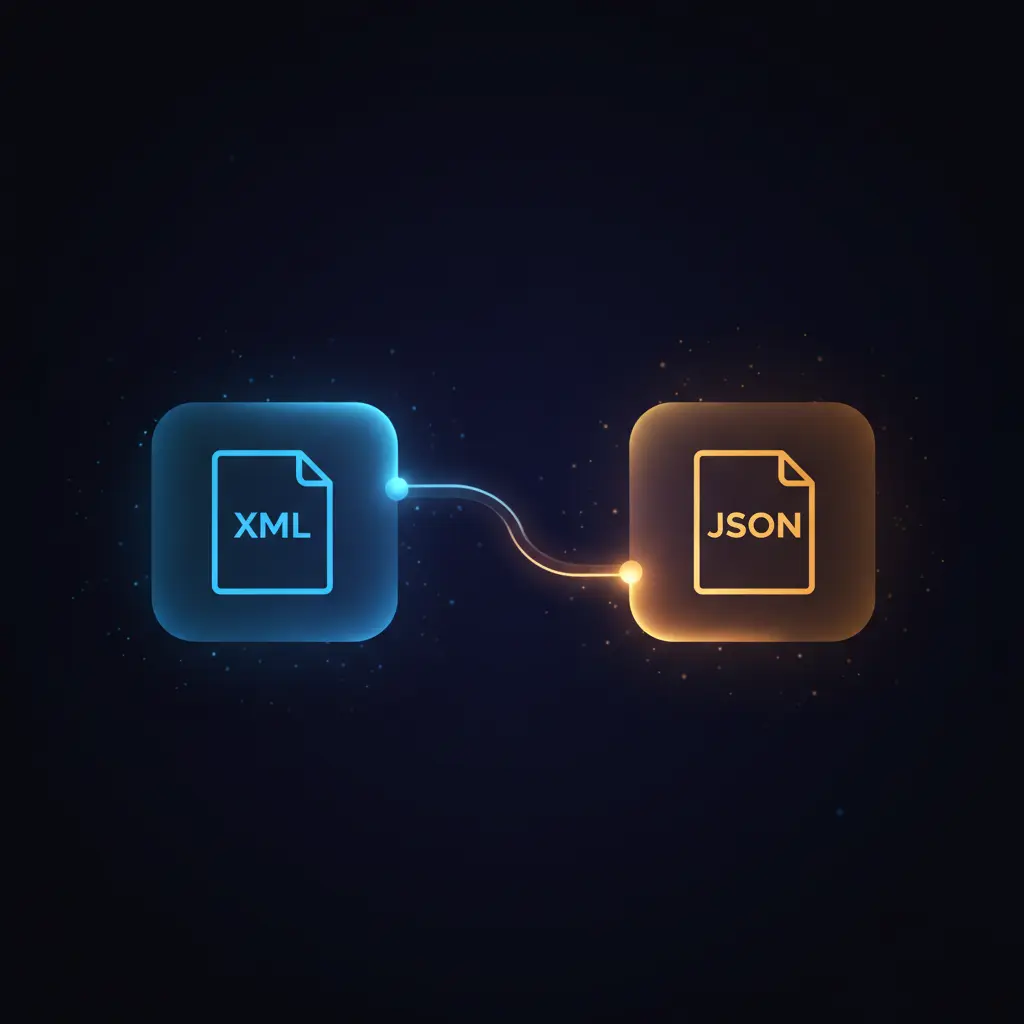
This XML to JSON conversion automation workflow enables structured transformation of XML inputs into JSON format via an API endpoint. This orchestration pipeline is designed for developers and integrators who require deterministic, event-driven analysis of XML data submitted either as file uploads or raw text payloads, triggered by an HTTP POST webhook.
Key Benefits
- Processes XML input from multiple formats including file uploads and raw text payloads.
- Delivers consistent JSON output for downstream consumption in a synchronous response model.
- Implements conditional routing based on content type using a dynamic switch node.
- Integrates error notification by sending detailed alerts to a Slack channel on failures.
Product Overview
This automation workflow initiates with an HTTP POST webhook configured to receive XML data either as binary file uploads or as raw XML text. Incoming requests are routed through a switch node that evaluates content type headers and presence of binary data to determine the appropriate processing path. For file uploads, an extraction node parses the XML content from the binary payload. For raw XML or plain text data, the workflow assigns the incoming body to a designated field for XML parsing. The core transformation is performed by an XML node that converts the XML string into a JSON object. The workflow returns a structured JSON response with status indicators, delivering results synchronously to the client. In case of parsing errors, the workflow responds with an error JSON and concurrently posts error details to a configured Slack channel for operational monitoring. Error handling is implemented using continued error output to ensure graceful failure management without workflow interruption.
Features and Outcomes
Core Automation
The XML to JSON orchestration pipeline accepts inputs via a webhook and applies content-type based branching logic. It executes single-pass XML extraction and parsing, leveraging nodes like Extract From File and XML to ensure deterministic transformation.
- Conditional branching ensures correct processing path per input format.
- Single-pass XML parsing minimizes latency in synchronous request–response cycles.
- Error continuation enables downstream handling without abrupt workflow termination.
Integrations and Intake
This no-code integration connects with HTTP clients sending POST requests carrying XML inputs. Authentication is not explicitly configured, enabling open webhook intake, with content negotiation performed via HTTP headers.
- Webhook node receives XML as file or raw text via POST method.
- Slack node posts error notifications to a dedicated monitoring channel.
- Switch node routes inputs based on ‘content-type’ header and binary presence.
Outputs and Consumption
The workflow outputs JSON-formatted responses synchronously, including a status key and parsed data or error messages. JSON responses conform to consistent schema structures for client-side parsing and error handling.
- HTTP 200 success responses return a JSON object with parsed XML data.
- HTTP 500 error responses return JSON with descriptive error messages.
- Slack alerts provide asynchronous error context for operational teams.
Workflow — End-to-End Execution
Step 1: Trigger
The workflow is initiated by an HTTP POST webhook configured at a specific endpoint path. It accepts requests containing XML data either as a binary file upload or as raw XML text in the request body. The webhook is set to forward processing and respond via dedicated response nodes downstream.
Step 2: Processing
Input requests are routed through a switch node that inspects the content type header and presence of binary data. Depending on these conditions, the workflow extracts XML content from uploaded files, assigns raw text to XML fields, or processes direct JSON inputs. Basic presence checks validate the data before XML parsing.
Step 3: Analysis
The XML node parses the extracted or assigned XML string into a JSON object. The workflow applies continuation on errors, allowing fallback to error response nodes. No complex heuristics or models are applied beyond deterministic XML-to-JSON conversion.
Step 4: Delivery
Upon successful parsing, a JSON response with status “OK” and the parsed data is synchronously sent to the client. If parsing fails, the workflow returns a JSON error response with status “error” and an explanatory message. Error details are simultaneously posted to a Slack channel for monitoring.
Use Cases
Scenario 1
A developer needs to convert XML data uploaded as files into JSON for integration with a downstream system. This workflow accepts file uploads, extracts XML content, and returns structured JSON in one synchronous response, eliminating manual conversion steps.
Scenario 2
An API client sends raw XML data with a content-type header set to text/plain. The workflow routes this input correctly, transforms the XML to JSON, and delivers a deterministic JSON response, facilitating automated data ingestion without manual preprocessing.
Scenario 3
Operations teams require immediate notification of errors when XML to JSON conversion fails. This workflow generates error responses and posts detailed alerts with timestamps and execution IDs to a Slack channel, supporting rapid incident response.
How to use
To deploy this XML to JSON conversion workflow, import it into the n8n environment and configure the webhook node with the desired endpoint path. Ensure the Slack credentials for error notification are set up. Test the workflow using HTTP POST requests with either file uploads or raw XML text. Upon activation, the workflow will process incoming XML payloads and return JSON results synchronously. Monitor Slack channels for any error alerts generated during execution.
Comparison — Manual Process vs. Automation Workflow
| Attribute | Manual/Alternative | This Workflow |
|---|---|---|
| Steps required | Multiple manual conversions, format checks, and error handling steps. | Single automated pipeline with conditional branching and synchronous response. |
| Consistency | Variable results depending on manual process quality and tools. | Deterministic XML-to-JSON conversion with standardized error responses. |
| Scalability | Limited by manual intervention and batch sizes. | Scales with concurrent webhook requests and automated processing. |
| Maintenance | High due to manual script updates and error tracking. | Low, centralized error reporting with Slack integration for monitoring. |
Technical Specifications
| Environment | n8n workflow automation platform |
|---|---|
| Tools / APIs | Webhook, Switch, Extract From File, XML parser, Slack integration |
| Execution Model | Synchronous HTTP request–response with error continuation |
| Input Formats | Binary XML file upload, raw XML text (text/plain, application/xml) |
| Output Formats | JSON responses with status and data or error message |
| Data Handling | Transient in-memory processing, no persistent storage |
| Known Constraints | Relies on external Slack API availability for error notifications |
| Credentials | Slack API credentials for error alert integration |
Implementation Requirements
- Valid n8n environment with workflow import capability.
- Configured Slack API credentials for error notification node.
- Clients must submit HTTP POST requests with appropriate content-type headers and XML data payloads.
Configuration & Validation
- Import the workflow JSON into n8n and activate the workflow.
- Set Slack API credentials in n8n credentials manager and test Slack connectivity.
- Send test POST requests with XML files or raw XML text and verify JSON responses and Slack error alerts.
Data Provenance
- Trigger node “POST” listens for HTTP POST with binary or text XML payloads.
- Switch node routes input based on content-type header and binary presence.
- Output fields include “status” and “data” in JSON responses from “Success Response” and “Error Response” nodes.
FAQ
How is the XML to JSON conversion automation workflow triggered?
The workflow is triggered by an HTTP POST webhook configured to accept XML data as file uploads or raw text. Incoming requests are routed based on content-type headers and the presence of binary data.
Which tools or models does the orchestration pipeline use?
The pipeline uses n8n native nodes including a Switch node for routing, Extract From File for binary XML extraction, the XML node for parsing, and Slack integration for error alerts. No external models are applied.
What does the response look like for client consumption?
Clients receive synchronous JSON responses containing a “status” key with values “OK” or “error” and a “data” key holding either the parsed JSON or an error message.
Is any data persisted by the workflow?
Data is processed transiently in-memory during execution. The workflow does not persist input or output data beyond synchronous response delivery.
How are errors handled in this integration flow?
Errors trigger HTTP 500 JSON responses with error details and concurrently send formatted alerts to a Slack channel. The workflow uses error continuation to manage failures gracefully.
Conclusion
This XML to JSON conversion automation workflow provides a reliable, synchronous method to transform XML inputs into structured JSON outputs. It supports multiple XML input formats and integrates conditional routing for precise processing. The workflow includes built-in error handling and operational alerting via Slack, ensuring visibility of failures without workflow interruption. One explicit constraint is its reliance on external Slack API availability for error notifications, which may affect alert delivery if the Slack service is unreachable. Overall, this workflow delivers deterministic, event-driven XML processing for integration scenarios requiring consistent JSON output.















Reviews
There are no reviews yet.