Description
Overview
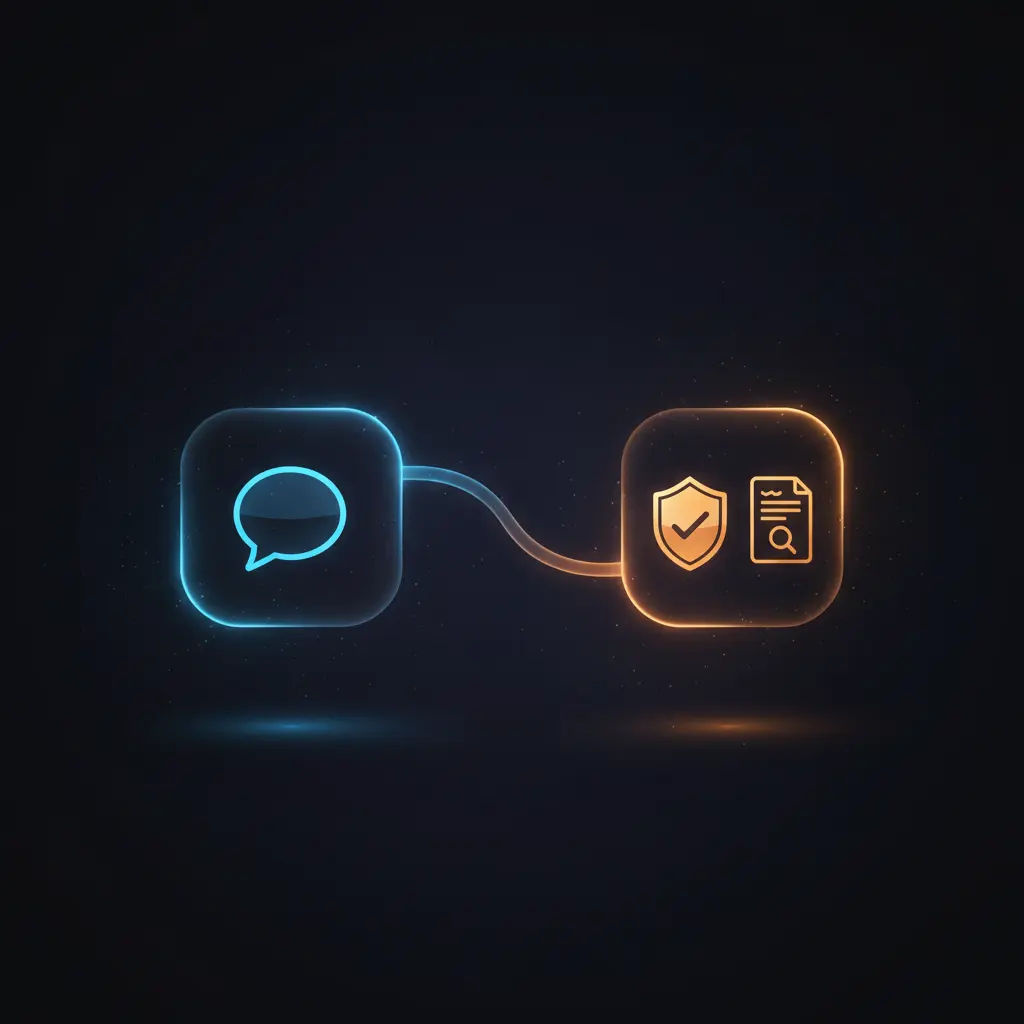
This vulnerability scan automation workflow enables security teams to initiate and manage Qualys vulnerability scans and generate detailed scan reports directly within Slack. This orchestration pipeline leverages event-driven analysis to parse Slack interactions and dynamically route actions such as scan execution or report creation via interactive modals.
Designed for cybersecurity professionals integrating Slack and Qualys, the workflow begins with a webhook receiving POST requests from Slack’s Events API, ensuring seamless no-code integration of scan control and reporting functions.
Key Benefits
- Enables direct initiation of vulnerability scans from Slack using a streamlined automation workflow.
- Supports dynamic generation of scan reports in multiple formats via an intuitive orchestration pipeline.
- Uses Slack modals to gather precise scan parameters and report preferences for accurate execution.
- Automates routing and processing of Slack interactions, reducing manual steps and error surfaces.
Product Overview
This vulnerability scan automation workflow begins with a webhook node configured to receive HTTP POST requests from Slack’s Events API, capturing user-triggered commands or modal submissions. The “Parse Webhook” node extracts the Slack payload into an accessible JSON object. A switch node named “Route Message” evaluates the callback identifiers and interaction types to determine the proper handling path.
Depending on the interaction, the workflow opens Slack modals for either initiating a vulnerability scan or generating a scan report. These modals collect user inputs such as scan titles, option profiles, asset groups, report templates, and output formats. After submission, the workflow closes the modal and routes the data to nodes that set required variables based on the form inputs.
Two separate sub-workflows are then triggered: one for starting the Qualys vulnerability scan and another for creating a detailed report. Authentication to the Slack API is managed through predefined Slack credentials, ensuring secure and authorized API calls. The workflow responds to Slack with appropriate HTTP status codes to confirm receipt and processing of requests. Error handling relies on n8n’s default mechanisms, as no explicit retry or backoff strategies are configured.
Features and Outcomes
Core Automation
This no-code integration pipeline accepts Slack event payloads, uses conditional routing based on callback IDs, and determines whether to trigger a vulnerability scan or generate a report.
- Single-pass evaluation of Slack payloads for efficient routing.
- Deterministic branching based on interaction type and modal titles.
- Automated closure of Slack modals post submission to maintain UI responsiveness.
Integrations and Intake
The workflow integrates Slack and Qualys via HTTP request and sub-workflows, using OAuth-based credentials for Slack API authentication. It processes Slack event webhooks and modal submissions with JSON payloads containing user inputs.
- Slack API for interactive modals and event handling.
- Qualys API invoked through sub-workflows for scan and report operations.
- Webhook node configured for HTTP POST intake from Slack Events API.
Outputs and Consumption
Outputs include HTTP status responses to Slack confirming event processing and initiation of Qualys workflows. Scan reports are generated asynchronously in user-selected formats like PDF, HTML, or CSV.
- 204 No Content or 200 OK HTTP responses to Slack to acknowledge receipt.
- Sub-workflows produce scan execution confirmations or report files.
- Structured JSON fields carry user input data into Qualys workflows for action.
Workflow — End-to-End Execution
Step 1: Trigger
The workflow is triggered by an HTTP POST webhook configured to receive Slack Events API callbacks. Incoming requests contain payloads reflecting Slack interactions such as shortcut invocations or modal form submissions.
Step 2: Processing
The “Parse Webhook” node extracts the ‘payload’ object from the incoming JSON body. The subsequent “Route Message” switch node evaluates the callback ID or interaction type to select the appropriate processing branch. Basic presence checks ensure essential fields are available before routing.
Step 3: Analysis
Decision logic is based on strict string equality checks against callback IDs and modal titles. This determines whether the flow proceeds to show the vulnerability scan modal, the scan report modal, or processes form submissions. No machine learning or probabilistic models are applied.
Step 4: Delivery
Responses to Slack include HTTP 204 No Content for scan initiation and modal closures, or HTTP 200 OK for report generation acknowledgments. The workflow triggers Qualys sub-workflows asynchronously for scan execution or report creation based on extracted user inputs.
Use Cases
Scenario 1
Security analysts need to quickly initiate vulnerability scans across asset groups without leaving Slack. Using this automation workflow, they submit scan parameters via a Slack modal. The workflow triggers the scan on Qualys, enabling streamlined security assessments with minimal manual interaction.
Scenario 2
Compliance teams require detailed vulnerability reports in various formats for audit purposes. Through this orchestration pipeline, users select report templates and formats within Slack. The workflow automates report generation via Qualys and facilitates delivery in PDF, HTML, or CSV formats.
Scenario 3
IT security managers seek to reduce manual steps for vulnerability management. This no-code integration captures Slack commands, routes them deterministically, and executes scans or report generation workflows. The result is consistent, auditable security operations executed from a central collaboration platform.
How to use
After deploying this workflow in n8n, configure Slack and Qualys API credentials to enable authenticated communication. Set up Slack Events API subscriptions to send interaction payloads to the webhook node’s URL. Customize modal inputs as needed to collect required scan or report parameters.
Once configured, users trigger the workflow via Slack shortcuts or slash commands. Interactive modals collect inputs, which the workflow processes and routes to initiate scans or generate reports. Results are asynchronously handled and confirmations are returned to Slack. Expect seamless integration with real-time feedback inside Slack channels.
Comparison — Manual Process vs. Automation Workflow
| Attribute | Manual/Alternative | This Workflow |
|---|---|---|
| Steps required | Multiple manual steps including logging into Qualys and Slack separately. | Single Slack interaction triggers scan or report generation automatically. |
| Consistency | Prone to human errors and inconsistent parameter application. | Deterministic routing and input validation ensure consistent execution. |
| Scalability | Manual effort increases linearly with scan/report requests. | Handles multiple concurrent Slack requests via automated routing. |
| Maintenance | Requires manual updates and coordination across tools. | Centralized workflow with configurable modals reduces maintenance overhead. |
Technical Specifications
| Environment | n8n Workflow Automation Platform |
|---|---|
| Tools / APIs | Slack API (OAuth), Qualys API via sub-workflows |
| Execution Model | Event-driven HTTP POST webhook triggering synchronous routing and asynchronous sub-workflow execution |
| Input Formats | JSON payloads from Slack Events API |
| Output Formats | PDF, HTML, CSV (for reports); HTTP status codes for Slack responses |
| Data Handling | Transient processing of Slack payloads; no data persistence within workflow |
| Known Constraints | Relies on availability of Slack and Qualys external APIs |
| Credentials | Predefined Slack OAuth credentials for API authentication |
Implementation Requirements
- Configured Slack App with OAuth credentials and Events API subscription to forward interactions.
- Qualys API access configured in sub-workflows for scan initiation and report generation.
- Network access allowing inbound POST requests to n8n webhook URL from Slack.
Configuration & Validation
- Set up Slack OAuth credentials in n8n and verify successful authentication via test API calls.
- Subscribe to Slack Events API with correct webhook URL and ensure POST payloads arrive at n8n.
- Test modal triggers and form submissions in Slack to confirm correct routing and Qualys workflow activation.
Data Provenance
- Trigger node “Webhook” receives Slack event payloads via HTTP POST.
- “Parse Webhook” node extracts ‘payload’ from Slack request body for processing.
- Slack API credentials authenticate HTTP requests in “Vuln Scan Modal” and “Scan Report Task Modal” nodes.
FAQ
How is the vulnerability scan automation workflow triggered?
The workflow activates via an HTTP POST webhook that receives Slack Events API messages, including shortcut invocations and modal submissions related to vulnerability scans and report generation.
Which tools or models does the orchestration pipeline use?
This orchestration pipeline employs Slack API for user interaction capture and Qualys API workflows for executing scans and generating reports. It relies on conditional routing logic within n8n without machine learning models.
What does the response look like for client consumption?
The workflow returns HTTP status codes (204 No Content or 200 OK) to Slack to acknowledge event processing. Scan reports are produced asynchronously in formats such as PDF, HTML, or CSV for downstream use.
Is any data persisted by the workflow?
No data is persisted within the workflow. All Slack payloads and user inputs are transiently processed and passed to sub-workflows or APIs without storage.
How are errors handled in this integration flow?
Error handling depends on n8n platform defaults. There are no explicit retry or backoff mechanisms configured within this workflow for API failures or malformed inputs.
Conclusion
This vulnerability scan automation workflow provides a structured, no-code integration between Slack and Qualys, enabling efficient initiation of scans and report generation directly from Slack. It delivers deterministic routing and processing of Slack interactions with secure API authentication. The workflow supports multiple output formats and real-time user feedback within Slack, enhancing operational efficiency. However, it relies on external API availability from Slack and Qualys, which may impact execution continuity. Overall, this workflow facilitates consistent, scalable security operations with reduced manual intervention.














Reviews
There are no reviews yet.