Description
Overview
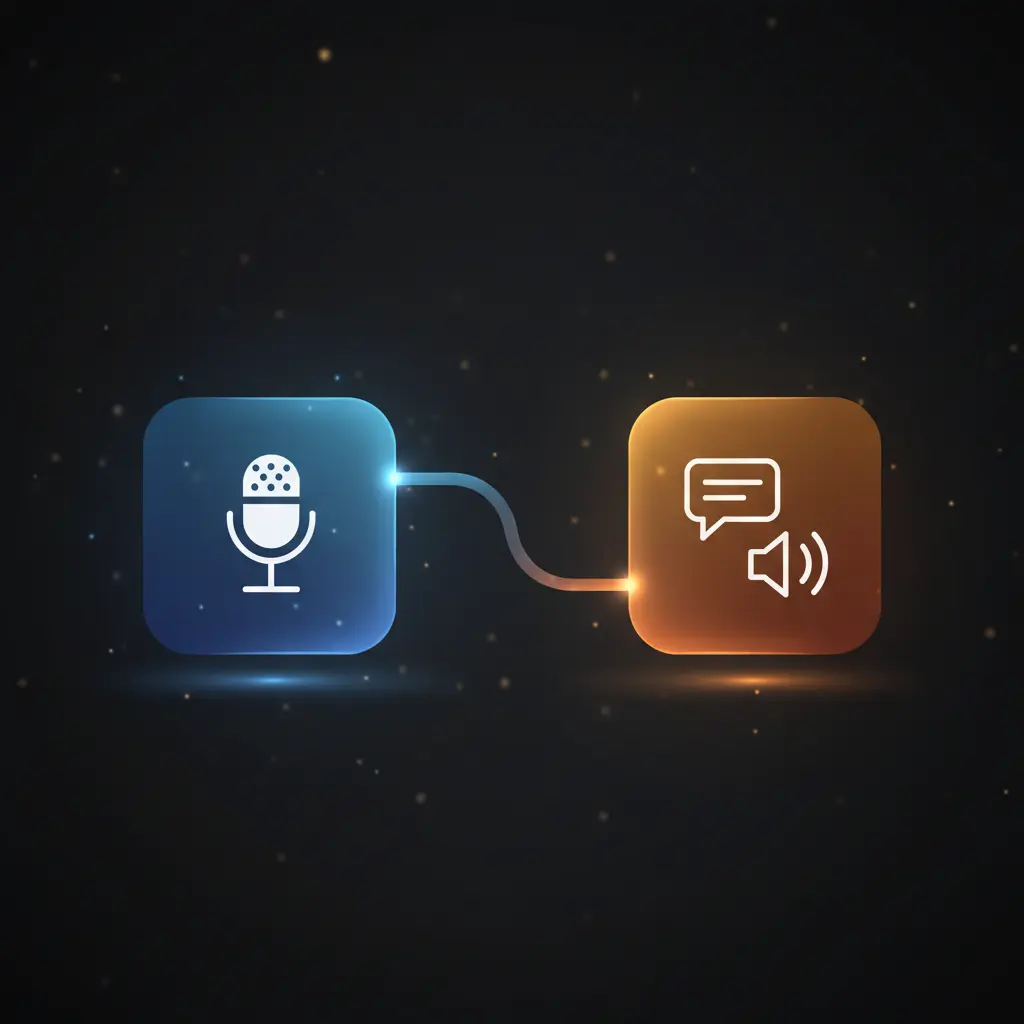
This Translate Telegram audio messages with AI automation workflow facilitates seamless multilingual communication by transcribing and translating voice messages between two specified languages. This orchestration pipeline leverages an event-driven analysis triggered by Telegram voice message updates to deliver both text and audio translations.
Key Benefits
- Supports 55 languages for comprehensive multilingual voice message translation.
- Automatically detects source language and translates to target language or vice versa.
- Returns translated content in both text and synthesized audio formats.
- Integrates Telegram voice message triggers with AI-powered transcription and translation.
Product Overview
This automation workflow is designed for users requiring accurate and efficient conversion of Telegram voice messages into translated text and audio. It begins with a Telegram Trigger node that listens for all updates, specifically voice messages. Upon receiving a voice message, the workflow downloads the audio file using the Telegram API credentials. The audio is then transcribed into text via OpenAI’s speech-to-text API. Subsequently, a LangChain chain node applies an AI language model prompt that auto-detects the language of the transcription and translates it between two user-defined languages, typically set in the Settings node. The workflow replies to the Telegram chat with the translated text formatted in Markdown. It also converts the translated text back into speech using OpenAI’s text-to-speech capabilities, sending the audio response through Telegram. The workflow operates synchronously, handling each message in a single execution cycle. Error handling is limited to presence checks on incoming message text, relying on platform defaults for node-level fault tolerance. No data persistence beyond transient processing occurs within the workflow.
Features and Outcomes
Core Automation
This automation workflow ingests Telegram voice messages and processes them through an AI-powered transcription and translation sequence. The auto-detection logic in the LangChain chain node determines whether to translate from the native to the target language or vice versa, ensuring contextual accuracy.
- Single-pass evaluation from audio input to bilingual output.
- Deterministic language detection and translation branching.
- Concurrent generation of text and audio translation outputs.
Integrations and Intake
The orchestration pipeline connects Telegram’s webhook-triggered voice messages with OpenAI’s APIs for transcription and text-to-speech synthesis. Authentication is managed via API keys configured in credentials nodes. The expected payload includes voice message file IDs, chat identifiers, and optional text fields for error checks.
- Telegram API: voice message intake and message dispatch.
- OpenAI speech-to-text API: audio transcription.
- OpenAI text-to-speech API: audio synthesis of translations.
Outputs and Consumption
The workflow outputs translated content to Telegram in two formats: text messages and audio replies. Both outputs are sent synchronously within the same execution cycle. Text responses use Markdown formatting, while audio replies are transmitted as binary audio files suitable for Telegram voice messages.
- Markdown-formatted translated text messages.
- Binary audio files representing synthesized speech.
- Synchronous delivery within Telegram chats.
Workflow — End-to-End Execution
Step 1: Trigger
The workflow initiates upon receiving any Telegram update, with a focus on voice message events. The Telegram Trigger node listens to all updates, requiring API credentials to authenticate and capture incoming messages from the Telegram bot.
Step 2: Processing
Incoming messages undergo basic presence checks to extract the text field, handling cases where text may be empty or missing. The voice message file ID is retrieved and used to download the audio file from Telegram for further processing.
Step 3: Analysis
The downloaded audio is transcribed into text using OpenAI’s speech-to-text API. The transcription is passed to an AI language model via a LangChain chain node, which detects the source language and translates the text to the target language or back to the native language as configured. The translation output is strictly the translated text without additional commentary.
Step 4: Delivery
The translated text is sent back to the Telegram chat as a Markdown-formatted message. Simultaneously, the translated text is converted into audio through OpenAI’s text-to-speech service and returned as a voice message to the same Telegram chat. All responses occur synchronously within the workflow execution.
Use Cases
Scenario 1
Users learning a new language face challenges understanding spoken foreign phrases. This workflow transcribes and translates Telegram voice messages, returning translated text and audio, enabling learners to hear and read translations in real time for improved comprehension.
Scenario 2
Travelers communicating in foreign countries often encounter language barriers in voice chats. This automation workflow translates voice messages between two languages on Telegram, facilitating effective multilingual conversation without manual intervention.
Scenario 3
Businesses managing international customer support require instant message translation. This orchestration pipeline converts incoming Telegram voice messages into translated text and speech, supporting multilingual support teams with timely and consistent communication.
How to use
To deploy this translate Telegram audio messages with AI workflow, import it into an n8n instance with configured Telegram and OpenAI API credentials. Set the source (language_native) and target (language_translate) languages in the Settings node before activating. Once live, the workflow listens for Telegram voice messages, automatically processes transcription and translation, and returns translated text and audio replies within the chat. Users can monitor execution logs in n8n for diagnostics and validate language pairs as needed.
Comparison — Manual Process vs. Automation Workflow
| Attribute | Manual/Alternative | This Workflow |
|---|---|---|
| Steps required | Multiple manual steps including listening, transcribing, translating, and voice recording. | Single automated flow executing transcription, translation, and audio generation. |
| Consistency | Variable accuracy subject to human error and fatigue. | Deterministic AI-driven translation with consistent output formatting. |
| Scalability | Limited by human capacity and time. | Scales automatically with incoming Telegram messages without additional effort. |
| Maintenance | Requires ongoing manual labor and language expertise. | Requires monitoring API credentials and periodic updates to language settings. |
Technical Specifications
| Environment | n8n workflow platform with internet access |
|---|---|
| Tools / APIs | Telegram API, OpenAI speech-to-text and text-to-speech APIs, LangChain AI model integration |
| Execution Model | Synchronous request-response per Telegram voice message |
| Input Formats | Telegram voice message audio files (file_id references) |
| Output Formats | Markdown-formatted text messages, binary audio files for Telegram voice replies |
| Data Handling | Transient processing; no persistent storage of audio or texts |
| Known Constraints | Relies on external OpenAI API availability and Telegram API connectivity |
| Credentials | Telegram API key, OpenAI API key required |
Implementation Requirements
- Active Telegram bot credentials with webhook permissions to receive voice messages.
- Valid OpenAI API key with access to speech-to-text and text-to-speech endpoints.
- n8n instance with network access to Telegram and OpenAI APIs.
Configuration & Validation
- Configure Telegram API credentials and verify webhook connectivity for voice message reception.
- Set the source and target languages in the Settings node to match desired translation pairs.
- Test workflow by sending a voice message in Telegram and confirming synchronous return of translated text and audio.
Data Provenance
- Trigger node: Telegram Trigger listens for all user message updates on Telegram.
- Processing nodes: Telegram1 downloads audio; OpenAI2 transcribes speech; Auto-detect and translate node applies AI language model translation.
- Output nodes: Text reply and Audio reply nodes send translated content back to Telegram chat.
FAQ
How is the translate Telegram audio messages with AI automation workflow triggered?
The workflow is triggered by Telegram voice message updates received through a Telegram Trigger node listening to all message events on the bot.
Which tools or models does the orchestration pipeline use?
The pipeline integrates Telegram API for voice message intake, OpenAI’s speech-to-text and text-to-speech APIs for transcription and audio generation, and a LangChain AI language model for language detection and translation.
What does the response look like for client consumption?
Clients receive a Markdown-formatted translated text message and a synthesized audio voice message sent directly to the Telegram chat synchronously.
Is any data persisted by the workflow?
No. All audio and text data are processed transiently within the workflow without persistent storage.
How are errors handled in this integration flow?
Error handling is limited to basic presence checks on incoming message text; node-level retries and fault tolerance use platform default behaviors.
Conclusion
This translate Telegram audio messages with AI workflow automates transcription and translation of voice messages between configurable languages, delivering both text and audio responses within Telegram chats. It provides a dependable multi-language communication solution by leveraging Telegram and OpenAI APIs combined with AI language models for auto-detection and translation. The workflow requires valid API credentials and depends on external service availability for transcription and speech synthesis, which is an inherent constraint. Its synchronous execution model ensures timely, consistent translations without data persistence, suitable for language learning, travel communication, and multilingual support scenarios.















Reviews
There are no reviews yet.