Description
Overview
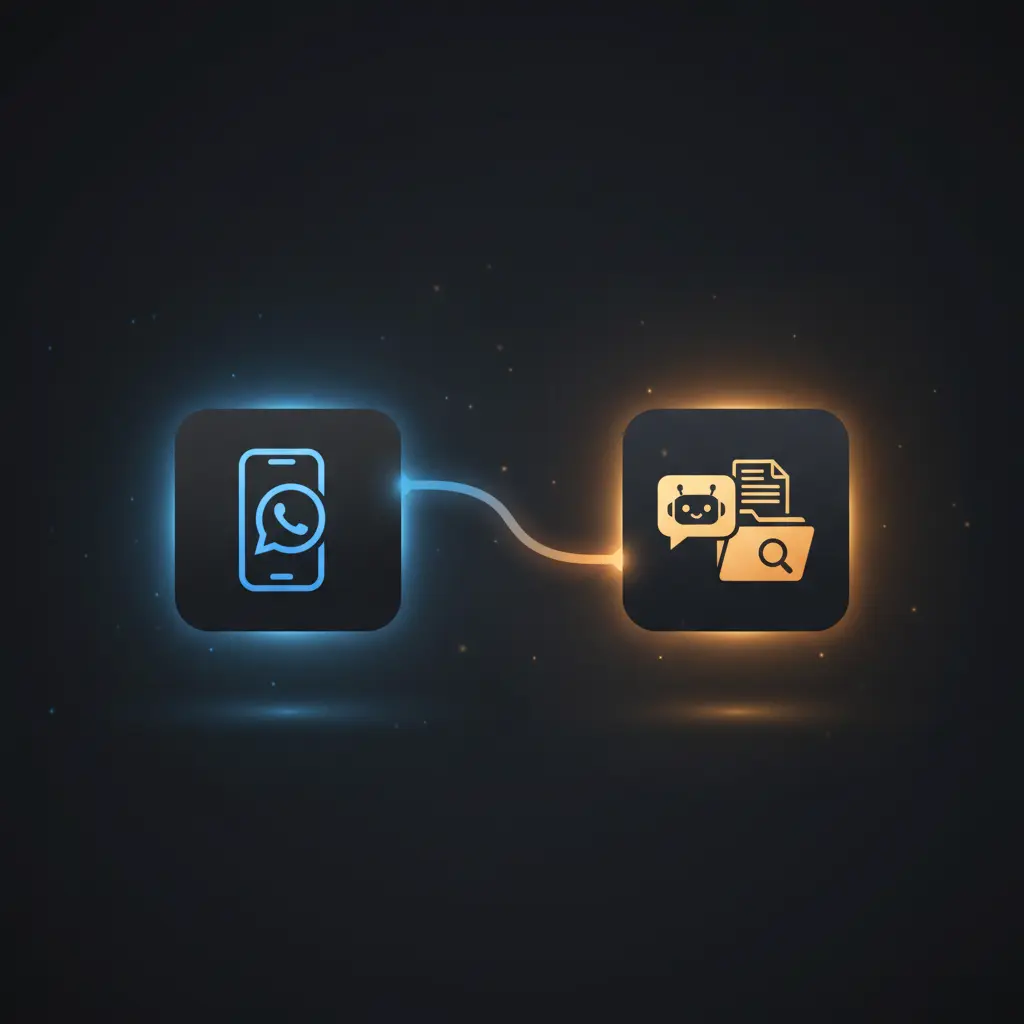
This Business WhatsApp AI RAG Chatbot automation workflow enables context-aware, no-code integration for conversational customer support. The orchestration pipeline processes incoming WhatsApp messages using a webhook trigger, leveraging retrieval-augmented generation with vector search to provide precise, document-driven responses.
Key Benefits
- Automates WhatsApp message handling with real-time webhook-based event processing.
- Utilizes retrieval-augmented generation with vector search for accurate knowledge retrieval.
- Maintains conversational context using window buffer memory to support multi-turn dialogue.
- Integrates document ingestion from Google Drive to keep the knowledge base current and relevant.
Product Overview
This workflow begins with a webhook trigger configured to receive WhatsApp messages and status notifications from Meta’s platform via HTTP POST requests. Incoming requests are first verified by a GET webhook that responds with a challenge token to confirm webhook setup. The core logic uses an IF node to determine if the webhook payload contains a valid user message. If no message is present, the system sends a default text response indicating only text messages are supported.
When a user message is detected, the workflow invokes an AI Agent node configured as a LangChain conversational agent powered by OpenAI’s GPT-4o-mini. This agent processes the user’s query in conjunction with context retrieved from a Qdrant vector store, which holds embedded document chunks sourced from Google Drive. Documents are ingested and processed through text splitting, embedding generation, and vector insertion to form a searchable knowledge base. The workflow maintains conversational state with a window buffer memory node, enabling coherent multi-turn interactions.
Response messages generated by the AI agent are sent back to users on WhatsApp asynchronously via the WhatsApp API node. Error handling defaults to the platform’s native capabilities, with no explicit retry or backoff mechanisms configured. Authentication for external services uses OAuth for Google Drive and API key headers for OpenAI and Qdrant integration, ensuring secure data processing without persistent storage of sensitive user data.
Features and Outcomes
Core Automation
The workflow ingests WhatsApp text messages and applies retrieval-augmented generation to provide informed responses. The AI Agent evaluates user input alongside document embeddings to produce relevant answers.
- Single-pass evaluation combining user query and retrieved documents for precision.
- Maintains conversation history with window buffer memory for context retention.
- Conditional logic ensures only valid text messages proceed to AI processing.
Integrations and Intake
This orchestration pipeline integrates with multiple APIs, including Meta’s WhatsApp webhook for message intake, Google Drive for document ingestion via OAuth, and Qdrant for vector storage using API key authentication.
- Meta WhatsApp webhook handles inbound message events and status updates.
- Google Drive API obtains and downloads documents for knowledge base updates.
- Qdrant vector store manages semantic search indexes for retrieval augmentation.
Outputs and Consumption
The workflow outputs structured conversational responses in text format sent asynchronously to users on WhatsApp. Responses incorporate context from vector search results to enhance accuracy.
- Text responses formatted for WhatsApp API delivery.
- Asynchronous dispatch to user phone numbers identified in webhook payloads.
- Response bodies contain AI-generated answers derived from knowledge base context.
Workflow — End-to-End Execution
Step 1: Trigger
The workflow initiates on an HTTP POST webhook receiving WhatsApp message payloads from Meta’s platform. A separate GET webhook endpoint handles verification by echoing a challenge token to confirm callback URL ownership.
Step 2: Processing
Incoming payloads undergo validation via an IF node that checks for the presence of a valid message object. If absent, a default text response is sent; if present, the message text is extracted for AI processing.
Step 3: Analysis
The AI Agent node uses OpenAI’s GPT-based conversational model combined with retrieval from the Qdrant vector store. Document chunks are semantically matched to the query for context-aware generation. The window buffer memory retains recent dialogue for coherent responses.
Step 4: Delivery
Generated responses are sent asynchronously to the user’s WhatsApp number via the WhatsApp API node. The messages are delivered as plain text, ensuring compatibility with WhatsApp clients.
Use Cases
Scenario 1
A customer requests detailed product specifications via WhatsApp. The chatbot retrieves relevant product documents from the vector store and generates a precise, professional response. This results in accurate information delivery without manual intervention.
Scenario 2
A user reports a technical issue through WhatsApp. The AI agent accesses troubleshooting guides stored in Google Drive and provides step-by-step assistance. The outcome is efficient problem resolution with context-aware support.
Scenario 3
Customer service inquiries about returns or order status are handled by the chatbot referencing stored policies and procedures. The automation ensures consistent, polite, and professional communication aligned with company guidelines.
How to use
To deploy this Business WhatsApp AI RAG Chatbot workflow, import it into an n8n instance with configured credentials for Meta WhatsApp API, OpenAI, Qdrant, and Google Drive. Set the webhook URLs according to your Meta App settings and ensure the Google Drive folder contains relevant documents. Run the workflow live to start processing incoming WhatsApp messages. Expect contextually accurate, AI-generated text responses delivered directly to users via WhatsApp.
Comparison — Manual Process vs. Automation Workflow
| Attribute | Manual/Alternative | This Workflow |
|---|---|---|
| Steps required | Multiple manual lookups and response drafting | Automated message processing with AI-driven response generation |
| Consistency | Varies with agent knowledge and availability | Deterministic, document-based responses with conversational memory |
| Scalability | Limited by human resources and response time | Scales with message volume through asynchronous processing |
| Maintenance | Ongoing training and monitoring required | Requires periodic document updates and credential management |
Technical Specifications
| Environment | n8n workflow automation platform |
|---|---|
| Tools / APIs | Meta WhatsApp API, OpenAI GPT model, Qdrant vector database, Google Drive API |
| Execution Model | Event-driven asynchronous processing via webhooks |
| Input Formats | JSON payloads from WhatsApp webhook POST requests |
| Output Formats | Plain text messages sent via WhatsApp API |
| Data Handling | Transient processing; no persistent storage of user messages |
| Known Constraints | Relies on availability of external APIs and webhook stability |
| Credentials | OAuth 2.0 for Google Drive; API keys for OpenAI and Qdrant |
Implementation Requirements
- Configured Meta WhatsApp Business API with webhook URLs for GET and POST endpoints.
- Valid API credentials for OpenAI, Qdrant vector store, and Google Drive OAuth integration.
- Access to Google Drive folder containing documents for knowledge base vectorization.
Configuration & Validation
- Verify webhook URL by performing a GET request and confirming the challenge response.
- Confirm that incoming POST payloads contain valid message objects via the IF node logic.
- Test AI Agent response generation using sample WhatsApp messages to ensure retrieval integration.
Data Provenance
- Webhook trigger nodes “Verify” and “Respond” handle message receipt and verification.
- AI Agent node configured with OpenAI GPT-4o-mini and window buffer memory for context.
- Qdrant vector store nodes manage document embeddings sourced from Google Drive documents.
FAQ
How is the Business WhatsApp AI RAG Chatbot automation workflow triggered?
The workflow is triggered by an HTTP POST webhook that receives incoming WhatsApp messages and status notifications from Meta’s platform.
Which tools or models does the orchestration pipeline use?
The pipeline integrates OpenAI’s GPT conversational model, Qdrant vector database for semantic search, Google Drive for document ingestion, and Meta WhatsApp API for messaging.
What does the response look like for client consumption?
Responses are plain text messages generated by the AI agent and delivered asynchronously to users via the WhatsApp API.
Is any data persisted by the workflow?
Data processing is transient; user messages are not persistently stored beyond vector embeddings in Qdrant derived from authorized documents.
How are errors handled in this integration flow?
Error handling relies on n8n’s default platform mechanisms; no explicit retry or backoff strategies are configured.
Conclusion
This Business WhatsApp AI RAG Chatbot workflow provides a structured, retrieval-augmented automation pipeline for handling customer interactions via WhatsApp. By combining webhook-triggered messaging, vector-based document retrieval, and GPT-powered conversational AI, it ensures accurate, context-aware responses. The workflow depends on external API availability, including Meta, OpenAI, Qdrant, and Google Drive services, which must be maintained for uninterrupted operation. Overall, it offers a reliable solution for scalable, document-driven customer support without manual response drafting.













Reviews
There are no reviews yet.