Description
Overview
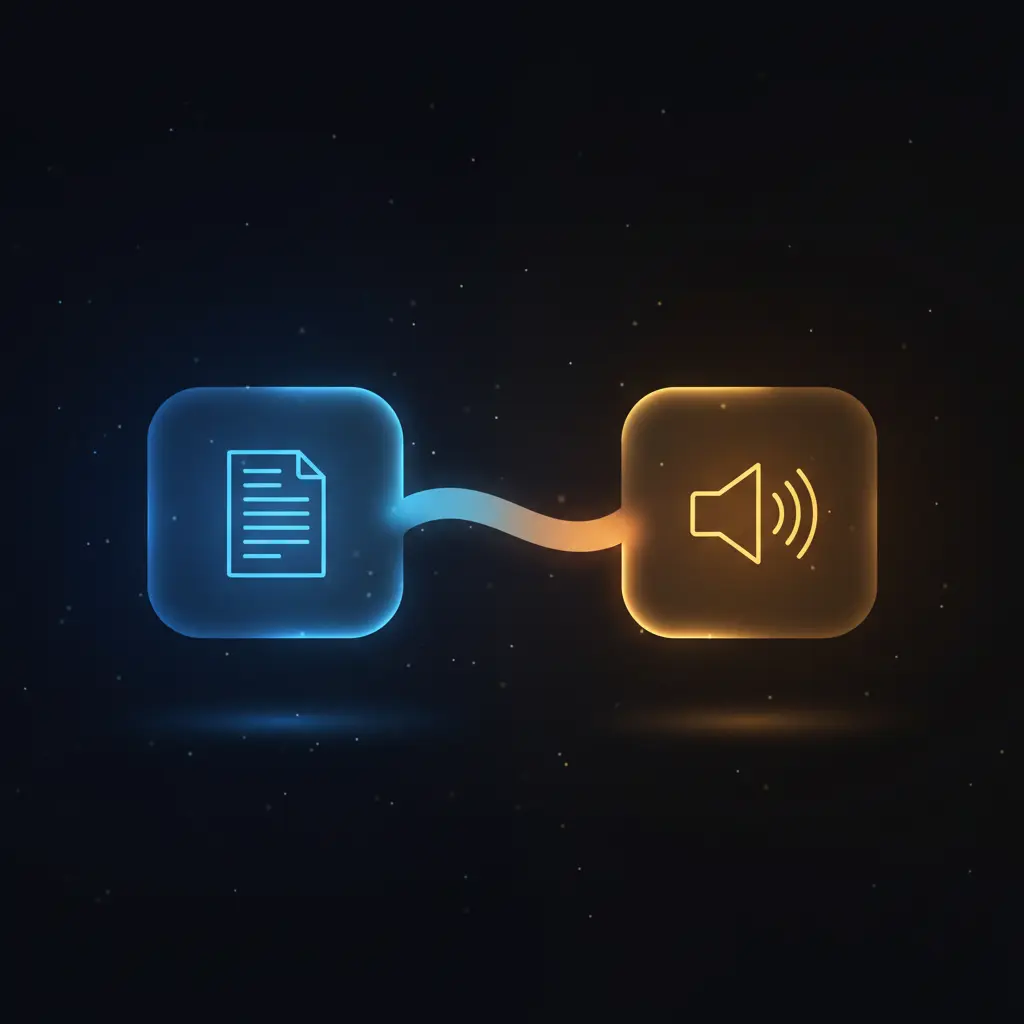
This Text to Speech automation workflow converts input text into spoken audio using OpenAI’s TTS API, offering a streamlined no-code integration for speech synthesis. Designed for developers and automation engineers, this orchestration pipeline begins with a manual trigger node to initiate the process, producing an MP3 audio file as output.
Key Benefits
- Automates conversion of text to speech using OpenAI’s advanced TTS model.
- Supports customizable voice selection for flexible speech output.
- Facilitates integration via authenticated HTTP request with bearer token security.
- Delivers audio output in widely supported MP3 format for compatibility.
- Simple manual or event-driven trigger adaptable to various use cases.
Product Overview
This workflow initiates with a manual trigger node, allowing users to start the text-to-speech process on demand. It uses a Set node to define input parameters: the text string to synthesize and the voice model, preset to “alloy”. The core processing node sends a POST HTTP request to OpenAI’s TTS endpoint, specifying the “tts-1” model along with dynamic input text and voice parameters. Authentication is handled securely via an OpenAI API key credential stored within n8n.
The API response is an MP3 audio file, returned as binary data, representing the converted speech. This synchronous request-response model ensures the audio file is immediately available after the HTTP call completes. Error handling defaults to n8n’s platform-level mechanisms, as no explicit retry or fallback logic is configured. Transient processing and no data persistence outside the workflow maintain security and compliance standards.
Features and Outcomes
Core Automation
The automation workflow accepts text input and voice selection, then deterministically sends these parameters to the OpenAI TTS API via an HTTP Request node. This orchestration pipeline operates on single-pass evaluation with synchronous response handling, ensuring direct and immediate output delivery.
- Deterministic single-pass conversion from text input to audio output.
- Synchronous API request-response interaction for prompt results.
- Configurable voice parameter allows flexible speech synthesis.
Integrations and Intake
The workflow integrates directly with OpenAI’s Text-to-Speech API using an authenticated HTTP POST request. It requires an API key credential for authorization and accepts JSON-formatted input containing text and voice parameters. The manual trigger node can be substituted with event-driven triggers as needed.
- OpenAI API for speech synthesis with bearer token authentication.
- Manual trigger node initiates the workflow, replaceable by webhooks or schedules.
- Input parameters set via JSON in the Set node to ensure structured intake.
Outputs and Consumption
The outcome of the workflow is an MP3 binary audio file, delivered synchronously from the OpenAI TTS API. This output can be saved, streamed, or processed further in subsequent automation steps. Key output fields include the binary audio data accessible directly from the HTTP Request node’s response.
- MP3 audio file format suitable for broad playback compatibility.
- Synchronous data flow allows immediate consumption or storage.
- Output is binary data embedded within the workflow response node.
Workflow — End-to-End Execution
Step 1: Trigger
The workflow starts with a manual trigger node activated by the user clicking “Test workflow” in n8n. This node can be replaced with other trigger types such as webhooks or scheduled events to suit automated or event-driven environments.
Step 2: Processing
The Set node prepares the input JSON object containing the “input_text” string and the “voice” parameter. This node performs no schema validation beyond ensuring the presence of these fields, passing the parameters unchanged to the next node.
Step 3: Analysis
The HTTP Request node sends a POST request to OpenAI’s TTS endpoint using the “tts-1” model. It dynamically inserts the input text and voice values from the previous node. The API converts the text to speech using the specified voice model and returns an MP3 audio file as binary data.
Step 4: Delivery
The MP3 audio output is returned synchronously in the HTTP response and made available as binary data within the workflow. This enables immediate downstream use, such as storage, playback, or further processing.
Use Cases
Scenario 1
An accessibility team needs to generate audio versions of textual content for visually impaired users. This workflow converts the text into natural-sounding speech automatically, producing MP3 files ready for integration into assistive technology platforms.
Scenario 2
Content creators require voiceovers for video scripts without manual recording. Using this orchestration pipeline, they input script text and receive synthesized speech audio instantly, enabling efficient production of narrated media.
Scenario 3
Customer support systems implement automated voice notifications. This text-to-speech workflow transforms alert messages into audio clips, facilitating automated outbound calls or voice alerts within an event-driven automation environment.
How to use
To deploy this Text to Speech automation workflow, import it into your n8n instance. Configure the OpenAI API credential with a valid API key. Adjust the Set node to specify the desired input text and voice model as needed. Activate the workflow manually or replace the trigger node to enable event-driven execution. Upon running, the workflow returns an MP3 audio file containing the synthesized speech, accessible in the HTTP Request node output for further handling.
Comparison — Manual Process vs. Automation Workflow
| Attribute | Manual/Alternative | This Workflow |
|---|---|---|
| Steps required | Multiple manual steps including recording and file encoding | Single automated process from text input to audio output |
| Consistency | Variable due to human factors and recording conditions | Deterministic output based on fixed TTS model and parameters |
| Scalability | Limited by human resource availability and time | Scales programmatically with API capacity and workflow concurrency |
| Maintenance | Requires ongoing personnel training and equipment upkeep | Minimal maintenance; primarily API key and workflow updates |
Technical Specifications
| Environment | n8n automation platform |
|---|---|
| Tools / APIs | OpenAI Text-to-Speech API (tts-1 model) |
| Execution Model | Synchronous HTTP request-response |
| Input Formats | JSON with text and voice parameters |
| Output Formats | MP3 audio file (binary data) |
| Data Handling | Transient processing; no persistent storage within workflow |
| Known Constraints | Input text token limit of 4,000 per API call |
| Credentials | OpenAI API key (bearer token) configured in n8n |
Implementation Requirements
- Valid OpenAI API key configured as a credential in n8n.
- n8n instance with network access to OpenAI’s TTS API endpoint.
- Input text string and voice parameter properly set in the workflow.
Configuration & Validation
- Confirm the manual trigger or alternative trigger node is properly configured.
- Verify the Set node contains valid JSON with “input_text” and “voice” fields.
- Ensure the HTTP Request node is authenticated with a valid OpenAI API credential and correctly references input parameters.
Data Provenance
- Trigger node: Manual trigger initiating workflow execution.
- Set node: Defines “input_text” and “voice” parameters as JSON input.
- HTTP Request node: Sends authenticated request to OpenAI’s TTS API, returns binary MP3 audio.
FAQ
How is the Text to Speech automation workflow triggered?
The workflow uses a manual trigger node by default, activated by user interaction in n8n. This can be replaced with other trigger types such as webhooks or scheduled events for event-driven automation.
Which tools or models does the orchestration pipeline use?
The pipeline integrates with OpenAI’s Text-to-Speech API using the “tts-1” model. The HTTP Request node sends input text and voice parameters, authenticating via an OpenAI API key credential.
What does the response look like for client consumption?
The response is a binary MP3 audio file containing the synthesized speech. It is returned synchronously from the API and accessible in the workflow output for further use or storage.
Is any data persisted by the workflow?
No data is persisted within this workflow. The audio file is processed transiently and made available immediately after the API response without storage.
How are errors handled in this integration flow?
Error handling relies on n8n’s default mechanisms as no explicit retry or error handling nodes are configured in this workflow.
Conclusion
This Text to Speech automation workflow provides a precise method to convert textual content into spoken audio using OpenAI’s TTS API. It delivers consistent, deterministic MP3 audio output through a straightforward, synchronous orchestration pipeline. While the workflow depends on external API availability and requires valid OpenAI credentials, it minimizes manual steps and maintenance demands. Its design supports flexible integration scenarios, making it a reliable component for automated speech synthesis in various applications.
















Reviews
There are no reviews yet.