Description
Overview
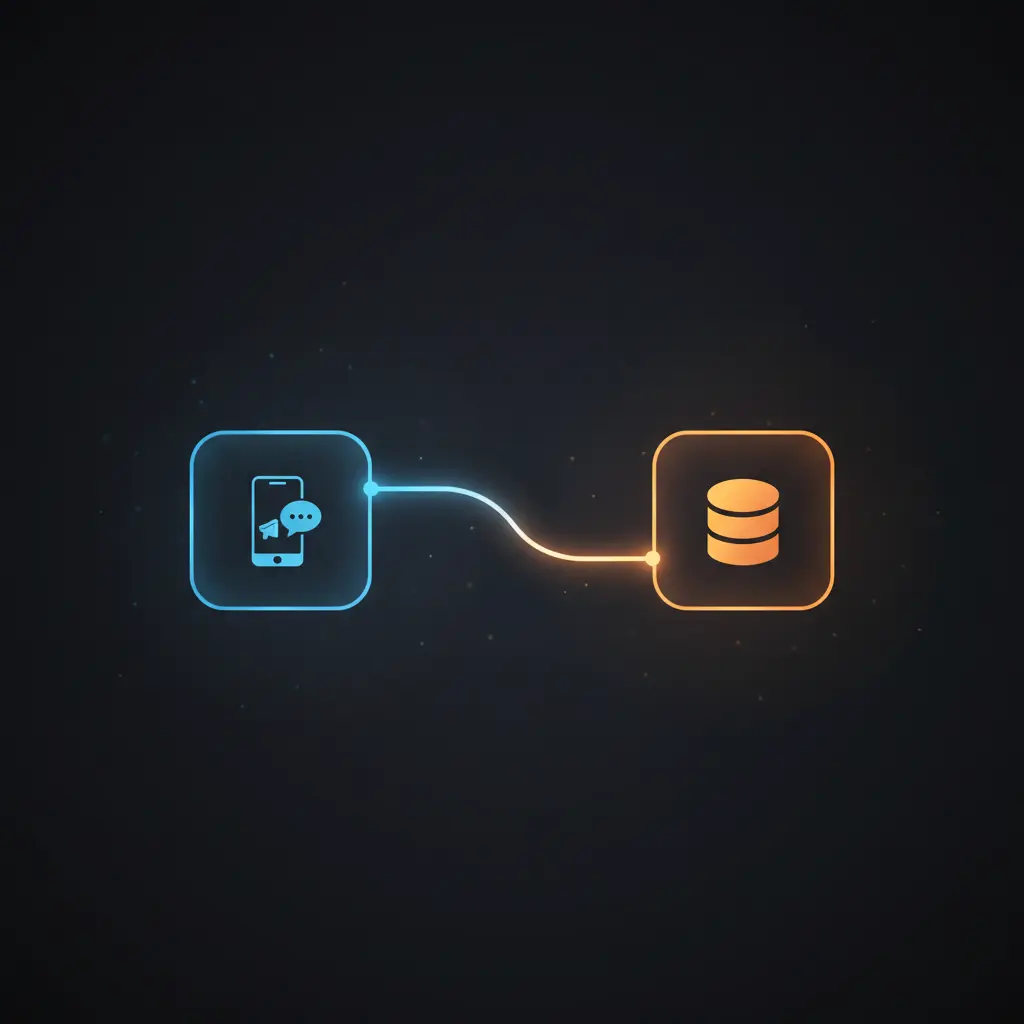
This Telegram chatbot automation workflow leverages a no-code integration pipeline to facilitate context-aware AI conversations. Designed for developers and technical users, it addresses the core challenge of maintaining conversational memory by linking Telegram users with persistent OpenAI threads stored in a Supabase database. The workflow initiates with a Telegram message trigger node that captures incoming user input for processing.
Key Benefits
- Maintains user conversation state by storing OpenAI thread IDs in Supabase database tables.
- Enables context-aware replies through an event-driven analysis of user messages within threads.
- Automates Telegram message intake and response delivery via webhook-triggered integration.
- Distinguishes new and returning users to create or retrieve persistent conversation threads accordingly.
Product Overview
This automation workflow begins with a Telegram trigger configured to listen for new messages. When a user sends a message to the Telegram bot, the workflow extracts the chat ID, user details, and message text. It then queries a Supabase table named telegram_users to determine if the user exists by matching the Telegram chat ID. If no record is found, a new conversation thread is created using the OpenAI assistant API, generating a unique thread_id that links the user to their session. This information is persisted in Supabase, associating the Telegram ID with the OpenAI thread ID for future reference.
For returning users, the existing thread ID is retrieved to maintain conversation continuity. The user’s message is forwarded to OpenAI’s assistant API within the appropriate thread context. The assistant processes the input asynchronously, streaming a response based on the conversation history. Finally, the generated reply is fetched and sent back to the user on Telegram. Error handling relies on default platform behavior, with no explicit retry or backoff configured. Authentication for external services uses API keys stored securely in n8n credentials.
Features and Outcomes
Core Automation
This orchestration pipeline consumes Telegram messages as input and decides whether to create a new OpenAI thread or use an existing one based on Supabase user lookup results. The If User exists conditional node routes data accordingly, ensuring deterministic processing of new versus returning users.
- Single-pass evaluation of user existence to streamline context handling.
- Conditional branching prevents duplicate thread creation for returning users.
- Seamless merge of user data with message payload to maintain context integrity.
Integrations and Intake
The workflow integrates Telegram, OpenAI assistant API, and Supabase using credential-based authentication. Incoming Telegram messages trigger the flow, providing JSON payloads containing chat and user metadata. Supabase is queried with strict equality filters on the telegram_id field to identify users.
- Telegram trigger node listens for real-time new messages.
- Supabase node queries and inserts user records with API key authentication.
- OpenAI HTTP request nodes communicate with assistant API using predefined credentials.
Outputs and Consumption
The workflow produces context-aware text responses delivered synchronously to Telegram users. The assistant’s reply is retrieved as JSON data from OpenAI and reformatted for Telegram message dispatch. This synchronous request–response pattern ensures timely user feedback.
- OpenAI response messages retrieved in JSON with content text arrays.
- Telegram message node sends plain text replies to user chat ID.
- Message content is extracted and passed without persistence beyond Supabase storage.
Workflow — End-to-End Execution
Step 1: Trigger
The workflow is initiated by the Telegram Trigger node, which listens for new incoming messages via a webhook. When a user sends a message to the bot, the node receives a payload containing message text, chat ID, user metadata, and message ID.
Step 2: Processing
After trigger activation, the workflow queries the Supabase database for a user record matching the Telegram chat ID. Basic presence checks determine if the user exists by verifying the presence of an ID field in the query result.
Step 3: Analysis
If the user exists, their stored OpenAI thread ID is merged with the current message data. If not, a new thread is created through the OpenAI API. The message text is then sent to the assistant within the specified thread, and the assistant is run asynchronously to generate a response.
Step 4: Delivery
The latest assistant message is fetched from the OpenAI thread and sent back to the user on Telegram using their chat ID. The interaction completes with the user receiving a contextually relevant reply based on their conversation history.
Use Cases
Scenario 1
A customer support chatbot requires persistent memory of user queries to provide consistent assistance. This workflow enables storing user conversation threads in Supabase, resulting in context-aware responses that improve support quality over multiple interactions.
Scenario 2
A virtual assistant on Telegram needs to maintain dialogue continuity for returning users. By linking Telegram IDs to OpenAI threads, the workflow ensures that users receive personalized, ongoing conversations instead of stateless replies.
Scenario 3
An educational chatbot benefits from tracking user sessions to tailor follow-up answers. This integration pipeline automates message intake, context retrieval, and response generation, delivering structured dialogue in a single response cycle.
How to use
To deploy this Telegram chatbot automation workflow, first create a Telegram bot and obtain its API token. Set up a Supabase project with a telegram_users table matching the provided schema. Configure the OpenAI assistant and store the API credentials in n8n. Import the workflow into n8n, assign credentials for Telegram, Supabase, and OpenAI nodes, and set the OpenAI assistant ID in the run assistant node. Activate the workflow to listen for incoming Telegram messages and respond with context-aware AI replies. Expect responses to maintain conversational memory by referencing stored thread IDs.
Comparison — Manual Process vs. Automation Workflow
| Attribute | Manual/Alternative | This Workflow |
|---|---|---|
| Steps required | Multiple manual checks and context lookups | Automated user lookup and message routing in a single workflow |
| Consistency | Prone to human error and lost context | Deterministic context retention via Supabase stored thread IDs |
| Scalability | Limited by manual intervention and scaling complexity | Scales with API and database integrations handling concurrent users |
| Maintenance | Requires ongoing manual updates and monitoring | Centralized configuration in n8n with credential management |
Technical Specifications
| Environment | n8n workflow automation platform |
|---|---|
| Tools / APIs | Telegram Bot API, OpenAI Assistant API, Supabase Realtime/PostgreSQL |
| Execution Model | Event-driven webhook trigger with synchronous request–response |
| Input Formats | Telegram JSON message payloads with text and metadata |
| Output Formats | Plain text Telegram messages |
| Data Handling | User session data persisted in Supabase; message content transient |
| Known Constraints | Relies on external API availability for OpenAI and Telegram services |
| Credentials | API keys for Telegram, OpenAI, and Supabase stored securely in n8n |
Implementation Requirements
- Telegram Bot token with webhook enabled to receive messages.
- Supabase project with a
telegram_userstable matching workflow schema. - OpenAI API key and configured assistant ID for conversation management.
Configuration & Validation
- Ensure Telegram trigger node receives valid message payloads by testing with a bot message.
- Validate Supabase query returns user data by checking for existing
telegram_idrecords. - Confirm OpenAI thread creation and message sending nodes respond with expected JSON containing
thread_idand messages.
Data Provenance
- Trigger node:
Get New Message(Telegram trigger, webhook based) - User lookup node:
Find User(Supabase query filtering bytelegram_id) - OpenAI interaction nodes:
OPENAI - Create thread,OPENAI - Send message,OPENAI - Run assistant,OPENAI - Get messages
FAQ
How is the Telegram chatbot automation workflow triggered?
The workflow is triggered by a Telegram webhook node that listens for new incoming messages from users. Each message initiates the pipeline for processing and response generation.
Which tools or models does the orchestration pipeline use?
This orchestration pipeline utilizes the OpenAI assistant API with a custom assistant ID, Supabase as a persistent user session store, and Telegram Bot API for message intake and delivery.
What does the response look like for client consumption?
The response is a plain text message generated by the OpenAI assistant within the user’s conversation thread, sent back synchronously to the user via Telegram.
Is any data persisted by the workflow?
Yes, the workflow stores user Telegram IDs and associated OpenAI thread IDs persistently in the Supabase database to maintain conversation context.
How are errors handled in this integration flow?
Error handling relies on n8n platform defaults; no explicit retry, backoff, or idempotency logic is configured within the workflow nodes.
Conclusion
This Telegram chatbot automation workflow delivers deterministic context-aware conversations by integrating Telegram, OpenAI’s assistant API, and Supabase for persistent user session management. It ensures continuity by storing and retrieving conversation thread IDs, enabling multi-turn dialogue with memory. The workflow operates on an event-driven model with synchronous message processing and relies on secure API credential handling. A key constraint is its dependence on external API availability for Telegram and OpenAI services, which must be maintained for reliable operation. Overall, this integration pipeline offers a systematic approach to bridging messaging platforms with AI assistants and persistent storage in a scalable manner.












Reviews
There are no reviews yet.