Description
Overview
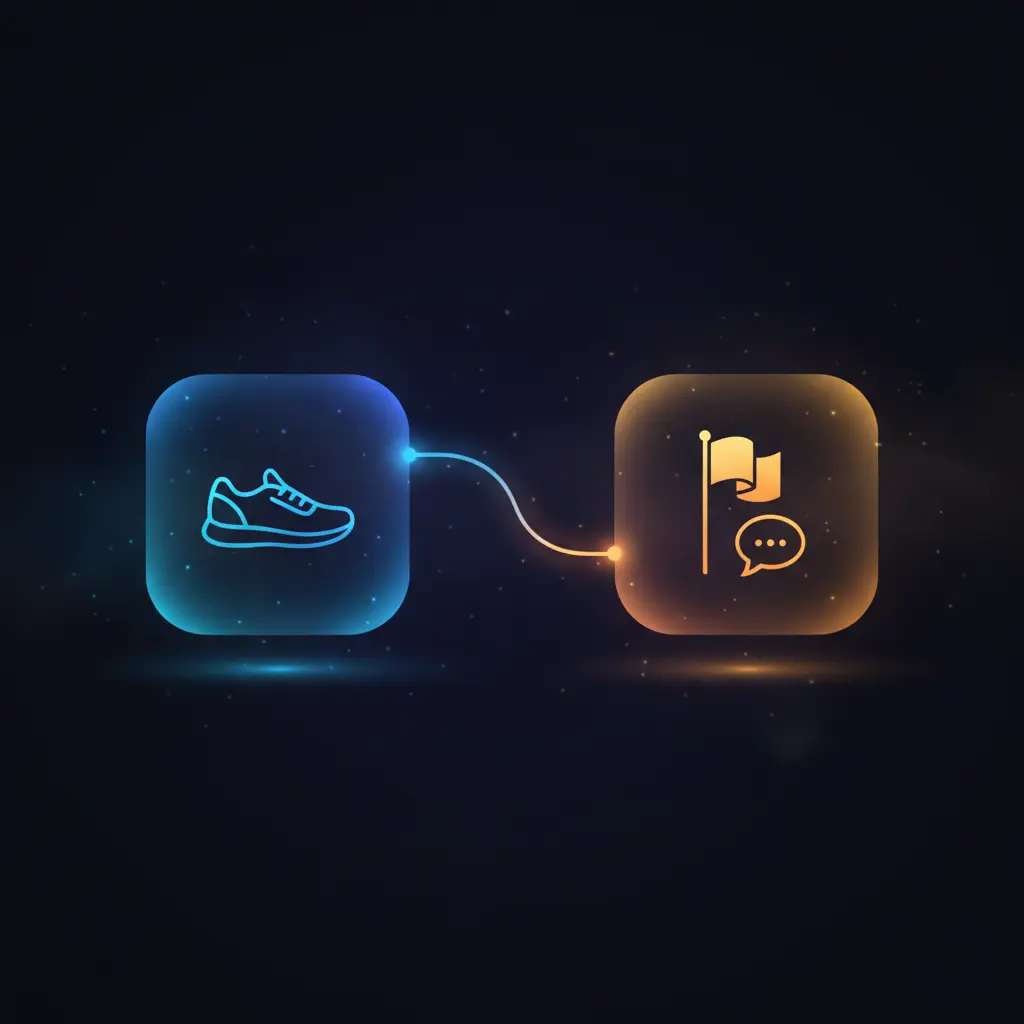
This automation workflow facilitates seamless integration between Strava and Beeminder to enable automatic goal tracking based on newly logged physical activities. Designed as an event-driven analysis pipeline, it listens for new activity creation events on Strava and synchronizes these with a Beeminder goal to maintain real-time progress updates.
Targeted at users seeking to automate fitness goal monitoring, this workflow triggers on the “create” event from the Strava Trigger node, ensuring deterministic delivery of activity data to Beeminder for continuous tracking.
Key Benefits
- Automatically updates Beeminder goals when new activities are logged on Strava.
- Uses event-driven analysis to capture and transmit data immediately upon activity creation.
- Includes descriptive comments with each datapoint, derived from the Strava activity name.
- Eliminates manual data entry by linking fitness tracking and goal management platforms.
Product Overview
This no-code integration workflow is configured to start with a Strava Trigger node that activates upon the creation of a new activity, such as running, cycling, or swimming. The trigger operates via a webhook configured to listen specifically for the “create” event type, ensuring that only new activities initiate the workflow. Upon activation, the workflow forwards the activity data to a Beeminder node, which updates a pre-defined goal named “testing”.
The Beeminder node authenticates using stored API credentials and sends a datapoint that includes a comment field dynamically set to the name of the Strava activity, providing contextual insight into each logged entry. The workflow uses a synchronous execution model, processing the event immediately after trigger activation without intermediate queueing. Error handling and retry mechanisms rely on the underlying platform defaults. No data persistence beyond transient processing is performed within the workflow itself.
Features and Outcomes
Core Automation
This event-driven analysis pipeline receives inputs directly from Strava activity creation events and applies deterministic routing by passing the activity data to the Beeminder node for goal updates. The workflow executes a single-pass evaluation with minimal processing overhead.
- Real-time triggering on new Strava activities ensures prompt data forwarding.
- Deterministic mapping updates Beeminder goals with activity-specific comments.
- Single workflow pass reduces latency between activity logging and goal update.
Integrations and Intake
The orchestration pipeline connects two key APIs: Strava and Beeminder. Strava integration relies on OAuth2 authentication for secure event subscription, while Beeminder uses API key credentials to authorize datapoint submissions. The intake event type is strictly configured as “create” for new activity notifications.
- Strava Trigger node subscribes to activity creation events via OAuth2.
- Beeminder node authenticates with API key credentials for secure updates.
- Input payload includes detailed activity metadata, including activity name.
Outputs and Consumption
The workflow outputs updates directly to a Beeminder goal named “testing” via API calls. Each output includes a datapoint with a comment field reflecting the Strava activity name. The delivery model is synchronous, providing immediate goal updates without batch processing or delays.
- Datapoints submitted to Beeminder include descriptive comments for context.
- Goal updates occur in real time following Strava activity creation.
- Output format adheres to Beeminder API requirements for datapoint submission.
Workflow — End-to-End Execution
Step 1: Trigger
The workflow initiates when the Strava Trigger node receives a webhook notification for a newly created activity. This trigger listens exclusively for the “create” event, ensuring activation only on new activity logs. The webhook operates with OAuth2 authentication for secure event delivery.
Step 2: Processing
Upon triggering, the workflow performs basic presence checks on the incoming JSON payload to ensure required activity data fields exist, specifically the activity name within the “object_data” key. No additional transformation or schema validation is implemented beyond these checks.
Step 3: Analysis
The workflow applies a direct pass-through heuristic, forwarding the received activity data to the Beeminder node without modification. The Beeminder node then constructs a datapoint using the activity name as a comment, associating it with the specified goal “testing”. No threshold or conditional branches are configured.
Step 4: Delivery
The final step delivers the datapoint synchronously to Beeminder’s API endpoint, authenticated via stored API credentials. The submission updates the goal’s progress immediately and includes contextual comments derived from the Strava activity. No asynchronous queues or batch processing are involved.
Use Cases
Scenario 1
A fitness enthusiast wants to track progress on a Beeminder goal without manual entry after each workout. This workflow automates updates by capturing new Strava activities and posting them as datapoints to Beeminder, ensuring continuous, real-time goal tracking aligned with logged exercises.
Scenario 2
A coach managing multiple athletes desires automated progress aggregation from Strava into centralized Beeminder goals. By deploying this orchestration pipeline, each new activity logged on Strava updates corresponding Beeminder goals, streamlining oversight and reducing administrative overhead.
Scenario 3
An individual tracking multisport activities uses this automation workflow to maintain motivation through detailed goal comments. Each activity name from Strava is appended as a comment in Beeminder datapoints, providing descriptive context for each logged session within the goal tracking system.
How to use
To implement this automation workflow, import it into your n8n environment and configure the Strava Trigger node with valid OAuth2 credentials linked to your Strava account. Set the Beeminder node with authorized API credentials and specify the target goal name. Activate the workflow to run live, enabling real-time updates to Beeminder whenever a new Strava activity is created. Expect immediate datapoint submissions with activity names included as comments, facilitating continuous and descriptive goal tracking.
Comparison — Manual Process vs. Automation Workflow
| Attribute | Manual/Alternative | This Workflow |
|---|---|---|
| Steps required | Multiple manual entries per activity in both platforms | Single automated step triggered by activity creation event |
| Consistency | Variable; prone to missed or delayed updates | Deterministic, event-driven updates on every new activity |
| Scalability | Limited by manual effort and user availability | Scales automatically with Strava activity volume |
| Maintenance | High, requiring repeated manual data entry and verification | Low; relies on stable API credentials and workflow uptime |
Technical Specifications
| Environment | n8n workflow automation platform |
|---|---|
| Tools / APIs | Strava API (OAuth2), Beeminder API (API key) |
| Execution Model | Synchronous event-triggered processing |
| Input Formats | JSON payload from Strava webhook with activity metadata |
| Output Formats | API datapoint submission to Beeminder with comment field |
| Data Handling | Transient processing; no data persistence within workflow |
| Known Constraints | Requires active OAuth2 and API key credentials; dependent on external API availability |
| Credentials | Strava OAuth2 token, Beeminder API key |
Implementation Requirements
- Valid Strava OAuth2 credentials with permissions for activity event subscription.
- Beeminder API key with write access to the targeted goal.
- Network connectivity allowing webhook reception and outbound API requests.
Configuration & Validation
- Ensure Strava OAuth2 credentials are correctly configured and authorized for activity event triggers.
- Verify Beeminder API key is active and has permission to update the specified goal.
- Test the workflow by creating a new activity in Strava and confirming corresponding datapoint creation in Beeminder.
Data Provenance
- Trigger node: Strava Trigger (type: n8n-nodes-base.stravaTrigger) listens for “create” events.
- Processor node: Beeminder node (type: n8n-nodes-base.beeminder) submits datapoints with activity names.
- Credentials used: Strava OAuth2 and Beeminder API key for secure authentication.
FAQ
How is the automation workflow triggered?
The workflow triggers via a webhook from Strava configured to listen for new activity creation events, activating immediately upon each logged activity.
Which tools or models does the orchestration pipeline use?
It integrates the Strava API through OAuth2 for event detection and the Beeminder API via API key for datapoint submissions. No predictive models are used.
What does the response look like for client consumption?
The output is a synchronous API call to Beeminder submitting a datapoint with a comment containing the Strava activity name, updating the specified goal.
Is any data persisted by the workflow?
No, the workflow processes data transiently and does not store any information beyond the immediate API transactions.
How are errors handled in this integration flow?
Error handling relies on n8n platform defaults; the workflow does not implement custom retry or backoff logic.
Conclusion
This automation workflow enables reliable synchronization of Strava activity data with Beeminder goal tracking through event-driven updates. By automatically converting new Strava activity creations into contextual Beeminder datapoints, it provides a deterministic and real-time solution for fitness goal monitoring. The workflow depends on valid OAuth2 and API key credentials and requires consistent external API availability. Its simple, synchronous design minimizes complexity while maintaining accurate progress tracking without data persistence within the workflow itself.














Reviews
There are no reviews yet.