Description
Overview
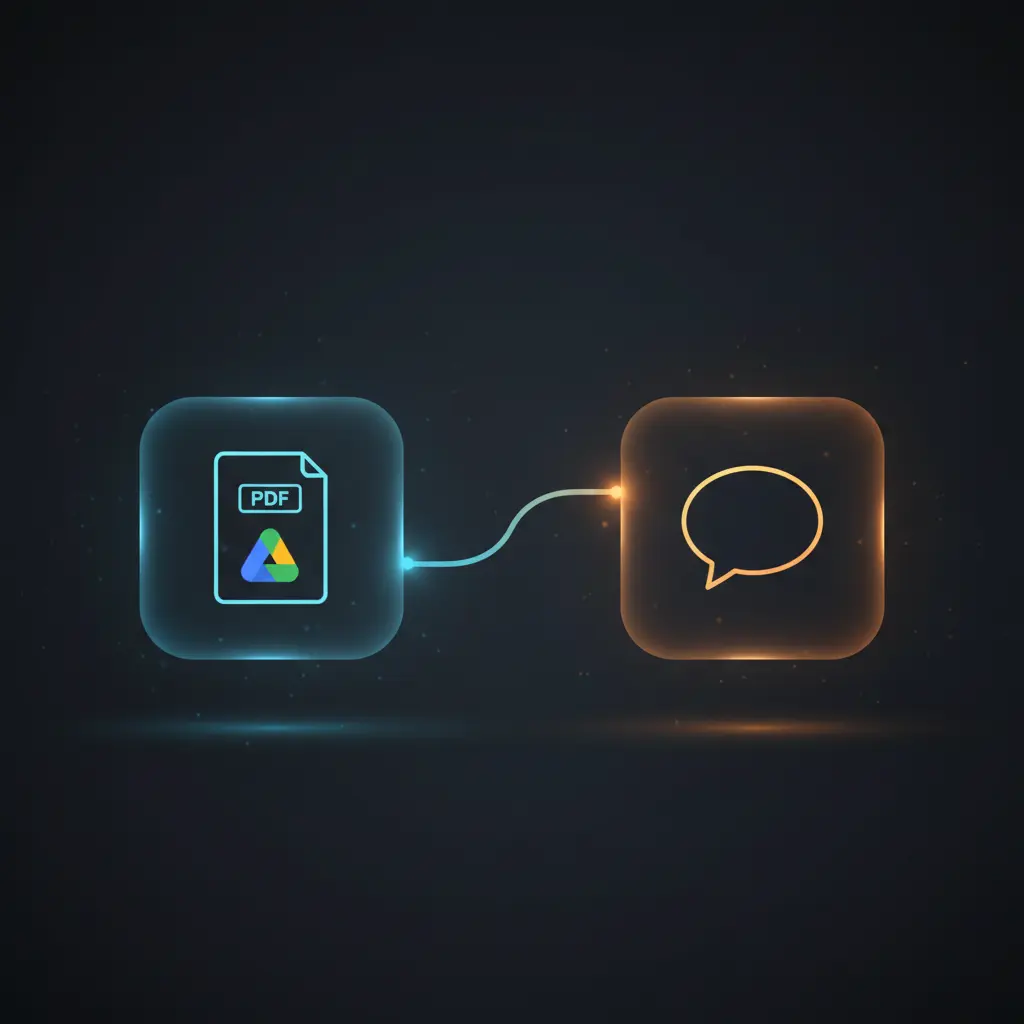
The Stock Q&A Workflow is a specialized automation workflow designed for event-driven analysis of financial documents, enabling interactive question-and-answer capabilities about stock data. This orchestration pipeline integrates PDF ingestion from cloud storage, semantic vector indexing, and AI-driven natural language responses, triggered via HTTP POST webhook requests.
Key Benefits
- Automates financial document ingestion and semantic indexing for rapid data retrieval.
- Supports natural language queries through an event-driven analysis and orchestration pipeline.
- Enables dynamic multi-company support by selecting vector stores based on incoming payload.
- Leverages no-code integration of AI embeddings and language models for contextual stock insights.
- Delivers synchronous, detailed text responses to stock-related inquiries via webhook interface.
Product Overview
This automation workflow initiates with a manual trigger that downloads a PDF financial report from Google Drive using OAuth2 authentication. The binary PDF is converted into a document format using a PDF loader node, then segmented into text chunks of 3000 characters with 200-character overlap by a recursive character text splitter. These text chunks are converted into vector embeddings via OpenAI’s embedding API and inserted into a Qdrant vector store collection named per company, providing semantic indexing for efficient retrieval.
Incoming user queries arrive through a POST webhook, where the JSON payload includes the question and company identifier. The workflow dynamically selects the corresponding Qdrant vector collection, retrieves the top 5 relevant chunks using vector similarity search, and passes the context to an OpenAI chat language model node. The model generates a natural language answer based on retrieved content and user query. The response text is returned synchronously to the calling client through the webhook response node.
Error handling relies on default platform behavior without custom retry or backoff logic. Credentials are managed securely via OAuth2 for Google Drive and API keys for OpenAI and Qdrant services. No document data is persisted beyond the vector store insertion, ensuring transient processing of queries.
Features and Outcomes
Core Automation
This image-to-insight orchestration pipeline processes PDF financial documents by extracting, chunking, embedding, storing, and retrieving semantic data. The workflow applies deterministic chunking rules and vector similarity thresholds to identify relevant document segments for answering user queries.
- Chunk size fixed at 3000 characters with a 200-character overlap to optimize embedding granularity.
- Single-pass embedding generation using OpenAI’s embedding API for all document chunks.
- Deterministic top-K (top 5) retrieval ensures consistent context selection for language model input.
Integrations and Intake
The no-code integration connects to Google Drive for secure PDF download via OAuth2 credentials. Incoming queries are accepted through an HTTP POST webhook expecting JSON with at least “input” (query text) and “company” (vector store selector) fields. The workflow dynamically fetches vector data from Qdrant collections identified by company name.
- Google Drive node for PDF retrieval, using OAuth2 authentication.
- Qdrant vector store nodes for semantic document indexing and retrieval.
- OpenAI API accessed via API key for embedding and chat completion services.
Outputs and Consumption
The workflow returns a plain text answer synchronously to the webhook caller. This text is generated by the OpenAI chat model based on retrieved document context. The response contains a natural language explanation addressing the user’s stock-related question.
- Output format is plain text returned in webhook response body.
- Response is synchronous, completing within a single request-response cycle.
- Includes answer text field extracted from AI model output for client display.
Workflow — End-to-End Execution
Step 1: Trigger
The workflow starts either manually via the “Execute Workflow” trigger to ingest and index PDF documents or automatically via an HTTP POST webhook that receives user questions. The webhook expects a JSON payload with fields specifying the user query and target company for dynamic vector store selection.
Step 2: Processing
For document ingestion, the PDF binary is converted into a readable document format and split into overlapping text chunks to optimize embedding quality. For queries, the workflow parses the JSON body to extract the input question and company identifier, performing basic presence checks on required fields.
Step 3: Analysis
The workflow uses vector similarity search within a Qdrant collection named after the company to retrieve the top 5 relevant document chunks. The retrieved chunks are passed to an OpenAI chat model which generates a context-aware answer to the user’s query using retrieval-augmented generation.
Step 4: Delivery
The generated answer is sent back immediately as the webhook’s HTTP response in plain text format, enabling synchronous consumption by the client application or system.
Use Cases
Scenario 1
An analyst wants to query a company’s recent financial report stored as a PDF in Google Drive. By triggering this image-to-insight automation workflow, the analyst receives precise answers to stock-related questions without manual document review, streamlining fundamental analysis.
Scenario 2
An investment firm needs to automate responses to client inquiries about multiple companies’ financials. Using this orchestration pipeline, the firm dynamically targets vector stores per company and provides accurate, document-based answers in real time through a unified webhook interface.
Scenario 3
A developer integrates a no-code integration for stock Q&A into a financial dashboard. The workflow’s synchronous response with contextually relevant insights enables enhanced user experience by reducing latency and providing detailed textual explanations derived from indexed reports.
Comparison — Manual Process vs. Automation Workflow
| Attribute | Manual/Alternative | This Workflow |
|---|---|---|
| Steps required | Multiple manual steps including document download, reading, indexing, and querying. | Automated ingestion, indexing, and retrieval in a unified, event-driven pipeline. |
| Consistency | Variable answers based on human interpretation and reading errors. | Deterministic vector retrieval and AI-generated consistent textual responses. |
| Scalability | Limited by human throughput and manual effort. | Scales dynamically by selecting vector collections per company at runtime. |
| Maintenance | Requires ongoing manual document processing and query handling. | Low maintenance with automated document processing and API-driven integrations. |
Technical Specifications
| Environment | Cloud-based n8n automation platform |
|---|---|
| Tools / APIs | Google Drive (OAuth2), OpenAI Embeddings and Chat Models (API Key), Qdrant Vector Store (API Key) |
| Execution Model | Hybrid manual trigger and HTTP POST webhook for synchronous request-response |
| Input Formats | PDF files (binary), JSON payload with text queries via webhook |
| Output Formats | Plain text response via webhook |
| Data Handling | Transient query processing; persistent vector storage in Qdrant |
| Known Constraints | Relies on external APIs availability and correct JSON payload structure |
| Credentials | OAuth2 for Google Drive; API keys for OpenAI and Qdrant |
Implementation Requirements
- Valid OAuth2 credentials configured for Google Drive access to download PDFs.
- API keys for OpenAI services to generate embeddings and chat completions.
- Qdrant API credentials for vector store insertion and retrieval operations.
Configuration & Validation
- Ensure Google Drive OAuth2 credential is authorized and the specified PDF file ID is accessible.
- Confirm OpenAI API key is valid and permissions allow embedding and chat model usage.
- Verify that Qdrant vector store collections exist and API credentials permit insertion and querying.
Data Provenance
- Trigger node: HTTP POST webhook (“Webhook1”) awaiting JSON query and company data.
- Embedding nodes: OpenAI embedding nodes generate vector representations from document chunks.
- Vector store nodes: Qdrant nodes insert and retrieve vectors using company-specific collections.
FAQ
How is the Stock Q&A Workflow automation workflow triggered?
It is triggered either manually for PDF ingestion via a manual node or automatically by an HTTP POST webhook receiving JSON queries.
Which tools or models does the orchestration pipeline use?
The workflow uses Google Drive for document retrieval, OpenAI’s embedding and chat models for vector generation and language understanding, and Qdrant for vector storage and similarity search.
What does the response look like for client consumption?
The response is a synchronous plain text output containing a natural language answer generated by the OpenAI chat model based on retrieved document context.
Is any data persisted by the workflow?
Only vector embeddings are persisted in Qdrant collections; transient data such as queries and generated answers are not stored beyond processing.
How are errors handled in this integration flow?
The workflow relies on default platform error handling without custom retry or backoff mechanisms configured.
Conclusion
The Stock Q&A Workflow automates the extraction, semantic indexing, and interactive querying of financial documents to provide detailed stock analysis insights. By combining PDF ingestion, vector embedding, and AI language models within an event-driven analysis framework, it delivers consistent, contextually relevant answers synchronously. This workflow depends on external APIs for document retrieval and AI services, requiring valid credentials and stable connectivity. Its deterministic design reduces manual processing overhead and enables scalable multi-company financial document analysis without persistent data storage beyond vector embeddings.















Reviews
There are no reviews yet.