Description
Overview
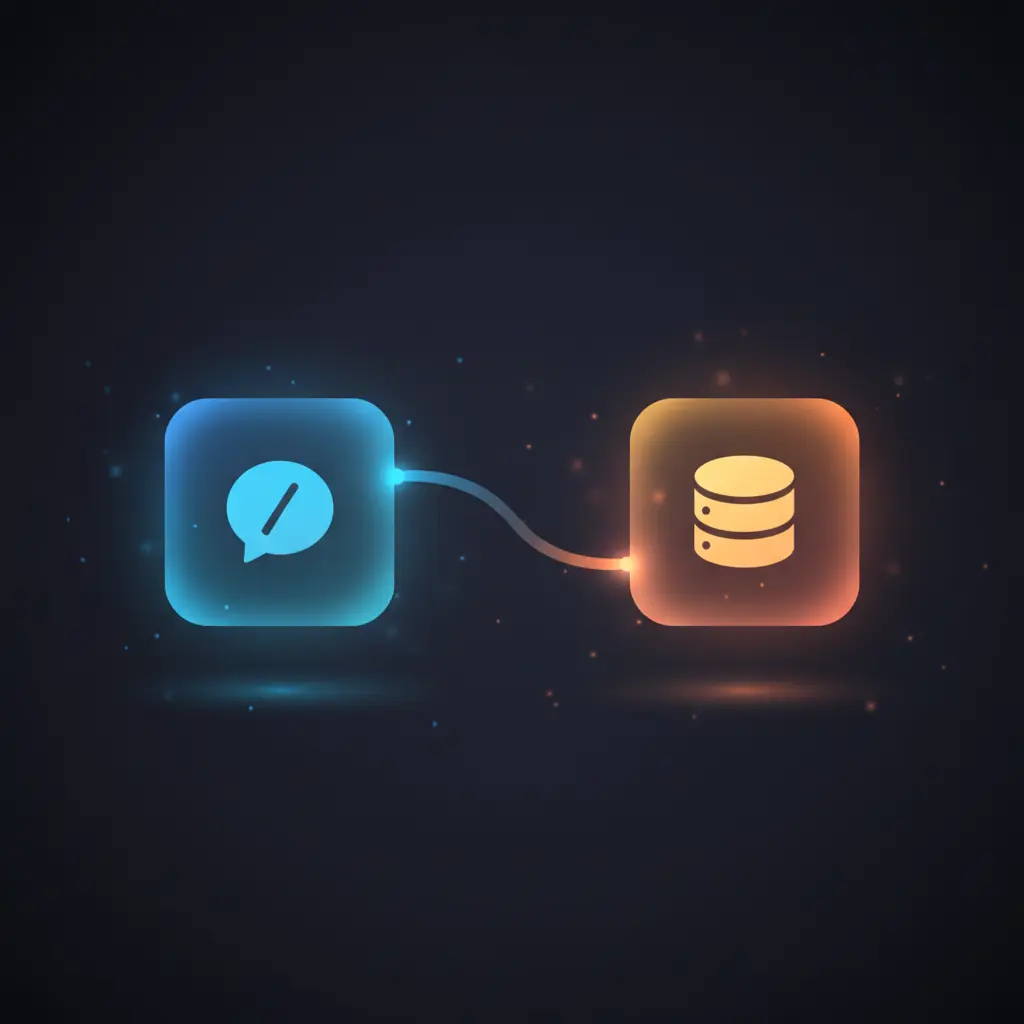
This Slack slash command to Notion integration workflow enables automated idea submission from Slack directly into a Notion database. The automation workflow listens for HTTP POST webhook triggers from configured Slack slash commands, such as /idea, and routes input for structured processing.
Designed for teams managing idea collection and task tracking, it addresses the challenge of manual data transfer between Slack and Notion by providing a deterministic, event-driven orchestration pipeline that captures command text and user data efficiently.
Key Benefits
- Automates idea capture from Slack slash commands into Notion databases with structured data entry.
- Supports multiple command routing via a switch node for extensible no-code integration.
- Ensures contextual user attribution by assigning Slack usernames as Notion page properties.
- Delivers personalized Slack confirmation messages to prompt further idea elaboration post-submission.
Product Overview
This integration pipeline begins with a webhook node configured to receive HTTP POST requests at a Slack slash command endpoint. Incoming payloads include command information, text input, user identifiers, and a response URL. The switch node inspects the command field, currently routing the /idea command to a Notion node that creates a new page in a specified database. The Notion node sets the page title to the Slack text input and populates a “Creator” property with the Slack username.
Following successful page creation, an HTTP Request node sends a structured response back to Slack using the response_url to acknowledge the submission and encourage additional detail entry. The workflow runs synchronously from Slack trigger to Notion insertion, facilitating real-time feedback. Error handling relies on platform defaults without custom retry or backoff mechanisms, and credentials for Notion API access are required for authentication.
Features and Outcomes
Core Automation
The workflow processes Slack slash command inputs, filtering commands via a switch node for deterministic routing. Upon receiving the /idea command, text payloads are used to create Notion pages, enabling single-pass evaluation and no-code integration of user ideas.
- Single-pass command evaluation with explicit routing via switch node.
- Direct mapping of Slack command text to Notion page titles and properties.
- Deterministic handling of recognized commands with extendable branches.
Integrations and Intake
The orchestration pipeline connects Slack’s slash command interface through an HTTP webhook node, authenticated internally by Slack’s mechanisms. The Notion API integration uses OAuth credentials to authorize page creation. The intake expects structured JSON payloads with fields including command, text, user_name, and response_url.
- Slack webhook node for HTTP POST intake of slash command events.
- Notion node uses OAuth credentials to write new database pages.
- Switch node enables extensible command recognition and routing.
Outputs and Consumption
Outputs include the creation of Notion database pages with title and “Creator” properties populated from Slack input. Additionally, an HTTP request node posts synchronous confirmation messages back to Slack via the provided response URL. Both outputs are structured JSON for downstream consumption or user feedback.
- Notion database pages created with text and user attribution fields.
- Slack confirmation messages posted asynchronously to original channel.
- Output fields include page URL references and user identifiers for traceability.
Workflow — End-to-End Execution
Step 1: Trigger
The workflow initiates on an HTTP POST webhook trigger configured at the path /slack-trigger. This endpoint receives payloads from Slack slash commands, including command text, user metadata, and a response URL for asynchronous replies.
Step 2: Processing
Incoming JSON payloads undergo routing through a switch node that evaluates the command field. Basic presence checks ensure the command matches predefined keys such as /idea. No additional schema validation or transformation is applied beyond this conditional branching.
Step 3: Analysis
The switch node deterministically routes recognized commands to corresponding actions. For /idea, the workflow creates a Notion database page using the Slack text as the title and attaches the username as a “Creator” property. No complex heuristics or ML models are involved.
Step 4: Delivery
After Notion page creation, an HTTP Request node sends a structured JSON message back to Slack via the response_url. This message acknowledges the submission and encourages users to add further details in Notion. The delivery is asynchronous but triggered immediately post-creation.
Use Cases
Scenario 1
Teams struggle to consolidate ideas submitted during Slack conversations into central documentation. This workflow automates idea capture from Slack slash commands directly into Notion, ensuring each idea is logged with user attribution. The result is a streamlined process that reduces manual data entry and improves traceability.
Scenario 2
Product managers need a scalable method to collect feature requests from Slack channels. Using this no-code integration, requests submitted via slash commands are automatically entered into a Notion database for prioritization. This deterministic pipeline delivers consistent inputs without requiring manual transfer.
Scenario 3
Development teams want to maintain an audit trail of ideas contributed during standups. The Slack-to-Notion automation workflow captures each idea as a Notion page, tagged with the contributor’s Slack username. This ensures structured data storage and facilitates subsequent review and elaboration.
How to use
To deploy this workflow, first configure a Slack app with a slash command (e.g., /idea) that points to the workflow’s webhook URL. Set up a Notion database with at least “Name” and “Creator” properties, and add the corresponding OAuth credentials in n8n. Import and activate the workflow, then test with the slash command in Slack. Upon execution, submitted ideas will appear as new pages in the linked Notion database, and users will receive an automated Slack message prompting additional details.
Comparison — Manual Process vs. Automation Workflow
| Attribute | Manual/Alternative | This Workflow |
|---|---|---|
| Steps required | Multiple manual copy-paste and data entry stages. | Single automated pipeline from Slack command to Notion entry. |
| Consistency | Variable due to human error and format differences. | Deterministic routing with explicit command checks and structured output. |
| Scalability | Limited by manual workload and communication delays. | Scalable no-code integration supporting multiple commands and users. |
| Maintenance | Ongoing manual updates and coordination required. | Low maintenance after initial setup; extensible via switch node configuration. |
Technical Specifications
| Environment | n8n workflow automation platform |
|---|---|
| Tools / APIs | Slack Webhook, Notion API (OAuth), HTTP Request |
| Execution Model | Synchronous trigger-to-response with asynchronous Slack confirmation |
| Input Formats | Slack slash command HTTP POST JSON payload |
| Output Formats | Notion database pages, JSON Slack message payloads |
| Data Handling | Transient processing; no persistence beyond Notion page creation |
| Known Constraints | Relies on external Slack and Notion API availability and permissions |
| Credentials | OAuth credentials for Notion API access |
Implementation Requirements
- Slack app configured with slash commands and appropriate OAuth scopes (e.g.,
chat:write). - Notion database with defined properties and OAuth credentials integrated in n8n.
- Network access allowing n8n to receive Slack webhook POST requests and call Notion APIs.
Configuration & Validation
- Verify Slack app slash command triggers the webhook URL with valid payloads.
- Confirm Notion credentials allow creation of pages in the specified database.
- Execute test slash command in Slack and ensure Notion page creation plus Slack confirmation response.
Data Provenance
- Trigger node: Webhook node listens to HTTP POST at
/slack-triggerfor Slack slash commands. - Routing node: Switch node evaluates
$json.body.commandfor command-specific processing. - Destination node: Notion node creates database pages with
titlefrom$json.body.textand “Creator” from$json.body.user_name.
FAQ
How is the Slack slash command to Notion automation workflow triggered?
The workflow is triggered via an HTTP POST webhook node configured to receive Slack slash command payloads at a defined endpoint, responding to commands such as /idea.
Which tools or models does the orchestration pipeline use?
The pipeline uses Slack webhook integration, a switch node for command routing, Notion API via OAuth authentication, and an HTTP Request node to send Slack confirmation messages. No machine learning models are involved.
What does the response look like for client consumption?
After Notion page creation, the workflow sends a JSON-formatted HTTP POST message back to Slack’s response_url, containing a confirmation text and a prompt for adding further idea details.
Is any data persisted by the workflow?
Data persistence occurs only in the Notion database as newly created pages. The workflow itself processes data transiently without storing payloads internally.
How are errors handled in this integration flow?
Error handling relies on the platform’s default behavior; no custom retry or backoff mechanisms are implemented within the workflow nodes.
Conclusion
This Slack slash command to Notion integration workflow provides a deterministic method to automate idea submission from Slack into a structured Notion database. By capturing command text and user metadata, it ensures consistent data entry and immediate feedback within Slack. The workflow depends on the availability and correct configuration of external Slack and Notion APIs and requires OAuth credentials for authentication. Its extensible design supports additional commands, making it a reliable foundation for scalable team collaboration without manual intervention.
















Reviews
There are no reviews yet.