Description
Overview
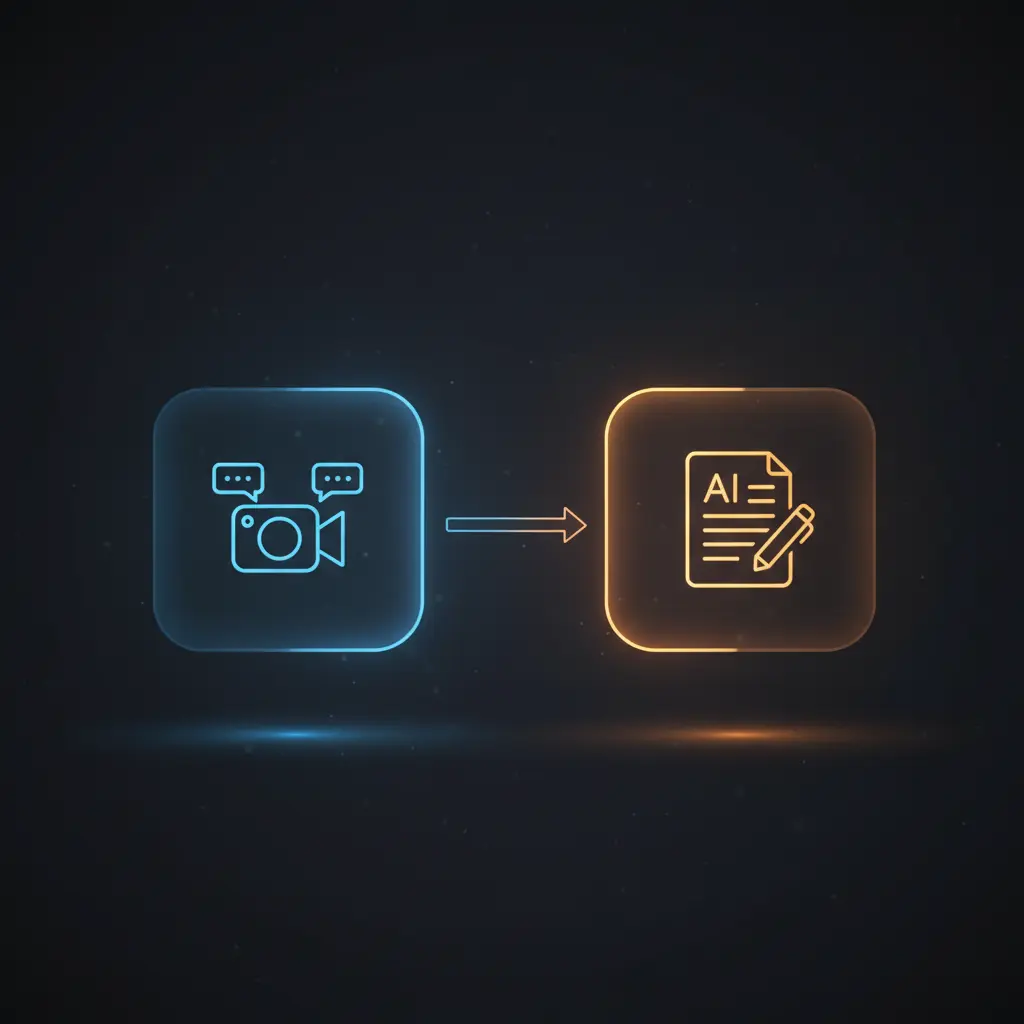
This transcription and insight extraction automation workflow provides real-time meeting transcription and AI-driven analysis designed for virtual collaboration environments. Leveraging an event-driven analysis orchestration pipeline, it targets professionals needing accurate, structured dialogue capture and contextual insights during online meetings. The workflow utilizes a webhook trigger to ingest ongoing transcription data from Recall.ai’s bot integration.
Key Benefits
- Automates real-time speech-to-text transcription for seamless meeting documentation.
- Integrates event-driven analysis with keyword detection to trigger AI responses.
- Stores structured dialogue data in a database for easy retrieval and indexing.
- Maintains conversation context using thread-based memory for continuous AI interaction.
- Facilitates no-code integration between transcription APIs, databases, and AI assistants.
Product Overview
This automation workflow initiates with setting a meeting URL, which is used to create a Recall.ai bot configured to join virtual meetings such as Google Meet. The bot captures audio and streams real-time transcription via AssemblyAI, sending data to a webhook endpoint. Each transcription fragment includes segmented words, speaker information, timestamps, and language metadata.
Subsequent nodes update a PostgreSQL or Supabase database record by appending new dialogue entries into a JSONB field, preserving order and timestamps to maintain transcript coherence. A conditional check node scans incoming text fragments for specific keywords (e.g., “Jimmy”) to trigger further AI processing.
The core logic uses an OpenAI Langchain node which receives filtered, sorted dialogue segments to produce definitions, summaries, or notes. Output from the AI assistant is appended back into the database as structured notes, enabling iterative analysis and review. The workflow executes asynchronously, relying on HTTP POST webhooks and API requests with authenticated credentials to securely handle data during processing.
Features and Outcomes
Core Automation
This event-driven analysis pipeline processes incoming transcription fragments, applies keyword-based conditional logic, and orchestrates AI interactions for contextual understanding. It supports no-code integration by linking distinct nodes for data insertion, AI querying, and note creation.
- Processes transcription data incrementally with ordered JSONB updates.
- Executes single-pass keyword detection to trigger AI assistant calls.
- Maintains conversation thread state to support continuous AI context.
Integrations and Intake
The workflow integrates Recall.ai for meeting bot creation and AssemblyAI for transcription services, utilizing HTTP request nodes authenticated via API keys and bearer tokens. Transcription data arrives as JSON payloads containing word arrays, speaker IDs, and timestamps.
- Recall.ai bot API enables automatic joining and real-time audio capture.
- AssemblyAI provides the speech-to-text transcription engine.
- PostgreSQL/Supabase stores and manages structured transcription and notes.
Outputs and Consumption
Outputs are stored asynchronously in JSONB database fields capturing dialogue arrays and AI-generated notes. The workflow returns structured text data and metadata without synchronous response requirements, facilitating downstream retrieval or further analysis.
- Dialogue stored as ordered JSON objects with speaker, words, timestamps.
- AI assistant outputs notes appended to a notes array within the same record.
- Data formatted for easy consumption by applications requiring meeting insights.
Workflow — End-to-End Execution
Step 1: Trigger
The workflow is initiated by a webhook receiving HTTP POST requests containing transcription fragments from the Recall.ai meeting bot. Each payload includes detailed word arrays, speaker identity, and event metadata necessary for processing.
Step 2: Processing
Incoming transcription data undergoes parsing and validation with basic presence checks ensuring required fields like words and speaker IDs exist. The data is appended in order to a JSONB dialog array within the database for chronological transcript assembly.
Step 3: Analysis
The workflow applies a conditional node that checks if the transcription contains the keyword “Jimmy.” If true, it triggers the OpenAI Langchain node which retrieves the conversation context, formats dialog lines by speaker, and sends a defined prompt to the AI assistant for generating insights or summaries.
Step 4: Delivery
AI-generated text notes are appended back into the database record under a notes JSONB array, enabling persistent storage of insights alongside raw transcription data. The workflow operates asynchronously without direct client response.
Use Cases
Scenario 1
During virtual team meetings, capturing spoken discussions manually is prone to error and distraction. This automation workflow provides real-time transcription and event-driven analysis, allowing participants to focus on conversation while generating structured meeting records and AI-generated notes for post-meeting review.
Scenario 2
For customer support calls, extracting key phrases quickly enables timely follow-up actions. This orchestration pipeline detects specified keywords within live transcription streams to initiate AI insight generation, thus enabling efficient summarization and action item identification without manual intervention.
Scenario 3
In project status meetings, centralized storage of dialogue and AI notes improves knowledge retention. The no-code integration captures, stores, and analyzes conversations in near real-time, producing structured insights that can be queried later for accountability and decision tracking.
Comparison — Manual Process vs. Automation Workflow
| Attribute | Manual/Alternative | This Workflow |
|---|---|---|
| Steps required | Multiple manual transcription, note-taking, and review steps. | Automated ingestion, processing, AI analysis, and storage in one pipeline. |
| Consistency | Subject to human error and variable transcription quality. | Deterministic transcript ordering and AI-generated notes ensure uniformity. |
| Scalability | Limited by human capacity and manual effort. | Scales with API and database throughput for multiple concurrent meetings. |
| Maintenance | Requires ongoing training and manual quality control. | Maintains via configured API keys and database connections; minimal manual upkeep. |
Technical Specifications
| Environment | Cloud-hosted n8n workflow with PostgreSQL/Supabase backend |
|---|---|
| Tools / APIs | Recall.ai (meeting bot), AssemblyAI (transcription), OpenAI Langchain assistant, PostgreSQL/Supabase |
| Execution Model | Event-driven asynchronous pipeline via HTTP webhook and API calls |
| Input Formats | JSON payloads containing transcription word arrays, speaker metadata, timestamps |
| Output Formats | JSONB arrays for dialog and notes stored in database records |
| Data Handling | Incremental JSONB updates with ordered dialog entries; no persistent logs beyond database |
| Known Constraints | Relies on external API availability for Recall.ai, AssemblyAI, and OpenAI services |
| Credentials | API keys for Recall.ai, AssemblyAI, OpenAI; PostgreSQL/Supabase access credentials |
Implementation Requirements
- Valid API credentials for Recall.ai, AssemblyAI, and OpenAI configured in n8n nodes.
- PostgreSQL or Supabase database with appropriate schema for storing transcription and notes.
- Webhook endpoint accessible publicly for receiving real-time transcription POST requests.
Configuration & Validation
- Set the meeting URL in the initial node to specify which virtual meeting the bot should join.
- Verify Recall.ai bot creation by confirming bot status changes to “ready” in workflow logs.
- Test webhook reception by sending sample transcription payloads and checking database updates.
Data Provenance
- Trigger: HTTP POST webhook node “Scenario 2 Start – Webhook” receives transcription data.
- Dialog storage: “Insert Transcription Part” node updates PostgreSQL JSONB field with ordered dialogue.
- AI interaction: “OpenAI1” Langchain node uses conversation thread ID to maintain context and generate insights.
FAQ
How is the transcription and insight automation workflow triggered?
The workflow is triggered by an HTTP POST webhook receiving real-time transcription data from the Recall.ai bot during live meetings.
Which tools or models does the orchestration pipeline use?
The orchestration pipeline integrates Recall.ai for meeting bot automation, AssemblyAI for transcription, and OpenAI’s Langchain assistant for AI-driven analysis.
What does the response look like for client consumption?
Outputs are stored asynchronously as JSONB arrays in the database containing ordered dialogue entries and AI-generated notes; no immediate synchronous response is returned.
Is any data persisted by the workflow?
Yes, transcription fragments and AI-generated notes are persistently stored in PostgreSQL or Supabase database records within JSONB fields.
How are errors handled in this integration flow?
The workflow relies on platform default error handling without explicit retry or backoff logic configured in nodes.
Conclusion
This transcription and insight extraction automation workflow reliably converts live virtual meeting speech into structured, searchable dialogue and AI-generated notes. Its event-driven analysis model supports ongoing conversation context and keyword-triggered AI interactions, enhancing meeting clarity and documentation. The workflow requires stable access to external APIs for bot creation, transcription, and AI services, which introduces dependency on third-party availability. Overall, it provides a deterministic process for real-time transcription and contextual insight generation without manual intervention.













Reviews
There are no reviews yet.