Description
Overview
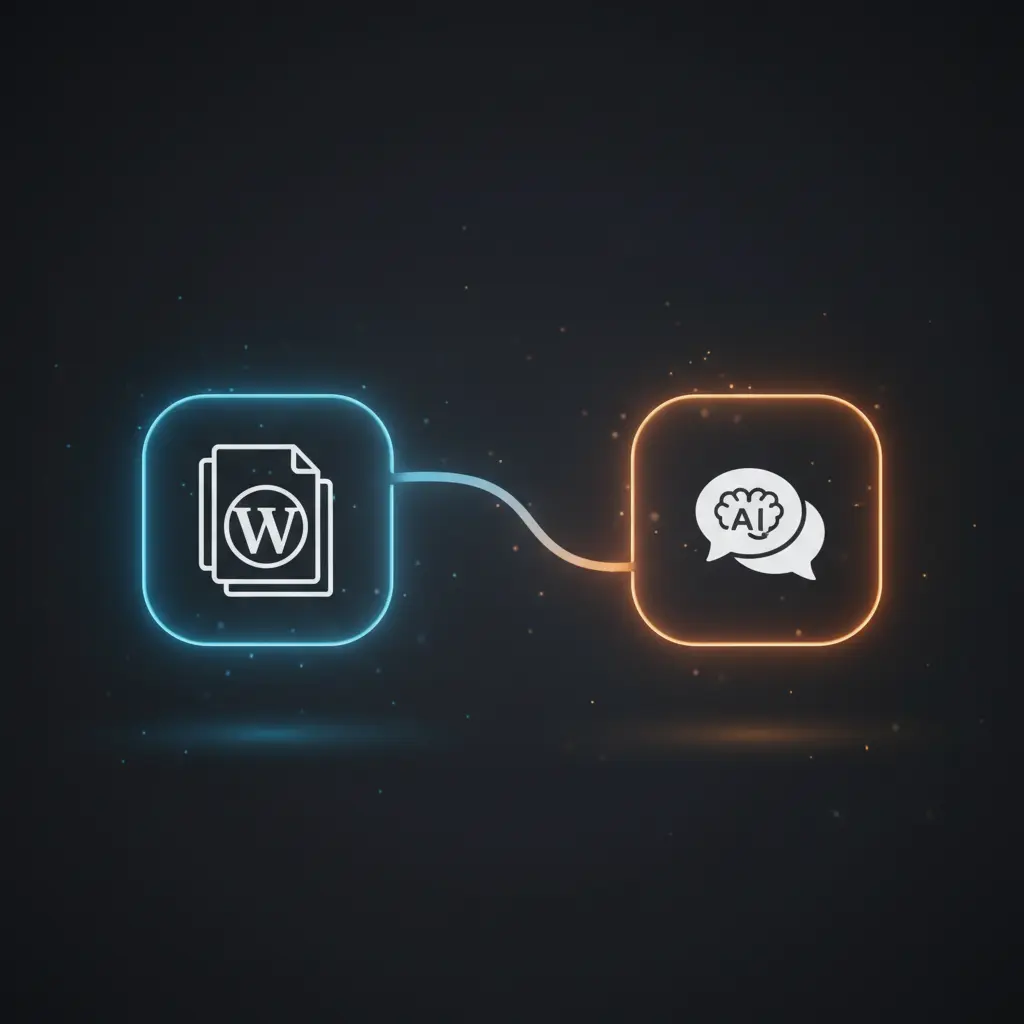
The RAG & GenAI App With WordPress Content workflow automates the integration of WordPress data into a retrieval-augmented generation (RAG) chatbot, enabling dynamic content-driven conversations. This automation workflow leverages a no-code integration pipeline combining WordPress content extraction with vector embeddings and AI-based language modeling to deliver context-aware responses. It initiates with a manual trigger that fetches all posts and pages from WordPress for further processing.
Key Benefits
- Automates extraction and filtering of published, unprotected WordPress posts and pages for embedding.
- Generates vector embeddings using OpenAI’s text-embedding-3-small model for precise semantic indexing.
- Supports incremental updates by scheduling checks for modified content after last workflow execution.
- Enables real-time retrieval of relevant documents via a vector store for AI-driven chat responses.
- Maintains chat context with Postgres-based memory to enhance conversation coherence in the orchestration pipeline.
Product Overview
This workflow begins by fetching all WordPress posts and pages through dedicated WordPress nodes, merging the content streams to form a unified dataset. It sets and extracts critical metadata such as publication date, modification date, content type, title, URL, and content protection status. A filter node then removes any content that is either protected or unpublished, ensuring only publicly accessible content is processed. The HTML content is converted to Markdown to standardize textual input for downstream tasks.
Following content preparation, the workflow splits text into 300-token chunks with a 30-token overlap to optimize embedding granularity. These chunks are processed by the OpenAI embedding model “text-embedding-3-small,” generating high-dimensional vectors that represent semantic content. Embeddings are stored and upserted into a Supabase vector store, backed by a Postgres database with row-level security and pgvector extension enabled. This setup supports efficient similarity searches during chat interactions.
Incremental updates are managed by a schedule trigger that runs every 30 seconds, querying WordPress for posts and pages modified since the last execution timestamp. This ensures embeddings remain synchronized with live website content. For chat functionality, a webhook receives user queries, retrieves relevant documents from the vector store based on embedding similarity, and routes them through an AI agent using OpenAI’s GPT-4o-mini model. The agent forms answers embedding document metadata such as URLs, content types, and publication dates, delivering informative, context-rich replies in the user’s language. Chat history is persisted in a Postgres chat memory table to maintain conversational state.
Features and Outcomes
Core Automation
This retrieval-augmented generation orchestration pipeline accepts WordPress content as input, applies filtering and chunking, and generates contextual embeddings. Decision logic includes filtering unpublished or protected posts and differentiating between new and existing documents for upsert operations.
- Token splitting into 300-token chunks with 30-token overlap supports fine-grained semantic representation.
- Deterministic upsert flow handles existing documents by deleting outdated embeddings prior to insertion.
- Single-pass evaluation during embedding generation ensures consistent indexing without redundant processing.
Integrations and Intake
This automation workflow connects WordPress APIs with Supabase vector storage and OpenAI services using API key authentication. It retrieves all posts and pages, filtering for published, unprotected content. Payloads include full post metadata and HTML content converted to Markdown.
- WordPress nodes perform complete content extraction for posts and pages.
- OpenAI embedding and chat nodes generate semantic vectors and conversational responses.
- Supabase vector store manages embedding storage and similarity search retrievals.
Outputs and Consumption
The workflow outputs include vector embeddings stored in a Supabase/Postgres vector table and AI-generated chat responses returned synchronously via webhook. Key output fields include document metadata (URL, content type, publication and modification dates) and conversational text.
- Embedding vectors indexed with associated metadata for contextual relevance.
- Synchronous webhook responses deliver AI agent answers integrating source citations.
- Postgres chat memory stores conversation history for multi-turn dialogue consistency.
Workflow — End-to-End Execution
Step 1: Trigger
The workflow can be manually triggered or scheduled every 30 seconds to initiate content synchronization. The manual trigger node initiates full retrieval of WordPress posts and pages, while the schedule trigger fetches only content modified since the last execution, using a stored timestamp in the Postgres embedding history table.
Step 2: Processing
Fetched WordPress content is merged and filtered to exclude protected or unpublished entries. HTML content is converted to Markdown format for uniform text processing. Basic presence checks ensure required metadata fields such as title, URL, and publication date are set correctly before chunking.
Step 3: Analysis
The Markdown content is split into overlapping token chunks, each passed to an OpenAI embedding model to produce semantic vectors. The workflow queries Supabase/Postgres to check for existing documents by ID. A switch node routes documents through upsert logic: deleting outdated embeddings for existing IDs or inserting new embeddings for new documents.
Step 4: Delivery
Embedding data is stored in Supabase’s vector table with metadata. Upon receiving chat input via webhook, the workflow retrieves matching documents through similarity search and passes them to an AI agent node using OpenAI’s GPT-4o-mini model. The agent generates a response integrating metadata citations, which is returned synchronously through the webhook response node.
Use Cases
Scenario 1
A website owner needs to enable AI-powered chat that references up-to-date WordPress content. This workflow automates embedding generation and updates, ensuring the chatbot provides accurate answers based on live site data. The result is a retrieval-augmented chatbot that cites content sources with URLs and dates.
Scenario 2
An organization wants to keep semantic search indexes synchronized with website changes. By scheduling incremental fetches of modified posts and pages, this workflow updates embeddings only for changed content, reducing processing overhead and maintaining vector store accuracy.
Scenario 3
Developers require a no-code integration pipeline to convert WordPress HTML content into AI-ready embeddings with metadata preservation. This workflow automates content filtering, chunking, embedding, and storage, enabling downstream AI applications to retrieve and cite documents effectively.
How to use
To deploy this workflow, import it into your n8n instance and configure WordPress API credentials with appropriate read permissions. Set up Supabase with a vector table named “documents” and a Postgres database for chat memory and embedding history tables. Adjust the scheduled trigger frequency to match your website’s publishing cadence.
Run the manual trigger node initially to perform a full embedding of all site content. Subsequent runs will incrementally update embeddings based on modifications detected via timestamps. Enable the webhook node to accept chat inputs from your website frontend, which will be processed by the AI agent to return context-aware answers incorporating source metadata.
Expect structured embeddings stored in Supabase, with synchronous AI-generated chat responses that include citations for URLs, publication dates, and content types, facilitating transparent and traceable user interactions.
Comparison — Manual Process vs. Automation Workflow
| Attribute | Manual/Alternative | This Workflow |
|---|---|---|
| Steps required | Multiple manual exports, data cleaning, embedding generation, and upload steps | Single automated pipeline with scheduled incremental updates and chat integration |
| Consistency | Prone to human error and inconsistent filtering or embedding parameters | Deterministic filtering and embedding using preset model and chunking configurations |
| Scalability | Limited by manual processing capacity and update latency | Scales with automated content detection and batch embedding via vector stores |
| Maintenance | Requires repeated manual intervention and synchronization checks | Low-maintenance with automated timestamp tracking and upsert logic |
Technical Specifications
| Environment | n8n workflow orchestrated with WordPress, Supabase, and Postgres services |
|---|---|
| Tools / APIs | WordPress REST API, OpenAI Embeddings and Chat models, Supabase Vector Store, Postgres |
| Execution Model | Hybrid manual and scheduled triggers with synchronous webhook responses |
| Input Formats | WordPress JSON posts and pages, HTML content converted to Markdown |
| Output Formats | Vector embeddings (stored as vectors), AI chat responses in JSON text |
| Data Handling | Transient processing in-memory; embeddings and chat memory persisted in database |
| Known Constraints | Relies on availability of external WordPress API and OpenAI services |
| Credentials | WordPress API credentials, OpenAI API key, Supabase/Postgres connection details |
Implementation Requirements
- Valid WordPress API credentials with permission to read posts and pages.
- OpenAI API key configured for embedding and chat model access.
- Supabase instance with vector store table and Postgres database configured.
Configuration & Validation
- Verify WordPress API connectivity by successfully retrieving posts and pages.
- Confirm Supabase vector table “documents” and Postgres tables exist with proper schema.
- Test manual trigger to ensure embeddings generate and store correctly, then validate chat responses via webhook.
Data Provenance
- Trigger node: manualTrigger initiates full content retrieval for embedding creation.
- Embedding nodes: OpenAI embeddingsOpenAi nodes generate semantic vectors for content chunks.
- Storage nodes: Supabase Vector Store nodes handle insertion and upsert of documents with metadata.
FAQ
How is the RAG & GenAI App With WordPress Content automation workflow triggered?
The workflow can be triggered manually or scheduled every 30 seconds to detect and process new or updated WordPress content.
Which tools or models does the orchestration pipeline use?
This no-code integration pipeline uses OpenAI’s text-embedding-3-small for embeddings and GPT-4o-mini for conversational AI responses.
What does the response look like for client consumption?
Responses are synchronous webhook outputs containing AI-generated text answers that integrate source metadata such as URLs, content types, and publication dates.
Is any data persisted by the workflow?
Yes, embeddings and metadata are persisted in Supabase’s vector store, and chat histories are stored in a Postgres chat memory table.
How are errors handled in this integration flow?
Error handling relies on default n8n platform mechanisms; no custom retry or backoff logic is configured in the workflow.
Conclusion
The RAG & GenAI App With WordPress Content workflow provides a structured, automated approach to embedding and querying WordPress site content for AI-driven chat applications. It deterministically filters, chunks, and vectorizes website data, ensuring only published and unprotected content is included. By synchronizing embeddings incrementally and integrating a metadata-aware AI agent, it produces contextually accurate, source-cited answers in real time. A key limitation is its dependency on external WordPress and OpenAI API availability, which impacts data freshness and response generation. Overall, it offers dependable content orchestration and retrieval capabilities for enhanced user interactions.















Reviews
There are no reviews yet.