Description
Overview
This manual data retrieval workflow facilitates controlled access to content stored within a Cockpit CMS collection. Designed as a manual-triggered automation workflow, it enables users to fetch records from the “samplecollection” collection via the Cockpit API, supporting targeted content management and integration use cases.
By employing a manual trigger node followed by a Cockpit CMS node, this orchestration pipeline ensures explicit user initiation and secure API interaction to retrieve structured collection data.
Key Benefits
- Enables precise manual initiation of data retrieval with a manual trigger node.
- Integrates directly with Cockpit CMS to fetch collection data without additional configuration.
- Supports a no-code integration approach by abstracting API calls within node parameters.
- Ensures secure API authentication using stored Cockpit API credentials.
Product Overview
This product is a straightforward n8n workflow designed for manual fetching of data from a Cockpit CMS collection named “samplecollection”. It uses a Manual Trigger node as the entry point, requiring explicit user interaction to start execution. Upon activation, the workflow passes control to a Cockpit node configured with API credentials to authenticate and connect to the CMS.
The Cockpit node, without specifying operations like create or update, defaults to performing a “find” operation, retrieving the existing entries within the collection. The workflow operates synchronously, returning the fetched data upon completion, with no additional error handling or retry logic configured beyond the platform default. All data handling occurs transiently during runtime, with no persistence managed by this workflow itself.
Features and Outcomes
Core Automation
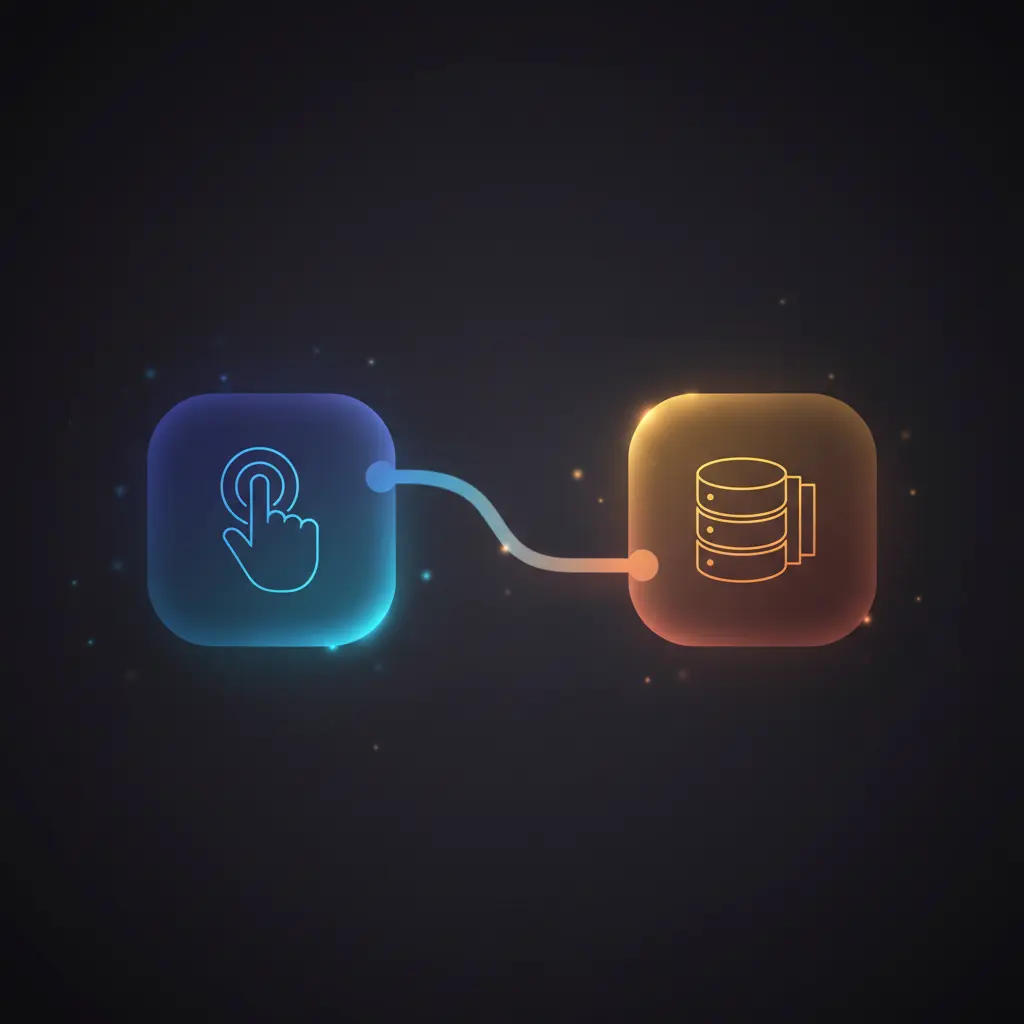
The core automation workflow starts with a manual trigger node that requires explicit user activation to initiate the no-code integration pipeline. This ensures controlled execution and prevents unintended calls. The Cockpit node then performs a deterministic fetch of the collection data, providing a single-pass data retrieval operation.
- Single-pass evaluation of collection data triggered manually.
- Deterministic execution with no asynchronous queuing.
- Explicit user control over execution timing and frequency.
Integrations and Intake
The workflow integrates directly with Cockpit CMS via its API, authenticated through stored API credentials. The manual trigger node requires no input payload, serving only as an execution initiator. The Cockpit node operates on the “samplecollection” collection with default parameters, implying a data retrieval event without additional filters.
- Cockpit CMS API integration for collection data retrieval.
- Manual Trigger node as the initiation mechanism.
- API key-based authentication for secure access.
Outputs and Consumption
The output is the JSON-formatted data retrieved from the Cockpit CMS collection. This synchronous response contains all entries found in “samplecollection” and is available immediately after workflow execution. The data structure complies with Cockpit CMS collection schema and can be consumed by subsequent nodes or external systems.
- JSON array of collection entries as output.
- Synchronous response ensures immediate data availability.
- Output format aligns with Cockpit CMS native schema.
Workflow — End-to-End Execution
Step 1: Trigger
The workflow initiates exclusively via manual trigger. Execution begins only when the user clicks the “execute” button within the n8n interface, eliminating automated or scheduled runs. This manual activation requires no input payload or headers.
Step 2: Processing
After triggering, the workflow passes control to the Cockpit node without transformation or validation of data. The manual trigger node outputs an empty payload, so the Cockpit node operates with default parameters, effectively performing a direct fetch from the CMS collection.
Step 3: Analysis
The Cockpit node executes a “find” operation on the specified collection, retrieving all entries. No filters, conditions, or threshold checks are applied, resulting in a straightforward data fetch based on the collection’s current state within the CMS.
Step 4: Delivery
The retrieved data is returned synchronously as the node’s output, formatted as a JSON array of collection documents. This output can then be used within n8n for further processing or exported externally, depending on the extended workflow or integrations.
Use Cases
Scenario 1
A content manager needs to manually retrieve the latest entries from a CMS collection for review. This workflow enables precise manual initiation of data fetches, ensuring only intentional queries occur and providing immediate access to the collection’s current dataset.
Scenario 2
Developers require a simple integration pipeline to pull content from Cockpit CMS without coding API calls. The no-code integration encapsulates authentication and data retrieval, delivering structured collection data in JSON format for downstream automation.
Scenario 3
Teams performing content audits need deterministic, manual-triggered exports of collection data. This orchestration pipeline ensures consistent, real-time retrieval of all documents in the “samplecollection” without scheduling or automated triggers.
How to use
To use this workflow, import it into your n8n instance. Ensure that valid Cockpit API credentials are configured and assigned to the Cockpit node. Trigger the workflow manually by clicking the execute button in the n8n editor or via the execution interface. Upon activation, the workflow fetches data from the specified Cockpit CMS collection and outputs the JSON array of documents. You can extend the workflow by adding nodes to process, filter, or export this data as needed.
Comparison — Manual Process vs. Automation Workflow
| Attribute | Manual/Alternative | This Workflow |
|---|---|---|
| Steps required | Multiple manual API calls and data exports | Single manual trigger with automated data fetch |
| Consistency | Subject to human error and variable timing | Deterministic data retrieval on each execution |
| Scalability | Limited by manual effort and API rate limits | Scales with n8n execution environment and API limits |
| Maintenance | High due to manual scripting or repeated manual tasks | Low; configured once with credential updates as needed |
Technical Specifications
| Environment | n8n workflow automation platform |
|---|---|
| Tools / APIs | Cockpit CMS API via Cockpit node |
| Execution Model | Manual trigger, synchronous request-response |
| Input Formats | None; manual trigger without input payload |
| Output Formats | JSON array of collection documents |
| Data Handling | Transient in-memory during execution, no persistence |
| Known Constraints | Requires manual execution; no automated scheduling |
| Credentials | Cockpit API key credentials stored in n8n |
Implementation Requirements
- Valid Cockpit API credentials configured and assigned to the Cockpit node.
- n8n instance with appropriate permissions to execute workflows and connect externally.
- Access to Cockpit CMS instance hosting the “samplecollection” collection.
Configuration & Validation
- Verify Cockpit API credentials within n8n credentials manager for correctness.
- Confirm the Cockpit node references the correct collection name “samplecollection”.
- Trigger the workflow manually and inspect output for expected JSON collection data.
Data Provenance
- Triggered by “On clicking ‘execute'” Manual Trigger node for explicit initiation.
- Data retrieved via “Cockpit” node using Cockpit API key credentials.
- Output consists of collection documents from “samplecollection” as returned by Cockpit CMS API.
FAQ
How is the manual data retrieval automation workflow triggered?
This workflow is triggered manually by the user clicking the execute button within the n8n interface, ensuring controlled and explicit initiation of the automation pipeline.
Which tools or models does the orchestration pipeline use?
The pipeline uses the Manual Trigger node for initiation and the Cockpit node to interact with the Cockpit CMS API, authenticating via stored API credentials to fetch collection data.
What does the response look like for client consumption?
The response is a synchronous JSON array containing all documents retrieved from the specified Cockpit CMS collection, formatted according to Cockpit’s standard schema.
Is any data persisted by the workflow?
No data persistence occurs within this workflow; all data retrieval and handling are transient during execution without storage or caching.
How are errors handled in this integration flow?
The workflow relies on n8n’s default error handling. No custom retry, backoff, or idempotency mechanisms are configured.
Conclusion
This manual-triggered automation workflow provides a precise mechanism to retrieve data from a Cockpit CMS collection named “samplecollection”. It offers a deterministic, synchronous data fetch controlled explicitly by the user and secured with API key authentication. While the workflow does not support automated scheduling or custom error handling, it serves as a reliable foundation for controlled content retrieval within n8n. Its design supports transient data processing without persistence, requiring manual execution and valid API credentials for operation.


















Reviews
There are no reviews yet.