Description
Overview
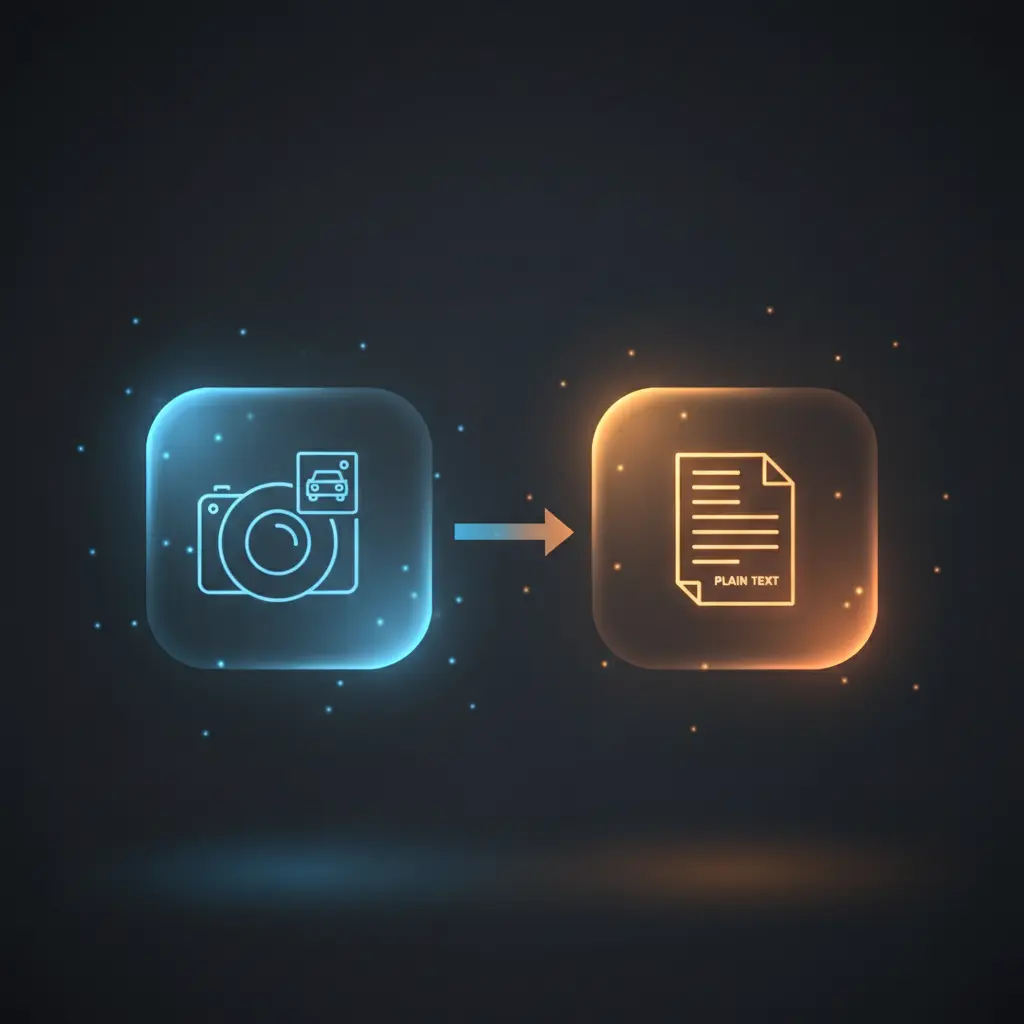
This Image to license plate number automation workflow enables automated extraction of license plate characters from uploaded vehicle images. Utilizing an orchestration pipeline with an AI language model, it converts image-to-insight by analyzing the front-most car’s license plate in the submitted image. The workflow triggers via a web form file upload and returns the extracted license plate number as plain text, streamlining manual image inspection for users requiring accurate license plate data extraction.
Key Benefits
- Automates license plate extraction using no-code integration with AI language models.
- Accepts common image formats (.jpg, .png) through a user-friendly web form upload.
- Delivers plain text output featuring only the extracted license plate characters.
- Reduces manual effort by processing images directly with image-to-insight analysis.
Product Overview
This Image to license plate number automation workflow is designed for users needing reliable extraction of vehicle license plate data from images. It initiates with a form trigger node that presents a web form titled “Analyse image,” requiring a single image upload field accepting .jpg and .png formats. Upon submission, the workflow sets operational parameters including the AI model identifier (“openai/gpt-4o”) and a precise prompt instructing the AI to extract only the license plate number characters from the front-most car in the image.
The core processing involves the Basic LLM Chain node, which structures the prompt and attaches the binary image data, and the OpenRouter LLM node, which interfaces with the AI model via API credentials to perform image-to-text inference. The workflow completes by presenting the extracted license plate number on a result page as unformatted plain text. Error handling follows the platform’s default behavior without additional custom retries or backoff mechanisms. No data persistence beyond runtime is indicated, ensuring transient processing aligned with typical compliance standards.
Features and Outcomes
Core Automation
The automation workflow accepts an image file input and applies a defined prompt to the AI language model for deterministic extraction of license plate characters. The Basic LLM Chain node formats the request, while the OpenRouter LLM node executes the analysis using the specified GPT-4o model.
- Single-pass evaluation of image data for license plate extraction.
- Strict output formatting returning only raw license plate characters.
- Deterministic processing flow without conditional branching.
Integrations and Intake
This orchestration pipeline integrates a web form trigger for receiving image uploads and connects to OpenRouter’s AI API via stored API key credentials. The workflow requires the image field to be present and accepts JPEG and PNG files as input.
- FormTrigger node for web-based image intake.
- OpenRouter LLM node for AI processing using API key authentication.
- Settings node to configure model and prompt parameters dynamically.
Outputs and Consumption
The output is delivered synchronously to the user through a form result page node. It presents extracted license plate characters as plain text, facilitating straightforward downstream consumption or record keeping without additional parsing.
- Plain text output representing license plate characters only.
- Synchronous response mode via form result page display.
- Output excludes metadata or formatting beyond raw extracted data.
Workflow — End-to-End Execution
Step 1: Trigger
The workflow begins with a FormTrigger node presenting a web form titled “Analyse image” that requires the user to upload an image file (.jpg or .png). Submission of this form triggers workflow execution and passes the image data downstream.
Step 2: Processing
The Settings node assigns the AI model (“openai/gpt-4o”) and the extraction prompt to workflow variables. The image passes forward unchanged. Basic presence checks ensure the required image field is present before proceeding.
Step 3: Analysis
The Basic LLM Chain node constructs a message combining the prompt text with the binary image data as a HumanMessagePromptTemplate. The OpenRouter LLM node receives this input and uses the GPT-4o model to analyze the image and extract the license plate number characters exclusively.
Step 4: Delivery
The extracted license plate characters are returned synchronously to the FormResultPage node, which presents the result as a plain text string titled “Extracted information:” on the user’s completion page.
Use Cases
Scenario 1
Fleet management teams require accurate license plate records from vehicle images. This workflow automates extraction from uploaded photos, returning the license plate number in plain text. It eliminates manual transcription errors and accelerates record updating.
Scenario 2
Parking enforcement officers need to capture license plates without manual data entry. By uploading vehicle images to the web form, the orchestration pipeline extracts plate characters automatically, enabling efficient citation processing with deterministic results.
Scenario 3
Insurance claim processors benefit from automating license plate identification in submitted accident photos. This image-to-insight workflow extracts the plate number reliably, supporting faster claim validation through structured plain text output.
How to use
To deploy this Image to license plate number automation workflow in n8n, import the workflow JSON and ensure API credentials for OpenRouter are configured. The web form trigger requires no additional setup beyond enabling access to the form URL. Users upload vehicle images via the form, which initiates the workflow.
Once running, the workflow sets the AI model and prompt internally, sends the image data for processing, and returns the extracted license plate text on the form result page. Monitor execution logs within n8n for troubleshooting or validation of image input and AI response.
Comparison — Manual Process vs. Automation Workflow
| Attribute | Manual/Alternative | This Workflow |
|---|---|---|
| Steps required | Multiple manual steps including image viewing and manual transcription. | Single automated process from image upload to license plate extraction. |
| Consistency | Variable accuracy depending on human attention and error. | Deterministic AI-driven extraction with standardized prompt and output. |
| Scalability | Limited by human capacity and speed. | Scales with API and system resources, handling many images automatically. |
| Maintenance | Requires ongoing training and supervision of personnel. | Minimal maintenance beyond credential management and workflow monitoring. |
Technical Specifications
| Environment | n8n automation platform with web form accessibility |
|---|---|
| Tools / APIs | OpenRouter LLM API with GPT-4o model, LangChain Basic LLM Chain |
| Execution Model | Synchronous request–response with form-triggered invocation |
| Input Formats | JPEG (.jpg), PNG (.png) image files via web form upload |
| Output Formats | Plain text string containing extracted license plate characters |
| Data Handling | Transient processing with no persistence beyond workflow runtime |
| Known Constraints | Relies on availability and response of external OpenRouter API service |
| Credentials | API key-based authentication for OpenRouter LLM node |
Implementation Requirements
- Configured OpenRouter API credentials with valid API key for AI model access.
- Accessible n8n environment with web form trigger enabled and public endpoint exposure.
- Clients capable of uploading image files (.jpg, .png) through the provided web form.
Configuration & Validation
- Confirm OpenRouter API credentials are correctly set and authorized within n8n credentials manager.
- Test image upload via the web form to ensure the FormTrigger node activates workflow execution.
- Verify the returned response contains only license plate characters with no additional text on the FormResultPage node.
Data Provenance
- Trigger node: FromTrigger (FormTrigger) initiates workflow upon image upload.
- Processing nodes: Settings for prompt/model setup, Basic LLM Chain for message formatting, OpenRouter LLM for AI inference.
- Output node: FormResultPage displays extracted license plate characters as plain text.
FAQ
How is the Image to license plate number automation workflow triggered?
The workflow is triggered by a user uploading an image file (.jpg or .png) via a web form configured through the FormTrigger node.
Which tools or models does the orchestration pipeline use?
The pipeline uses the OpenRouter LLM node connected to the GPT-4o AI model via API key authentication, and the Basic LLM Chain node for prompt and input formatting.
What does the response look like for client consumption?
The response is a synchronous plain text string containing only the extracted license plate characters, delivered on a form result page.
Is any data persisted by the workflow?
No data persistence is indicated; processing is transient and results are returned directly without storage.
How are errors handled in this integration flow?
Error handling relies on the n8n platform’s default mechanisms; no custom retry or backoff logic is configured within the workflow.
Conclusion
This Image to license plate number automation workflow provides a deterministic solution for extracting license plate characters from uploaded vehicle images using AI-driven image-to-insight analysis. By integrating a web form trigger with a configured AI model prompt and synchronous plain text delivery, it streamlines manual transcription tasks. The workflow depends on external API availability for the OpenRouter LLM service and operates without data persistence, ensuring transient and focused processing. It offers a reliable, scalable approach to license plate extraction within an automated orchestration pipeline.


















Reviews
There are no reviews yet.