Description
Overview
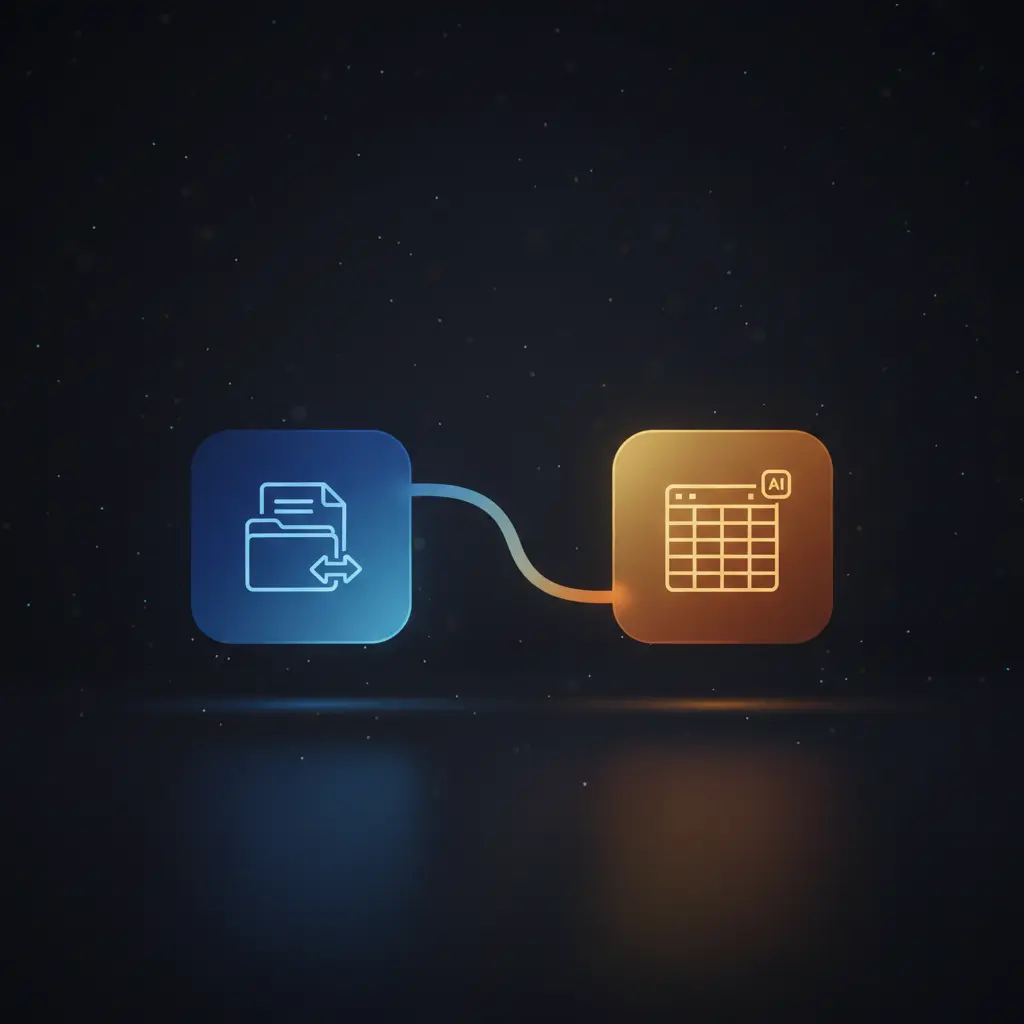
The Google Doc Summarizer to Google Sheets workflow automates document summarization by detecting new Google Docs and extracting their content for AI-based condensation. This automation workflow leverages event-driven analysis triggered by file creation in a specific Google Drive folder, streamlining the management of document data for users requiring efficient content summarization and metadata organization.
Key Benefits
- Automatically detects new Google Docs in a designated Drive folder without manual intervention.
- Extracts full document content using service account authentication for secure access.
- Generates concise AI-driven summaries using a GPT-based summarization model.
- Stores summaries along with user metadata in a structured Google Sheet for easy reference.
Product Overview
This workflow initiates with a Google Drive trigger node that monitors a specified folder for newly created files, firing every minute upon detection. Upon activation, the Google Docs node retrieves the full textual content of the detected document using its URL. The content is then processed by an AI summarization node powered by OpenAI’s GPT-4o-mini model, which condenses the document into a brief, meaningful summary. Finally, the summarized content is appended along with the last modifying user’s name and email address into a designated Google Sheet, preserving both the summary and relevant metadata. The execution model follows a synchronous, linear sequence from trigger to data storage without explicit error handling nodes, relying on the platform’s default retry mechanisms. Authentication across Google Drive and Docs nodes employs service account credentials, ensuring secure and authorized access to files and sheets. This workflow is tailored for users managing large volumes of documents who require automated extraction and summarization without manual processing.
Features and Outcomes
Core Automation
This no-code integration pipeline begins with a file-created trigger in Google Drive, followed by content extraction from Google Docs. The AI summarization node evaluates the full content in a single pass, generating a condensed summary based on a direct prompt. The workflow deterministically routes the generated summary to storage in Google Sheets.
- Single-pass content summarization using GPT-4o-mini AI model for deterministic output.
- Event-driven trigger ensures immediate processing upon new document creation.
- Linear flow reduces failure surfaces by avoiding branching or conditional logic.
Integrations and Intake
The workflow integrates Google Drive for file event monitoring, Google Docs for content retrieval, and OpenAI for AI summarization with OAuth and service account authentication. The intake enforces folder-specific monitoring, ensuring only relevant new documents trigger processing.
- Google Drive trigger node watches a designated folder for new file creation events.
- Google Docs node retrieves document content via service account credentials.
- OpenAI node uses GPT-4o-mini model with API key for generating summaries.
Outputs and Consumption
The workflow outputs summarized content and metadata as appended rows in a Google Sheet. This synchronous delivery model ensures that each processed document corresponds to one summary entry, facilitating structured data consumption.
- Appends summary text, last modifier name, and email to a specific Google Sheet.
- Uses predefined columns mapping for consistent record structure.
- Enables downstream consumption through standard Google Sheets interfaces and APIs.
Workflow — End-to-End Execution
Step 1: Trigger
The workflow initiates with a Google Drive trigger node configured to detect new file creation events within a specific folder, polling every minute. This node authenticates using a Google service account and restricts triggers to that folder only, ensuring precise event-driven analysis.
Step 2: Processing
The Google Docs node receives the triggered file ID and fetches the full content of the document using the Google Docs API. It performs direct retrieval without complex schema validation, ensuring smooth passage of unaltered document text to the next stage.
Step 3: Analysis
The AI summarization node runs an OpenAI GPT-4o-mini model with a prompt instructing it to “Summarise the below content.” The node processes the entire document content, generating a concise summary deterministically without intermediate branching or thresholds.
Step 4: Delivery
The generated summary, along with the last modifying user’s display name and email extracted from document metadata, is appended as a new row in a specified Google Sheet. This synchronous append operation ensures structured storage of summarized data for subsequent retrieval.
Use Cases
Scenario 1
Organizations managing frequent document uploads face challenges in manual summarization. This workflow automates detection and summarization of new Google Docs, outputting concise summaries into a centralized spreadsheet. The result is reduced manual workload and improved document tracking efficiency.
Scenario 2
Content teams require quick insights from lengthy reports stored in Google Drive. By automating content extraction and AI summarization, this orchestration pipeline delivers brief summaries alongside user metadata, enabling faster review cycles and structured data management.
Scenario 3
Legal or compliance departments handling large volumes of policy documents need efficient summarization. This automation workflow streamlines document ingestion and produces AI-generated summaries stored in Google Sheets, supporting audit trails and informed decision-making.
How to use
To deploy this workflow, import it into your n8n instance and configure Google service account credentials for Drive and Docs access. Set the folder ID to monitor for new documents, and provide OAuth credentials for Google Sheets and OpenAI API access. Once active, the workflow runs automatically every minute, detecting new Docs, summarizing content, and appending results to the designated Google Sheet for immediate use.
Comparison — Manual Process vs. Automation Workflow
| Attribute | Manual/Alternative | This Workflow |
|---|---|---|
| Steps required | Multiple manual steps: file detection, download, reading, summarization, and data entry. | Single automated sequence from detection to summary storage. |
| Consistency | Subject to human error and variability in summary quality. | Deterministic AI summarization and standardized data storage. |
| Scalability | Limited by manual processing capacity and time. | Scales automatically with document volume, limited only by API quotas. |
| Maintenance | Requires ongoing manual effort and quality checks. | Requires periodic credential updates and API monitoring but minimal manual intervention. |
Technical Specifications
| Environment | n8n automation platform with Google and OpenAI API connectivity |
|---|---|
| Tools / APIs | Google Drive Trigger, Google Docs API, OpenAI GPT-4o-mini, Google Sheets API |
| Execution Model | Synchronous linear workflow with event-driven trigger |
| Input Formats | Google Docs files detected by Drive API, full document text |
| Output Formats | Tabular rows appended to Google Sheets with text and metadata fields |
| Data Handling | Transient processing of document content; no persistent storage except Google Sheets |
| Known Constraints | Relies on external APIs availability and quota limits for Google and OpenAI |
| Credentials | Google service account for Drive and Docs; OAuth for Sheets; API key for OpenAI |
Implementation Requirements
- Valid Google service account credentials with Drive and Docs API access.
- OAuth credentials for Google Sheets API with append permissions.
- OpenAI API key authorized for GPT-4o-mini model usage.
Configuration & Validation
- Confirm Google Drive trigger node is set to monitor the correct folder ID with service account authentication.
- Verify Google Docs node retrieves document content by testing with a known file ID.
- Test AI summarization node by inputting sample document content and validating summary output.
Data Provenance
- Trigger node: Google Drive trigger monitoring folder for new file creation events.
- Processing node: Google Docs node fetching document content via service account credentials.
- Summary generation: OpenAI GPT-4o-mini node producing text summaries consumed by Google Sheets node.
FAQ
How is the Google Doc Summarizer to Google Sheets automation workflow triggered?
The workflow triggers on new file creation events within a specified Google Drive folder, polling every minute using a Google Drive trigger node authenticated by a service account.
Which tools or models does the orchestration pipeline use?
The pipeline employs Google Drive and Google Docs APIs for file detection and content retrieval, and OpenAI’s GPT-4o-mini model for AI-driven summarization.
What does the response look like for client consumption?
The workflow appends a row to a Google Sheet containing the AI-generated summary, the last modifying user’s name, and their email address, structured for easy referencing.
Is any data persisted by the workflow?
Only the summarized content and metadata are persisted in the designated Google Sheet; document content is transiently processed without additional storage.
How are errors handled in this integration flow?
The workflow relies on n8n’s default error handling and retry mechanisms; no explicit retry or backoff logic is configured within the nodes.
Conclusion
This Google Doc Summarizer to Google Sheets workflow automates the detection, extraction, and AI-based summarization of newly created Google Docs within a specific folder. It ensures consistent, structured recording of summaries and user metadata in a Google Sheet, facilitating efficient document management. While the workflow depends on uninterrupted access to external APIs, including Google and OpenAI services, it provides deterministic, event-driven processing without manual intervention. The design prioritizes secure credential handling, synchronous execution, and straightforward output formatting suitable for scalable document summarization tasks.

















Reviews
There are no reviews yet.