Description
Overview
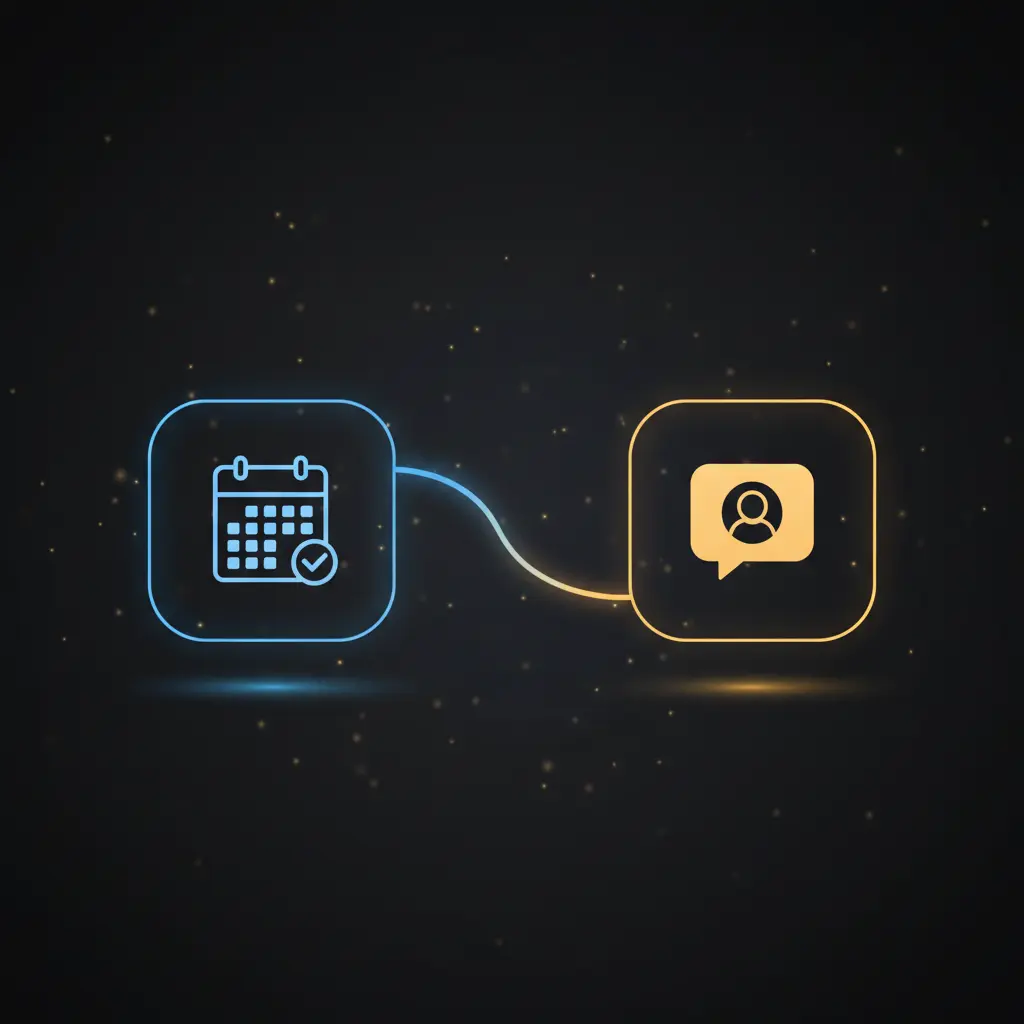
This event-driven analysis automation workflow detects when a Google Calendar event starts and uses a no-code integration pipeline to update Slack status and control lighting systems accordingly. Designed for professionals seeking to synchronize their calendar-driven availability with communication and environmental indicators, it leverages a Google Calendar trigger node to initiate processing based on event start times.
Key Benefits
- Automatically updates Slack status with event summaries and corresponding emoji codes.
- Controls external lighting systems via HTTP POST requests based on calendar event categories.
- Maps Google Calendar event color IDs to predefined status categories for precise routing.
- Polls Google Calendar every five minutes, ensuring near real-time status updates.
Product Overview
This automation workflow operates by polling a specified Google Calendar every five minutes to detect event start triggers. Upon detecting an event start, it retrieves detailed event information, including the event’s color ID and summary, through a dedicated Google Calendar node. A function node then maps the numeric color ID to a specific category label, which classifies the event into one of several predefined status groups such as ‘4dw_leading’ or ‘4dw_managing’. This classification informs subsequent logic branches.
The workflow updates the user’s Slack profile status using the event summary as status text and the mapped category as an emoji code. Simultaneously, a switch node evaluates the event category to determine which external lighting webhook to invoke via HTTP POST. Depending on the category, it triggers one of three distinct webhooks controlling lights that visually represent the user’s current availability or activity state. This workflow follows a synchronous event-driven orchestration pattern without persistent data storage, relying on OAuth2 credentials for Google Calendar and API tokens for Slack integration.
Features and Outcomes
Core Automation
This automation workflow uses event-driven analysis to process Google Calendar event start triggers and route actions based on event categories through a switch node.
- Single-pass evaluation of event data to determine status and lighting control.
- Deterministic mapping of calendar color IDs to activity categories via a function node.
- Parallel processing for simultaneous Slack status update and event categorization.
Integrations and Intake
The orchestration pipeline integrates Google Calendar via OAuth2 authentication to intake event triggers and Slack via API credentials to update user status. It also connects to external lighting systems through HTTP POST requests.
- Google Calendar trigger node polls every 5 minutes for eventStarted triggers.
- Slack API updates user profile status text and emoji reflecting current event.
- HTTP request nodes send POST commands to external webhooks controlling lights.
Outputs and Consumption
The workflow outputs include Slack profile status updates and HTTP POST requests to external lighting control endpoints. Outputs are dispatched asynchronously after event evaluation.
- Slack status text carries event summary; emoji denotes event category.
- HTTP POST requests sent to three distinct webhooks based on event classification.
- No persistent storage; outputs are transient and directly actionable.
Workflow — End-to-End Execution
Step 1: Trigger
The workflow is initiated by the Google Calendar Trigger node configured to poll a specific calendar every five minutes. It triggers exclusively when an event start time is reached, providing an event ID for subsequent processing.
Step 2: Processing
Upon trigger, the Google Calendar node retrieves detailed event data using the extracted event ID. Basic validation includes extracting the primary event ID segment from the trigger output. The function node then maps the event’s colorId to a categorical label, augmenting the event data with this classification.
Step 3: Analysis
The switch node applies deterministic routing logic by checking if the mapped category string starts with predefined prefixes such as ‘4dw_leading’ or ‘4dw_doing’. This conditional branching directs the workflow toward corresponding lighting control endpoints or fallback actions.
Step 4: Delivery
Based on the switch node’s output, the workflow sends HTTP POST requests to one of three external webhooks controlling lighting states. Concurrently, it updates the Slack user profile with the current event summary and an emoji representing the calendar color category. These outputs are executed asynchronously without persistent storage.
Use Cases
Scenario 1
A remote worker needs to signal availability automatically. This workflow detects calendar event starts and updates Slack status and room lighting to reflect busy or available states, enabling deterministic presence signaling without manual intervention.
Scenario 2
An office manager requires real-time visual cues of meeting states. The workflow classifies event categories and triggers lighting webhooks accordingly, providing deterministic visual indicators aligned with calendar schedules.
Scenario 3
A team uses Slack to coordinate availability. This integration pipeline synchronizes calendar events with Slack status updates and lighting signals, ensuring consistent status representation across communication and physical environments.
How to use
To deploy this automation workflow, import it into your n8n environment and configure Google Calendar OAuth2 credentials with access to the desired calendar. Set Slack API credentials for user profile updates. Replace the placeholder webhook URLs with your actual endpoints controlling lighting devices. Activate the workflow to run continuously, as the Google Calendar trigger node polls every five minutes. Upon event start detection, expect automated Slack status changes and corresponding lighting adjustments based on event color categories.
Comparison — Manual Process vs. Automation Workflow
| Attribute | Manual/Alternative | This Workflow |
|---|---|---|
| Steps required | Multiple manual updates to calendar, Slack, and lighting controls. | Single automated pipeline triggered by event start detection. |
| Consistency | Subject to human error and delay in status updates. | Deterministic mapping and automated status synchronization reduce errors. |
| Scalability | Limited by manual intervention and individual device controls. | Scales with calendar events and integrated API endpoints without additional effort. |
| Maintenance | Requires ongoing manual adjustments and monitoring. | Centralized configuration in n8n reduces maintenance overhead. |
Technical Specifications
| Environment | n8n automation platform |
|---|---|
| Tools / APIs | Google Calendar API (OAuth2), Slack API, HTTP webhooks |
| Execution Model | Event-driven, synchronous trigger with asynchronous outputs |
| Input Formats | Google Calendar event start trigger, JSON event data |
| Output Formats | Slack user profile status update, HTTP POST requests |
| Data Handling | Transient processing; no persistent storage of event data |
| Known Constraints | Relies on availability of external APIs and webhook endpoints |
| Credentials | Google Calendar OAuth2, Slack API token |
Implementation Requirements
- Valid Google Calendar OAuth2 credentials with read access to the target calendar.
- Slack API credentials with permissions to update user profile status.
- Accessible HTTP endpoints for lighting control accepting POST requests.
Configuration & Validation
- Ensure Google Calendar OAuth2 credentials are configured and authorized for the calendar ID.
- Verify Slack API credentials by performing a test user profile update through the workflow.
- Test HTTP POST endpoints independently to confirm they accept requests and trigger expected lighting changes.
Data Provenance
- Trigger node: Google Calendar Trigger set to ‘eventStarted’ with 5-minute polling interval.
- Function node “Set CalColor” maps event colorId to string labels used downstream.
- Slack node updates status using event summary and mapped calColor as emoji code.
FAQ
How is the event-driven analysis automation workflow triggered?
The workflow is triggered by a Google Calendar Trigger node configured to poll a specific calendar every five minutes and activates only when an event starts.
Which tools or models does the orchestration pipeline use?
The pipeline integrates Google Calendar API for event data, Slack API for status updates, and HTTP POST requests to external webhooks for lighting control, orchestrated through n8n nodes and a function node performing color ID mapping.
What does the response look like for client consumption?
The workflow updates the Slack user profile with event summary text and an emoji representing the event category, while lighting control endpoints receive HTTP POST requests to adjust visual indicators.
Is any data persisted by the workflow?
No persistent storage is used; all data processing is transient within the workflow execution cycle.
How are errors handled in this integration flow?
No explicit error handling nodes are configured; the workflow relies on platform defaults for retries and failure management.
Conclusion
This event-driven analysis automation workflow provides a deterministic method to synchronize Google Calendar event starts with Slack status updates and external lighting controls. It ensures consistent, near real-time presence signaling based on calendar categories mapped from event color IDs. The workflow depends on the continuous availability of Google Calendar and Slack APIs, as well as reachable webhook endpoints for lighting controls. By automating these integrations, it reduces manual intervention and aligns communication status with environmental cues in professional settings.












Reviews
There are no reviews yet.