Description
Overview
This error notification automation workflow centralizes the handling of workflow failures by capturing errors and dispatching detailed alerts via Slack. Designed as an orchestration pipeline for no-code integration, it triggers on errors from connected workflows to ensure timely and structured alerting of failure events.
Key Benefits
- Automatically triggers on any workflow error using an error trigger node for seamless detection.
- Constructs detailed alert messages with dynamic content including workflow name and error specifics.
- Posts formatted notifications directly to a designated Slack channel, enabling centralized monitoring.
- Supports rapid troubleshooting by including execution URLs and last executed node information.
Product Overview
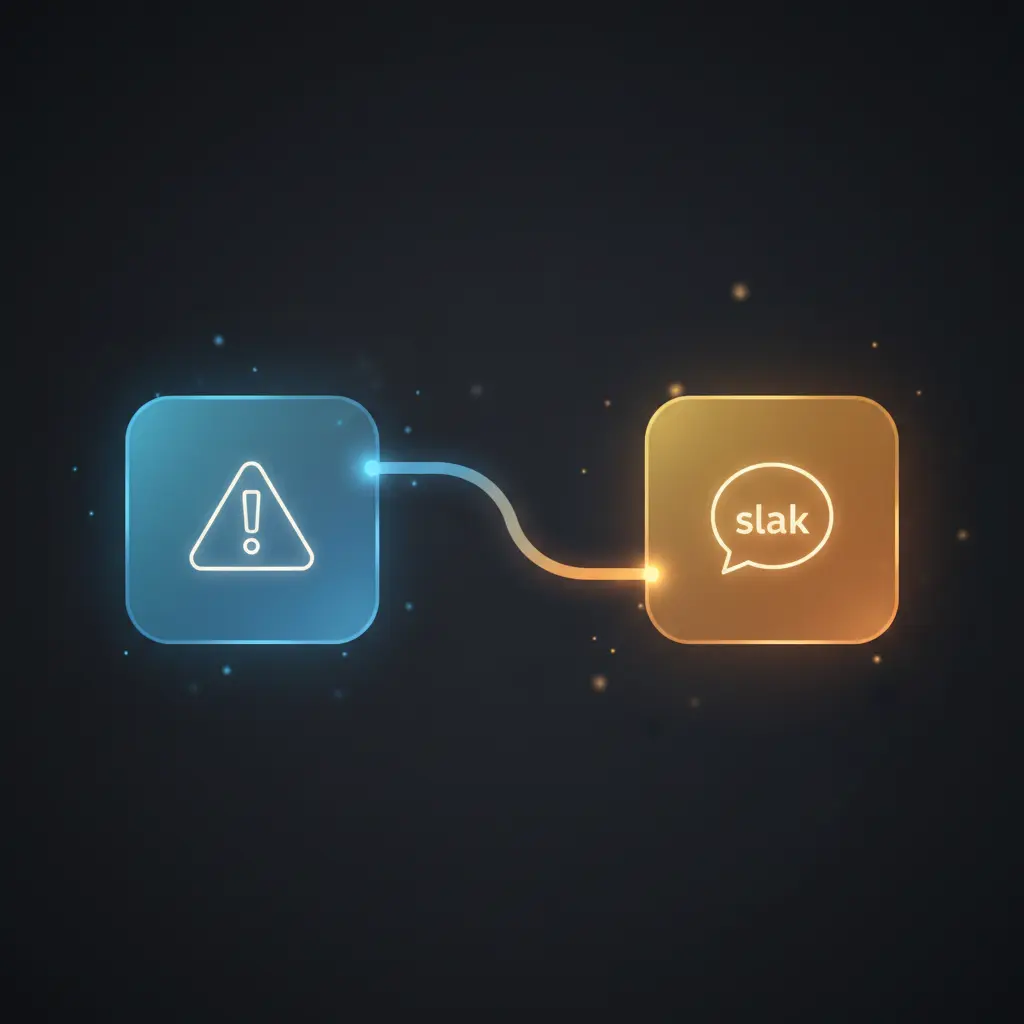
This error notification workflow activates via an “On Error” node configured to trigger whenever an error arises in any linked n8n workflow. Upon activation, it collects context such as the workflow name, last executed node, error message, and execution URL. The “Set message” node then composes a structured alert message embedding these details using dynamic expressions. Finally, a Slack node delivers this message to the Slack channel named #alerts-n8n-workflows using Slack API credentials (Cloudbot bot token). The workflow operates synchronously within error event streams and does not implement additional error handling or retries beyond n8n’s platform defaults. It is designed exclusively for transient error reporting without data persistence beyond message dispatch.
Features and Outcomes
Core Automation
This error notification orchestration pipeline processes error events from monitored workflows, constructs a contextual message, and routes it to Slack. The “On Error” node triggers on error signals, and the “Set message” node dynamically formats alert content.
- Single-pass evaluation of error context to generate messages without manual intervention.
- Deterministic branching: error event triggers message setting, no conditional logic beyond trigger.
- Consistent output structure for uniform alert formatting across workflows.
Integrations and Intake
The workflow integrates natively with Slack via an authenticated Slack API node using a bot token credential. It listens exclusively for error events from other workflows, requiring no custom payload beyond standard error context provided by n8n.
- Slack API integration for alert delivery with bot token authentication.
- Error trigger node for event-driven intake of workflow failure data.
- Consumes error metadata fields: workflow name, last executed node, error message, execution URL.
Outputs and Consumption
The output consists of a formatted text message posted synchronously to a Slack channel. The alert includes structured details enabling immediate inspection by operations teams.
- Text message output formatted with dynamic placeholders for error context.
- Synchronous Slack API message posting to a dedicated channel.
- Message fields include error source, node, descriptive message, and clickable execution link.
Workflow — End-to-End Execution
Step 1: Trigger
The workflow initiates via an “On Error” trigger node that activates when any linked workflow experiences an error. This node automatically receives detailed error context including the workflow name, last node executed, error message, and execution metadata.
Step 2: Processing
The “Set message” node processes the incoming error data by dynamically constructing an alert message string. It performs no schema validation but uses expressions to embed error attributes into a predefined message template. Basic presence checks are implicitly handled by n8n’s execution context.
Step 3: Analysis
No advanced heuristics or thresholds are applied; the workflow deterministically formats the error information into a Slack-ready message. The logic is straightforward, ensuring consistent alert content for all error events without filtering or prioritization.
Step 4: Delivery
The Slack node sends the composed message to the specified Slack channel #alerts-n8n-workflows using the configured bot token credentials. This transmission occurs synchronously in the workflow execution, providing immediate alert dispatch upon error detection.
Use Cases
Scenario 1
An operations team requires centralized error visibility across multiple automation workflows. This automation workflow captures all error events and posts structured alerts to a Slack channel, enabling faster identification and troubleshooting of failed processes without manual error polling.
Scenario 2
Development teams want to monitor production workflow failures in real time. By linking this error notification orchestration pipeline as an error workflow, they receive immediate Slack notifications with detailed context, reducing response latency and simplifying root cause analysis.
Scenario 3
Enterprises managing multiple n8n workflows need consistent alert formatting for error tracking. This workflow ensures every error triggers a uniform Slack message including execution links and error specifics, enhancing operational reliability and auditability of automation failures.
How to use
To implement this error notification automation workflow, first configure Slack API credentials with a bot token. Add the workflow as an error handler in other n8n workflows by linking their error workflow setting to this one. Once enabled, any error in linked workflows will trigger this pipeline, sending detailed error messages to the designated Slack channel. Adjust the message format in the “Set message” node as needed for customization. Expect structured alerts containing workflow name, error source node, error message, and a direct execution link for diagnostic review.
Comparison — Manual Process vs. Automation Workflow
| Attribute | Manual/Alternative | This Workflow |
|---|---|---|
| Steps required | Manual monitoring and error reporting with multiple manual steps. | Automated single trigger and message dispatch pipeline. |
| Consistency | Varies with human error and manual message formatting. | Deterministic alert formatting with standardized message templates. |
| Scalability | Limited by manual oversight and growing workflow count. | Scales with number of workflows linked via automated triggers. |
| Maintenance | Requires ongoing manual updates and monitoring processes. | Low maintenance; configuration centralized in one error notification pipeline. |
Technical Specifications
| Environment | n8n workflow automation platform |
|---|---|
| Tools / APIs | Slack API (bot token authentication), n8n error trigger node |
| Execution Model | Event-driven synchronous workflow execution |
| Input Formats | Error event objects with workflow metadata and execution details |
| Output Formats | Formatted text messages posted to Slack channel |
| Data Handling | Transient processing; no persistence beyond message dispatch |
| Known Constraints | Depends on Slack API availability and valid bot token credentials |
| Credentials | Slack bot token credential configured in n8n |
Implementation Requirements
- Valid Slack API bot token credential configured in n8n for message posting.
- Other workflows configured to use this error workflow as their error handler.
- Network access allowing n8n instance to communicate with Slack API endpoints.
Configuration & Validation
- Ensure Slack credentials are correctly set up and authorized within n8n.
- Link this error workflow as the error handler in target workflows’ settings.
- Trigger a controlled error in a linked workflow and verify message delivery in Slack channel.
Data Provenance
- Trigger node: “On Error” (type: errorTrigger) initiates on workflow failures.
- Message construction: “Set message” node uses expressions to embed error details.
- Delivery node: “Slack” node posts the formatted alert to the designated Slack channel.
FAQ
How is the error notification automation workflow triggered?
The workflow is triggered by the “On Error” node, which activates automatically whenever any linked workflow encounters an error event within the n8n platform.
Which tools or models does the orchestration pipeline use?
This automation workflow uses the n8n error trigger node for error detection and a Slack API node authenticated via bot token for alert delivery. No additional models or heuristics are applied.
What does the response look like for client consumption?
The output is a formatted text message containing the workflow name, error message, last executed node, and a clickable execution link, posted synchronously to a Slack channel.
Is any data persisted by the workflow?
No data persistence occurs beyond transient processing. The workflow only constructs and sends error alert messages without storing any error or execution data.
How are errors handled in this integration flow?
No explicit error handling or retries are implemented within this workflow. Error handling relies on n8n’s platform defaults for node execution resilience.
Conclusion
This error notification automation workflow provides a precise mechanism for capturing and reporting workflow failures via Slack alerts. It delivers deterministic, structured error messages that include execution context to facilitate rapid issue resolution. While effective for centralized error monitoring, it depends on the continuous availability of the Slack API and valid credentials for message dispatch. The workflow does not persist data or implement advanced error recovery, focusing solely on transparent and consistent error reporting within automation environments.















Reviews
There are no reviews yet.