Description
Overview
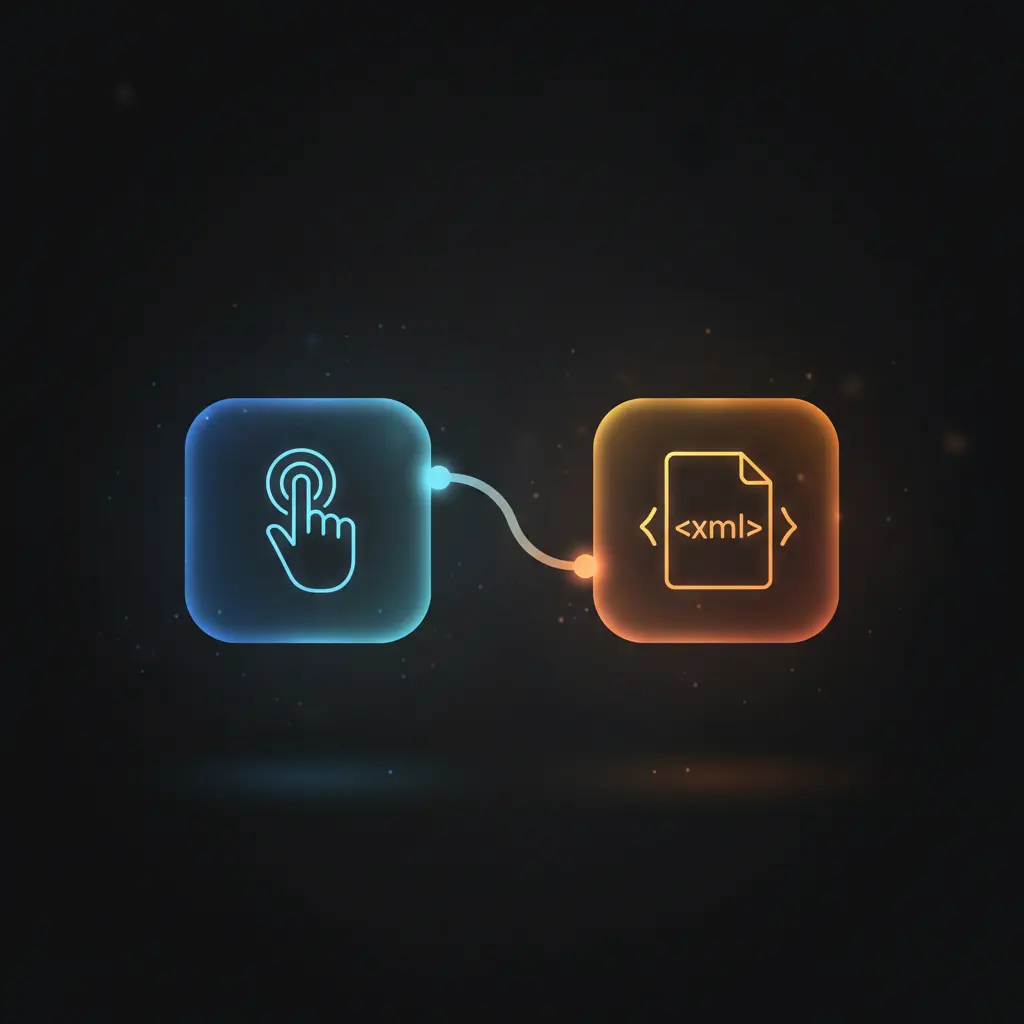
This cocktail recipe conversion automation workflow facilitates retrieving random cocktail data and transforming it into XML format through a no-code integration pipeline. Designed for users needing structured cocktail information in XML, it executes upon manual trigger and leverages an HTTP GET request to fetch JSON data from an external cocktail database API.
Key Benefits
- Enables manual initiation of data retrieval via a simple manual trigger node.
- Fetches a random cocktail recipe in JSON format through an HTTP request node.
- Transforms JSON cocktail data into XML format using a dedicated XML conversion node.
- Supports workflows requiring XML output for integration with legacy systems or XML-based processes.
Product Overview
This automation workflow begins with a manual trigger node, which requires the user to initiate execution explicitly. Upon activation, the workflow sends an HTTP GET request to an external public cocktail API endpoint that returns a random cocktail recipe in JSON format. The returned JSON includes detailed cocktail metadata such as the drink name, ingredients, and preparation instructions. The workflow’s core logic then passes this JSON payload to an XML node configured in “jsonToxml” mode, which converts the entire JSON structure into an XML document. This synchronous pipeline allows users to obtain cocktail data formatted for XML-compatible consumption. Error handling defaults to platform standard behavior, as no explicit error handling or retry mechanisms are configured. Security relies on the public API’s open-access nature, with no API keys or OAuth credentials required. The workflow is optimized for deterministic data transformation from JSON to XML following manual initiation.
Features and Outcomes
Core Automation
The automation workflow accepts manual initiation and executes a no-code integration sequence to fetch and convert cocktail data. The HTTP Request node acts as the decision point fetching JSON data, while the XML node deterministically converts this JSON to XML format.
- Single-pass data retrieval and transformation executed sequentially.
- Deterministic conversion maintaining structural fidelity from JSON to XML.
- Manual trigger ensures controlled execution without scheduling or event dependency.
Integrations and Intake
The workflow integrates with an external cocktail API via an HTTP GET request, requiring no authentication credentials. The intake expects no additional payload beyond the triggered request, relying on the public API’s response structure.
- HTTP Request node connects to TheCocktailDB API for random cocktail data.
- Public API endpoint accessed without API key or OAuth authentication.
- Manual Trigger node initiates workflow execution on demand.
Outputs and Consumption
The XML node outputs the cocktail recipe data as a well-formed XML document suitable for downstream XML-dependent systems. The synchronous flow returns the transformed data immediately after execution.
- Output format is XML, generated from the original JSON cocktail data.
- Synchronous response delivery upon manual execution.
- XML structure preserves all original cocktail fields and metadata.
Workflow — End-to-End Execution
Step 1: Trigger
The workflow is initiated manually via the “On clicking ‘execute'” manual trigger node. This node requires user interaction within the n8n interface to start the process, ensuring controlled and deliberate execution.
Step 2: Processing
The HTTP Request node sends an HTTP GET request to a public cocktail API endpoint to retrieve a random cocktail recipe. The node performs no schema validation beyond basic HTTP response handling, passing the JSON payload as received.
Step 3: Analysis
The JSON data from the HTTP Request node is forwarded to the XML node, which executes a straightforward transformation from JSON to XML format. No additional logic, filtering, or conditional branching is applied during this conversion.
Step 4: Delivery
The workflow concludes by outputting the transformed XML document synchronously. This output can be consumed directly within the n8n environment or forwarded to subsequent systems configured outside this workflow.
Use Cases
Scenario 1
When legacy systems require cocktail recipe data in XML rather than JSON, this workflow solves format incompatibilities by converting random cocktail data on-demand, providing XML output ready for ingestion without manual data manipulation.
Scenario 2
Developers testing XML ingestion pipelines can use this workflow to generate diverse cocktail recipes in XML format triggered manually, enabling deterministic testing cycles without writing custom conversion scripts.
Scenario 3
Data analysts requiring cocktail information in XML for integration with XML-based reporting tools can manually trigger this workflow to receive structured XML data, eliminating the need for separate conversion utilities.
How to use
To utilize this workflow, import it into the n8n environment and ensure connectivity to the internet to access the external cocktail API. No credentials are required for this public endpoint. Trigger execution manually by clicking the execute button within n8n. Upon execution, the workflow fetches a random cocktail recipe and converts it to XML format. Users can then access the XML output directly in the workflow’s result panel or configure downstream nodes for further processing. The expected outcome is a synchronous XML document representing the cocktail data.
Comparison — Manual Process vs. Automation Workflow
| Attribute | Manual/Alternative | This Workflow |
|---|---|---|
| Steps required | Manual API calls, manual JSON to XML conversion using external tools. | Single manual trigger initiates automated fetching and conversion. |
| Consistency | Varies depending on manual tool usage and conversion accuracy. | Deterministic conversion from JSON to XML within a defined pipeline. |
| Scalability | Limited by manual capacity and tooling. | Scales with manual executions; no built-in concurrency but automatable. |
| Maintenance | Requires ongoing manual intervention and script/tool updates. | Minimal maintenance; relies on stable public API and n8n platform. |
Technical Specifications
| Environment | n8n workflow automation platform |
|---|---|
| Tools / APIs | Manual Trigger node, HTTP Request node, XML node |
| Execution Model | Manual-triggered synchronous workflow |
| Input Formats | None externally required; manual trigger initiates process |
| Output Formats | XML document converted from JSON cocktail data |
| Data Handling | Transient processing; no data persistence configured |
| Known Constraints | Depends on availability of external public cocktail API |
| Credentials | None required for public API access |
Implementation Requirements
- Access to an operational n8n instance with internet connectivity.
- No authentication credentials required for the external public cocktail API.
- Manual interaction to trigger workflow execution within the n8n interface.
Configuration & Validation
- Import the workflow into n8n and verify the presence of all three nodes: Manual Trigger, HTTP Request, and XML.
- Confirm that the HTTP Request node is configured with the correct public API endpoint and uses GET method.
- Execute the workflow manually and validate that the output is a well-formed XML document representing the cocktail data.
Data Provenance
- The workflow is initiated by the “On clicking ‘execute'” manual trigger node.
- The HTTP Request node retrieves JSON cocktail recipes from TheCocktailDB public API.
- The XML node converts the retrieved JSON data to XML format for output consumption.
FAQ
How is the cocktail recipe conversion automation workflow triggered?
The workflow is triggered manually by the user clicking the execute button within the n8n interface, initiating the data retrieval and conversion process.
Which tools or models does the orchestration pipeline use?
The pipeline uses three core nodes: a Manual Trigger node for initiation, an HTTP Request node to fetch JSON cocktail data, and an XML node to convert JSON to XML format.
What does the response look like for client consumption?
The output is a well-formed XML document representing the cocktail recipe data originally received in JSON format from the API.
Is any data persisted by the workflow?
No data persistence is configured; all data is processed transiently during workflow execution and discarded afterward.
How are errors handled in this integration flow?
The workflow relies on n8n’s default error handling; no custom retry or backoff mechanisms are implemented within the nodes.
Conclusion
This cocktail recipe conversion automation workflow delivers a deterministic method for retrieving and converting cocktail data from JSON to XML format upon manual execution. It supports use cases requiring XML-formatted beverage information without additional transformation steps. The workflow’s dependency on an external public API imposes a constraint on availability and data consistency. Overall, it offers a reliable, low-maintenance solution for structured data transformation within n8n’s no-code integration environment.

















Reviews
There are no reviews yet.