Description
Overview
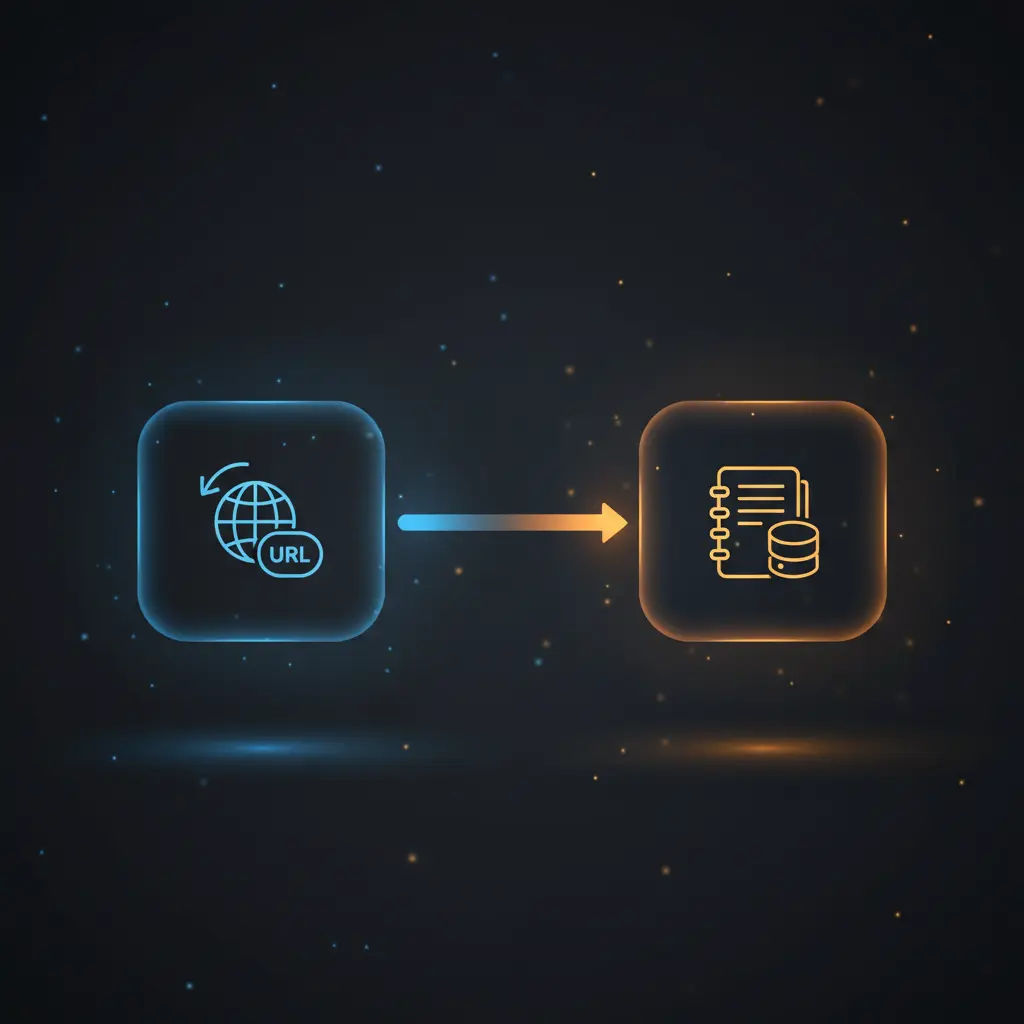
This bookmark-saving automation workflow is designed to receive URLs through an HTTP POST webhook and save them as structured entries in a Notion database. This no-code integration simplifies the external collection and organization of bookmarks by leveraging a webhook trigger and Notion’s database page creation node.
The workflow targets users who want to automate bookmark management by sending URLs programmatically to a centralized Notion database. It deterministically adds each received URL as a new page title in the specified Notion database named “Bookmarks”.
Key Benefits
- Facilitates automated URL capture via an HTTP POST webhook for seamless external input.
- Enables structured bookmark storage by dynamically creating pages in a Notion database.
- Reduces manual entry errors by directly mapping incoming URLs to Notion page titles.
- Supports a straightforward orchestration pipeline with minimal nodes for reliability.
Product Overview
This automation workflow begins with a webhook node configured to accept HTTP POST requests containing JSON data with a required `url` field. Upon receiving a valid request, the workflow triggers immediately to process the payload. The core logic involves passing the extracted URL directly to a Notion node configured to create a new database page in a pre-defined Notion database identified by its unique database ID.
The Notion node dynamically sets the page title to the received URL, ensuring that each bookmark is stored as a discrete, retrievable entry. The workflow operates synchronously in a linear fashion, with the webhook node triggering the Notion node without any intermediate transformations or conditional branching.
There is no explicit error handling configured within the workflow; therefore, it relies on the default platform behavior for retries and failure management. Authentication to Notion is handled via the platform’s credential system, ensuring secure API access. This workflow processes data transiently, with no internal persistence other than the creation of new Notion pages.
Features and Outcomes
Core Automation
The workflow accepts incoming POST requests containing URLs, then deterministically creates new entries in a Notion database using a single-step orchestration pipeline. This no-code integration ensures every URL is converted into a database page title without intermediate validation or filtering.
- Single-pass evaluation from webhook trigger to Notion page creation.
- Direct dynamic mapping of input URL to database page title.
- Linear, synchronous execution with minimal latency overhead.
Integrations and Intake
This automation pipeline integrates a webhook node with Notion’s API, using OAuth or API key credentials managed through n8n. The webhook expects an HTTP POST method with JSON payloads containing a mandatory `url` field, which must be formatted as a valid string to process correctly.
- Webhook node configured for HTTP POST intake of JSON objects.
- Notion node creating database pages for bookmark storage.
- Credential-based API authentication for secure Notion access.
Outputs and Consumption
The workflow outputs a newly created Notion database page per incoming URL. The response is synchronous, with the Notion node returning metadata about the created page, including the assigned page ID and URL. These outputs can be consumed by downstream systems or logged for audit purposes.
- Output includes Notion page metadata such as page ID and URL.
- Synchronous response cycle from webhook POST to Notion entry creation.
- Data output is structured to facilitate further processing or verification.
Workflow — End-to-End Execution
Step 1: Trigger
The workflow initiates on receiving an HTTP POST request at a configured webhook endpoint. The request must contain a JSON body with a `url` field. This trigger listens continuously for incoming bookmark submissions from external clients such as browser bookmarklets or other HTTP clients.
Step 2: Processing
The workflow performs basic presence checks to confirm that the `url` field exists in the incoming JSON body. No additional validation or transformation is applied, allowing the URL value to pass through unchanged to the next node.
Step 3: Analysis
No complex logic, heuristics, or conditional branching are applied. The workflow executes a deterministic assignment of the URL string as the new page title in the Notion database. This direct mapping ensures predictable and consistent bookmark entry creation.
Step 4: Delivery
The Notion node submits an API request to create a new page in the specified database with the URL as the title. The response returns synchronously with metadata about the created page, completing the workflow execution cycle.
Use Cases
Scenario 1
A user wants to save web URLs from various devices into one place without manual entry. This workflow receives URL submissions from a bookmarklet and automatically stores them in a Notion database, providing a centralized bookmark repository accessible across platforms.
Scenario 2
An organization needs to collect and archive external links shared by team members for project research. The workflow captures URLs via HTTP POST requests and adds them as individual pages in a shared Notion database, enabling structured access and collaboration.
Scenario 3
Developers require an automated method to log URLs generated by internal tools. By integrating their applications with the webhook, URLs are pushed automatically to a Notion database, reducing manual logging and improving traceability.
How to use
To deploy this bookmark-saving automation workflow, import it into your n8n instance and configure the webhook node to expose an HTTP POST endpoint. Set up a Notion integration with appropriate credentials and connect it to the Notion node using the target database ID. Create or configure a client (such as a browser bookmarklet) to send URLs via HTTP POST with a JSON payload containing the `url` field.
Once running, each POST request triggers the workflow to add the provided URL as a new page title in the specified Notion database. Expect synchronous execution with immediate creation feedback returned from the Notion API.
Comparison — Manual Process vs. Automation Workflow
| Attribute | Manual/Alternative | This Workflow |
|---|---|---|
| Steps required | Manual URL copying and database entry creation in Notion. | Single automated step from HTTP POST to Notion page creation. |
| Consistency | Human error prone, inconsistent URL formatting. | Deterministic URL to page title mapping reduces input errors. |
| Scalability | Limited by manual effort and human availability. | Handles arbitrary URL volume via webhook ingestion. |
| Maintenance | Requires ongoing user discipline and manual tracking. | Low maintenance with credential and endpoint monitoring only. |
Technical Specifications
| Environment | n8n automation platform |
|---|---|
| Tools / APIs | Webhook (HTTP POST), Notion API (database page creation) |
| Execution Model | Synchronous linear workflow |
| Input Formats | HTTP POST JSON with `url` string field |
| Output Formats | Notion database page metadata JSON |
| Data Handling | Transient processing, no internal persistence |
| Known Constraints | Requires valid Notion database ID and authorized credentials |
| Credentials | Notion API credentials (OAuth or API key) configured in n8n |
Implementation Requirements
- Valid Notion database with integration access enabled for page creation.
- Configured n8n instance with webhook node exposed for HTTP POST requests.
- Client or tool capable of sending JSON payloads with a `url` field to the webhook endpoint.
Configuration & Validation
- Verify the Notion database ID matches the target database for bookmark storage.
- Test the webhook by sending a valid HTTP POST request with a JSON body containing a `url` field.
- Confirm that the Notion node creates a new page with the URL as the title in the database.
Data Provenance
- Trigger node: Webhook node configured for HTTP POST requests.
- Processing node: Notion node creating database pages in “Bookmarks” database.
- Input field: JSON body `url` field mapped to Notion page title.
FAQ
How is the bookmark-saving automation workflow triggered?
The workflow triggers on an HTTP POST request to a webhook endpoint. The request must contain a JSON body with a required `url` field for processing.
Which tools or models does the orchestration pipeline use?
The orchestration pipeline uses an HTTP webhook node to receive data and a Notion node to create new database pages. No external models or transformations are applied.
What does the response look like for client consumption?
The workflow returns metadata from the Notion API about the newly created page, including page ID and URL, synchronously after processing.
Is any data persisted by the workflow?
No data is persisted internally within the workflow. Only the Notion database stores the URLs as new pages.
How are errors handled in this integration flow?
No explicit error handling is configured; the workflow relies on n8n’s default retry and failure mechanisms.
Conclusion
This bookmark-saving automation workflow provides a direct, reliable method to capture and store URLs in a Notion database through an HTTP POST webhook. It ensures deterministic mapping of incoming URLs to Notion page titles, eliminating manual data entry and improving organizational consistency. The workflow requires valid Notion credentials and a properly configured database but operates with minimal maintenance. Its reliance on external API availability is a key constraint, as any Notion service disruption may affect bookmark creation. Overall, it offers a streamlined approach to bookmark management within an integrated, no-code environment.

















Reviews
There are no reviews yet.