Description
Overview
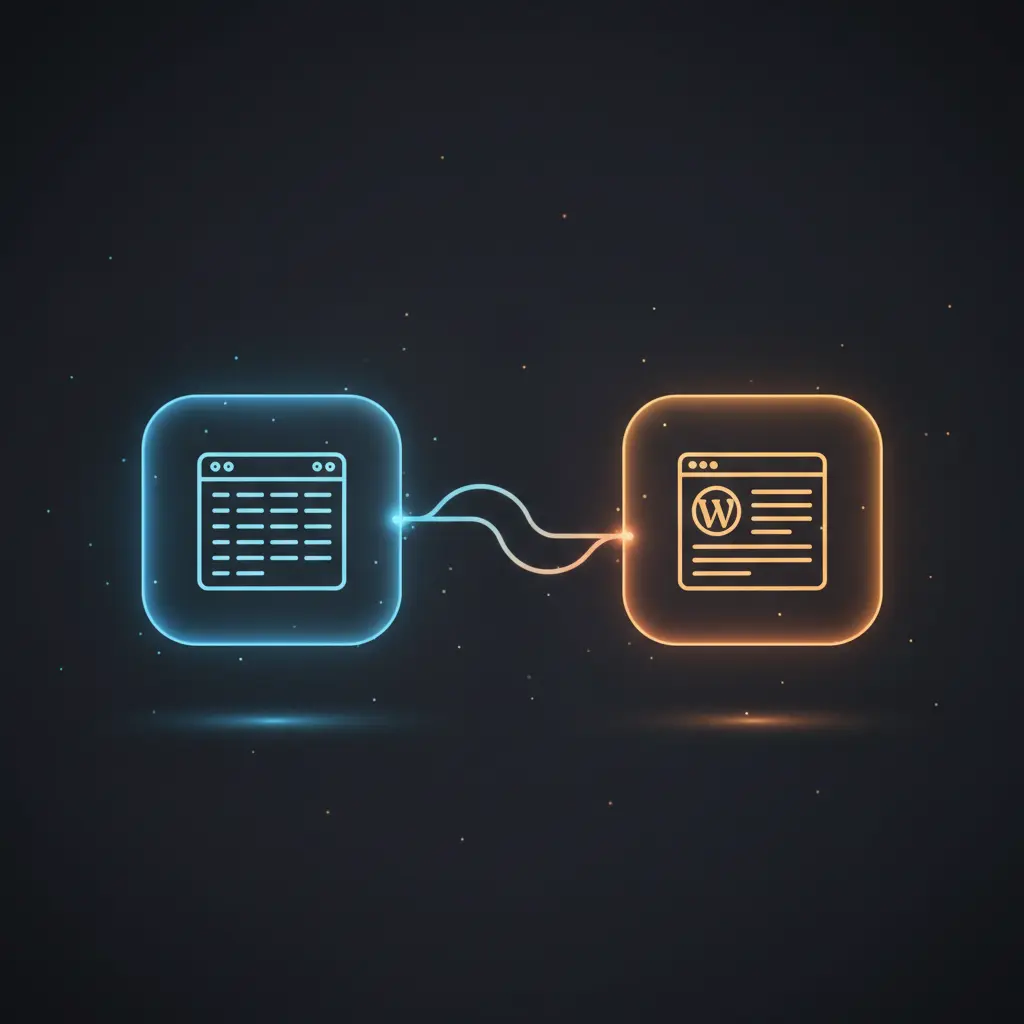
This blog post automation workflow streamlines content creation and publishing through a no-code integration pipeline. Designed for content managers and developers, it handles scheduled blog entries from Google Sheets and outputs fully generated posts to WordPress via XML-RPC, using event-driven analysis to determine publishing eligibility.
The workflow triggers hourly via a schedule trigger node, ensuring posts are processed according to their scheduled timestamps stored in a Google Sheets document.
Key Benefits
- Automates blog content generation and publishing through a reliable orchestration pipeline.
- Integrates Google Sheets for flexible scheduling and configuration without code changes.
- Utilizes OpenAI language models to generate or enhance blog content dynamically.
- Executes event-driven analysis to process only due posts, optimizing workflow efficiency.
- Logs all workflow actions and publishing results back to Google Sheets for traceability.
Product Overview
This automation workflow ingests scheduled blog post data from a Google Sheets spreadsheet, including metadata such as topic, status, action, content drafts, and publishing schedule. It operates on an event-driven analysis model triggered every hour by the ScheduleTrigger node, which initiates the workflow run to evaluate which posts require action based on their scheduled datetime fields.
Configuration parameters including prompt templates, language models, and output formats are fetched from a dedicated configuration sheet. For each post marked for action, the workflow performs placeholder substitution in prompts, then invokes an OpenAI language model node to generate or refine blog content. The generated output is normalized and merged with existing data fields.
Once content generation completes, the workflow constructs an XML-RPC formatted HTTP request to publish posts directly to a WordPress site using credentials stored in the settings node. Success or error responses from WordPress are parsed and logged. All state changes and log entries are recorded back into the Google Sheets schedule and log sheets, maintaining a comprehensive audit trail.
Error handling relies on the platform’s default retry policies and the conditional branching within the workflow. No persistent storage outside Google Sheets and WordPress is used; all data is transient and processed in-memory during execution.
Features and Outcomes
Core Automation
This orchestration pipeline processes scheduled blog post entries, applying prompt templates and models conditionally based on each row’s action and status fields. The workflow evaluates whether content generation or publishing should proceed via deterministic branches using If nodes.
- Single-pass evaluation of scheduled posts for timely processing.
- Conditional execution paths prevent unnecessary operations.
- Dynamic prompt and model selection per task ensures flexible content generation.
Integrations and Intake
The workflow integrates Google Sheets for data intake and configuration, authenticating via OAuth2 credentials. It ingests rows from multiple sheets including Schedule, Config, and Log. WordPress publishing uses HTTP requests with XML-RPC authentication via username and application password.
- Google Sheets OAuth2 for secure spreadsheet access.
- WordPress XML-RPC using username and application password authentication.
- Scheduled and manual triggers initiate workflow runs.
Outputs and Consumption
Outputs include updated rows saved back to Google Sheets and HTTP XML-RPC requests sent to WordPress. Responses are parsed synchronously to confirm publishing success or capture errors. Log entries are appended asynchronously to maintain operation records.
- Updated Schedule sheet rows with new content and statuses.
- XML-RPC formatted HTTP POST requests for WordPress publishing.
- Log sheet entries capturing workflow events and publishing results.
Workflow — End-to-End Execution
Step 1: Trigger
The workflow initiates via a ScheduleTrigger node configured to run hourly, checking the Google Sheets schedule for posts with scheduled timestamps due for processing. A manual trigger node is also available for ad-hoc execution.
Step 2: Processing
Data rows are retrieved from the Schedule sheet and Config sheet using Google Sheets nodes authenticated via OAuth2. The workflow performs placeholder replacement in prompts using a custom code node and determines if the post requires action by comparing current action and status fields.
Step 3: Analysis
Conditional nodes test if the action is “publish” and if the scheduled time matches or precedes the current time. If a valid prompt exists, the workflow sends the prompt to an OpenAI language model node configured dynamically per row. The response is normalized and merged with existing content data.
Step 4: Delivery
An XML-RPC payload is constructed with escaped content and title fields and sent via HTTP POST to the WordPress endpoint using stored credentials. The XML response is parsed to confirm success or extract errors. Final status updates and logs are saved back to the Google Sheets sheets.
Use Cases
Scenario 1
A content team managing multiple authors requires automatic publishing of scheduled blog posts. This workflow reads post schedules from a shared Google Sheet, generates content through configured prompts, and publishes directly to WordPress. The deterministic outcome is timely automated content delivery with traceable logs.
Scenario 2
Marketing teams need to quickly create blog drafts based on ideas and templates stored in spreadsheets. The event-driven analysis pipeline triggers content generation only when posts are due, reducing manual overhead. It returns normalized, merged content ready for manual review or immediate publishing.
Scenario 3
Organizations using no-code integration require a unified orchestration pipeline to manage blog post workflows without developer intervention. This system integrates scheduling, content generation, publishing, and logging, providing a single source of truth and automated execution with minimal maintenance.
Comparison — Manual Process vs. Automation Workflow
| Attribute | Manual/Alternative | This Workflow |
|---|---|---|
| Steps required | Multiple manual steps: writing, scheduling, publishing, logging separately | Automated single-pass execution from scheduling to publishing |
| Consistency | Variable quality and timing depending on manual effort | Deterministic triggers and conditional checks ensure consistent processing |
| Scalability | Limited by human capacity and coordination overhead | Handles multiple scheduled posts automatically with minimal intervention |
| Maintenance | Requires ongoing manual coordination and error tracking | Low maintenance with centralized configuration and audit logging |
Technical Specifications
| Environment | n8n workflow environment with OAuth2 credentials and HTTP access |
|---|---|
| Tools / APIs | Google Sheets API (OAuth2), OpenAI API, WordPress XML-RPC HTTP endpoint |
| Execution Model | Event-driven scheduled and manual triggers with conditional branching |
| Input Formats | Google Sheets rows with structured blog metadata |
| Output Formats | XML-RPC HTTP POST payloads, updated spreadsheet rows, log entries |
| Data Handling | Transient in-memory processing; no external persistence beyond sheets |
| Known Constraints | Relies on external API availability for Google Sheets, OpenAI, and WordPress |
| Credentials | Google Sheets OAuth2 account, WordPress username and application password, OpenAI API key |
Implementation Requirements
- Configured Google Sheets document with sheets named for schedule, config, and logs
- Valid WordPress username and application password for XML-RPC publishing
- OpenAI API key or compatible credentials for language model invocation
Configuration & Validation
- Confirm Google Sheets OAuth2 credentials are authorized and sheets exist with correct names.
- Validate WordPress credentials by testing XML-RPC publishing with sample content.
- Verify prompt templates and model names in the Config sheet match expected keys and values.
Data Provenance
- Trigger: ScheduleTrigger node initiates workflow hourly based on system time.
- Data sources: Google Sheets nodes “Schedule”, “fetchConfig”, and “LogStatus” for input and logging.
- Output nodes: HTTPRequest node “CreatePost” sends XML-RPC payload; updated rows saved by “SaveBackToSheet”.
FAQ
How is the blog post automation workflow triggered?
The workflow is triggered primarily by a ScheduleTrigger node set to run hourly. A manual trigger node is available for immediate execution or testing purposes.
Which tools or models does the orchestration pipeline use?
It uses Google Sheets API for data intake, an OpenAI language model node for content generation, and HTTP XML-RPC requests for WordPress publishing.
What does the response look like for client consumption?
The workflow parses XML-RPC responses from WordPress to extract post IDs or error messages, updating logs and Google Sheets status accordingly.
Is any data persisted by the workflow?
All data persistence occurs in Google Sheets; the workflow itself processes data transiently without external storage.
How are errors handled in this integration flow?
Error handling uses the platform’s default retries. The workflow parses XML fault responses and logs errors to the Google Sheets log sheet.
Conclusion
This blog post automation workflow provides a deterministic, no-code integration for scheduled content generation and publishing. By leveraging Google Sheets for configuration and OpenAI models for content creation, it delivers consistent blog posts to WordPress with audit logging. The workflow depends on external API availability for Sheets, OpenAI, and WordPress, which is a critical constraint. Its modular design supports scalable, maintainable content operations without persistent intermediate storage.














Reviews
There are no reviews yet.