Description
Overview
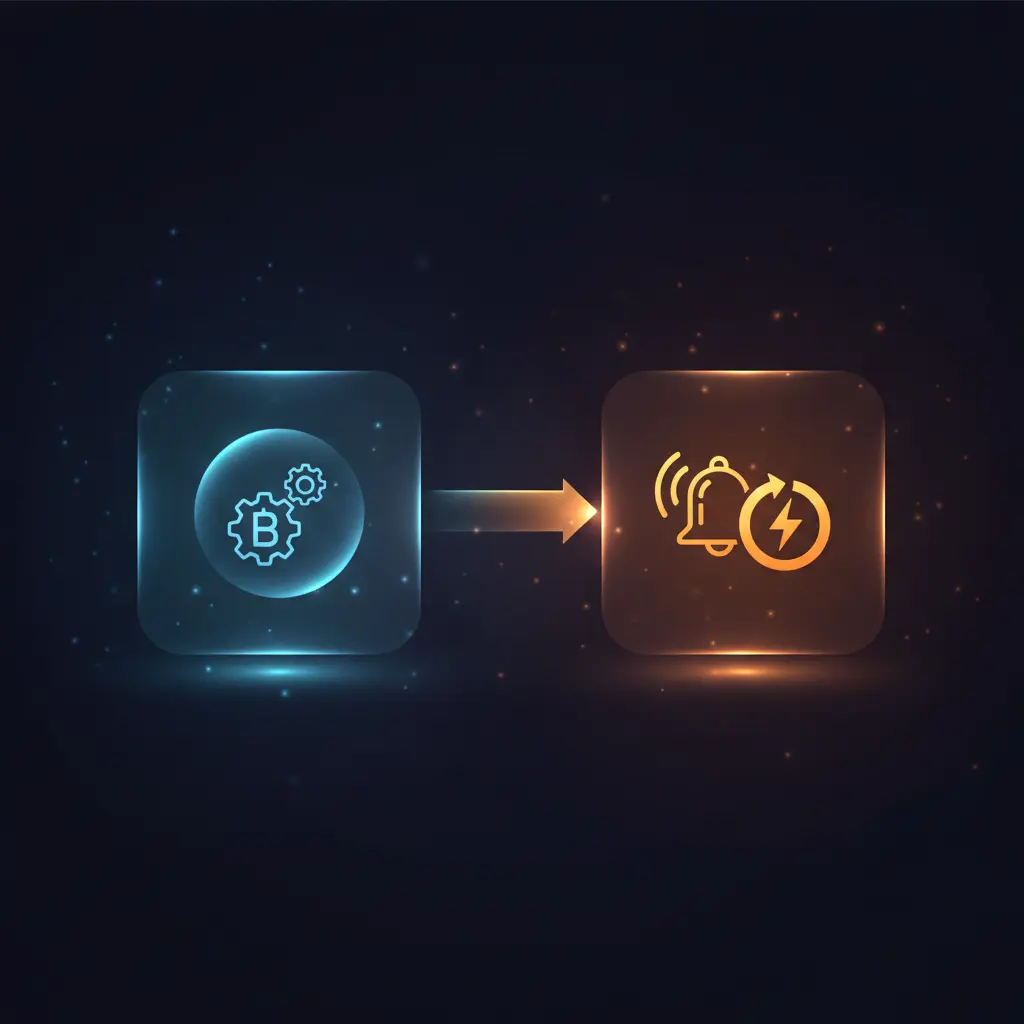
This Bitbucket push event listener automation workflow detects and responds to repository push triggers in real time. Designed as an event-driven analysis pipeline, it targets developers and DevOps teams who require immediate detection of code changes in a specified repository.
The workflow activates on the repo:push event for the repository named “test,” using a Bitbucket webhook trigger node to initiate the process. This ensures deterministic capture of push events at the repository level.
Key Benefits
- Automatically triggers workflows on repository push events without manual polling or delays.
- Utilizes a no-code integration with Bitbucket’s webhook system for seamless event-driven analysis.
- Monitors a specified repository to limit event scope and reduce noise in automation pipelines.
- Employs secure API credential authentication to ensure authorized event subscription.
Product Overview
This automation workflow is configured to listen for push events on a Bitbucket repository named “test.” It uses a single Bitbucket Trigger node, which functions as a webhook listener subscribing specifically to the repo:push event type. When a push occurs—such as a commit or branch update—Bitbucket sends an HTTP POST request to the workflow’s webhook endpoint.
The trigger node authenticates via stored Bitbucket API credentials, enabling secure and authorized event reception. Upon receiving the event payload, the workflow activates, currently without further processing steps, making it a foundational integration for subsequent automation expansions. The execution model is event-driven and synchronous at the trigger level, activating the workflow immediately upon event reception.
Error handling relies on the platform’s default retry and idempotency mechanisms, as no custom error logic is configured. Data is transiently processed without persistence or storage within the workflow.
Features and Outcomes
Core Automation
The core automation uses a Bitbucket Trigger node that listens for repository push events, enabling an event-driven analysis pipeline. This trigger initiates the workflow strictly on the defined event without transformation or filtering.
- Single-pass event detection upon Bitbucket push notification.
- Deterministic triggering based on repository and event type configuration.
- Immediate workflow activation with minimal latency from event occurrence.
Integrations and Intake
The workflow integrates directly with Bitbucket’s webhook system using API key-based credentials to authenticate and receive push events. The intake is a structured JSON payload representing repository push details.
- Bitbucket webhook trigger for real-time event intake.
- Secure API credential authentication for webhook registration and event reception.
- Payload includes commit metadata, branch information, and repository identifiers.
Outputs and Consumption
As configured, the workflow outputs are limited to triggering downstream processes upon event detection. No further data transformation or delivery occurs within this initial setup.
- Workflow activation upon receiving the push event payload.
- Output consists solely of the received event data passed to subsequent nodes if configured.
- Synchronous trigger response with no asynchronous queue or batch processing.
Workflow — End-to-End Execution
Step 1: Trigger
The workflow initiates via an HTTP POST webhook triggered by Bitbucket when a push event occurs in the repository named “test.” The webhook listens exclusively for the repo:push event type, activating only on new commits or branch changes.
Step 2: Processing
The incoming JSON payload is received and passed through without alteration or schema validation beyond the Bitbucket trigger’s inherent event filtering. Basic presence checks ensure payload delivery but no custom parsing is configured.
Step 3: Analysis
Analysis is limited to event detection logic within the Bitbucket Trigger node, which filters for push events in the specified repository. No additional heuristics or conditional branching are implemented at this stage.
Step 4: Delivery
The workflow currently does not include downstream action nodes; thus, no output delivery or transformation is performed beyond event capture. The trigger’s activation can be extended in future iterations to route data to other systems.
Use Cases
Scenario 1
Development teams need immediate notification of code commits to initiate CI/CD pipelines. This automation workflow listens for push events on the repository, triggering downstream processes in real time. The result is deterministic, event-driven activation without manual intervention.
Scenario 2
DevOps engineers require audit trails for repository changes. By deploying this orchestration pipeline, push events are reliably captured as they occur, enabling structured logging or further analysis through connected nodes. This ensures consistent event traceability.
Scenario 3
Teams integrating code quality tools benefit from an automation workflow that triggers on push events. The event-driven analysis initiates scans or tests immediately after code changes, reducing latency between commit and quality assurance steps.
How to use
To implement this workflow, first configure Bitbucket API credentials within n8n to enable secure webhook registration. Import the workflow and verify the Bitbucket Trigger node is set to monitor the target repository name. Deploy the workflow to activate the webhook endpoint. Upon code pushes to the repository, the workflow triggers automatically. Results are visible in n8n’s execution logs or can be extended with additional nodes for processing or delivery.
Comparison — Manual Process vs. Automation Workflow
| Attribute | Manual/Alternative | This Workflow |
|---|---|---|
| Steps required | Manual monitoring and polling for repository changes. | Single automatic trigger on push event, eliminating manual checks. |
| Consistency | Subject to human error and delay. | Deterministic event detection based on configured webhook triggers. |
| Scalability | Limited by manual oversight and tooling capacity. | Scales with repository activity and n8n infrastructure without manual intervention. |
| Maintenance | Requires manual updates and monitoring of polling scripts or tools. | Low maintenance; relies on stable Bitbucket webhook and credential configuration. |
Technical Specifications
| Environment | n8n automation platform with internet access to Bitbucket API |
|---|---|
| Tools / APIs | Bitbucket Trigger node, Bitbucket API webhook service |
| Execution Model | Event-driven synchronous webhook trigger |
| Input Formats | JSON payload from Bitbucket repository push events |
| Output Formats | Event data passed internally in JSON, no external output configured |
| Data Handling | Transient processing without persistent storage |
| Known Constraints | Trigger limited to repository named “test” and event type “repo:push” |
| Credentials | Bitbucket API credentials (API key-based authentication) |
Implementation Requirements
- Valid Bitbucket API credentials configured in n8n for webhook registration and authentication.
- Repository named “test” must exist and be accessible by the authenticated Bitbucket account.
- n8n instance must have public internet accessibility to receive webhook HTTP POST requests.
Configuration & Validation
- Ensure Bitbucket credentials are correctly stored and authorized for the target repository.
- Deploy the workflow and verify the webhook endpoint registration within Bitbucket’s repository settings.
- Perform a test push to the repository and confirm workflow activation via n8n’s execution logs.
Data Provenance
- Bitbucket Trigger node listens for
repo:pushevents on repository “test”. - Authentication via stored Bitbucket API credentials named “bitbucket_creds”.
- Workflow input and output consist solely of Bitbucket’s push event JSON payload.
FAQ
How is the Bitbucket push event listener automation workflow triggered?
The workflow is triggered by an HTTP POST webhook sent from Bitbucket when a push event occurs in the specified repository “test”. It listens exclusively for repo:push events.
Which tools or models does the orchestration pipeline use?
This workflow uses the Bitbucket Trigger node within n8n to receive authenticated webhook events. No additional models or processing nodes are configured.
What does the response look like for client consumption?
The workflow currently does not produce an external response; it activates internally on receiving the event payload and passes the JSON data downstream if extended.
Is any data persisted by the workflow?
No data is stored persistently within the workflow; all processing is transient and limited to event detection.
How are errors handled in this integration flow?
Error handling relies on n8n platform defaults, including automatic retries and idempotency for webhook processing. No custom error logic is implemented.
Conclusion
This Bitbucket push event listener automation workflow provides a precise mechanism to detect repository push events using a secure webhook trigger node. It delivers deterministic event-driven activation for repository changes, enabling foundational automation for development and operations teams. The workflow’s scope is intentionally limited to detecting push events on the repository named “test,” with no further processing configured. Reliance on Bitbucket API availability and proper credential configuration is a key operational dependency. This setup offers a stable baseline for extending repository event-driven automation without introducing complex processing overhead.

















Reviews
There are no reviews yet.