Description
Overview
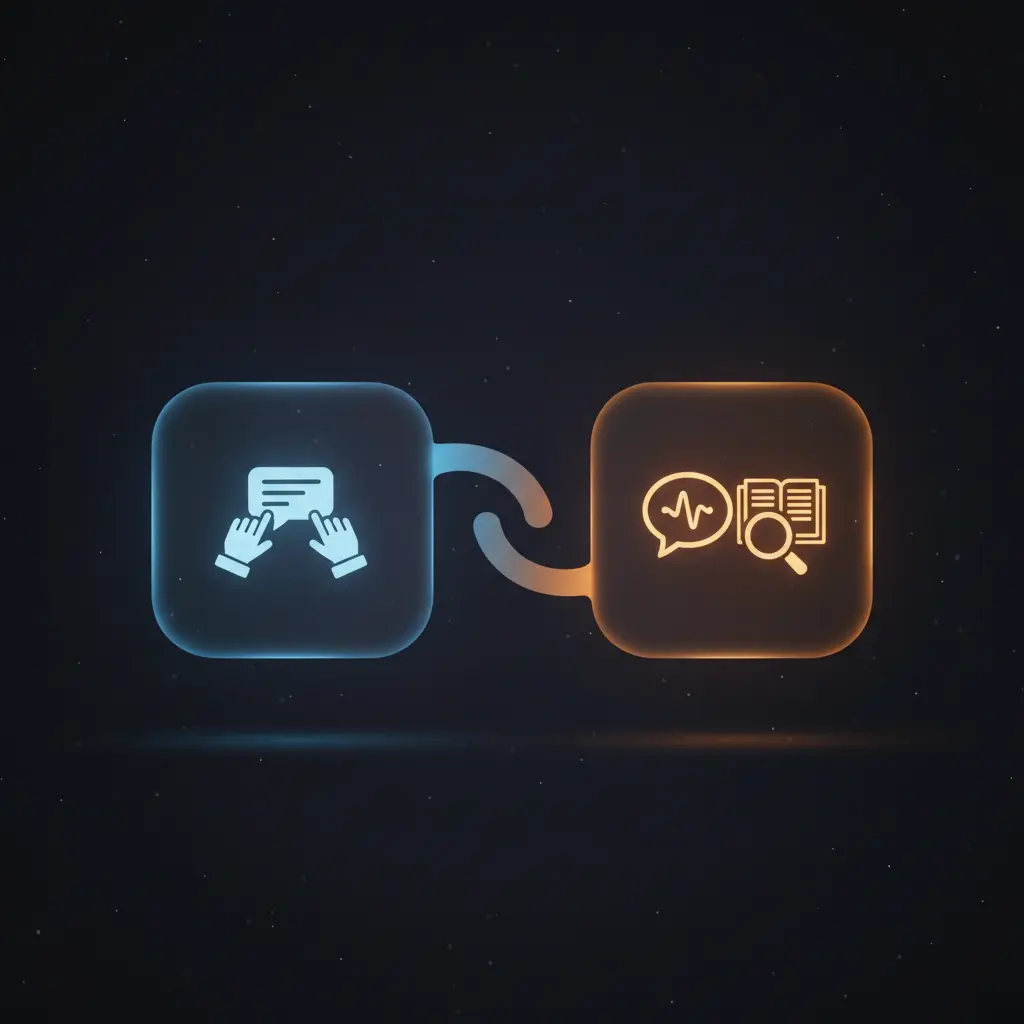
This AI chatbot automation workflow integrates conversational AI with real-time web search and knowledge retrieval, forming a robust orchestration pipeline. Designed for users requiring dynamic, context-aware responses, it utilizes a manual chat message trigger combined with a memory buffer to maintain conversational continuity.
Key Benefits
- Maintains dialogue context by storing the last 20 messages in buffer memory for coherent responses.
- Combines a language model with external tools for comprehensive, up-to-date query answering.
- Uses real-time web search via SerpAPI to incorporate current information beyond training data.
- Retrieves factual summaries from Wikipedia to enhance accuracy in responses.
Product Overview
This automation workflow is triggered by a manual chat message input, initiating the conversational sequence. The core logic resides in an AI Agent node configured with LangChain’s “define” prompt type, which orchestrates interactions between multiple components. It accesses a window buffer memory node that retains the last 20 messages, enabling context retention across dialogue turns. The agent dynamically calls a GPT-4o-mini language model with controlled temperature (0.3) to generate natural language responses. Concurrently, it leverages two external tools—SerpAPI for live web search queries and Wikipedia for factual content retrieval—providing a multi-source knowledge base. The execution model follows a synchronous, request–response pattern, returning integrated answers that combine conversational memory, language generation, and external data. Error handling relies on platform defaults, as no custom retry or backoff mechanisms are configured. Authentication for the language model uses OpenAI API credentials, while the tools interface transparently according to their standard API protocols. This workflow ensures transient processing of conversational inputs without persistent data storage beyond the memory buffer scope.
Features and Outcomes
Core Automation
This image-to-insight automation workflow processes user text inputs with maintained context from a sliding window memory. The AI Agent evaluates input by referencing the last 20 messages and dynamically invokes language model and tool nodes to generate responses.
- Single-pass evaluation combining memory, language, and external tools for response generation.
- Deterministic context window size fixed at 20 messages ensuring consistent dialogue history.
- Controlled response creativity via temperature parameter set at 0.3 on GPT-4o-mini.
Integrations and Intake
The orchestration pipeline integrates with OpenAI’s GPT-4o-mini language model using API key authentication. It also connects to SerpAPI and Wikipedia for external information retrieval, triggered by manual chat messages containing user prompts.
- OpenAI GPT-4o-mini for natural language generation with specified temperature control.
- SerpAPI tool enabling real-time web search results to augment chatbot responses.
- Wikipedia tool providing factual summaries to improve answer accuracy and breadth.
Outputs and Consumption
The workflow produces synchronous responses combining language model output and external tool data. Results include conversational text enriched with real-time search findings and factual Wikipedia content, formatted for direct client consumption.
- Natural language text response synthesized from multi-source input.
- Response returned synchronously following each manual chat message trigger.
- Output integrates memory context, language model generation, and external tool results.
Workflow — End-to-End Execution
Step 1: Trigger
The workflow initiates upon receiving a new manual chat message input. This trigger node waits for explicit user input to begin processing, serving as the entry point for conversation handling.
Step 2: Processing
Incoming chat messages pass through basic presence checks without additional validation. The AI Agent node receives the input text and prepares it for integrated processing with language model and tool interactions.
Step 3: Analysis
The AI Agent applies a “define” prompt type to interpret user input, referencing the last 20 messages stored in the Window Buffer Memory. It concurrently queries the Chat OpenAI node for language generation and the SerpAPI and Wikipedia nodes for external information, synthesizing these inputs into a coherent response.
Step 4: Delivery
The final response, combining natural language generation and external data, is returned synchronously to the user interface. This consolidated output reflects conversational history, real-time search results, and factual summaries.
Use Cases
Scenario 1
Users require an intelligent chatbot that maintains dialogue context while providing accurate answers. This workflow addresses the problem by storing the last 20 messages and augmenting responses with live web search and Wikipedia data, resulting in contextually relevant and updated replies within a single interaction cycle.
Scenario 2
Enterprises need a no-code integration solution for combining conversational AI with external knowledge bases. This orchestration pipeline enables seamless tool access via LangChain, allowing the chatbot to dynamically fetch real-time information and factual content, ensuring consistent, informed communication without manual data retrieval.
Scenario 3
Developers seek a flexible event-driven analysis framework for chatbot applications that require multi-source data integration. This automation workflow facilitates interaction with multiple APIs and memory storage, producing synthesized, reliable answers that leverage both language modeling and external search tools synchronously.
Comparison — Manual Process vs. Automation Workflow
| Attribute | Manual/Alternative | This Workflow |
|---|---|---|
| Steps required | Multiple manual searches and message composition steps. | Single-step input triggers integrated response generation. |
| Consistency | Variable based on human recall and search accuracy. | Deterministic context window and tool integration ensure stable responses. |
| Scalability | Limited by human capacity and search turnaround time. | Scales with API throughput and automated processing pipelines. |
| Maintenance | High; requires manual updating of knowledge and search queries. | Low; relies on automated API connections and memory management. |
Technical Specifications
| Environment | n8n automation platform |
|---|---|
| Tools / APIs | OpenAI GPT-4o-mini, SerpAPI, Wikipedia |
| Execution Model | Synchronous request–response |
| Input Formats | Manual chat message text |
| Output Formats | Natural language text response |
| Data Handling | Transient memory buffer for last 20 messages; no persistent storage |
| Credentials | OpenAI API key for language model |
Implementation Requirements
- Valid OpenAI API credentials configured for GPT-4o-mini node.
- Access to SerpAPI and Wikipedia services for external tool nodes.
- Manual user input interface to trigger chat messages.
Configuration & Validation
- Set up the manual chat message trigger node to accept user inputs.
- Configure the AI Agent node with the “define” prompt type and connect to language model, memory, and tool nodes.
- Verify credentials for OpenAI API and ensure connectivity with SerpAPI and Wikipedia nodes.
Data Provenance
- Trigger: Manual chat message input node initiating workflow execution.
- Memory: Window Buffer Memory node storing last 20 messages for context.
- Output: AI Agent node synthesizing inputs from Chat OpenAI, SerpAPI, and Wikipedia nodes.
FAQ
How is the AI chatbot automation workflow triggered?
The workflow is triggered by a manual chat message node that activates when a user inputs a new message, initiating the event-driven analysis process.
Which tools or models does the orchestration pipeline use?
The orchestration pipeline integrates OpenAI’s GPT-4o-mini language model along with SerpAPI for live web search and Wikipedia for factual data retrieval.
What does the response look like for client consumption?
The response is a synchronous natural language text combining conversational context, real-time web search results, and Wikipedia summaries.
Is any data persisted by the workflow?
Data is transiently held in a buffer memory node storing the last 20 messages; no persistent data storage occurs beyond this scope.
How are errors handled in this integration flow?
Error handling relies on platform defaults; no custom retry, backoff, or idempotency mechanisms are implemented.
Conclusion
This AI chatbot automation workflow delivers dependable, context-aware conversational responses by combining language modeling with real-time data retrieval from web search and Wikipedia. It maintains dialogue coherence through a fixed-size message buffer and integrates multiple sources synchronously to provide comprehensive answers. The workflow’s execution depends on external API availability for OpenAI, SerpAPI, and Wikipedia, representing a constraint on uninterrupted operation. Overall, this orchestration pipeline offers a structured, no-code integration solution for dynamic conversational AI deployments requiring multi-source knowledge synthesis.
















Reviews
There are no reviews yet.