Description
Overview
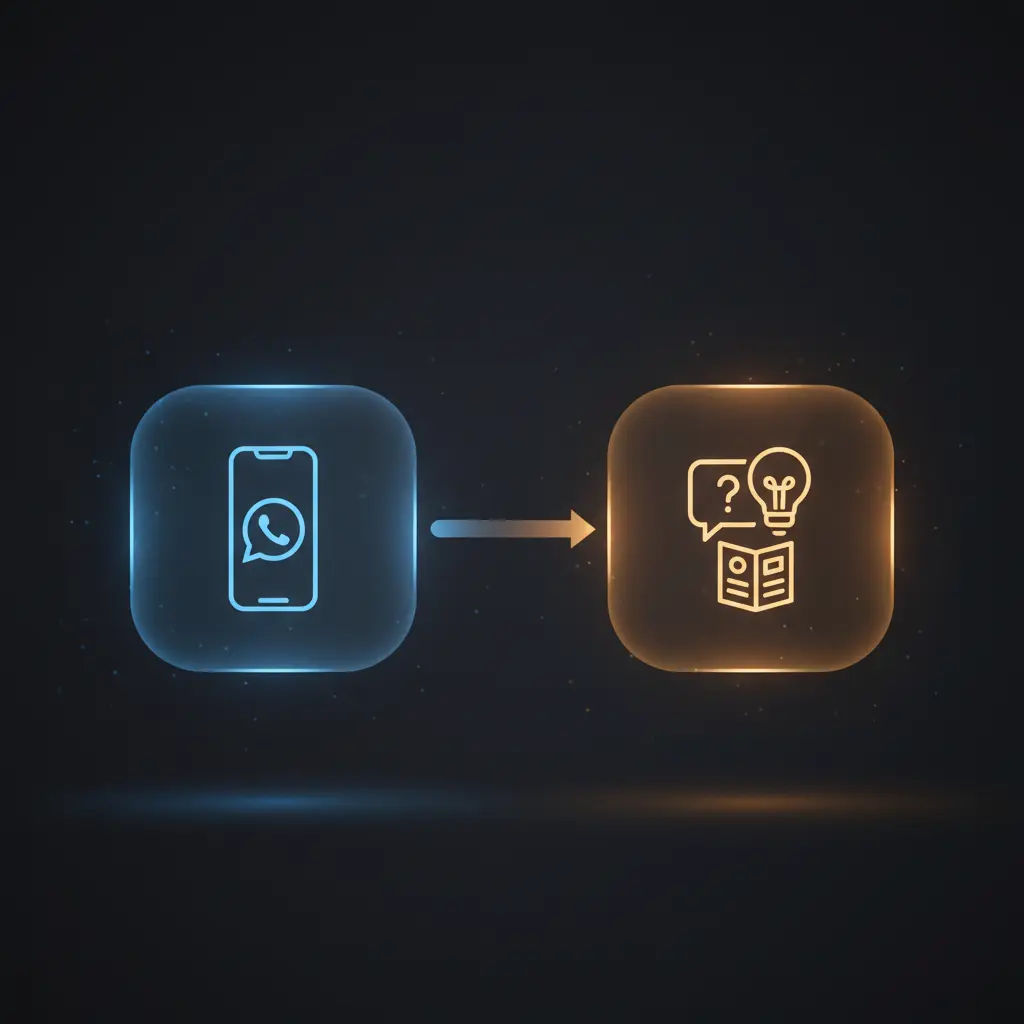
This WhatsApp chatbot Sales AI Agent automation workflow provides a no-code integration solution to handle user inquiries about the Yamaha Powered Loudspeakers product brochure for 2024. Designed for businesses aiming to deliver factual, brochure-based responses via WhatsApp, it features an event-driven analysis pipeline starting from a WhatsApp message trigger.
The workflow initiates with a WhatsApp Trigger node that listens specifically for incoming text messages, filtering out unsupported message types to ensure consistent processing.
Key Benefits
- Enables conversational access to detailed product brochure data through a WhatsApp chatbot.
- Maintains context with a session-based window buffer memory for accurate follow-up interactions.
- Leverages an in-memory vector store for efficient document retrieval within the automation workflow.
- Filters incoming messages to support text-only queries, simplifying input validation and response generation.
Product Overview
This automation workflow operates in two distinct stages. The first stage involves building a product catalog vector store by downloading the Yamaha Powered Loudspeakers 2024 brochure as a PDF using an HTTP Request node. The PDF content is extracted and split into manageable 2000-character text chunks via the Recursive Character Text Splitter node. These chunks are then converted into vector embeddings using the OpenAI Embeddings node, and stored in an in-memory vector store keyed to a session identifier.
The second stage manages WhatsApp message intake through the WhatsApp Trigger node, which listens for incoming text messages. Non-text messages are intercepted and replied to with a predefined notice. Text messages pass through a window buffer memory node that preserves conversational context per user phone number. The AI Sales Agent node, powered by an OpenAI GPT language model, processes the user input, querying the vector store tool to retrieve relevant brochure information. Responses are then sent back synchronously via the WhatsApp node.
Error handling follows n8n platform defaults, with no explicit retry or backoff configured. The workflow uses OAuth credentials for WhatsApp and OpenAI API access, ensuring secure authentication during execution. No data persistence beyond the in-memory vector store and chat memory is performed, maintaining transient data handling consistent with privacy best practices.
Features and Outcomes
Core Automation
This automation workflow ingests WhatsApp text messages and applies event-driven analysis to deliver responses grounded in a product brochure knowledge base using a no-code integration approach. The AI Sales Agent uses contextual memory and vector store queries to determine relevant answers.
- Session-specific window buffer memory preserves recent conversation context for accurate interactions.
- Single-pass evaluation of user input with vector store similarity search for brochure data retrieval.
- Automated filtering of unsupported message types reduces processing errors and ambiguity.
Integrations and Intake
The orchestration pipeline integrates with WhatsApp via OAuth-secured webhook for receiving messages and OpenAI APIs for embedding generation and chat completion. Incoming messages must be textual to proceed through AI processing.
- WhatsApp Trigger node captures incoming text messages from users.
- OpenAI Embeddings and Chat Model nodes provide vectorization and language understanding.
- In-memory vector store node indexes and queries product brochure text data for reference.
Outputs and Consumption
Responses generated by the AI Sales Agent are delivered synchronously as plain text messages back to the WhatsApp user. The output consists of natural language answers referencing the brochure content or fallback messages if data is unavailable.
- Text responses sent via the WhatsApp node using recipient phone numbers from the trigger.
- Output fields include the generated message body aligned with user query context.
- Immediate response cycle without asynchronous queuing or batching.
Workflow — End-to-End Execution
Step 1: Trigger
The workflow begins when a WhatsApp Trigger node receives an incoming message via a webhook configured with OAuth credentials. It listens exclusively for “messages” update events and expects the message type to be “text” for processing.
Step 2: Processing
Incoming message payloads are routed through a Switch node that verifies the message type is text. Non-text messages are redirected to a default reply node informing the sender that only text messages are supported. Text messages proceed unchanged to the AI Sales Agent node.
Step 3: Analysis
The AI Sales Agent node uses the user’s message text along with session-specific window buffer memory to maintain dialogue context. It queries a vector store tool that accesses an in-memory vector database built from the product brochure PDF. The agent applies a system prompt focused on guiding users through the Yamaha Powered Loudspeakers 2024 catalog, responding factually or indicating when information is unavailable.
Step 4: Delivery
The response generated by the AI agent is sent synchronously back to the user via the WhatsApp node. The node uses the phone number from the original trigger to address the message. Responses are plain text without attachments or media.
Use Cases
Scenario 1
A customer wants detailed specifications of Yamaha loudspeakers for 2024 but lacks access to the brochure. Using this automation workflow, they send a WhatsApp text query and receive an immediate, factual response referencing the product catalog. This eliminates manual lookup and speeds up information delivery.
Scenario 2
A sales support agent receives frequent repetitive questions about product features. Deploying this no-code integration pipeline automates answers by leveraging the vector store knowledge base, freeing human resources and ensuring consistent, accurate information dissemination.
Scenario 3
A business wants to offer customers a conversational experience for navigating a complex product brochure. This workflow’s event-driven analysis and AI Sales Agent provide natural language responses based on brochure content, returning structured and context-aware answers within one interaction cycle.
How to use
To deploy this WhatsApp chatbot Sales AI Agent workflow, start by running the manual trigger to import and process the Yamaha product brochure PDF. This populates the in-memory vector store with searchable embeddings. Then, activate the workflow to listen for incoming WhatsApp messages via the configured webhook and OAuth credentials.
Ensure your WhatsApp Business API is properly connected, and OpenAI API credentials are set for embedding and chat model usage. Once active, users can send text messages to the associated WhatsApp number and receive AI-generated, brochure-informed replies. Non-text messages receive a default informative response.
Expect synchronous response delivery with context-aware answers referencing the 2024 product catalog. For updates, rerun the manual trigger to refresh the vector store with new brochure data.
Comparison — Manual Process vs. Automation Workflow
| Attribute | Manual/Alternative | This Workflow |
|---|---|---|
| Steps required | Multiple manual lookups and human responses to user queries. | Automated message intake, analysis, and reply in a single workflow. |
| Consistency | Variable accuracy depending on agent knowledge and workload. | Deterministic responses grounded in a verified product catalog vector store. |
| Scalability | Limited by human availability and response speed. | Handles multiple user interactions concurrently with session memory. |
| Maintenance | Requires ongoing training and manual updates to FAQ content. | Vector store updates via manual trigger; AI parameters configurable centrally. |
Technical Specifications
| Environment | n8n automation platform with OAuth-secured WhatsApp Business API and OpenAI API access |
|---|---|
| Tools / APIs | WhatsApp Trigger, OpenAI Embeddings, OpenAI Chat Model, In-Memory Vector Store, HTTP Request |
| Execution Model | Synchronous request-response with event-driven triggers |
| Input Formats | WhatsApp text message JSON payloads, PDF document for brochure import |
| Output Formats | Plain text WhatsApp messages |
| Data Handling | Transient in-memory vector storage and session window buffer memory |
| Known Constraints | Only supports text messages; non-text messages receive a default reply |
| Credentials | WhatsApp Business OAuth, OpenAI API key |
Implementation Requirements
- Active WhatsApp Business API account configured with OAuth credentials for webhook integration.
- Valid OpenAI API credentials for embedding generation and language model access.
- Server environment capable of running n8n workflows with network access to WhatsApp and OpenAI endpoints.
Configuration & Validation
- Run the manual trigger node to download and process the product brochure PDF, ensuring vector store population.
- Verify OAuth credentials for WhatsApp and OpenAI nodes are correctly set and authorized.
- Send a test WhatsApp text message to confirm the trigger receives input and the AI agent responds appropriately.
Data Provenance
- WhatsApp Trigger node captures incoming message JSON with text type filtering.
- OpenAI Embeddings nodes generate vector representations of brochure text extracted by Extract from File node.
- AI Sales Agent node uses GPT model with session window buffer memory and Vector Store Tool querying the in-memory vector store keyed “whatsapp-75”.
FAQ
How is the WhatsApp chatbot Sales AI Agent automation workflow triggered?
The workflow is triggered by incoming WhatsApp messages captured via the WhatsApp Trigger node configured to listen for “messages” update events. Only text message types are processed further.
Which tools or models does the orchestration pipeline use?
The orchestration pipeline uses OpenAI’s embedding model “text-embedding-3-small” for vectorization and GPT-based chat models for language understanding within the AI Sales Agent. It also leverages an in-memory vector store for product brochure querying.
What does the response look like for client consumption?
Responses are synchronous plain text messages sent back to the user’s WhatsApp number. The content is generated by the AI Sales Agent referencing the product brochure or providing fallback information if unavailable.
Is any data persisted by the workflow?
No persistent storage is used beyond transient in-memory vector stores and session-based window buffer memory within the n8n runtime environment. No data is saved externally or permanently.
How are errors handled in this integration flow?
Error handling relies on n8n platform defaults; there are no custom retry or backoff mechanisms configured. Non-text message types are routed to a fixed response, reducing error scenarios.
Conclusion
This WhatsApp chatbot Sales AI Agent automation workflow provides a robust method for delivering precise, brochure-based answers to user inquiries about Yamaha Powered Loudspeakers 2024. By combining event-driven WhatsApp triggers, vector store document retrieval, and a GPT-powered AI agent with session memory, it ensures consistent and contextually relevant responses. The workflow relies on external OpenAI API availability and WhatsApp Business API connectivity, which are prerequisites for operation. It offers a deterministic, scalable approach to automating customer interactions without persistent data storage or complex infrastructure.


















Reviews
There are no reviews yet.