Description
Overview
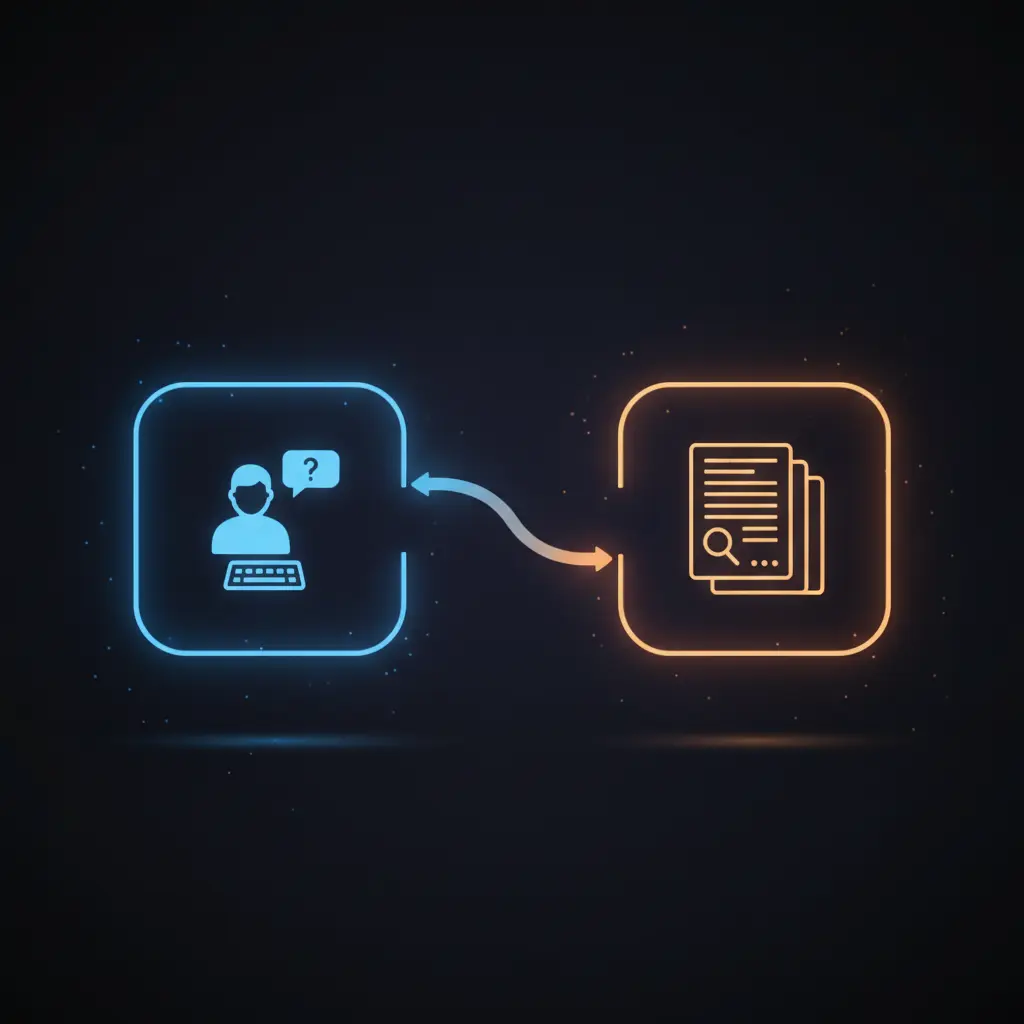
The Open Deep Research autonomous research workflow automates the generation, collection, and analysis of information based on user queries using an AI-powered orchestration pipeline. Designed for researchers and knowledge workers, this no-code integration initiates from a chat message trigger and deterministically produces a comprehensive research report by leveraging multi-source data retrieval and AI-driven content extraction.
Key Benefits
- Automates multi-step research with precise search query generation via large language models.
- Enables parallelized data retrieval through chunked batch processing of search queries and results.
- Integrates structured organic search results formatting to streamline downstream AI analysis.
- Extracts relevant context from heterogeneous sources using expert LLM extraction techniques.
Product Overview
This Open Deep Research workflow begins with a chat message trigger node that initiates the process upon receiving a user query. The query is forwarded to a language model node, which formulates up to four distinct and precise search queries to comprehensively cover the topic. These queries are parsed and split into chunks for efficient batch processing. The workflow sends batched HTTP requests to SerpAPI, a Google Search API, retrieving organic search results that are programmatically formatted to extract titles, URLs, and sources.
Subsequent batching prepares these results for AI-driven content analysis through Jina AI, an external HTTP service authenticated via header credentials. The analyzed data is then processed by a language model agent to extract relevant contextual information strictly related to the original query. A memory buffer node maintains session context across interactions.
Finally, the workflow consolidates all extracted contexts and generates a comprehensive, well-structured research report in Markdown format. An additional node independently fetches supplemental Wikipedia information to enrich the report. The entire process operates synchronously within the orchestration pipeline, with error handling relying on platform defaults and credential-based secure API access.
Features and Outcomes
Core Automation
This automation workflow accepts a user query, generates multiple targeted search queries using an LLM, and orchestrates a multi-stage data retrieval and analysis sequence. It applies deterministic chunking to facilitate parallel search and processing.
- Single-pass evaluation of user input through sequential AI and HTTP nodes.
- Chunk-based parallelism enables scalable handling of multiple queries simultaneously.
- Consistent integration of LLM-driven query generation and context extraction.
Integrations and Intake
The orchestration pipeline integrates with SerpAPI for web search, Jina AI for content analysis, and OpenRouter API to access language models. Authentication is managed through API keys securely stored as n8n credentials. The workflow expects JSON-formatted inputs from the chat trigger and structured JSON arrays for internal batching processes.
- SerpAPI delivers organic Google search results based on generated queries.
- Jina AI performs in-depth AI analysis on batched search results with HTTP header authentication.
- OpenRouter API powers LLM functions for query generation, context extraction, and report synthesis.
Outputs and Consumption
The workflow produces a comprehensive research report formatted in Markdown, suitable for downstream consumption or display within chat interfaces. The report includes structured headings, key findings, and detailed analysis sourced from aggregated AI-extracted contexts. Outputs are synchronous responses to the initiating chat trigger.
- Markdown-formatted research reports with clear hierarchical structure.
- JSON arrays of formatted search results for intermediate processing.
- Extracted plain-text contexts optimized for clarity and relevance.
Workflow — End-to-End Execution
Step 1: Trigger
The workflow initiates on a chat message trigger node, capturing user input submitted via a chat interface. This event-driven trigger awaits textual queries and immediately routes the input downstream for processing.
Step 2: Processing
The user query is sent to an LLM node that generates up to four tailored search queries, returned as a JSON list. These queries undergo parsing and chunking to create manageable batches, enabling parallel execution in subsequent steps. The workflow performs basic JSON validation and error handling within the code node.
Step 3: Analysis
Each batch triggers HTTP requests to SerpAPI for Google organic results, which are formatted to extract titles, URLs, and sources. The formatted data is further batched and sent to Jina AI for deeper AI-powered content analysis. An LLM agent then extracts relevant context from the collected information, filtering extraneous content to maintain focus on the research query.
Step 4: Delivery
The extracted contexts are merged and passed to another LLM agent that generates a structured, comprehensive research report in Markdown. This final output is synchronously returned in response to the original chat message trigger, completing the autonomous research cycle.
Use Cases
Scenario 1
A researcher needs to quickly compile a detailed report on an emerging scientific topic. The workflow generates precise search queries, collects and analyzes relevant web data, and produces a structured report, eliminating manual search and synthesis steps.
Scenario 2
A knowledge worker requires comprehensive background information for a client presentation. By submitting a query, the workflow autonomously orchestrates data retrieval and AI extraction, delivering a coherent multi-source research report in one response cycle.
Scenario 3
A content strategist needs fact-checked insights on a complex topic. The workflow autonomously batches search queries, formats results, and synthesizes findings via AI models, providing a reliable and repeatable research process with minimal manual input.
How to use
To deploy this workflow in n8n, import the workflow JSON and configure API credentials for SerpAPI, Jina AI, and OpenRouter as required. The chat message trigger node must be connected to a chat interface or webhook to receive user queries. Upon activation, the workflow runs automatically, generating search queries, retrieving and analyzing data, and producing a comprehensive research report returned through the chat interface. Users can expect synchronous report generation with clear, structured outputs aligned to the original query.
Comparison — Manual Process vs. Automation Workflow
| Attribute | Manual/Alternative | This Workflow |
|---|---|---|
| Steps required | Multiple manual searches, data compilation, and report writing. | Single automated pipeline with chunked batch processing and AI synthesis. |
| Consistency | Varies by user skill and manual effort. | Deterministic generation of search queries and structured report output. |
| Scalability | Limited by manual capacity and time. | Scales via parallel batch processing of queries and results. |
| Maintenance | High, requiring updates to search strategies and report formats. | Minimal, dependent on API credential management and workflow updates. |
Technical Specifications
| Environment | n8n workflow automation platform |
|---|---|
| Tools / APIs | SerpAPI (Google Search), Jina AI (Content Analysis), OpenRouter API (LLM) |
| Execution Model | Synchronous request–response with batch processing |
| Input Formats | JSON-formatted chat query, JSON arrays for batching |
| Output Formats | Markdown report, structured JSON for intermediate data |
| Data Handling | Transient processing with no persistent storage |
| Known Constraints | Relies on availability and response consistency of external APIs |
| Credentials | API keys for SerpAPI, Jina AI, and OpenRouter securely stored in n8n |
Implementation Requirements
- Valid API credentials configured in n8n for SerpAPI, Jina AI, and OpenRouter integrations.
- Access to webhooks or chat interfaces to trigger the chat message node.
- Network connectivity allowing outbound HTTPS requests to external APIs.
Configuration & Validation
- Import the workflow JSON into n8n and verify all nodes are properly linked.
- Configure and test API credentials for SerpAPI, Jina AI, and OpenRouter within n8n credentials manager.
- Trigger the workflow with sample queries to ensure search queries generation, API requests, and report generation complete without errors.
Data Provenance
- Trigger node: Chat Message Trigger initiates workflow on user input.
- LLM nodes: Generate Search Queries using LLM, Extract Relevant Context via LLM, and Generate Comprehensive Research Report utilize OpenRouter API.
- API nodes: Perform SerpAPI Search Request and Perform Jina AI Analysis Request retrieve and analyze web data with secure API keys.
FAQ
How is the autonomous research workflow triggered?
The workflow is triggered by a chat message node that activates when a user submits a textual query via a connected chat interface or webhook event.
Which tools or models does the orchestration pipeline use?
The pipeline integrates OpenRouter API for language model tasks, SerpAPI for Google search results, and Jina AI for advanced content analysis and extraction.
What does the response look like for client consumption?
The workflow returns a comprehensive research report formatted in Markdown, containing key findings, detailed analysis, and relevant sources mapped to the original query.
Is any data persisted by the workflow?
No persistent storage is used; data is transiently processed within the workflow, relying on in-memory buffers and temporary variables.
How are errors handled in this integration flow?
Error handling relies primarily on n8n platform defaults; nodes include basic JSON validation, and external API errors propagate according to standard HTTP response handling.
Conclusion
The Open Deep Research autonomous research workflow delivers a deterministic, end-to-end automation pipeline that transforms user queries into comprehensive research reports by orchestrating AI-driven search, analysis, and synthesis. It ensures consistent, structured outputs while reducing manual research effort. The workflow depends on the continuous availability of external APIs such as SerpAPI, Jina AI, and OpenRouter. Designed for integration within n8n, it supports scalable, parallel processing with secure credential management, offering dependable and reproducible research automation.















Reviews
There are no reviews yet.