Description
Overview
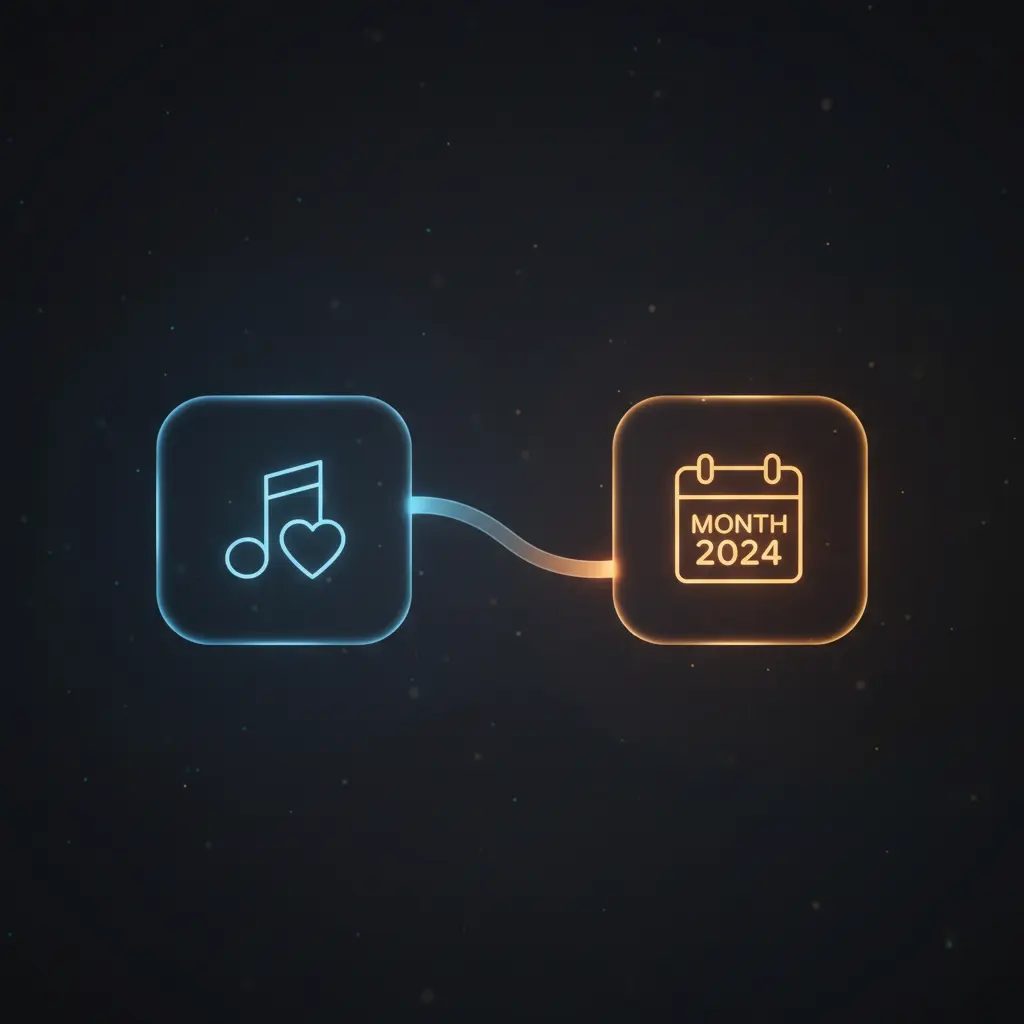
This monthly playlist synchronization automation workflow streamlines the management of a Spotify playlist named after the current month and year. By leveraging a no-code integration pipeline, it ensures that a user’s latest liked tracks are systematically added to a monthly playlist, maintaining an up-to-date music collection with minimal manual intervention. It initiates with a scheduled trigger that activates every minute, aligning the playlist with real-time user activity.
Key Benefits
- Automates monthly playlist generation based on the current date using scheduled triggers.
- Ensures synchronization of recently liked Spotify tracks with a time-stamped playlist.
- Maintains data consistency by cross-checking track and playlist presence in a centralized database.
- Reduces manual playlist management via an event-driven orchestration pipeline.
Product Overview
This automation workflow begins with a Schedule Trigger node configured to run every minute, which invokes a custom JavaScript code node to generate the current date object. The date object includes the month as a number, year in full, and a formatted text string such as “September ’24” used as the playlist name. Next, the workflow retrieves all existing user playlists from Spotify and filters for a playlist matching this current date text.
If the monthly playlist exists on Spotify, the workflow checks for its presence in the NocoDB database. If not found, it creates an entry in the database. Conversely, if the playlist does not exist in Spotify, the workflow creates it with a description of “Monthly playlist” and stores its metadata in the database. This two-way verification ensures reliable playlist tracking and data integrity.
Following playlist validation, the workflow fetches the last 10 liked tracks from Spotify and processes each track in batches. Each track is checked against the database to determine if it has already been saved. Tracks absent in the database are added with metadata including URI, added date, and associated monthly playlist name. Finally, the workflow compares stored tracks against contents of the monthly Spotify playlist, adding any missing tracks to ensure full synchronization.
Error handling defaults to platform standard behaviors, with no custom retry or backoff mechanisms configured. Authentication for Spotify is performed via OAuth2, while NocoDB uses API token credentials. Data processing is transient, with no permanent persistence beyond the database entries for playlists and tracks.
Features and Outcomes
Core Automation
The orchestration pipeline ingests scheduled triggers and dynamically generates the playlist name based on the current month and year. It applies deterministic logic to verify playlist and track existence, branching accordingly to create or update records.
- Single-pass evaluation of playlist presence with conditional branching.
- Batch processing of liked tracks to minimize processing overhead.
- Idempotent track addition by cross-referencing database and Spotify playlist contents.
Integrations and Intake
This no-code integration connects to Spotify via OAuth2 authentication to access user playlists and liked tracks. It also interfaces with NocoDB via API token to manage persistent playlist and track metadata. The workflow expects JSON-formatted payloads internally for data exchange.
- Spotify API for user playlist and liked tracks retrieval and playlist management.
- NocoDB API for structured storage of playlist and track records.
- Scheduled time-based trigger for automated execution without manual input.
Outputs and Consumption
The workflow produces updates to Spotify playlists by adding newly liked tracks absent from the target playlist. Data outputs include playlist URIs, track URIs, and metadata stored in NocoDB for reference and synchronization verification.
- Spotify playlist updated with missing tracks through synchronous API calls.
- Database records reflecting playlist and track associations with timestamped playlist names.
- Structured JSON objects used internally for data handling between nodes.
Workflow — End-to-End Execution
Step 1: Trigger
The workflow initiates on a Schedule Trigger node configured to execute every minute. This ensures timely synchronization aligned with user activity. No external inputs are required to start the process.
Step 2: Processing
A JavaScript Code node obtains the current date, formatting it into an object containing month number, year, and a textual representation used as the playlist name. This value drives subsequent filtering and playlist creation logic. Basic presence checks are applied during data retrieval steps.
Step 3: Analysis
Filtering nodes compare Spotify user playlists against the current month’s textual playlist name. Conditional IF nodes determine if playlists or tracks exist in Spotify and/or the database. Tracks are verified individually to avoid duplication, ensuring only new items are added to storage and playlists.
Step 4: Delivery
The workflow synchronously updates the Spotify monthly playlist by adding tracks that are found in the database but missing from the playlist. Playlist creation and database record insertions are executed synchronously with API calls to Spotify and NocoDB.
Use Cases
Scenario 1
A user manually manages monthly playlists, risking missed liked tracks. This automation workflow fetches recent liked tracks and syncs them to a monthly playlist automatically, ensuring the playlist is always current without manual updating.
Scenario 2
Playlists and track metadata are scattered across platforms, complicating tracking. This orchestration pipeline centralizes playlist and track data in a NocoDB database, providing a reliable reference for synchronization and history maintenance.
Scenario 3
Users want to maintain a time-stamped archive of liked tracks. By automatically naming playlists after the current month and year, this workflow creates a structured, date-based music archive, simplifying retrieval and organization.
How to use
To implement this monthly playlist synchronization workflow in n8n, connect your Spotify account via OAuth2 and your NocoDB instance using API token credentials. Activate the schedule trigger to run the workflow periodically. The workflow will automatically generate or update the playlist named after the current month and year. Expect the output to maintain a synchronized playlist on Spotify, with corresponding records managed in your NocoDB database for tracking and future reference.
Comparison — Manual Process vs. Automation Workflow
| Attribute | Manual/Alternative | This Workflow |
|---|---|---|
| Steps required | Multiple manual steps including playlist creation, track selection, and updates. | Fully automated with scheduled execution and conditional logic. |
| Consistency | Variable due to human error and oversight. | Deterministic playlist and track synchronization with database verification. |
| Scalability | Limited by manual effort and time constraints. | Scales with batch processing of tracks and API-based updates. |
| Maintenance | Requires ongoing manual monitoring and updates. | Minimal maintenance, reliant on connected API availability. |
Technical Specifications
| Environment | n8n workflow automation platform |
|---|---|
| Tools / APIs | Spotify API (OAuth2), NocoDB API (API Token) |
| Execution Model | Scheduled trigger with synchronous API calls |
| Input Formats | Internal JSON objects, Spotify API responses |
| Output Formats | Spotify playlist updates, NocoDB JSON entries |
| Data Handling | Transient processing with persistent database storage for playlists and tracks |
| Known Constraints | Relies on external API availability and rate limits |
| Credentials | Spotify OAuth2, NocoDB API Token |
Implementation Requirements
- Active Spotify account with OAuth2 credentials configured in n8n.
- NocoDB instance with API token access and appropriate tables for playlists and tracks.
- Network access to Spotify and NocoDB APIs from n8n environment.
Configuration & Validation
- Verify Spotify OAuth2 connection by retrieving user playlists without error.
- Confirm NocoDB API token is valid by querying playlist and track tables.
- Run workflow manually or on schedule and observe creation or update of monthly playlist and track entries.
Data Provenance
- Trigger: Schedule Trigger node initiating workflow execution every minute.
- Data nodes: “Get current date” JavaScript code node generates playlist name.
- Integrations: Spotify nodes (“Get all user playlist”, “Get last 10 liked tracks”, playlist management) and NocoDB nodes for database queries and record creation.
FAQ
How is the monthly playlist synchronization automation workflow triggered?
The workflow is triggered by a Schedule Trigger node configured to run every minute, ensuring continuous alignment with user activity and playlist updates.
Which tools or models does the orchestration pipeline use?
The pipeline integrates Spotify’s API via OAuth2 for playlist and track data and NocoDB via API token for database management. No external heuristic models are employed.
What does the response look like for client consumption?
The workflow updates the Spotify playlist synchronously by adding missing tracks and maintains JSON records in NocoDB reflecting playlist and track metadata for reference.
Is any data persisted by the workflow?
Yes, playlist and track metadata are stored persistently in NocoDB tables to ensure accurate synchronization and historical tracking.
How are errors handled in this integration flow?
The workflow relies on platform default error handling; no custom retry or backoff mechanisms are configured within the workflow.
Conclusion
This monthly playlist synchronization automation workflow provides a reliable and repeatable method for maintaining Spotify playlists named by current month and year. By leveraging scheduled triggers and conditional logic, it ensures that new liked tracks are consistently added to the appropriate playlist while maintaining centralized metadata in a database. The workflow depends on the availability of external APIs, specifically Spotify and NocoDB, which may affect execution if service interruptions occur. Overall, it offers deterministic playlist management and reduces manual effort through a structured, no-code integration pipeline.















Reviews
There are no reviews yet.