Description
Overview
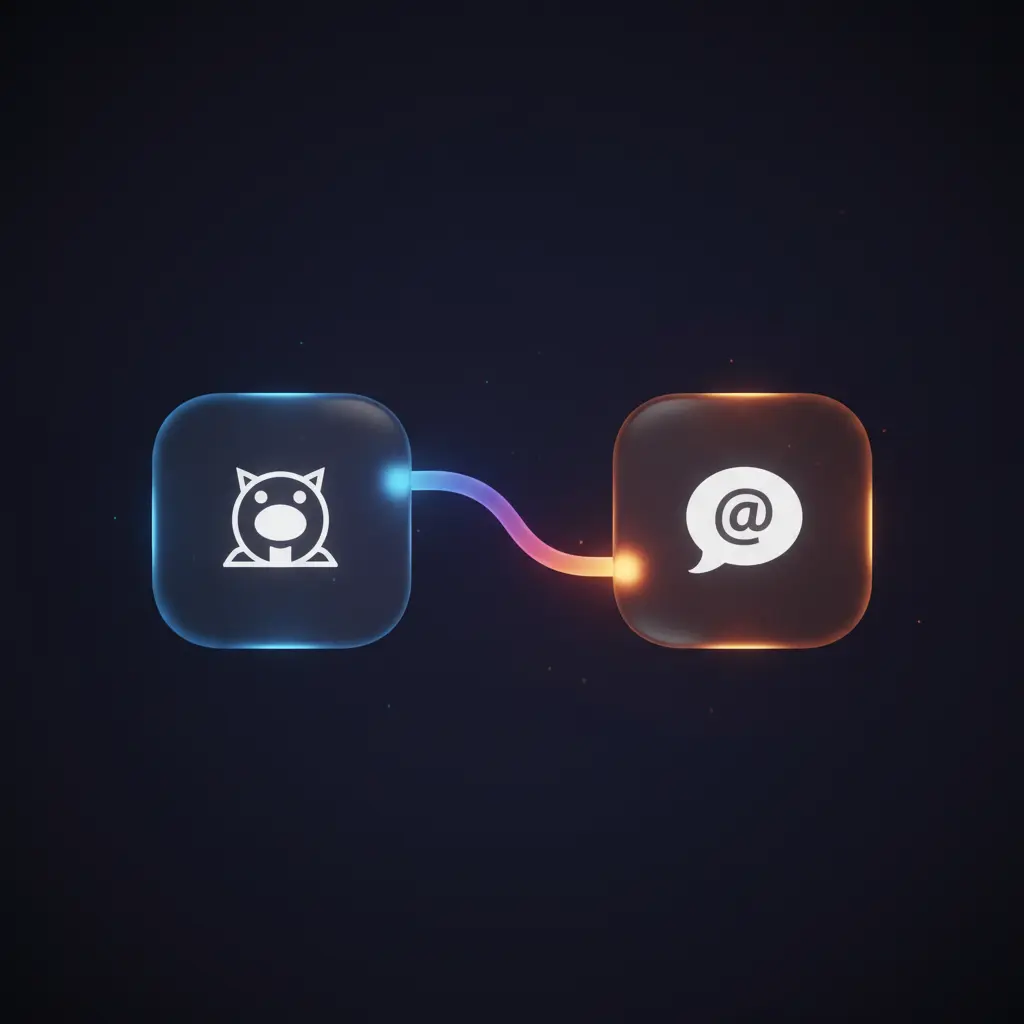
This GitHub notifications monitoring automation workflow enables near real-time tracking of new notifications and immediate delivery to a Discord channel. Designed as an event-driven integration pipeline, it targets developers and teams requiring timely updates on GitHub activity without manual checks. The workflow uses a cron trigger to poll GitHub’s Notifications API every minute with basic authentication credentials.
Key Benefits
- Automates GitHub notifications retrieval every minute via scheduled cron trigger.
- Filters notifications updated within the last minute for focused event-driven analysis.
- Formats concise reports combining notification reason, title, and accessible URLs.
- Delivers structured summaries directly to Discord, tagging specific users for alerting.
- Includes retry logic on HTTP requests to improve reliability of the orchestration pipeline.
Product Overview
This automation workflow initiates with a cron trigger that fires every 60 seconds, generating a timestamp exactly one minute prior to the current time. It then sends a GET request to GitHub’s Notifications API using basic authentication. The request includes a query parameter specifying the “since” timestamp to fetch only recent notifications. A required User-Agent header ensures API compliance. Upon receiving the JSON array of notification objects, a function node processes each item to extract the notification reason, subject title, and converts the API URL into a web URL for readability. A boolean flag determines if any notifications were returned. Conditional logic allows the workflow to proceed only when new notifications exist. Finally, a message summarizing all notifications is sent to a configured Discord channel, tagging a user to ensure immediate awareness. This synchronous integration pipeline leverages retry attempts on HTTP failures and defaults to platform error handling otherwise.
Features and Outcomes
Core Automation
The automation workflow inputs a timestamp one minute before execution and performs event-driven analysis by querying GitHub notifications updated since that time. It applies deterministic filtering and string formatting within a function node to produce a structured report.
- Single-pass evaluation of notification payloads for efficient report generation.
- Conditional branching ensures messages are sent only if notifications exist.
- Retry mechanism up to three times on HTTP request failures improves reliability.
Integrations and Intake
This no-code integration connects with GitHub’s Notifications API using basic HTTP authentication and a User-Agent header. The cron-triggered workflow accepts JSON payloads containing notification arrays filtered by a “since” timestamp parameter.
- GitHub API for retrieving notifications based on timestamp criteria.
- Discord API integration for delivering formatted notification summaries.
- Basic authentication credentials securely manage API access.
Outputs and Consumption
Outputs are synchronous messages sent to Discord with plain text summarizing all notifications. The message includes user tagging and a list of notifications with reason, title, and clickable URLs.
- Text message format compatible with Discord channels and user mentions.
- Structured multi-line report string combining notification metadata.
- Conditional output prevents empty messages if no new notifications exist.
Workflow — End-to-End Execution
Step 1: Trigger
The workflow initiates on a cron schedule, triggering every one minute. This scheduled event ensures consistent polling intervals for near real-time monitoring of new GitHub notifications.
Step 2: Processing
A function node calculates the ISO 8601 timestamp for exactly one minute prior to the current time, producing a JSON object with a “since” key. This timestamp is used as a query parameter in the subsequent HTTP request. No additional schema validation is implemented; basic presence of expected fields is assumed.
Step 3: Analysis
The HTTP Request node calls GitHub’s Notifications API with basic authentication and the computed “since” parameter. The returned JSON array is processed by a function node that iterates over each notification object, extracting the reason, subject title, and converting API URLs into web URLs by string replacement. It constructs a formatted multi-line string report and sets a boolean flag indicating the presence of notifications.
Step 4: Delivery
Conditional logic checks if notifications exist. If true, the workflow sends a formatted message to Discord via its API, including a user mention tag and the summarized report. If false, the workflow terminates without sending a message. The delivery is synchronous and immediate within the workflow execution.
Use Cases
Scenario 1
A development team needs to monitor GitHub notifications for assigned issues without constantly checking manually. This automation workflow queries new notifications every minute and posts summaries to Discord, ensuring developers stay informed with minimal delay and no manual polling.
Scenario 2
An open-source project maintainer wants to track mentions and pull request updates in near real-time. The workflow filters notifications by recent activity and delivers formatted alerts to a Discord channel, enabling timely responses to community interactions.
Scenario 3
A software team integrates this no-code orchestration pipeline to centralize GitHub notifications into their communication platform. This prevents missed updates by automatically converting API data into human-readable messages tagged to responsible users in Discord.
How to use
To deploy this GitHub notifications monitoring automation, import the workflow into n8n and configure the Basic Authentication credentials with valid GitHub user tokens under “Github Auth”. Ensure the Discord node is set up with appropriate channel and user ID for tagging. Activate the workflow to run live, where it will execute the cron trigger every minute, fetch recent notifications, format reports, and send messages only when new notifications exist. Users can expect near real-time updates delivered as structured text messages in Discord, streamlining their notification handling process.
Comparison — Manual Process vs. Automation Workflow
| Attribute | Manual/Alternative | This Workflow |
|---|---|---|
| Steps required | Multiple manual checks across GitHub and Discord. | Single automated pipeline with scheduled polling and conditional messaging. |
| Consistency | Variable, dependent on individual monitoring frequency. | Deterministic execution every minute with retry on failures. |
| Scalability | Limited by manual capacity and attention span. | Scales automatically with GitHub API limits and n8n execution. |
| Maintenance | High, requiring manual effort and vigilance. | Low, primarily credential updates and occasional workflow adjustments. |
Technical Specifications
| Environment | n8n automation platform |
|---|---|
| Tools / APIs | GitHub Notifications API, Discord API |
| Execution Model | Cron-triggered, synchronous HTTP requests |
| Input Formats | ISO 8601 timestamps, JSON notification arrays |
| Output Formats | Plain text messages with user mentions for Discord |
| Data Handling | Transient processing, no persistent storage within workflow |
| Known Constraints | Relies on availability and rate limits of GitHub and Discord APIs |
| Credentials | Basic Authentication for GitHub, Discord Bot Token |
Implementation Requirements
- Valid GitHub Basic Auth credentials with notification read scope.
- Discord Bot configured with permissions to post messages and tag users.
- n8n instance with internet access to reach GitHub and Discord APIs.
Configuration & Validation
- Set GitHub Basic Auth credentials in n8n credential manager for API access.
- Configure Discord node with correct channel ID and user mention syntax.
- Test workflow execution manually to verify notification retrieval and Discord message posting.
Data Provenance
- Workflow triggered by n8n Cron node every one minute.
- Notification data fetched via HTTP Request node “@Get Issue” using Basic Auth.
- Output messages generated in Function node and conditionally sent via Discord node.
FAQ
How is the GitHub notifications monitoring automation workflow triggered?
The workflow is triggered by a cron node configured to execute every minute, initiating a scheduled polling cycle.
Which tools or models does the orchestration pipeline use?
The pipeline integrates with GitHub’s Notifications API using basic HTTP authentication and posts message outputs to Discord via its API. It employs function nodes for data transformation but no AI models.
What does the response look like for client consumption?
The workflow sends a plain text message to Discord listing all new notifications with their reason, title, and web URL, tagged to a specific user for immediate awareness.
Is any data persisted by the workflow?
No data persistence occurs within the workflow. Notifications are processed transiently and only output as messages to Discord.
How are errors handled in this integration flow?
HTTP requests to GitHub include retry logic with up to three attempts. Other errors rely on n8n’s default error handling and do not include custom backoff or idempotency mechanisms.
Conclusion
This GitHub notifications monitoring workflow provides a reliable, automated method to fetch and summarize recent GitHub activity every minute, delivering concise reports to Discord channels. It ensures deterministic execution through scheduled triggers and retry logic, facilitating timely awareness for development teams. The integration relies on external API availability and enforces basic authentication for secure access. While it does not persist data internally, the workflow effectively transforms API responses into actionable notifications with minimal manual intervention.

















Reviews
There are no reviews yet.