Description
Overview
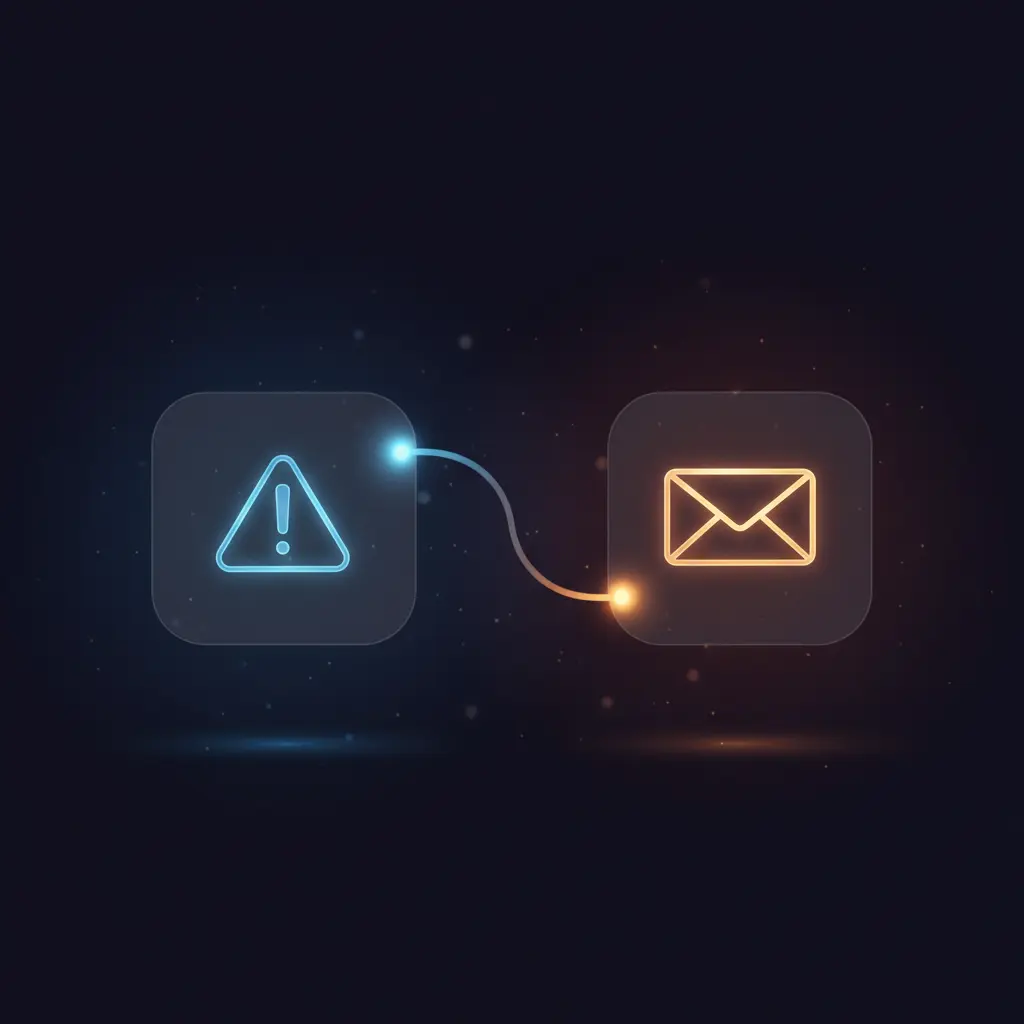
The error handling automation workflow provides centralized monitoring by triggering on workflow failures and sending immediate email notifications. This orchestration pipeline is designed for administrators and developers who require deterministic error alerts via Gmail integration, using an error trigger as the core event source.
Key Benefits
- Automates error notifications through email using a dedicated Gmail node for delivery.
- Captures detailed error context including workflow name, node, and stack trace for precise troubleshooting.
- Integrates seamlessly as an error workflow in any n8n workflow requiring centralized failure alerts.
- Operates event-driven with an On Error trigger node for real-time error detection.
Product Overview
This error handling workflow activates exclusively when an error occurs in any linked workflow, leveraging the On Error trigger node. Upon activation, the workflow immediately gathers execution metadata and error specifics. The core logic routes this information to a Gmail node configured with OAuth2 credentials, which sends a structured plain-text email to a specified recipient. The email includes the failing workflow’s name, the last executed node, the error message, and the full error stack trace. This workflow operates synchronously on error events, ensuring prompt notification without persistence of sensitive data beyond transient processing. Error handling within the workflow defaults to the n8n platform’s standard retry and failure protocols. Configuration requires replacing the target email placeholder and setting up Gmail OAuth2 credentials within n8n.
Features and Outcomes
Core Automation
The workflow functions as an error-triggered notification system, activating a no-code integration upon failure detection. It processes error details and routes them through a Gmail node for email dispatch.
- Single-pass evaluation triggered only on error occurrence for minimal overhead.
- Deterministic routing of error metadata to email notification node.
- Immediate synchronous execution following the error trigger event.
Integrations and Intake
This orchestration pipeline connects to Gmail via OAuth2 credentials, requiring configured authentication for email dispatch. The intake event is exclusively the error trigger node, which listens for errors in connected workflows.
- Gmail API integration for sending plain-text email notifications.
- Error trigger node detects workflow execution failures.
- Requires target email address as mandatory parameter in the Gmail node.
Outputs and Consumption
Outputs consist of a plain-text email sent to a specified recipient containing structured error information. The workflow operates asynchronously relative to the originating workflow’s failure, delivering timely alerts.
- Plain-text email format with dynamic content placeholders for error context.
- Email fields include workflow name, error node, message, and stack trace.
- Notification delivery is immediate upon error event trigger.
Workflow — End-to-End Execution
Step 1: Trigger
The workflow initiates on an error event detected by the On Error trigger node. This node activates only when the assigned error workflow receives error context from other workflows using this error handler configuration.
Step 2: Processing
The incoming error payload passes through without transformation, relying on n8n’s built-in error event structure. Basic presence checks ensure required error fields exist before passing data downstream.
Step 3: Analysis
Error details are directly extracted from the trigger’s execution context, including workflow name, last executed node, error message, and stack trace. No additional logic or thresholds are applied; the workflow simply compiles available error data for notification.
Step 4: Delivery
The Gmail node sends a synchronous plain-text email to the configured recipient. The email subject and body dynamically incorporate error context variables for clarity and actionable insights.
Use Cases
Scenario 1
When a critical data processing workflow fails, manual detection delays resolution. This error handling automation workflow immediately emails administrators with detailed error context, enabling faster diagnostics and minimizing downtime.
Scenario 2
Developers managing multiple workflows require centralized failure alerts. Integrating this error workflow as the error handler automates real-time email notifications, reducing the need for manual log monitoring and improving operational awareness.
Scenario 3
In complex automation pipelines, identifying the failing node is challenging. This orchestration pipeline provides precise error node and stack trace details in email alerts, facilitating targeted troubleshooting and efficient fixes.
How to use
To deploy this error handling workflow, import it into your n8n instance and configure Gmail OAuth2 credentials for the Gmail node. Replace the placeholder recipient email with the actual target address. Assign this workflow as the designated error workflow in other workflows requiring error notifications. Once activated, it will automatically send detailed error emails whenever those workflows encounter failures. Expect structured plain-text emails containing workflow and error specifics to support rapid incident response.
Comparison — Manual Process vs. Automation Workflow
| Attribute | Manual/Alternative | This Workflow |
|---|---|---|
| Steps required | Manual log review and alerting steps, often delayed | Automated single-step error detection and notification |
| Consistency | Inconsistent alerting subject to human oversight | Deterministic error-triggered email alerts every failure |
| Scalability | Degrades with increasing workflow complexity and count | Scales seamlessly through n8n error trigger integration |
| Maintenance | Requires ongoing manual monitoring and alert configuration | Low maintenance once Gmail credentials and email set |
Technical Specifications
| Environment | n8n automation platform |
|---|---|
| Tools / APIs | Gmail API via OAuth2 authentication |
| Execution Model | Event-driven synchronous error trigger |
| Input Formats | Error event payload from n8n workflows |
| Output Formats | Plain-text email with dynamic error context |
| Data Handling | Transient processing with no persistent storage |
| Known Constraints | Requires valid Gmail OAuth2 credentials and configured recipient |
| Credentials | Gmail OAuth2 for email dispatch |
Implementation Requirements
- Valid Gmail OAuth2 credentials must be configured in n8n for the Gmail node.
- The target recipient email address must be set explicitly in the Gmail node parameters.
- This workflow must be assigned as the error workflow in other workflows to capture their errors.
Configuration & Validation
- Import the workflow into n8n and ensure the On Error trigger node is active.
- Configure Gmail OAuth2 credentials and select them in the Gmail node settings.
- Replace the placeholder recipient email with a valid address and test by forcing an error in a linked workflow.
Data Provenance
- Uses the On Error trigger node to detect workflow execution failures.
- Gmail node sends email notifications using OAuth2 credentials configured within n8n.
- Email content populated with workflow name, last executed node, error message, and stack trace from the error event payload.
FAQ
How is the error handling automation workflow triggered?
It triggers exclusively on error events detected by the On Error node when an assigned workflow encounters a failure.
Which tools or models does the orchestration pipeline use?
The workflow uses the native n8n On Error trigger and integrates with Gmail via OAuth2 for email delivery.
What does the response look like for client consumption?
The workflow outputs a plain-text email containing the workflow name, error node, message, and stack trace for diagnostics.
Is any data persisted by the workflow?
No persistent storage is used; all error data is processed transiently and sent via email without retention.
How are errors handled in this integration flow?
Error handling follows n8n platform defaults with no custom retry or backoff configured in this workflow.
Conclusion
This error handling automation workflow centralizes failure detection by triggering on errors and delivering detailed emails via Gmail integration. It ensures consistent, real-time notifications with error context critical for troubleshooting. The workflow depends on valid Gmail OAuth2 credentials and correctly assigned error workflow settings, which are necessary conditions for operation. Designed to operate without persistent storage or complex error recovery, it provides dependable alerting while minimizing configuration and maintenance overhead.

















Reviews
There are no reviews yet.