Description
Overview
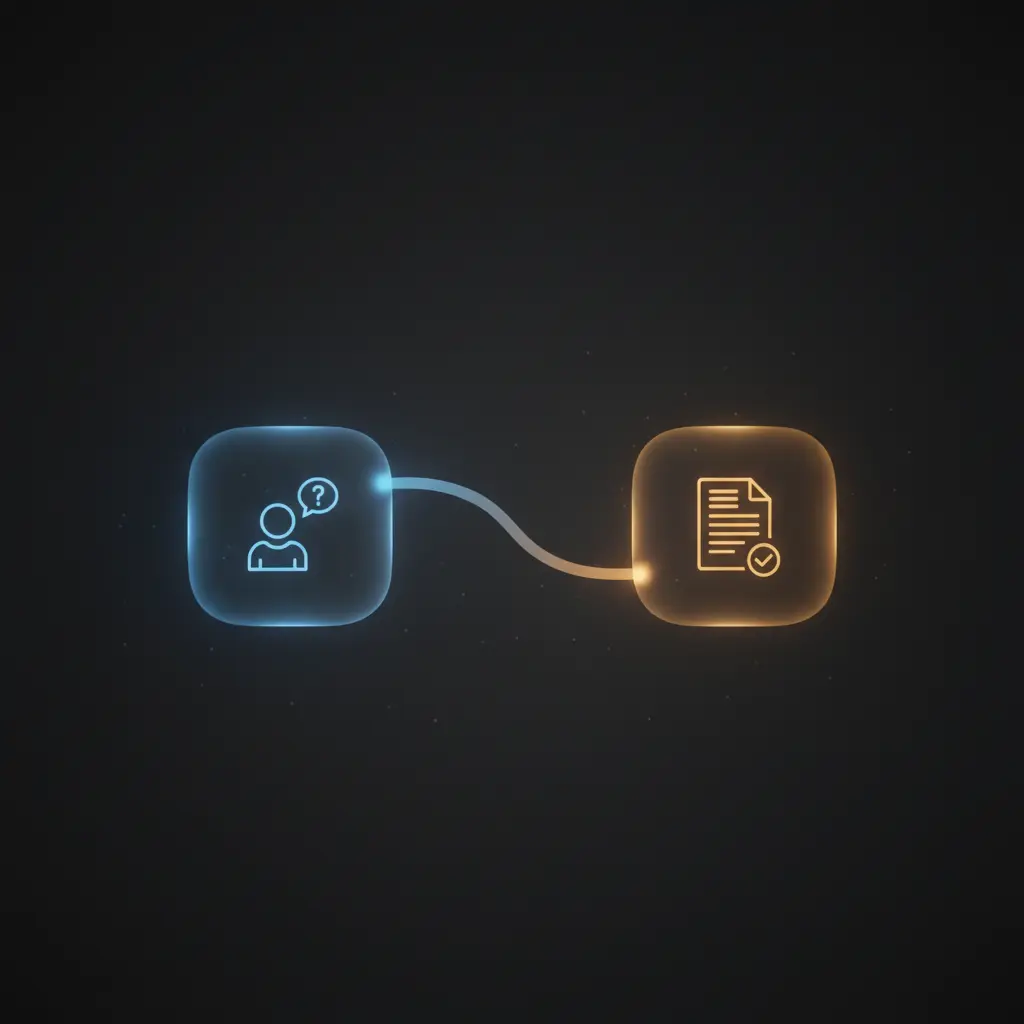
The BambooHR AI-Powered Company Policies and Benefits Chatbot is an automation workflow designed to facilitate employee access to company policies, benefits information, and contact details through a no-code integration. This event-driven analysis solution leverages a combination of document retrieval from BambooHR, vector embeddings, and AI language models to deliver precise and context-aware responses to employee queries. Its core trigger is a webhook activated when an employee initiates a conversation.
Key Benefits
- Enables semantic search of company policy documents via a vector store for accurate information retrieval.
- Incorporates an employee lookup tool to fetch detailed contact and departmental hierarchy data on demand.
- Processes and splits large policy documents into manageable chunks preserving context with recursive character splitting.
- Utilizes AI chat models to classify input queries by person or department for targeted information delivery.
- Maintains conversational state with window buffer memory to improve dialogue continuity in the orchestration pipeline.
Product Overview
This automation workflow begins with retrieving all files from BambooHR, specifically focusing on those categorized as “Company Files” and filtering to retain only PDF documents. These files include company handbooks, 401k policies, benefits overviews, and expense policies. After downloading, the documents are processed using a default data loader and segmented using a recursive character text splitter with chunk overlap to retain context. OpenAI embeddings convert these segments into vector representations stored in a Supabase vector database, enabling efficient semantic searches.
Queries from employees are received via a webhook trigger initiating the AI-powered chatbot. The chatbot classifies incoming queries to determine whether they reference a person or department. For person queries, it filters BambooHR employee data to find exact matches, whereas for department queries, it extracts and identifies the most senior employee within that department. This classification enables precise and relevant responses.
An AI agent orchestrates interactions with tools including the vector store for document retrieval and an employee lookup workflow for detailed personnel data. The agent uses window buffer memory to maintain context and follows predefined guidelines for escalating contact retrieval, ensuring fallback to supervisors or senior department leaders as needed. Responses are parsed and auto-corrected for consistency before delivery. The workflow handles data transiently without persistent storage outside the vector database and relies on API key authentication for BambooHR, OpenAI, and Supabase integrations.
Features and Outcomes
Core Automation
This no-code integration workflow accepts employee inquiries as input and applies classification and semantic search to deliver answers. The core logic includes query classification into person or department categories and conditional paths for employee or department data retrieval using BambooHR API and OpenAI language models.
- Single-pass evaluation of queries with branching based on text classification results.
- Recursive text splitting with chunk overlap ensures comprehensive document coverage.
- Consolidates vector search and personnel lookup into one seamless orchestration pipeline.
Integrations and Intake
The workflow integrates BambooHR for file and employee data retrieval, OpenAI for embedding generation and chat completion, and Supabase as a vector store for semantic document search. Authentication is managed via API keys for all external services. Employee queries are received through a webhook trigger designed for conversational input.
- BambooHR API provides access to company policy files and employee directories.
- OpenAI API generates embeddings and handles natural language processing.
- Supabase vector store supports high-performance similarity search for document chunks.
Outputs and Consumption
The chatbot produces structured text responses containing relevant policy information or employee contact details. Outputs are synchronous, returned directly after processing the query. The workflow formats employee data including name, job title, department, and email as JSON strings for client consumption.
- Structured text responses aligned with employee queries.
- JSON-formatted employee detail strings include job titles and contact emails.
- Synchronous webhook response ensures immediate availability of answers.
Workflow — End-to-End Execution
Step 1: Trigger
The workflow initiates when an employee sends a query via a webhook, captured by the “Employee initiates a conversation” chat trigger node. This event-driven analysis mechanism allows real-time interaction with the chatbot interface.
Step 2: Processing
The input query undergoes classification to determine if it references a person or a department using the “Text Classifier” node. The workflow applies basic presence checks and branches accordingly, either searching for specific employee details or departmental leadership information.
Step 3: Analysis
The AI agent utilizes an integrated vector store tool to perform semantic searches over company policy documents stored as embeddings. Concurrently, it calls the employee lookup tool to retrieve detailed personnel information when needed. Logic follows a defined escalation path for contact retrieval, ensuring fallback to senior department members or supervisors if direct contacts are unavailable.
Step 4: Delivery
Responses are constructed either from semantic document matches or employee lookup results, parsed by auto-fixing and structured output parsers to ensure consistent formatting. The final structured text or JSON response is returned synchronously through the webhook to the requesting client.
Use Cases
Scenario 1
An employee seeking clarification on 401k policy details submits a query. The chatbot uses semantic search within the vector store to extract relevant sections from the policy documents. It returns accurate policy excerpts in a single response, enabling informed decision-making without human intervention.
Scenario 2
An employee requests contact information for their department head. The chatbot classifies the query as a department lookup, retrieves employee lists from BambooHR, identifies the most senior employee in that department, and returns their name and email address. This deterministic workflow ensures precise contact retrieval every time.
Scenario 3
When an employee asks for the supervisor of a colleague with incomplete contact details, the chatbot first attempts to find the contact in company files. If unavailable, it uses the employee lookup tool to find the supervisor’s name and contact information, providing a fallback path that guarantees contact resolution within one request cycle.
How to use
To implement this automation workflow, import it into the n8n environment and configure API credentials for BambooHR, OpenAI, and Supabase. Enable the webhook trigger to accept employee queries. Ensure company policy documents are available in BambooHR and properly categorized. Once live, employees can interact with the chatbot through the configured webhook endpoint, receiving structured, contextually accurate responses derived from company documents and HR data. Monitoring logs and adjusting API quotas may be necessary for scale.
Comparison — Manual Process vs. Automation Workflow
| Attribute | Manual/Alternative | This Workflow |
|---|---|---|
| Steps required | Multiple manual lookups in documents and HR systems | Single integrated process with automated classification and retrieval |
| Consistency | Variable depending on user expertise and document access | Deterministic query classification and unified data sources ensure consistent results |
| Scalability | Limited by human capacity and document search speed | Scales with API and vector search throughput, handling concurrent queries |
| Maintenance | High effort to update documents and train staff | Automated document ingestion and API-based updates reduce manual maintenance |
Technical Specifications
| Environment | n8n workflow automation platform |
|---|---|
| Tools / APIs | BambooHR API, OpenAI API, Supabase Vector Store |
| Execution Model | Event-driven webhook trigger with synchronous response |
| Input Formats | Text queries via webhook, PDF documents from BambooHR |
| Output Formats | Structured text and JSON formatted employee information |
| Data Handling | Transient processing with embeddings stored in Supabase vector database |
| Known Constraints | Dependent on BambooHR API availability and document categorization |
| Credentials | API keys for BambooHR, OpenAI, and Supabase |
Implementation Requirements
- Valid API credentials for BambooHR, OpenAI, and Supabase must be configured in n8n.
- Company policy documents must be uploaded and categorized correctly in BambooHR.
- Webhook endpoint must be accessible for receiving employee chat queries.
Configuration & Validation
- Ensure BambooHR API credentials are active and permissions allow file and employee data retrieval.
- Test the webhook trigger by initiating a sample employee chat and verify classification and data retrieval.
- Confirm vector store indexing by checking that company policy documents are processed and embeddings inserted.
Data Provenance
- The workflow trigger is the “Employee initiates a conversation” chat trigger node capturing webhook input.
- Document processing nodes include “GET all files”, “Default Data Loader”, and “Recursive Character Text Splitter”.
- Vector store and AI models used are “Supabase Vector Store” and multiple “OpenAI Chat Model” nodes for embeddings and language understanding.
FAQ
How is the BambooHR AI-Powered Company Policies and Benefits Chatbot automation workflow triggered?
The workflow is triggered by a webhook event when an employee initiates a conversation, captured by the “Employee initiates a conversation” node.
Which tools or models does the orchestration pipeline use?
The orchestration pipeline uses OpenAI language models for text classification and embedding generation, a Supabase vector store for semantic search, and BambooHR API for document and employee data retrieval.
What does the response look like for client consumption?
Responses are structured text or JSON strings containing relevant policy excerpts or employee details such as name, job title, department, and work email, returned synchronously via webhook.
Is any data persisted by the workflow?
Only vector embeddings of company documents are persistently stored in the Supabase vector database; other data is processed transiently without long-term storage.
How are errors handled in this integration flow?
The workflow relies on n8n’s default error handling; no explicit retry or backoff mechanisms are configured.
Conclusion
This BambooHR AI-Powered Company Policies and Benefits Chatbot automation workflow delivers deterministic and contextually accurate responses to employee queries by combining semantic document search and detailed employee lookup within a single orchestration pipeline. It ensures consistent access to up-to-date company policies and contact information by leveraging BambooHR data and OpenAI models. While the workflow depends on external API availability and correct document categorization, it provides a scalable, maintainable solution that reduces manual search effort and enhances information accessibility for employees.

















Reviews
There are no reviews yet.