Description
Overview
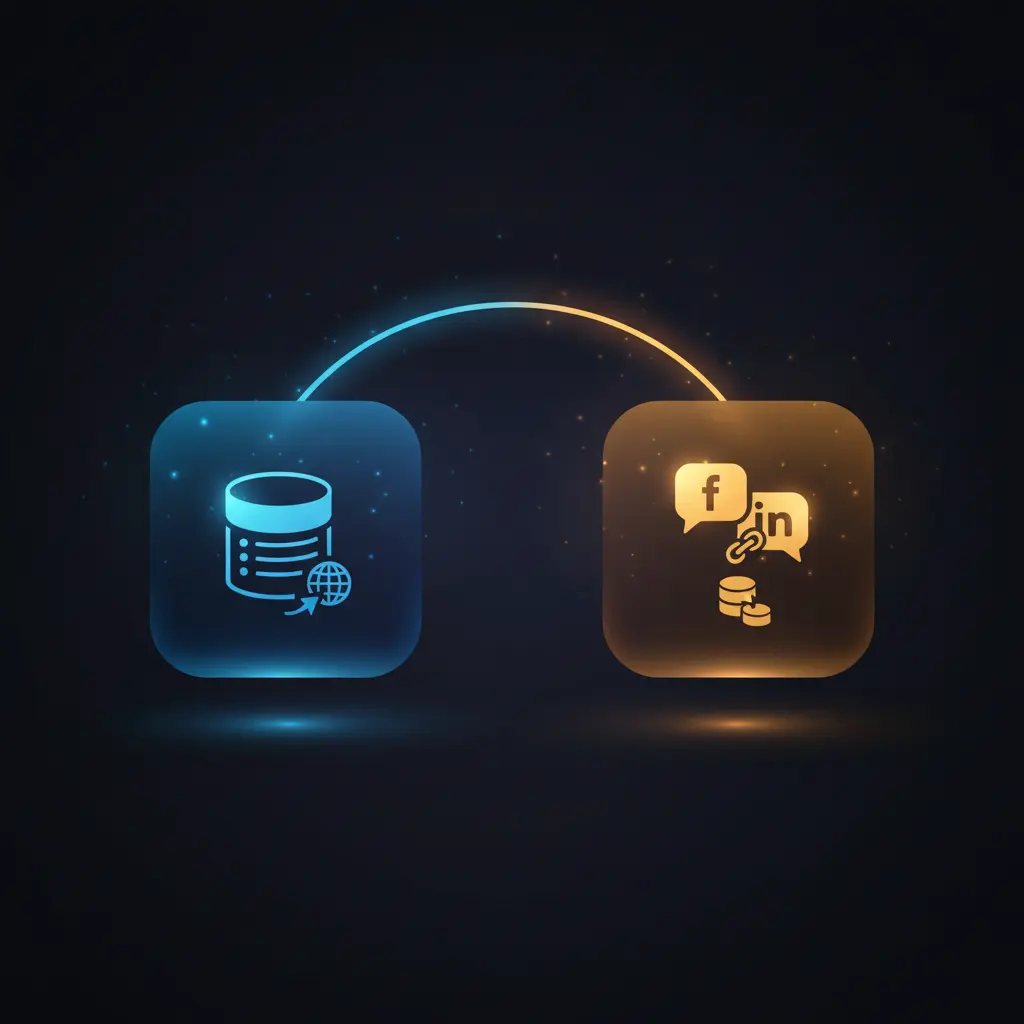
This Autonomous AI Crawler workflow is designed to extract social media profile links from company websites using an automation workflow that combines web crawling and AI-driven data extraction. This orchestration pipeline targets companies listed in a database, retrieving their website URLs and automatically gathering social media links through an event-driven analysis process leveraging HTTP request and AI agent nodes.
Key Benefits
- Automates social media URL extraction from company websites with minimal manual effort.
- Combines text retrieval and URL scraping tools for comprehensive website data collection.
- Filters and normalizes URLs to ensure valid, absolute links in the output.
- Uses AI-powered crawling agent to intelligently navigate and extract relevant profile links.
Product Overview
The Autonomous AI Crawler workflow initiates from a manual trigger that fetches company data, including names and website URLs, from a Supabase database table. It then processes each website URL by adding missing protocols when necessary, ensuring standard HTTP or HTTPS formatting. The core of the workflow is an AI agent node configured with two custom tools: a text retrieval tool and a URL retrieval tool. The text retrieval tool performs HTTP GET requests to obtain the full HTML content of the website, which is then converted into Markdown format excluding links and images to focus on plain text. Concurrently, the URL retrieval tool extracts all hyperlinks from the website’s HTML, splits and filters these to remove duplicates, invalid URLs, and empty hrefs, and converts any relative links into absolute URLs by appending domain and protocol information. The AI agent leverages both tools to perform multi-page crawling and aggregates social media profile URLs into a structured JSON format. After parsing and mapping this data alongside company details, the workflow inserts the enriched records back into a Supabase output table. Error handling relies on n8n platform defaults, with retry enabled on the AI agent node to manage transient failures.
Features and Outcomes
Core Automation
The automation workflow uses input company website URLs to trigger an AI-driven crawling agent that applies deterministic extraction logic. It evaluates URLs and textual content using thresholded filtering to isolate valid social media profile links.
- Single-pass evaluation of text and URLs for efficient data retrieval.
- Protocol normalization ensures consistent URL formatting across inputs.
- Automated deduplication and filtering maintain output data integrity.
Integrations and Intake
The orchestration pipeline integrates with Supabase for database input/output operations and uses HTTP requests to retrieve website content. Authentication for Supabase is credential-based, while the HTTP requests require no authentication. Input payloads consist of company names and URLs sourced from the database.
- Supabase API for structured data retrieval and insertion.
- HTTP Request nodes for fetching website HTML content.
- AI agent powered by OpenAI API with credential authorization.
Outputs and Consumption
The workflow outputs a structured JSON object aggregating company information with an array of extracted social media platform names and their URLs. Data insertion occurs asynchronously into a Supabase output table for downstream consumption.
- JSON format includes fields: company_name, company_website, and social_media array.
- Social_media array contains platform names and corresponding URL arrays.
- Results stored in a dedicated database table for further analysis or reporting.
Workflow — End-to-End Execution
Step 1: Trigger
The workflow begins with a manual trigger node that initiates the process. It then retrieves a list of companies from a Supabase database table, extracting only the name and website fields for processing.
Step 2: Processing
The URLs are processed by nodes that add missing HTTP protocols if absent, ensuring uniform URL formatting. The workflow then conducts basic presence checks on URLs and removes duplicates and invalid entries, maintaining data quality before crawling.
Step 3: Analysis
The AI crawling agent uses two custom tools: a text retrieval tool fetches and converts website HTML to Markdown (excluding links and images), while a URL retrieval tool extracts all anchor tags’ href attributes. The agent combines this data to identify and collect social media profile links across the main website and linked pages, producing a unified JSON output.
Step 4: Delivery
The extracted social media data is parsed against a predefined JSON schema to enforce structure. The workflow then merges this data with company details and inserts the combined record into a Supabase output table. Delivery is asynchronous and database-driven for reliable storage.
Use Cases
Scenario 1
A marketing team needs to compile verified social media profiles for a list of client companies. This workflow automates crawling through company websites and linked pages to extract social media URLs, returning structured JSON data that can be directly imported into CRM systems.
Scenario 2
A data analyst requires updated social media links to enrich a business database. The crawler workflow retrieves and filters URLs, ensuring that only valid and non-duplicated social media profiles are collected and stored, enabling reliable data enrichment in one execution cycle.
Scenario 3
An operations team wants to monitor social media presence changes across multiple companies. By scheduling this workflow, they can periodically extract current social media URLs from company websites, enabling event-driven analysis of profile link additions or removals.
How to use
After importing this workflow into n8n, start by configuring Supabase credentials for database access. Ensure the input database table contains company names and website URLs with correct field names. Configure OpenAI API credentials for the AI agent node. Trigger the workflow manually or via schedule to initiate data retrieval. Results will be saved asynchronously to the configured output database table. Expect JSON records containing company details and arrays of social media profile URLs, suitable for downstream processing or reporting.
Comparison — Manual Process vs. Automation Workflow
| Attribute | Manual/Alternative | This Workflow |
|---|---|---|
| Steps required | Multiple manual website visits and data entry | Single integrated automated execution with AI assistance |
| Consistency | Varies with human error and oversight | Deterministic URL filtering and AI-driven extraction |
| Scalability | Limited by manual labor and time | Scales with database size and automated crawling |
| Maintenance | Manual updates and monitoring required | Maintained via workflow configuration and credential updates |
Technical Specifications
| Environment | n8n automation platform |
|---|---|
| Tools / APIs | OpenAI API, Supabase API, HTTP Request |
| Execution Model | Manual trigger with asynchronous database insertion |
| Input Formats | JSON objects with company name and website URL fields |
| Output Formats | Structured JSON with social_media array and company metadata |
| Data Handling | Transient processing of HTML and Markdown; no persistent caching |
| Known Constraints | Relies on external website availability and API credentials |
| Credentials | Supabase API key, OpenAI API key |
Implementation Requirements
- Configured Supabase API credentials with access to input and output tables.
- Valid OpenAI API credentials for AI agent functionality.
- Network access allowing HTTP GET requests to target company websites.
Configuration & Validation
- Verify Supabase credentials by successfully retrieving company records from the input table.
- Confirm OpenAI API key validity by executing a test AI agent prompt without errors.
- Test workflow execution on a sample website URL to ensure correct extraction of social media links and proper database insertion.
Data Provenance
- Trigger: Manual trigger node initiates workflow execution.
- Data source: Supabase input table “companies_input” provides company names and websites.
- AI agent node “Crawl website” uses OpenAI API and custom text and URL retrieval tools to produce JSON output fields.
FAQ
How is the Autonomous AI Crawler automation workflow triggered?
The workflow is initiated manually via a trigger node but can be configured for scheduled or event-driven execution within n8n.
Which tools or models does the orchestration pipeline use?
The pipeline integrates HTTP request nodes, a text retrieval tool, a URL retrieval tool, and an AI crawling agent powered by OpenAI API to perform multi-page data extraction.
What does the response look like for client consumption?
The response is a structured JSON object containing the company name, website, and an array of social media platforms with corresponding profile URLs.
Is any data persisted by the workflow?
Data is persisted only in the configured Supabase output table; transient data such as HTML or Markdown is processed in-memory and not stored.
How are errors handled in this integration flow?
Error handling follows n8n platform defaults with retry enabled on the AI agent node to mitigate transient failures; no custom backoff or idempotency is implemented.
Conclusion
This Autonomous AI Crawler workflow reliably automates the extraction of social media profile links from company websites listed in a database, combining AI-driven crawling with structured data processing. It provides consistent, scalable, and maintainable outputs by integrating HTTP requests, AI agents, and database operations. The workflow depends on external website availability and valid API credentials, which are necessary preconditions for successful execution. Overall, it offers a deterministic solution for streamlining social media data collection with extensible configuration options.
















Reviews
There are no reviews yet.