Description
Overview
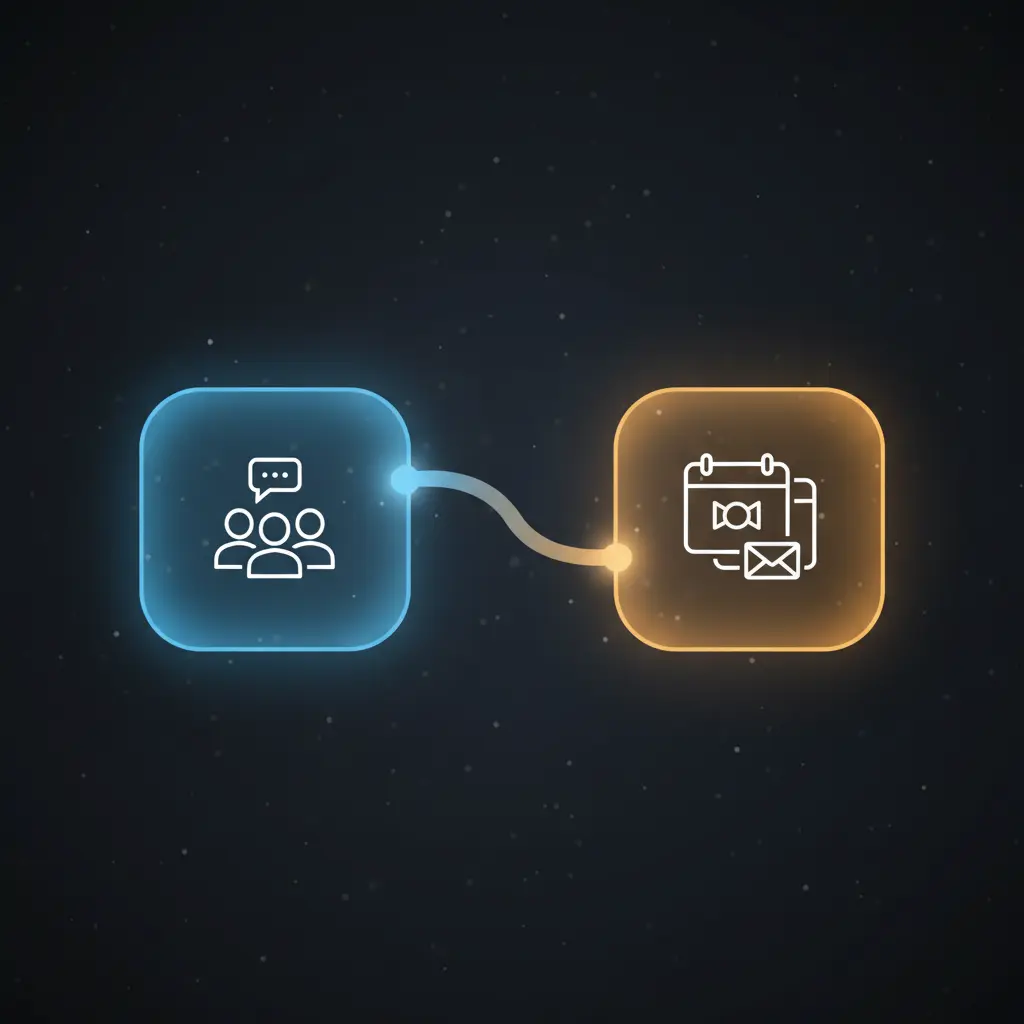
This automated grouping workflow streamlines the weekly creation and announcement of virtual coffee chat groups. Utilizing a no-code integration pipeline, it organizes users into randomized small groups and facilitates scheduling through calendar invites, triggered every Monday at 10:00 AM by a cron node.
Designed for team coordinators and HR professionals, the workflow addresses the challenge of manual group formation and communication by delivering deterministic group assignments and timely notifications via Mattermost and Google Calendar APIs.
Key Benefits
- Automates weekly user grouping with randomized team formation for balanced interaction.
- Ensures no single-person groups by dynamically adjusting group sizes in the orchestration pipeline.
- Delivers group announcements directly to Mattermost channels for transparent communication.
- Generates calendar events with Google Meet links, integrating scheduling into existing workflows.
Product Overview
This automation workflow begins with a scheduled weekly trigger configured to fire every Monday at 10:00 AM using a cron trigger node. Upon activation, the workflow sends a greeting message to a specified Mattermost channel to initiate the process. It then queries the Mattermost API to retrieve all user members of that channel, collecting usernames and email addresses as the input dataset.
The core logic is handled by a function node that applies the Fisher-Yates shuffle algorithm to randomize the user list, then partitions participants into groups ideally sized at three members. The function ensures no group ends up with a single member by reallocating users from preceding groups when necessary. Following group formation, the workflow announces the grouped usernames back into the Mattermost channel via a message node.
Simultaneously, calendar invites are created using the Google Calendar API. Each event includes all group members as attendees, allows guests to modify the event, and automatically attaches a Google Meet conference link. The calendar event times are currently hardcoded but can be adjusted for scheduling needs. Error handling defaults to platform standards without explicit retry or backoff configurations. All credential handling for Mattermost and Google APIs is done via OAuth2 and API tokens, ensuring secure integration.
Features and Outcomes
Core Automation
The workflow ingests a user list from a Mattermost channel and applies deterministic grouping criteria through a function node implementing a Fisher-Yates shuffle and fixed group size threshold. This no-code integration pipeline ensures randomized yet balanced team formation every execution cycle.
- Single-pass evaluation of user list for group assignment.
- Dynamic group size adjustment to prevent single-member groups.
- Deterministic output structure with usernames and emails grouped.
Integrations and Intake
This orchestration pipeline integrates directly with Mattermost and Google Calendar APIs, utilizing OAuth2 credentials for authentication. It receives event triggers from a cron schedule and user data from a Mattermost user list query constrained by channel membership.
- Mattermost API for user retrieval and message posting.
- Google Calendar API for event creation with conferencing enabled.
- Cron node for scheduled weekly trigger at fixed time.
Outputs and Consumption
The workflow outputs structured group data as arrays containing usernames and emails. Group announcements are posted as plaintext messages in Mattermost channels. Calendar invites are issued asynchronously, containing event metadata including attendee emails and Google Meet links.
- Public group announcements as comma-separated usernames in Mattermost.
- Google Calendar events with attendees and conferencing details.
- Structured JSON output from function node with user groupings.
Workflow — End-to-End Execution
Step 1: Trigger
The workflow initiates via a cron node configured to trigger weekly every Monday at 10:00 AM. This scheduled event ensures consistent timing for group formation and communications.
Step 2: Processing
User data is retrieved from Mattermost by querying all members of a specified channel. The list undergoes basic presence checks and is transformed by a function node that extracts usernames and email addresses, applies a Fisher-Yates shuffle for randomization, and partitions users into groups of three.
Step 3: Analysis
The function node applies deterministic grouping logic, ensuring no group comprises a single individual by reassigning users from previous groups as needed. This logic guarantees balanced group sizes for virtual coffee chats.
Step 4: Delivery
Groups are announced in the Mattermost channel through a message node that concatenates usernames per group. Concurrently, Google Calendar events are created with all group members as attendees, including Google Meet conferencing details. The delivery is asynchronous with no additional error handling configured.
Use Cases
Scenario 1
A remote team struggles to foster informal interaction. This workflow automates random group formation and sends calendar invites weekly, facilitating virtual coffee chats that encourage team bonding without manual coordination.
Scenario 2
HR needs to organize peer meetups across departments. The automation pipeline queries active channel members and creates balanced groups, announcing them publicly and scheduling meetings with integrated conferencing, improving meeting organization efficiency.
Scenario 3
A manager wants consistent weekly engagement opportunities. This no-code integration randomly groups employees each Monday and provides calendar events with conferencing links, ensuring recurring structured social interaction without manual effort.
How to use
To deploy this automation workflow in n8n, import the provided workflow JSON and configure the Mattermost channel ID and Google Calendar credentials accordingly. Ensure OAuth2 credentials for Mattermost and Google Calendar are set up and authorized. Adjust the calendar event start and end times in the “Send calendar invites” node to match desired meeting schedules. Once configured, activate the workflow to run live every Monday at 10:00 AM. Expect group announcements in the specified Mattermost channel and calendar invites sent automatically to grouped participants.
Comparison — Manual Process vs. Automation Workflow
| Attribute | Manual/Alternative | This Workflow |
|---|---|---|
| Steps required | Multiple manual steps: user list extraction, grouping, announcements, scheduling. | Single automated process triggered weekly, eliminating manual intervention. |
| Consistency | Subject to human error and inconsistent group sizes. | Deterministic randomization with enforced minimum group sizes ensures balance. |
| Scalability | Limited by manual effort and coordination overhead. | Scales automatically with channel membership size without additional effort. |
| Maintenance | High, requiring frequent updates and manual adjustments. | Low, requiring only periodic credential updates and schedule adjustments. |
Technical Specifications
| Environment | n8n workflow automation platform |
|---|---|
| Tools / APIs | Mattermost API, Google Calendar API |
| Execution Model | Scheduled trigger with asynchronous message and event delivery |
| Input Formats | JSON user lists from Mattermost API |
| Output Formats | Plaintext messages in Mattermost, Google Calendar event objects |
| Data Handling | Transient processing; no persistent storage |
| Known Constraints | Hardcoded calendar event times require manual adjustment |
| Credentials | OAuth2 tokens for Mattermost and Google Calendar |
Implementation Requirements
- Configured OAuth2 credentials for Mattermost API access with permissions to read users and post messages.
- Google Calendar OAuth2 credentials with event creation and conferencing permissions.
- Access to a dedicated Mattermost channel containing users for grouping.
Configuration & Validation
- Verify Mattermost channel ID is correctly set in the Greetings and Employees nodes.
- Confirm OAuth2 credentials for Mattermost and Google Calendar are authorized and linked in n8n.
- Test the workflow by triggering manually and validating group formation, announcements, and calendar invites.
Data Provenance
- Trigger node: Cron node configured for weekly Monday 10:00 AM execution.
- Mattermost user retrieval: Employees in coffee chat channel node fetching users by channel membership.
- Group formation: Divide into groups function node applying Fisher-Yates shuffle and grouping logic.
- Delivery: Announce groups and Send calendar invites nodes posting messages and creating events.
FAQ
How is the automated grouping workflow triggered?
The workflow is triggered by a cron scheduler node configured to run every Monday at 10:00 AM, initiating the entire grouping and notification process.
Which tools or models does the orchestration pipeline use?
The pipeline integrates Mattermost and Google Calendar APIs for user data intake, messaging, and event creation. Grouping logic is implemented in a function node using the Fisher-Yates shuffle algorithm.
What does the response look like for client consumption?
Group announcements are posted as comma-separated usernames in Mattermost channel messages. Calendar invites are sent asynchronously as event notifications with attendee lists and conferencing links.
Is any data persisted by the workflow?
No persistent storage is used; all user data is processed transiently within the workflow execution cycle and not stored beyond event creation.
How are errors handled in this integration flow?
The workflow relies on n8n platform default error handling. No explicit retry, backoff, or idempotency mechanisms are configured within the nodes.
Conclusion
This automated grouping workflow provides a systematic method to organize weekly virtual coffee chats by randomly dividing participants into balanced groups and automating announcements and calendar invites. It delivers predictable, transparent groupings and scheduling without manual intervention. One constraint is the hardcoded calendar event timing, requiring manual updates to align with preferred meeting schedules. Overall, it enhances operational efficiency by integrating team communication and scheduling platforms within a unified automation pipeline.

















Reviews
There are no reviews yet.