Description
Overview
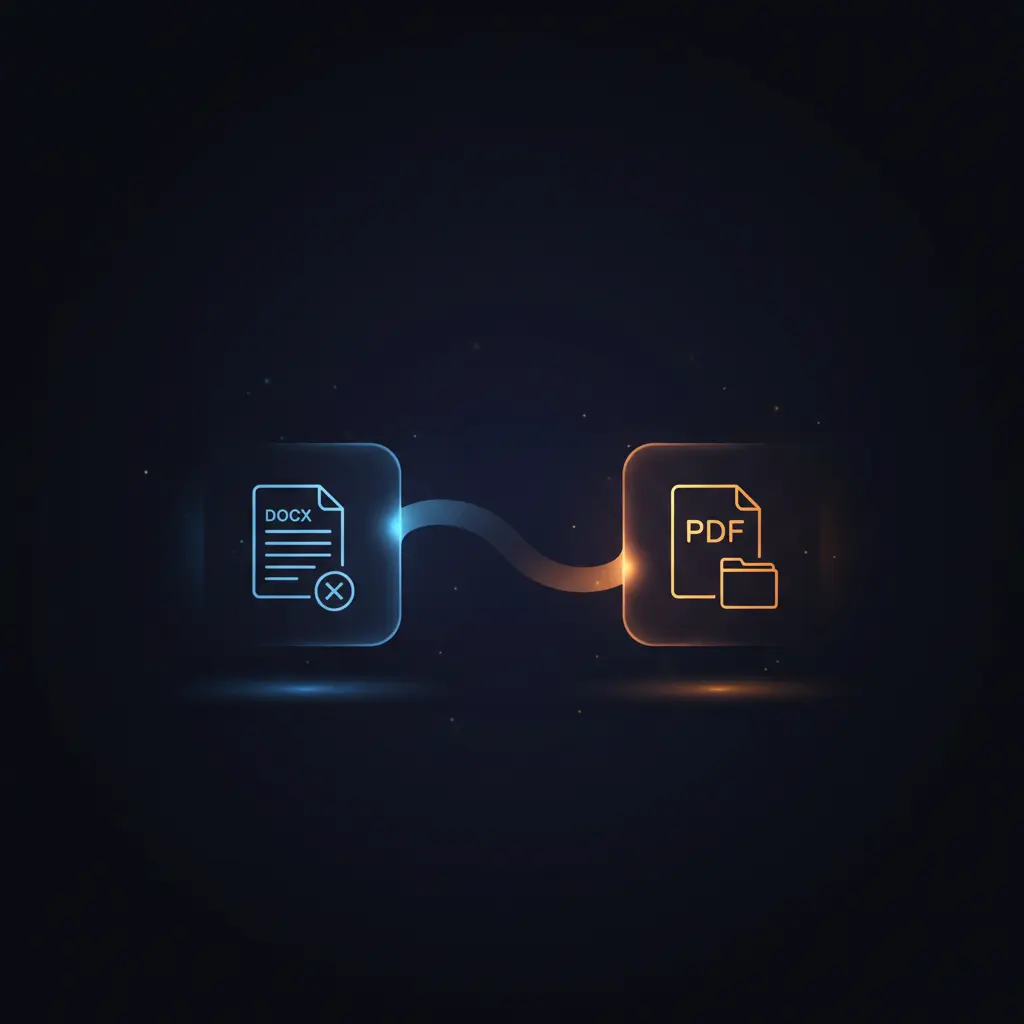
This DOCX to PDF conversion automation workflow enables a no-code integration to transform Word documents into PDF format efficiently. Designed for users requiring reliable document format conversion, this orchestration pipeline uses a manual trigger to initiate the process and leverages an external API for file transformation.
The workflow begins with a manual trigger node and proceeds through HTTP request nodes to download and convert the document. The output is a PDF file saved locally, ensuring deterministic file handling and format consistency.
Key Benefits
- Automates DOCX to PDF conversion via authenticated API calls in a workflow pipeline.
- Ensures file integrity by downloading source documents as binary data before processing.
- Produces output PDF files saved directly to disk for immediate access and use.
- Utilizes manual trigger for controlled execution, suitable for on-demand conversions.
Product Overview
This automation workflow initiates through a manual trigger node, allowing the user to start the process on demand. Upon activation, it downloads a DOCX file from a fixed URL using an HTTP Request node configured to receive binary file data. The downloaded DOCX file is then sent to an external conversion API via another HTTP Request configured for multipart/form-data POST submission, including an authentication token via HTTP query parameter.
The conversion node is set to receive the API response as a binary file stream representing the PDF output. Finally, the converted PDF is written to the local file system using a file write node, saving it as “document.pdf”. This workflow operates synchronously with clear step-by-step data handling, ensuring file formats are preserved and conversions are authenticated securely.
Error handling relies on the platform’s default mechanisms; no custom retry or fallback logic is implemented. Authentication is managed by a query auth credential referencing a secret token from the conversion API provider, ensuring authorized access without persisting sensitive data.
Features and Outcomes
Core Automation
This no-code integration workflow processes DOCX input files and converts them into PDF format using an external API. The workflow follows a sequential execution path triggered manually, with deterministic data flow between nodes.
- Single-pass evaluation from input download to PDF output file creation.
- Uses binary data handling for file integrity during transfer and conversion.
- Manual trigger enables precise control over execution timing.
Integrations and Intake
The workflow integrates with HTTP endpoints for file download and conversion, utilizing an API key passed as an HTTP query parameter for authentication. The intake is a binary DOCX file retrieved from a fixed URL, with no additional payload fields required.
- HTTP Request node downloads DOCX files as binary data.
- ConvertAPI HTTP Request node posts multipart/form-data with file binary.
- Authentication via HTTP query parameter token ensures secure API access.
Outputs and Consumption
The final product of this orchestration pipeline is a PDF file saved synchronously to local disk storage. The output maintains the original document’s formatting in a stable PDF format, ready for further use or distribution.
- Output file saved locally as “document.pdf”.
- Binary file format ensures fidelity of the converted PDF.
- Synchronous file write operation completes the workflow execution.
Workflow — End-to-End Execution
Step 1: Trigger
The workflow starts manually through a manual trigger node activated by the user clicking “Test workflow” within the n8n interface. This trigger initiates the sequence without requiring any external event or payload.
Step 2: Processing
The first processing node performs an HTTP GET request to download a DOCX file from a specified static URL. The response is configured to be received as binary data representing the document file, passing through unchanged to the next stage.
Step 3: Analysis
The downloaded DOCX file is submitted to the ConvertAPI service via a POST request with multipart/form-data encoding. Authentication is provided by an HTTP query parameter token credential. The API converts the DOCX to PDF and returns the converted file as binary data, which is captured for output.
Step 4: Delivery
The final node writes the converted PDF binary data to the local disk, creating or overwriting a file named “document.pdf”. This synchronous write operation completes the workflow, making the converted file immediately available for use.
Use Cases
Scenario 1
An organization needs to convert DOCX contracts to PDF for standardized archiving. This workflow automates the conversion, ensuring documents are converted on demand and saved locally without manual file handling.
Scenario 2
A developer requires a repeatable pipeline to transform template DOCX reports into PDFs for distribution. The automation workflow provides a controlled trigger and authenticated conversion process, generating PDF outputs ready for delivery.
Scenario 3
Users conducting document format migrations can leverage this orchestration pipeline to batch process DOCX files into PDFs. The workflow’s deterministic steps enable consistent, reliable file format changes with minimal manual intervention.
How to use
To implement this DOCX to PDF conversion workflow, import it into the n8n environment. Set up a generic query authentication credential with your ConvertAPI secret token as instructed in the provided sticky note. Execute the workflow manually by triggering the “Test workflow” node. The process will download the test DOCX file, convert it via the authenticated API call, and save the resulting PDF to the configured local path as “document.pdf”. Users can customize the download URL or output file name if needed by modifying the respective nodes.
Comparison — Manual Process vs. Automation Workflow
| Attribute | Manual/Alternative | This Workflow |
|---|---|---|
| Steps required | Multiple manual steps: download, convert, save, often with separate tools. | Single automated sequence from trigger to file write. |
| Consistency | Variable results due to manual handling and tool variability. | Deterministic file conversion with authenticated API and binary data handling. |
| Scalability | Limited by manual effort and local system capacity. | Scalable through automation and API infrastructure. |
| Maintenance | Higher effort to maintain multiple tools and manual processes. | Centralized maintenance within n8n workflow and credential management. |
Technical Specifications
| Environment | n8n workflow automation platform |
|---|---|
| Tools / APIs | ConvertAPI HTTP endpoint for DOCX to PDF conversion |
| Execution Model | Synchronous manual trigger with sequential node execution |
| Input Formats | DOCX (binary file from HTTP GET request) |
| Output Formats | PDF (binary file written locally) |
| Data Handling | Binary file streams passed through nodes without persistence outside execution |
| Known Constraints | Requires valid ConvertAPI authentication token for conversion |
| Credentials | HTTP query authentication with secret token credential |
Implementation Requirements
- n8n instance with capability to execute HTTP Request and Read/Write File nodes.
- ConvertAPI account providing secret token for HTTP query authentication.
- Network access to external URLs for file download and API conversion service.
Configuration & Validation
- Configure the generic query authentication credential in n8n with your ConvertAPI secret token.
- Verify the HTTP Request node URL for the DOCX download is accessible and returns binary content.
- Run the manual trigger and confirm the output file “document.pdf” is created locally with valid PDF content.
Data Provenance
- Trigger node: Manual trigger named “When clicking ‘Test workflow’” initiates execution.
- Download node: HTTP Request node downloads DOCX file from fixed external URL.
- Conversion node: HTTP Request node sends file to ConvertAPI endpoint using HTTP query authentication.
FAQ
How is the DOCX to PDF conversion automation workflow triggered?
The workflow is triggered manually via the “Test workflow” button in n8n, allowing controlled, on-demand execution.
Which tools or models does the orchestration pipeline use?
The pipeline uses HTTP Request nodes to download files and call the ConvertAPI service for DOCX to PDF conversion via authenticated API requests.
What does the response look like for client consumption?
The response is a binary PDF file saved locally as “document.pdf”, preserving original document formatting for immediate use.
Is any data persisted by the workflow?
Data is transiently handled during execution; only the final PDF file is persisted locally. No other data is stored or cached.
How are errors handled in this integration flow?
Error handling relies on platform defaults; no custom retry or fallback mechanisms are configured within the workflow nodes.
Conclusion
This DOCX to PDF conversion automation workflow provides a structured, authenticated method to convert Word documents into PDFs via an external API and save the results locally. It ensures file format integrity through binary data handling and synchronous execution triggered manually for controlled operation. The workflow depends on valid external API authentication and network availability, which are essential constraints. Its deterministic, stepwise design offers reliable and maintainable document conversion without persisting sensitive data beyond the final output file.


















Reviews
There are no reviews yet.