Description
Overview
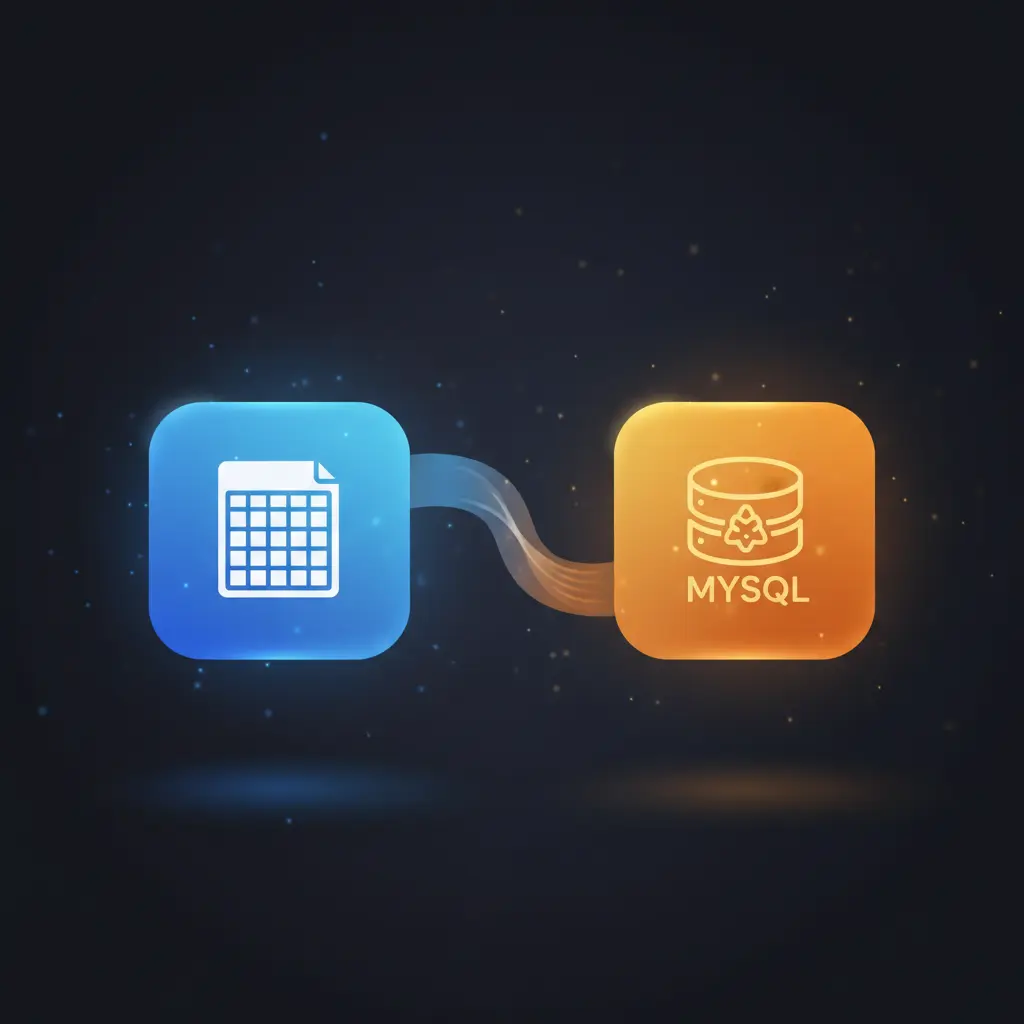
This scheduled data import automation workflow streamlines transferring book information from a cloud spreadsheet to a relational database. Designed for database administrators and data engineers, the orchestration pipeline triggers weekly at 5:00 AM using a Cron node to initiate the process without manual input.
The workflow utilizes OAuth2-secured Google Sheets API access to fetch book titles and prices, then inserts this data into a MySQL database, ensuring consistent synchronization of book records.
Key Benefits
- Automates weekly data synchronization from spreadsheet to database without manual intervention.
- Secures access to Google Sheets using OAuth2 authentication for authorized integrations.
- Handles insertions into MySQL with error ignoring and low-priority execution to reduce database load.
- Eliminates manual data entry errors by programmatically transferring book titles and prices.
Product Overview
This automation workflow is triggered by a Cron node configured to run once every week at 5:00 AM, initiating a scheduled data import. Upon trigger, the workflow reads data from a designated Google Sheets document via a node authenticated with OAuth2, ensuring secure API access. The sheet is expected to contain structured book information with columns for titles and prices.
The retrieved data flows into a MySQL node that inserts records into the “books” table, specifically into the “title” and “price” columns. The insertion is configured with options to ignore errors, which likely avoids duplication conflicts during repeated runs, and uses a LOW_PRIORITY query setting to minimize interference with other database operations. The workflow executes synchronously in a single pass without intermediate queuing or batch processing.
Error handling relies on the platform’s default behavior as no explicit retry or backoff strategies are configured. The workflow maintains transient data processing with no persistence outside the MySQL database, adhering to secure data handling practices.
Features and Outcomes
Core Automation
This no-code integration pipeline accepts a weekly trigger event and reads tabular data from Google Sheets before inserting it into a MySQL database. The automation workflow enforces a deterministic, single-pass evaluation for each scheduled run.
- Single scheduled trigger at 5:00 AM every week via Cron node.
- Sequential data flow from source reading to target insertion without branching.
- Error-ignoring insertions prevent workflow interruption from duplicate data.
Integrations and Intake
The orchestration pipeline integrates Google Sheets and MySQL platforms, using OAuth2 authentication for secure Google API access. The intake expects a structured sheet with book titles and prices for reliable ingestion.
- Google Sheets node with OAuth2 for authorized data retrieval.
- MySQL node configured for direct database insertion with specified columns.
- Cron node triggers workflow on a fixed weekly schedule without external signals.
Outputs and Consumption
Output is a synchronous insertion of records into the MySQL database table “books”. The workflow does not produce intermediate files or alternative data formats, focusing on database record update as the final consumption point.
- Inserts data into “title” and “price” columns of MySQL “books” table.
- Executes with LOW_PRIORITY to reduce impact on concurrent MySQL queries.
- Ignores insertion errors to maintain continuous operation in case of duplicates.
Workflow — End-to-End Execution
Step 1: Trigger
The workflow initiates automatically via a Cron node configured to trigger once every week at 5:00 AM. This scheduled trigger requires no manual input, enabling unattended execution aligned with off-peak database usage hours.
Step 2: Processing
After triggering, the workflow reads data from a Google Sheets document using the Google Sheets node with OAuth2 authentication. The node expects a sheet containing columns for book titles and prices. Data passes through basic presence checks without schema validation or transformation before forwarding.
Step 3: Analysis
No advanced analysis or conditional logic is applied. The workflow deterministically inserts each row fetched from Google Sheets into the MySQL database, ignoring errors like duplicate key conflicts and using low-priority queries to avoid database contention.
Step 4: Delivery
Data is synchronously inserted into the MySQL “books” table under the columns “title” and “price”. The workflow returns control upon completion of the insertion operation without additional downstream actions or notifications.
Use Cases
Scenario 1
A publishing company maintains book pricing in a shared Google Sheet but needs to update their sales database weekly. This automation workflow reads the spreadsheet each week and inserts new or updated book data into the MySQL database. The result is a consistent, automated synchronization eliminating manual data entry.
Scenario 2
An e-commerce platform tracks book inventory prices in spreadsheets managed by multiple teams. The integration pipeline runs weekly to import this data into a centralized MySQL database, ensuring that pricing information is up-to-date for reporting and sales operations without manual synchronization steps.
Scenario 3
A data analyst requires reliable weekly snapshots of book pricing for trend analysis. By automating data ingestion from Google Sheets to MySQL, the workflow provides structured, timely data directly accessible for querying, avoiding delays and human error in data consolidation.
How to use
To deploy this automation workflow, import it into your n8n instance and configure the Google Sheets node with OAuth2 credentials linked to the target spreadsheet. Set up the MySQL node with appropriate database access credentials and confirm the target table and columns match your schema.
Once credentials are validated, activate the workflow. It will run autonomously every week at 5:00 AM, reading book title and price data and inserting records into the MySQL database. Monitor execution logs for errors and verify database updates to ensure integration fidelity.
Comparison — Manual Process vs. Automation Workflow
| Attribute | Manual/Alternative | This Workflow |
|---|---|---|
| Steps required | Multiple manual exports and imports, prone to human error. | Single automated weekly execution with no manual interaction. |
| Consistency | Variable due to manual entry mistakes and timing inconsistencies. | Deterministic weekly executions triggered by Cron node. |
| Scalability | Limited by manual processing capacity and coordination. | Scales with database size; automated for repeated scheduled runs. |
| Maintenance | Requires manual oversight and corrections for errors. | Low maintenance; relies on stable credentials and endpoint availability. |
Technical Specifications
| Environment | n8n automation platform |
|---|---|
| Tools / APIs | Google Sheets API (OAuth2), MySQL database |
| Execution Model | Scheduled synchronous workflow triggered by Cron node |
| Input Formats | Structured tabular data from Google Sheets |
| Output Formats | MySQL table inserts into “books” table, columns “title” and “price” |
| Data Handling | Transient data processing with no external persistence |
| Known Constraints | Insertion ignores errors; relies on availability of Google Sheets API |
| Credentials | OAuth2 for Google Sheets, MySQL access credentials |
Implementation Requirements
- Valid OAuth2 credentials configured for Google Sheets API access.
- Authorized MySQL database connection with insert privileges on “books” table.
- Network access allowing n8n instance to reach Google Sheets API and MySQL server.
Configuration & Validation
- Verify the Cron node is set to trigger weekly at 5:00 AM as configured.
- Confirm Google Sheets node successfully authenticates via OAuth2 and reads expected columns.
- Test MySQL insert node for correct data insertion with error ignoring enabled.
Data Provenance
- Trigger node: Cron (type n8n-nodes-base.cron) schedules workflow execution.
- Data source node: Google Sheets read node uses OAuth2 for secure data retrieval.
- Destination node: MySQL insert node writes data to “books” table columns “title” and “price”.
FAQ
How is the scheduled data import automation workflow triggered?
The workflow is triggered by a Cron node set to activate once every week at 5:00 AM, enabling fully automated weekly execution without manual input.
Which tools or models does the orchestration pipeline use?
The pipeline integrates the Google Sheets API accessed via OAuth2 for reading spreadsheet data and a MySQL node for inserting records into the database.
What does the response look like for client consumption?
The workflow completes with synchronous insertion of book title and price data into the MySQL “books” table. No additional response payload is generated.
Is any data persisted by the workflow?
Data is transient within the workflow and only persisted in the MySQL database after insertion; no intermediate storage occurs.
How are errors handled in this integration flow?
The MySQL insert node is configured to ignore insertion errors, such as duplicates, allowing the workflow to continue running without interruption. No explicit retry logic is applied.
Conclusion
This scheduled data import automation workflow provides a dependable solution for synchronizing book information from Google Sheets to a MySQL database on a weekly basis. It ensures consistent, error-tolerant data transfer with minimal operational oversight. The workflow relies on stable OAuth2 credentials and uninterrupted access to the Google Sheets API, which represents a key operational dependency. By automating this integration, organizations reduce manual data handling and maintain accurate database records aligned with the source spreadsheet.

















Reviews
There are no reviews yet.