Description
Overview
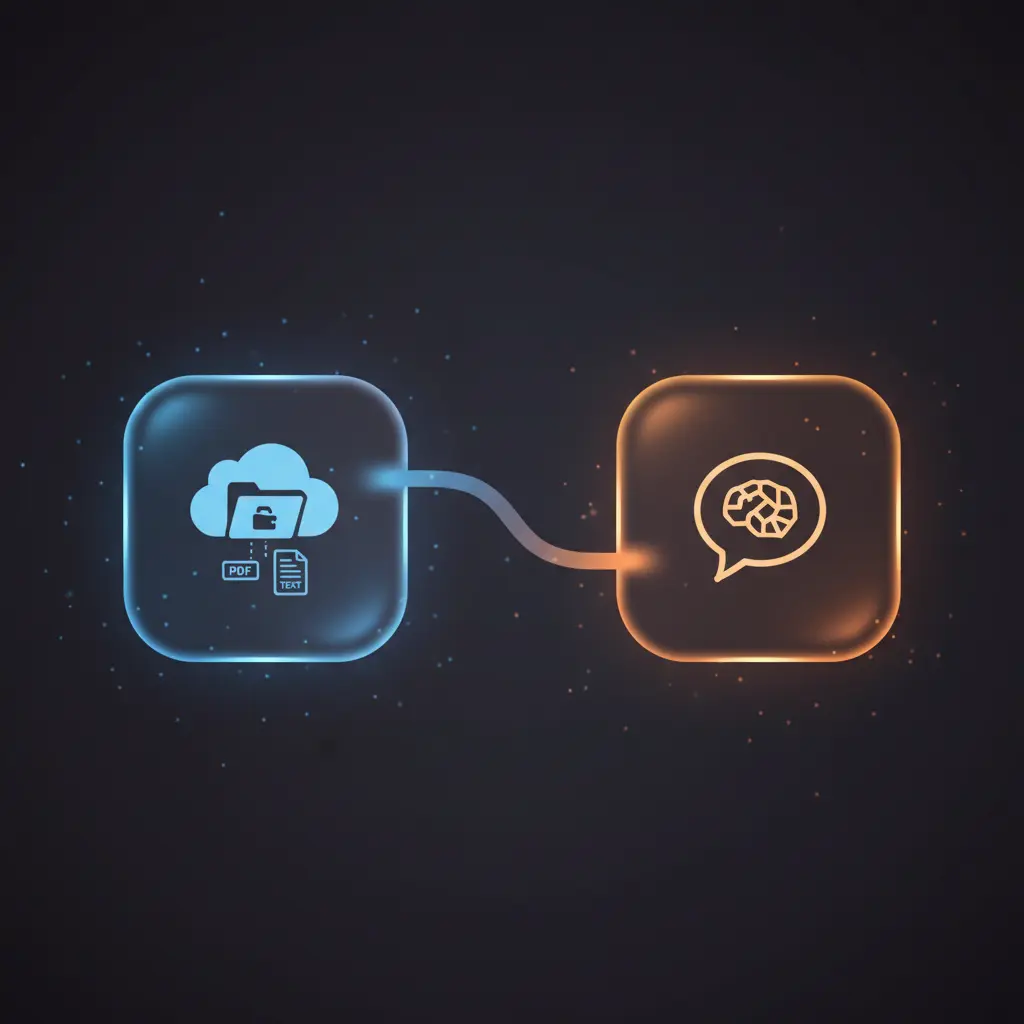
This automation workflow facilitates seamless file management and AI-powered querying by integrating Supabase storage with vector embeddings and chatbot interaction. Designed as a no-code integration, it automates document ingestion, processing, and retrieval, enabling event-driven analysis of text and PDF files stored in Supabase.
The workflow targets developers and data engineers seeking efficient orchestration pipelines for document vectorization and semantic search. It initiates with an HTTP POST trigger retrieving file lists from Supabase storage, employing Supabase API credentials for secure access.
Key Benefits
- Automates detection and processing of new files without duplications in the storage bucket.
- Enables content extraction from PDFs and text files through a specialized orchestration pipeline.
- Splits large documents into manageable chunks preserving contextual overlap for vector embedding.
- Uses vector embeddings for enhanced semantic search and AI-driven content retrieval.
- Integrates an AI chatbot to deliver context-aware responses from indexed document data.
Product Overview
This automation workflow begins with a manual or chat-triggered event to fetch a sorted list of up to 100 files from a private Supabase storage bucket using an HTTP POST request. It compares these files against an existing Supabase database table to exclude duplicates and placeholder entries. Valid new files are downloaded securely via authenticated HTTP requests. A Switch node then routes files by type: PDFs undergo content extraction while text files are processed directly.
Extracted and raw text data are merged with file metadata and passed through a recursive character text splitter node that segments documents into 500-character chunks with 200-character overlap to maintain semantic continuity. Each chunk is converted into vector embeddings using OpenAI’s “text-embedding-3-small” model, associating metadata such as file IDs for traceability. These embeddings are inserted into a Supabase vector store, enabling efficient similarity search.
When a chat message is received, the workflow activates an AI agent node leveraging OpenAI chat models to query the vector store and return contextually relevant document excerpts. This synchronous orchestration pipeline ensures accurate, event-driven analysis and retrieval of file content without persistent data storage beyond vector indices.
Features and Outcomes
Core Automation
This image-to-insight automation workflow processes files by verifying new entries against existing records, downloading them, and extracting content based on type. It deterministically routes PDF and text files through separate processing branches using Switch and Extract Document nodes.
- Single-pass evaluation for file uniqueness and placeholder exclusion.
- Chunking preserves context via recursive 500-character splits with overlaps.
- Deterministic branching ensures appropriate handling per file extension.
Integrations and Intake
The orchestration pipeline integrates Supabase storage via authenticated HTTP POST and Supabase API credentials for secure file listing and retrieval. It accepts file metadata and binary content, routing based on file extensions.
- Supabase Storage API for secure file listing and download.
- Supabase database for metadata aggregation and file record management.
- OpenAI embeddings and chat models for vectorization and conversational querying.
Outputs and Consumption
The workflow outputs vector embeddings stored in a Supabase vector store table, enabling semantic search. Responses to chat queries are generated synchronously by the AI agent, returning contextually relevant text chunks informed by vector similarity search.
- Vector embeddings stored with associated metadata (file_id, chunk data).
- Chatbot delivers synchronous, context-aware responses.
- Output formats include structured text chunks and metadata for downstream use.
Workflow — End-to-End Execution
Step 1: Trigger
The workflow can be manually triggered or activated upon receiving a chat message. The initial trigger initiates an HTTP POST request to Supabase’s storage API to retrieve a list of files within the private bucket, sorted by name and limited to 100 entries per request.
Step 2: Processing
Files returned from storage are compared against the Supabase files table to exclude already processed items and placeholders. The workflow processes files individually in batches of one. Files passing the validation are downloaded securely and routed via a Switch node by file extension to either extract PDF content or handle raw text files.
Step 3: Analysis
Extracted or raw text content is merged with metadata and segmented into overlapping chunks of 500 characters using a recursive text splitter. Each chunk is vectorized using OpenAI’s embedding model with file ID metadata attached, facilitating semantic search and retrieval based on vector similarity.
Step 4: Delivery
Vector embeddings are inserted into a Supabase vector store table for persistent indexing. When a chat message triggers the AI agent, the workflow queries this vector store to retrieve the top relevant document chunks and generates context-aware responses synchronously for end-user consumption.
Use Cases
Scenario 1
Manually adding new documents from Supabase storage can be error-prone and slow. This workflow automates detection and ingestion of new files, extracting and vectorizing content automatically. The result is a centralized, up-to-date vector store ready for semantic search without manual intervention.
Scenario 2
Users needing to query large document repositories can face delays and inaccurate results. This orchestration pipeline enables an AI agent to provide real-time, contextually relevant answers by querying vector embeddings derived from stored files, returning structured prose within a single interaction cycle.
Scenario 3
Maintaining consistency and avoiding duplicate processing in file ingestion workflows is challenging. This automation workflow includes deterministic checks to exclude duplicates and placeholder files, ensuring that only valid new files are processed and indexed, maintaining data integrity over time.
Comparison — Manual Process vs. Automation Workflow
| Attribute | Manual/Alternative | This Workflow |
|---|---|---|
| Steps required | Multiple manual downloads, extraction, and indexing steps. | Automated single-pass file ingestion and vectorization pipeline. |
| Consistency | Prone to human error and duplication. | Deterministic filtering excludes duplicates and placeholders. |
| Scalability | Limited by manual processing capabilities. | Batch processing and vector store indexing support scale. |
| Maintenance | High effort to track processed files and updates. | Centralized metadata and automated updates reduce overhead. |
Technical Specifications
| Environment | n8n workflow with Supabase and OpenAI API integrations |
|---|---|
| Tools / APIs | Supabase Storage API, Supabase Database API, OpenAI Embeddings and Chat Models |
| Execution Model | Synchronous request-response with batch processing for file retrieval |
| Input Formats | PDF files, plain text files |
| Output Formats | Vector embeddings stored in Supabase vector store, chat response text |
| Data Handling | Transient text processing, metadata association with file IDs |
| Known Constraints | Limited to 100 files per request; relies on external API availability |
| Credentials | Supabase API key-based authentication, OpenAI API key |
Implementation Requirements
- Valid Supabase API credentials with access to private storage buckets and database tables.
- OpenAI API key with permission for embedding and chat model usage.
- Network access allowing outbound HTTPS requests to Supabase and OpenAI endpoints.
Configuration & Validation
- Configure Supabase credentials and verify access to storage bucket and files table.
- Validate OpenAI API credentials and confirm model availability for embeddings and chat.
- Test manual trigger to confirm file retrieval, filtering, download, and vector insertion.
Data Provenance
- Trigger nodes: Manual trigger and chat message received nodes initiate workflows.
- File retrieval via HTTP Request node authenticated by Supabase API credential.
- Output fields include vector embeddings with file_id metadata and extracted text chunks.
FAQ
How is the file management automation workflow triggered?
It is triggered manually or by receiving a chat message, initiating file retrieval from Supabase for processing.
Which tools or models does the orchestration pipeline use?
The pipeline uses Supabase APIs for storage and database access, OpenAI’s “text-embedding-3-small” model for embeddings, and OpenAI chat models for AI agent responses.
What does the response look like for client consumption?
Responses are synchronous chat replies generated by the AI agent, based on the top vector search results from the indexed document chunks.
Is any data persisted by the workflow?
Only vector embeddings and metadata are persisted in the Supabase vector store and files table; raw content is transiently processed without permanent storage.
How are errors handled in this integration flow?
The workflow relies on n8n’s platform default error handling; no explicit retry or backoff mechanisms are configured.
Conclusion
This automation workflow provides a reliable no-code integration pipeline for managing, processing, and querying files stored in Supabase storage using vector embeddings and AI chat. It delivers deterministic outcomes by filtering duplicates, extracting content, chunking text, and enabling semantic search through a centralized vector store. The workflow depends on external API availability for Supabase and OpenAI services, which may affect operational continuity. Overall, it supports efficient and scalable document ingestion and AI-driven retrieval without persistent raw data storage.















Reviews
There are no reviews yet.